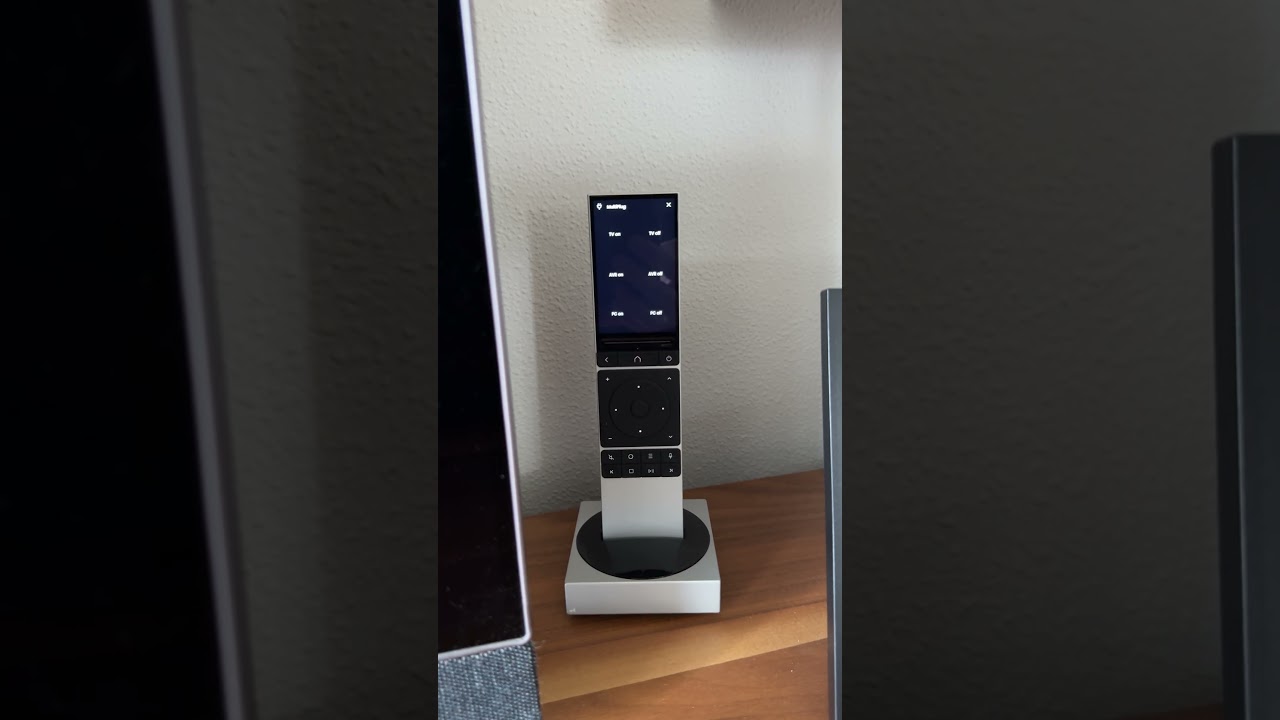
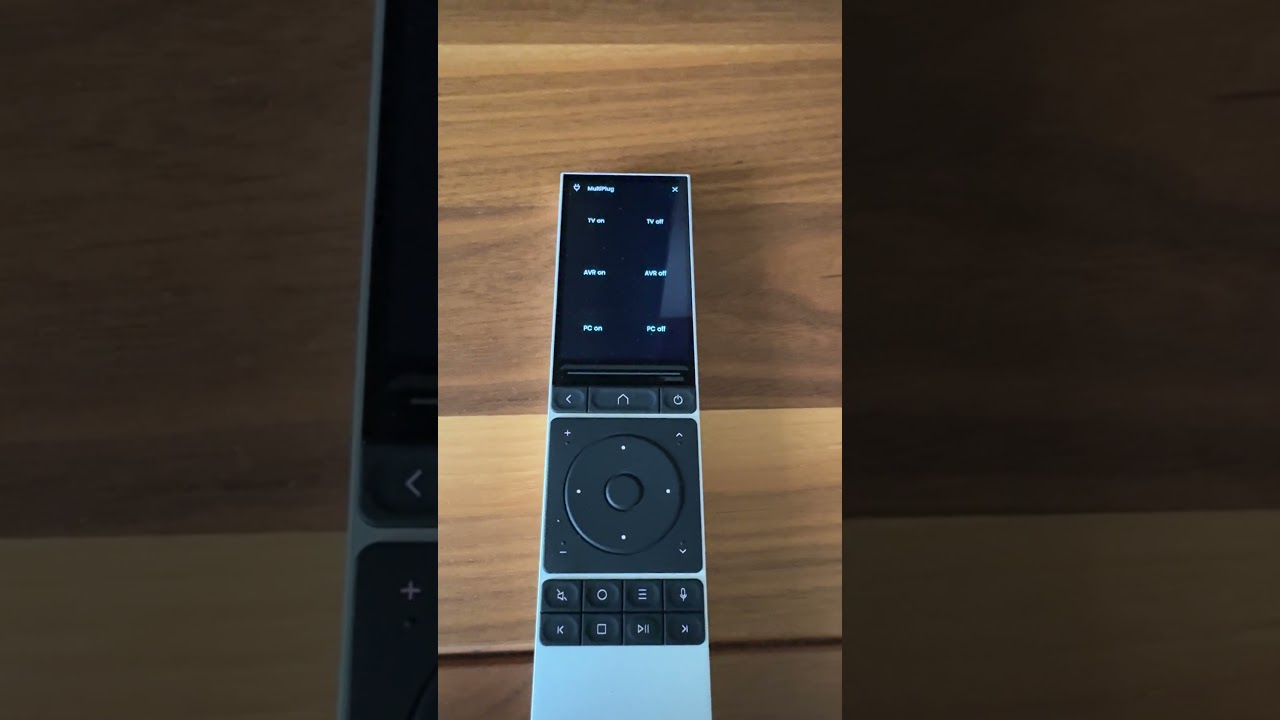
I am using Unfolded Circle Remote 3 (2.9.0) and Dock 3. Since some days (not sure, if it started after updating to 2.9.0) the remote is acting on its own. At the beginning I wasn’t sure, if it was just somebody playing around with the remote and started some activities etc. but this morning I was able to record the behaviour:
What the hell is going on? It is not just the display showing crazy activities, even commands are send out and my devices are acting on this.
How can this get fixed? Is it a software-issue related to 2.9.0 or is the remote broken?
What shall I do now?
Restarting the remote was not helping. It just happens sporadically again.
This (selfmade hardware) plug is just receiving IR. There is no bi-directional communication. Remote 3 just is taking strange actions - just have a look at 2nd video, where even the Menü is switching.
You should contact the support (support@unfoldedcircle.com). It might be a (calibration) problem with the touch layer of the display.
This also seems to have happened to other users: My R3 is possessed!
Maybe they found the reason in the meantime.
I’ve had issues with sticking buttons on R2s (two of them) but not on an R3. That would be my guess if it was an R2 so maybe that’s the issue on the R3?
Since a couple of days I have the same issue. Suddenly the screen on the remote goes crazy and starts the blinds going down or up. Restarting the remote helps for a while.
My remote has similar issues. Sometimes things get triggered by themselves, the screen becomes unresponsive, the battery drains quickly, the screen becomes purple-ish or there’s some kind of ghost overlay and more issues.
There’s not really a consistent way to reproduce the issues. You just have to wait and see when it will happen.
Might be helpful to always point out the software version, when commenting. Maybe it is related to the last beta. What versions are you using, when having the issue as well?
My issues are typically related to picking up the remote, so turning down sensitivity to require a click before it takes an input OR the red warnings I never used to have before 2.8.4/2.8.5 on the R2. (I did have to move an R3 down to an R2 because the R3 not charging in the cradle (or pad) intermittently, which I guess is more the remote not taking an action it should by itself).
There is actually a bug that activates standby again after 5 seconds after removing the remote from the dock if you have set the wake-up sensitivity to the lowest value.
My remote is having the exact same issues on all FW versions so far.
When the screen goes purple or green interlaced i know what time it is.
Nowdays i do a quick reboot of the remote via the Android app and that solves the problem for some time. Haven’t been able to dig anything up in my logs when it happens unfortunately.
Same issue here! After updating my R3 to version 2.9.0, it sometimes seems to develop a mind of its own and executes commands and/or swipes on the touchscreen without any user interaction. From that point on, the touchscreen is not responsive anymore, and only a restart resolves the issue for some time. After update to 2.9.0 this happens a few times a day.
I had the same problem thinking that it was firmware the remote would randomly start activities or press a button while watching something - in the end I contacted UC and sent them a video this was at the beginning of January - I had to return it they said that they reattached the ribbon cable to the screen and then it was sent back - unfortunately it was no different - contacted them again and sent it back they sent out a new replacement - all this took nearly 3 months - only had it back for a couple of weeks and it’s been great up to now it’s like using a different remote - I think mine has been faulty for a long time thinking that it was a firmware issue as I know the firmware was a bit dodgy back in July - UC have been great to sort it out why it took so long is down to the currier UPS - one of the times I dropped it off it took them nearly two weeks to pick it up - I would contact UC and send them the video
On Discord people mentioned that UC is aware of this issue and working on an update. It is not a hardware defect and related to the screen artifacts issues mentioned above.
I’m just telling you about my experience and if the screen wasn’t faulty then they wouldn’t of replaced the unit with a new one - I’m running 2.9.0 firmware and had no problems at all since getting the new remote