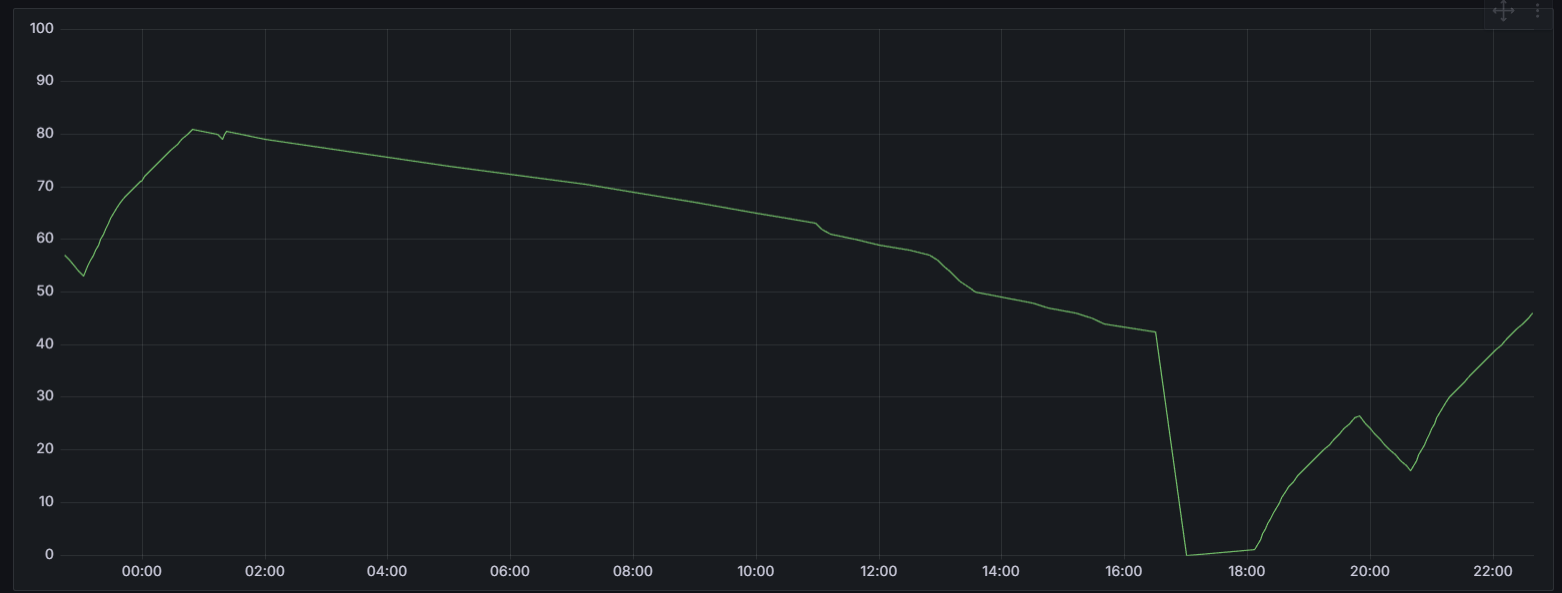
The remote control hasn’t charged for 3 hours now and is already down to 80%. Another thing I’ve noticed: the display keeps turning on intermittently, even when it’s not being touched.
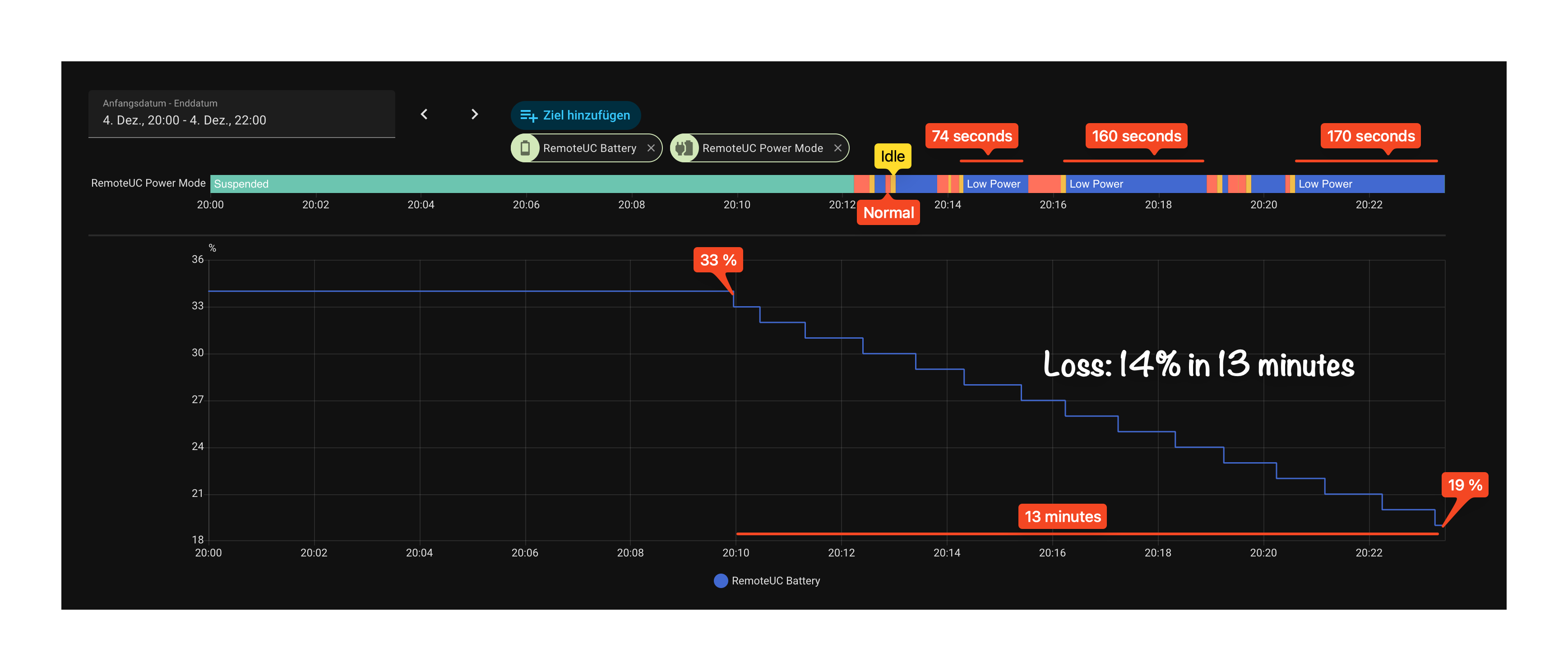
I see the same, even with the lowest sensitivity and the remote on a stone table where there is definitely no movement possible. I think these are packets from the router, waking it up. If I disable the stay connected feature the wakeups stop. The frequency reduced since I assisgned the remote a fixed ip address.
Harmony and Sofabaton are much simpler devices. Think of them as old Nokia cellphones and the Remote as a Smartphone. The old Nokia phone could last for months or even years but they were limited in what they could do.
If we stick with the analogy: my iPhone doesn’t last as long as a Nokia, but it also doesn’t drain completely after 24 hours of not being used. So that argument doesn’t work for me, sorry.
Both the Harmony and the Sofabaton handled this much more intelligently. The whole “heavy lifting” is done by a hub that’s permanently plugged in. All the logic is built into the hub, and the remote just controls everything through it — really well done.
I spent several weeks configuring and testing the Remote 3, and I’m genuinely impressed by how flexible it is.
But the Remote 3 itself is the “main computer,” and that takes a lot of power — more than it should. As it stands today, the whole concept is a fail for me. A hub-based solution would make everything so much easier.
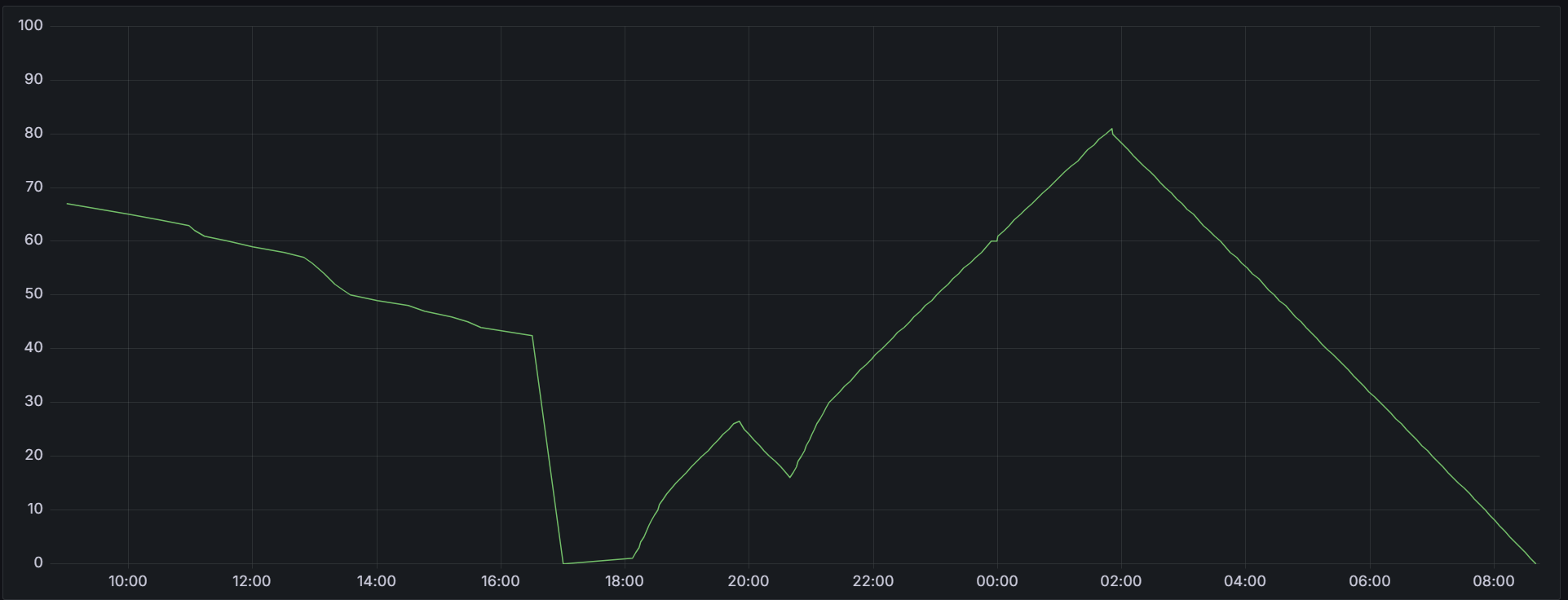
BUT…. when the SoC hits 0% i noticed, that it stays on for a long time. I just left it on all night and didn’t charge it. The next morning, it was still at 0% and my wife used it all day. In the evening, it switched off.
That’s a good point! I have the same issue with an EcoFlow powerstation: it’s SOC get’s very inaccurate over time. Since I use the battery voltage as a reference and some mapping table I have a much more accurate battery level. Right now it shows 87%, but it is actually more like 45%.
Unfortunately I didn’t see the battery voltage as a value in the Remote3 API. And explaining my family they have to drain it once a week or so while I’m away is not an option…
Hi, it looks like my remote 3 isn't going into sleep mode. If I leave my remote control lying unused on the table, it only takes 9 hours to go from 100% to 0%. Which settings do I need to change?

Thanks, Peter
Hi, I currently have no activity. Just a few Philips Hue lights and Roon integration. I’ll take a look at the core logs if I can find them. Thanks. Peter
Remote appears to discharge a lot quicker than before. About as fast as it charges… Clearly something is wrong with the battery management.
I wanted to protect battery life by only charging up to 80%. But as the SOC display is useless, that won’t work and I have to charge to 100% whenever I can. Darn…
Hi, I created an activity yesterday and played around with the settings a bit. The remote lost 12% battery in 7 hours when unused. That should be fine now. Does it make sense to switch the remote off after use if I only use it 2-4 times a week for 1-3 hours? Or is it better to leave it on all the time and in the charging station? Best, Peter
Personally I would switch it off in this case. Leaving it charging all the time will leave the battery at 100% which is not good for almost any battery, especially this small one.
I’m thinking about remotely powering it down via API after midnight. If we then could just set an automatic boot time every day…
I’m working on something like this using Home Assistant, as I mentioned it in this thread about the heat being produced when charging
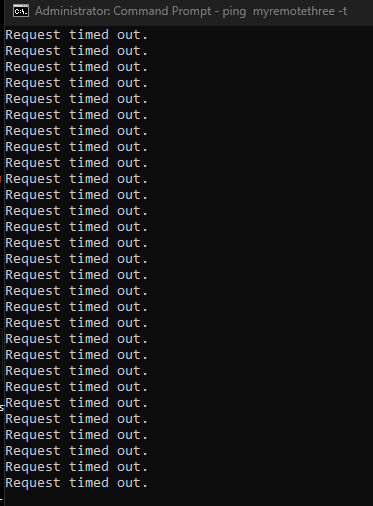
I also mention “wake on lan” and wonder if those of you that don’t need it have tried switching it off to stop the remote be constantly connected even when it “sleeps”.