@Vinterbird @Sawtaytoes I started this as a response to your comments in the “I’m at the end of my patience thread” but thought I would make a it a stand-alone thread as this comparison is coming up all the time.
Over the years, I’ve used Harmony products (including the Elite with a Harmony Hub), multiple Pronto remotes, multiple URC remotes (including the legendary MX-980, but also the MX-880, MX-990, and MX-5000), and a collection of other PC-programmable or app-programmable remotes such as Xsight/Nevo JP1 remotes. My comments are from that experience base, not just a Harmony user.
I agree to a point that the Harmony and Sofabaton products “just work”, except when they don’t (such as Sofabaton with any X1 based STB).
Some differences are preference … I hate the Harmony Elite ergonomics. Terrible design and marginally unusable. That said, the R2 is not particularly strong for ergo, but the R3 is a substantial improvement.
The primary difference is that Harmony Hub products are primarily IR with BT for some devices (Apple TV, Android TV). There is no IP control. This goes far beyond Home Assistant integration, but is the foundation for two way communication from devices. Harmony remotes cannot “read’ information from devices. R2/R3 can … that’s why you seeing custom integrations support direct selection of sound modes, picture modes, inputs, etc. That’s why you can have media player entities that show you the content that’s playing. That’s why UC is promising direct media browsing from the remote coming shortly. None of that is possible on a Harmony product.
To illustrate the difference: Harmony can turn Hue lights on or off. R2/R3 can turn on specific Hue scenes (eg. Candelight or Relax) and tell you what the scene is and the brightness level that you can then adjust. An R2/R3 can tell you the volume level when you increase/decrease on the remote. Harmony can’t. While Sofabaton has some rudimentary IP control (either through Home Assistant’s Emulated Roku or MQTT integrations) it is not true two-way IP and doesn’t come close to what the R2/R3 can do.
All that is without considering the power of UC macros or combined command sequences vs. Harmony/Sofabaton.
Your perspective that the product should just work like a Harmony and these features should be bonus or add-on misses the entire point of this product … it is not a Harmony replacement, it is CI level remote made available to end consumers. No one else is really doing that anymore (URC used to but stopped under pressure from their CI licensees).
There is an investment of time in learning the product … hours probably. If you invest the time and purge yourself of the idea that this should work like a Harmony, you’ll wind up with a much better user experience in the end. If you’re not willing to invest that time, go with a Sofabaton (unless you’re a Comcast/Cox/Rogers/Videotron/Sky/Foxtel/Xumo customer because it won’t properly control your STB).
Do not get me wrong, UC mismarketed this device by inference and left you believing that you were buying a Harmony replacement. Be angry at them for calling it
easy to use
and statements like
Unfolded OS comes with beautifully designed user interfaces tailored for various device types, including lights, shades, and more
or
If you have ever used a smart phone, using the user interface of the remote will feel familiar
or
It’s easy to add a new device, being infrared, Bluetooth or something on your network. The remote will look for compatible external integrations as well and show it to you in an aggregated list of all available options.
I am not defending UC for the borderline deceptive marketing. These are software/hardware people whose approach to the customer is entirely dependent on their personalities (I have good experience with the Head of Software for example but one of the others on their “about” page is just a POS). But, as a product goes, this is special and if UC doesn’t succeed, there will be no CI level remotes in the consumer space.
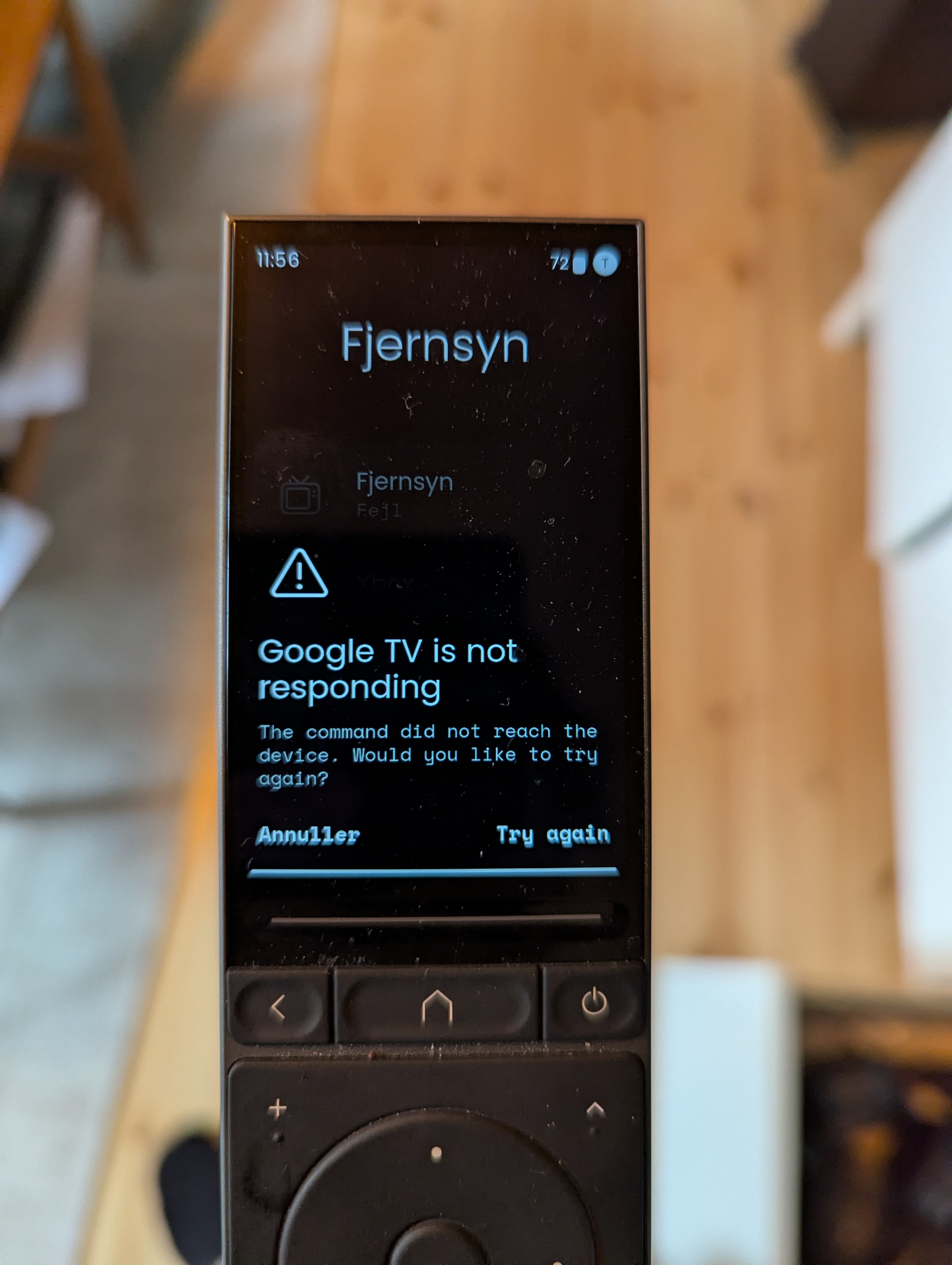
 Both Harmony and Remote 3 are Wi-Fi!
 .
.