I had problems in 0.7.0 with the remote not establishing a connection after longer sleep times or a power cycle of the AVR. Had to reboot the remote and then the connection worked again. Those are gone now. Using it with Onkyo TX-NR555
@Eddy I apologize for what is likely a dumb question but we were watching something on AppleTV last night and for the first time I noticed that whereas previously my volume went up/down by 0.5 increments (60, 60.5, 61, etc) it now goes up/down in 1.0 increments (this is looking at the on screen display). I’m not saying it’s a 0.7.1 issue as it’s likely I likely simply never realized it previously. I went into setup again and changed “Adjust Volume Display” from Yes to No and it still behaved that way. Then I changed the Volume Scale from 0-100 to 0-80 and nothing changed. Is there another configuration step I need to do to get 0.5 increments? The Onkyo app (and IR control) still does 0.5. As always, thank you!
Hi @PNWUC , to be honest I expected that question since v0.0.1 The integration is doing 1.0 volume steps since the first version. It then always matches the level showing on the remote itself when changing volume (at this moment the remote itself cannot show 0.5 steps on the display, only integers like 1,2,3,…).
It is possible to send 0.5 steps by cheating with the ‘Input source’, select that as command for the volume button and then as ‘source’ enter ‘volume level-up’ or ‘volume level-down’ without the quotes. See the Cheats section in the readme of the integration. But then the value shown by the remote will be a bit off when the level is at x.5
If the remote itself can show 0.5 steps in the future, I will add something like a ‘volumeUp0.5’ to the list of commands but if I do that now I assume I would get too many messages about volume level on remote not matching level on AVR.
Edit Dec 20: I now added this info to the doc about volume.
v0.7.2 is now available, it sets some extra sensors:
Volume
Source
Audio Input
Audio Output
Video Input
Video Output
Output Display
When you switch Source, the integration will try to refresh the sensor values. You can send a request to the AVR to refresh the information when you suspect the value has not been updated, trigger the `Info` command in that case
bugfix: internal TuneIn Preset macro now considers zone, preventing main to switch on while only needing zone2 and/or zone3
updated docs: added info about zones and the use of NET subsources
bugfix: mediawidget fixes for zone2/3, source agnostic updates are now shared by zones playing same source
new: you can now configure the integration to use shorter display names for the entities by not showing their IP address. To change your already configured entities from long-name to short-name or the other way around: remove the integration, install it again and during setup/configuration set Entity name style to Short - hide IP address. As the IDs in the background don’t change all your mappings keep on working.
raised node baseline and now using v0.5.0 of ‘unfoldedcircle/integration-node-library’ so deleted the custom wrapper for select-entities (no change in behavior of the Onkyo/Pioneer/Integra integration)
Hi all, version v0.8.6 is available. It contains a few more commands (for example dirac) and can be configured to display a calculated relative volume level on the remote. About the absolute/relative setting:
there currently is a trade off: when you configure the integration to work with dB (relative), you cannot use the slider yet!
relative calculation: if the calculated value does not match with the AVR, please let me know and preferably with some examples like “if absolute = 50 then relative according to your AVR is -xx”, a couple of those examples will help getting a better calculation. I expect some issues with it, maybe we have to decide to stick to absolute in the end but I would like to give this a try
fixed bug that sometimes prevented switching to another subsource of NET
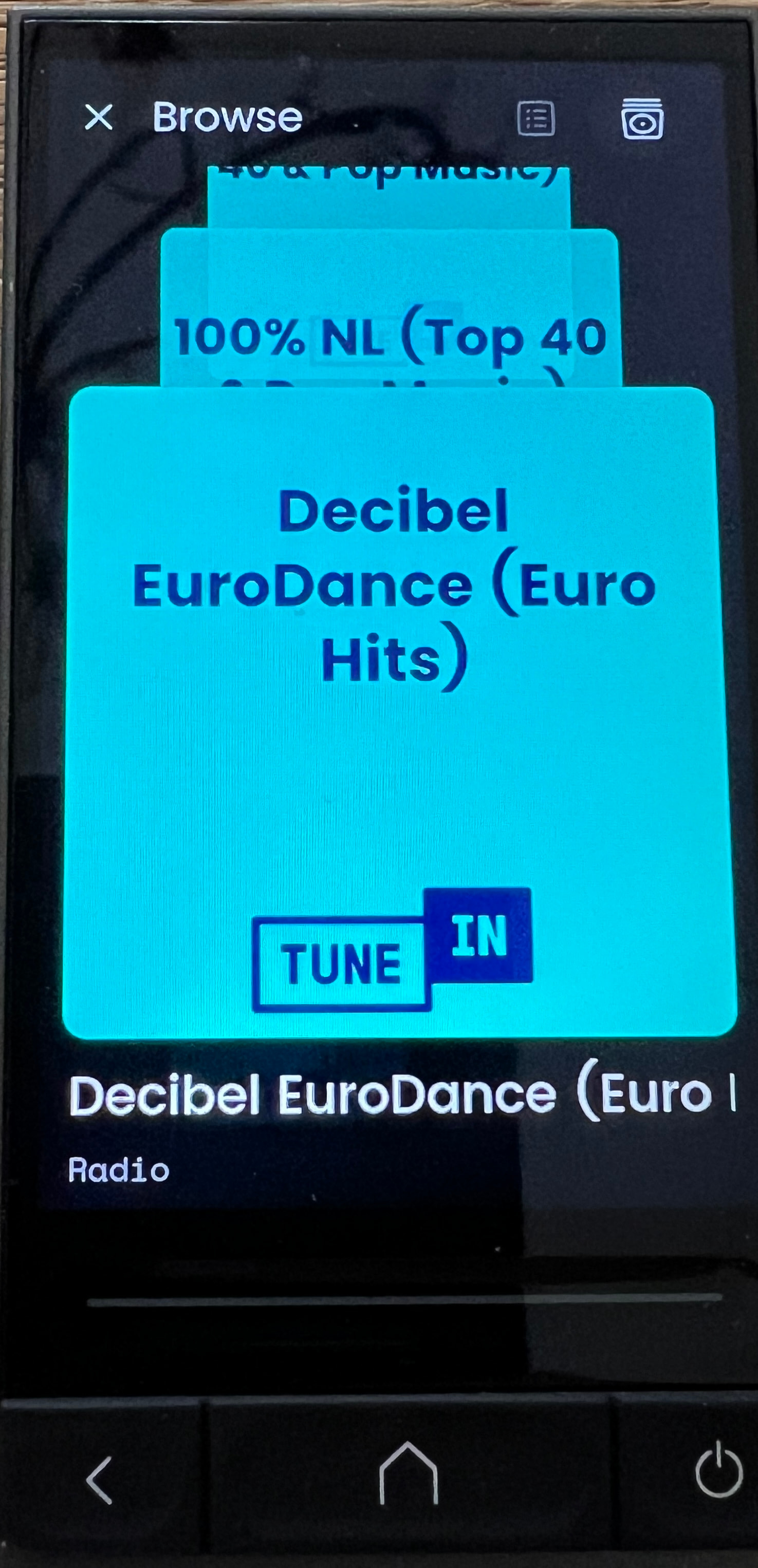
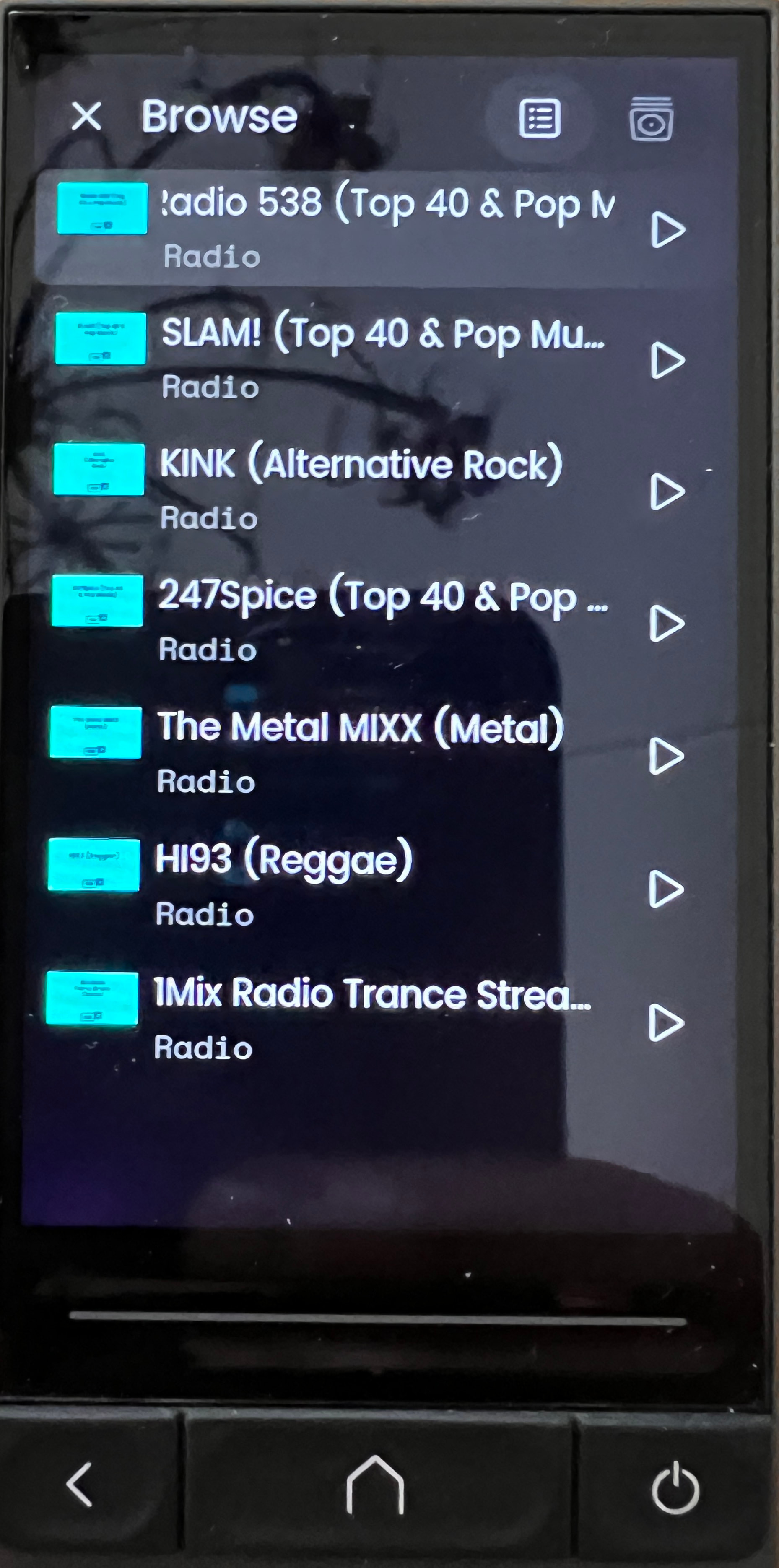
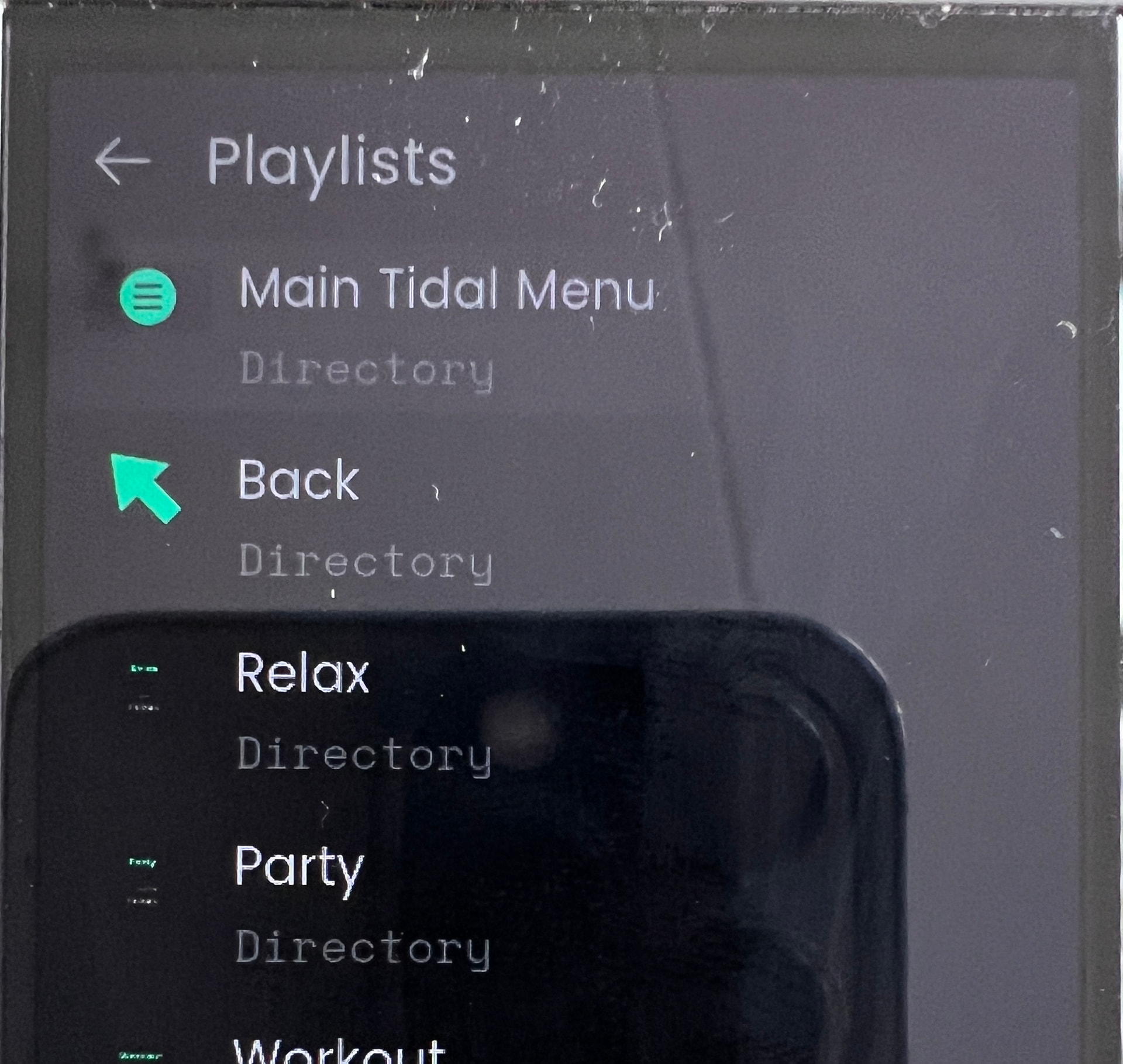
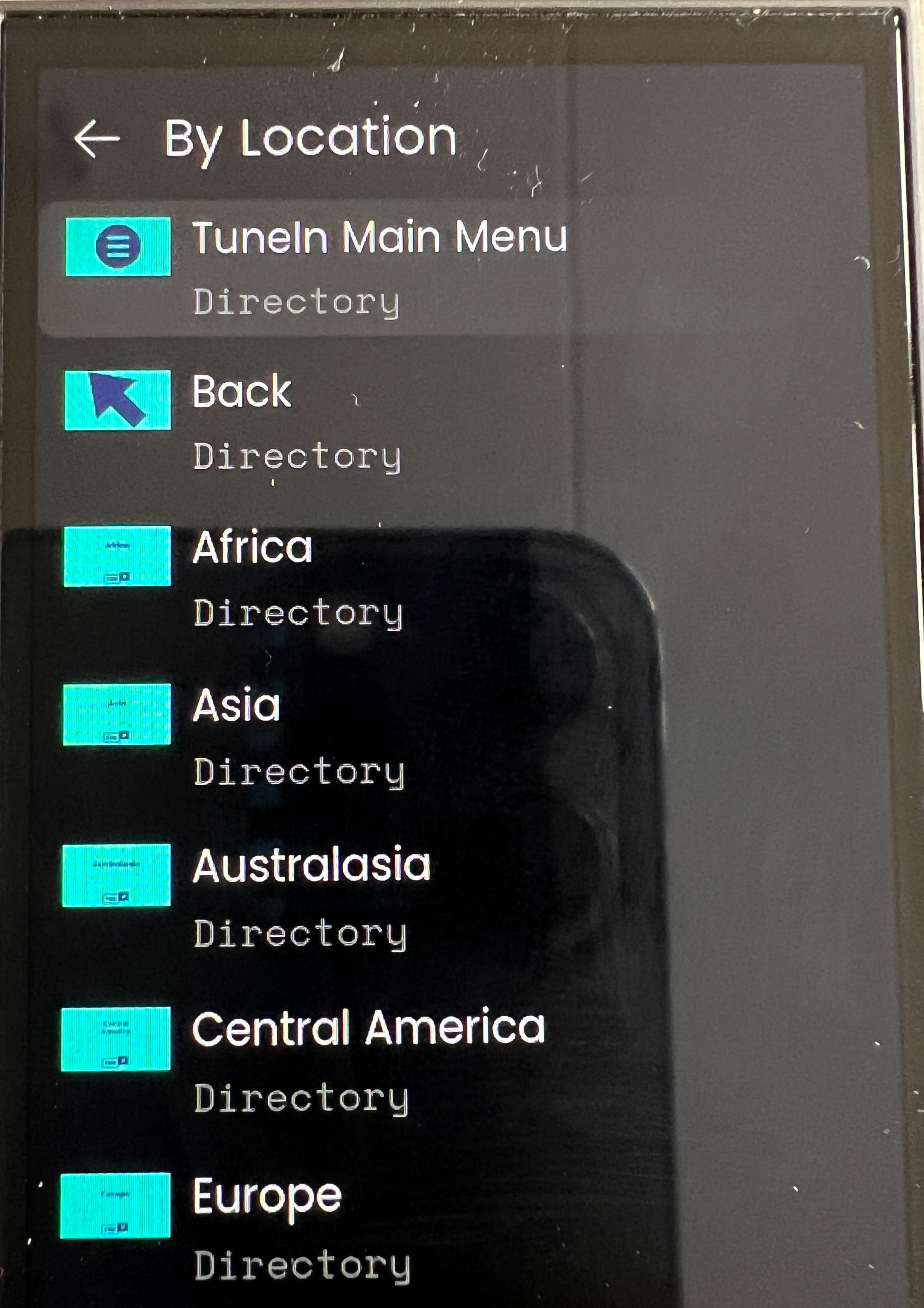
mediabrowser for Tidal, including Tidal menu, see the Tidal doc
rearranged docs a bit
Tip: UC beta firmware v2.9.3 allows you to upgrade integrations directly in web configurator! See screenshot in Installing a new version directly within the web configurator running Unfolded Circle Firmware v.2.9.3+ on this doc.
In case the AVR sends out ‘unknown’ for AV info during a switch in source or content, the next update might not be sent or picked up. In that ‘unknown’ case the Integration will start a timer and after a few seconds trigger the AVR to send updated AV info so the integration can update the related sensors. If in the meantime a new AV update was already received then the integration will cancel the timer and not trigger the AVR.
 The integration is doing 1.0 volume steps since the first version. It then always matches the level showing on the remote itself when changing volume (at this moment the remote itself cannot show 0.5 steps on the display, only integers like 1,2,3,…).