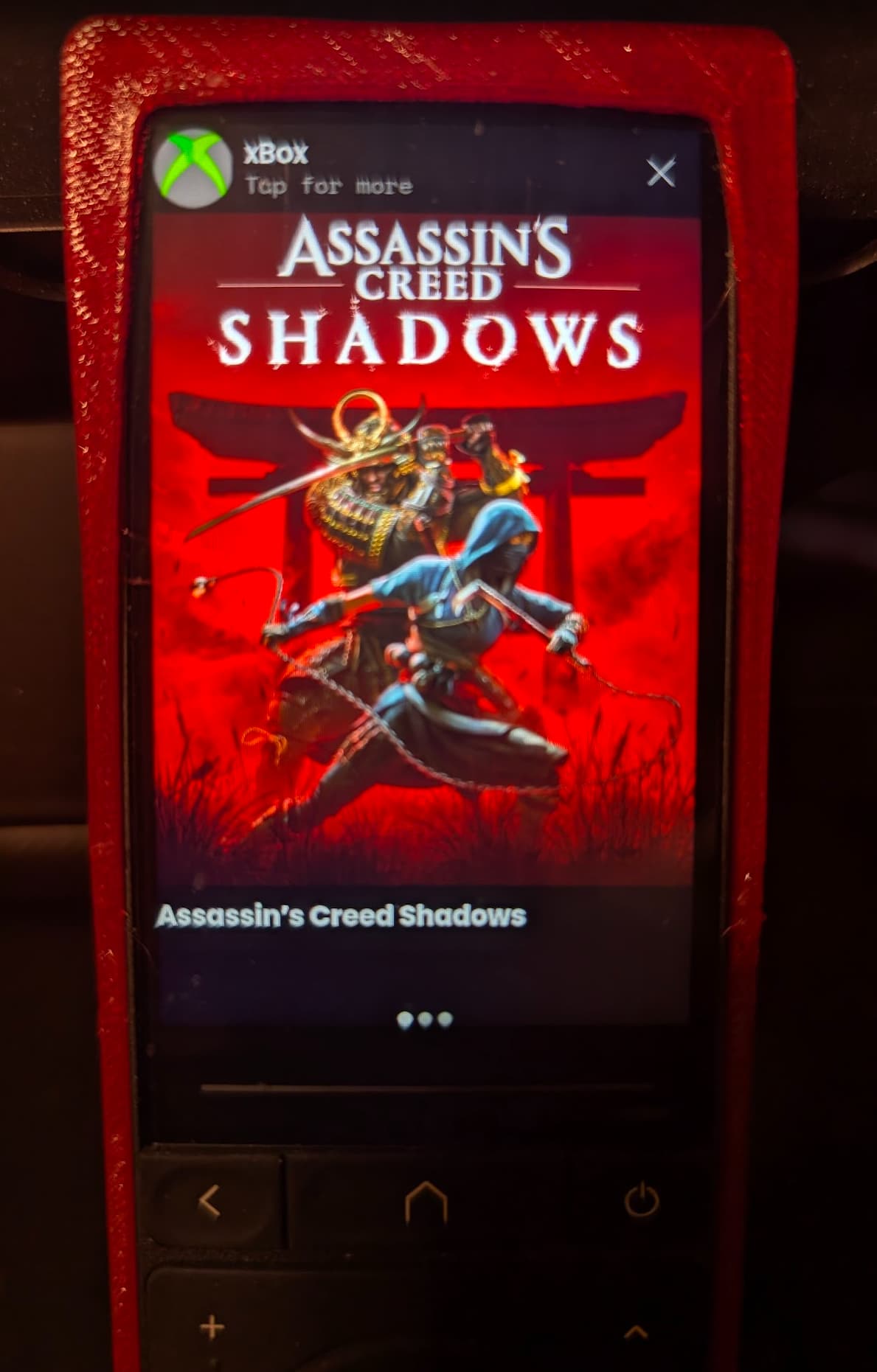
Hey everyone, i am releasing today my second Unfolded Circle integration, this time for xBox Media Widget which will display the currently playing image.
I am a new UC3 owner (2 weeks) and i truly believe this is (finally) a Harmony Elite replacement, great job to the Unfolded Team.
This integration is great for those with xBox who want to create a page which will display the current game they are playing. This could not have happened without the great work of @JackPowell for his great PSN integration.
Due to complexity (and whatever unknown reason) Microsoft do not release a simple API to gather the currently playing title, and so for this integration pay close attention to the prerequisites as it will require you to create a (free) account and capture your own API to gather the image with GiantBomb .
This integration will then Cache the media so your API limit (for the free account) will not reach max each time you play a game.
Please note it refresh evey 60 seconds, so if you do not see an image wait 60 seconds.
I tried my best to capture everything in the README.md file on GitHub,
Hope you guys will enjoy.
Thank you so much for trying my integration.
Thank you! Seems to be working well! There are some games not quite picked up, which is a known issue as GiantBomb doesn’t always use the same pattern for game naming as MS reports from the console (I saw this previously from people who did this in Home Assistant), but that’s not your fault.
One thing I would suggest if you can for both of these integrations is to obscure the device ID in the logs, or at least make it very clear that anyone submitting logs has to do this themselves, as personally I wouldn’t like to reveal this to anyone since it can be used to recover accounts, etc.
I am not a developer so I felt a bit overwhelmed trying to do them both together.
I wanted users to have a choice. Since the power controls dont work in app (Netflix etc) some folks wouldn’t want to use it. And I only later learned I could choose the entities I want to add during setup.
I most likely to re create using a single integration, but since I consider myself (humbly) not a developer I wanted to first try cleaner, less overwhelming route.
Massive update today: version 3.0.0 - completely remove the need to have GiantBomb - it works quicker, better and less requirments. Special thanks for the incredible @bjw-s for finding/coding and helping with this new version. Also , for those who prefer Docker, now there is also a docker image available.
I don’t know if I’m doing something wrong, but going to the login URL on 3.0.0 gives me a page at Microsoft with the following text “You have reached a page that is not normally shown. Microsoft will never ask you to copy or share this URL.” When I paste the redirect URL it doesn’t work.
I also had this issue. The needed url was onyl visble for a short time and then changed to a different generic one that doesn’t work. Not sure if this is caused by Microsoft. As someone can control your Xbox with this url the message is not wrong but IMO a bit too daunting as 3rd party apps also need this url.
Also the driver id of the integration has changed with this update which is causing orphan entities in activities and macros. I mentined this on Dicord as well.