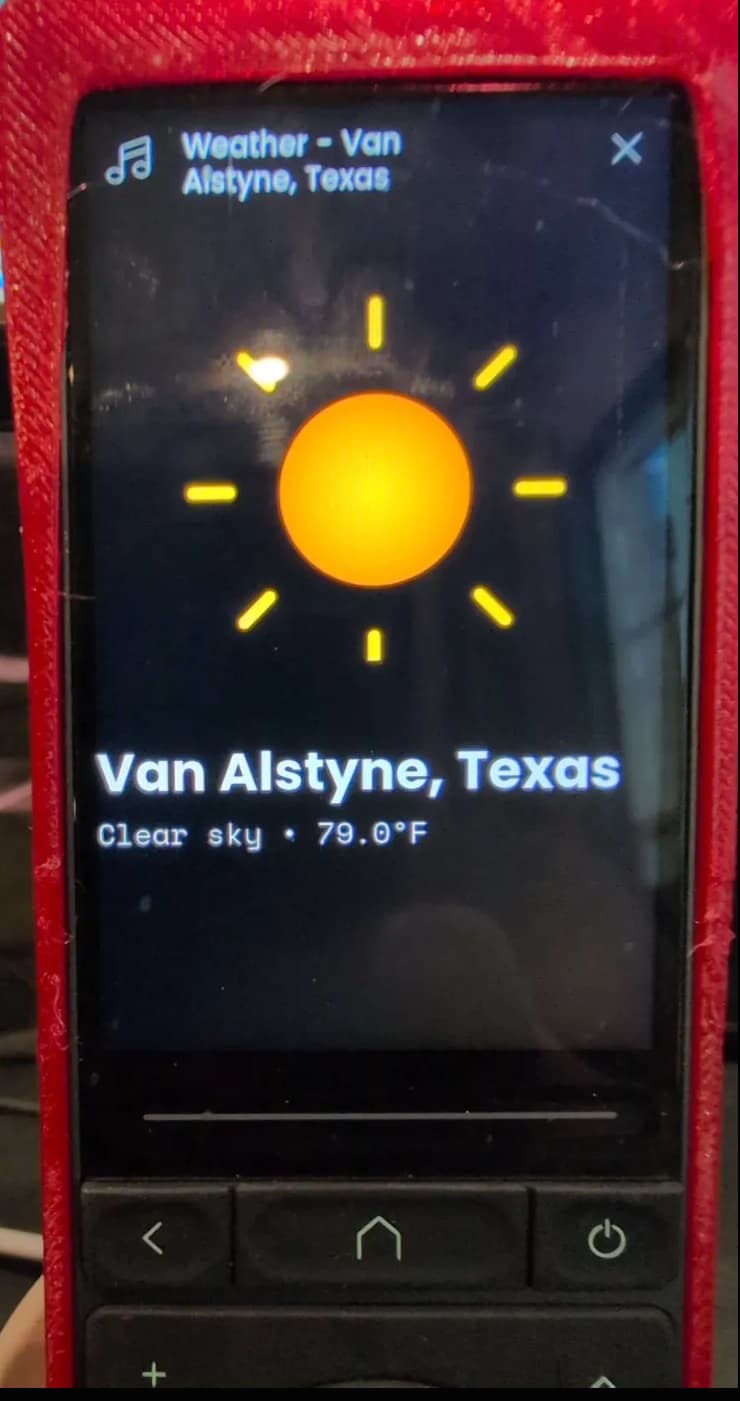
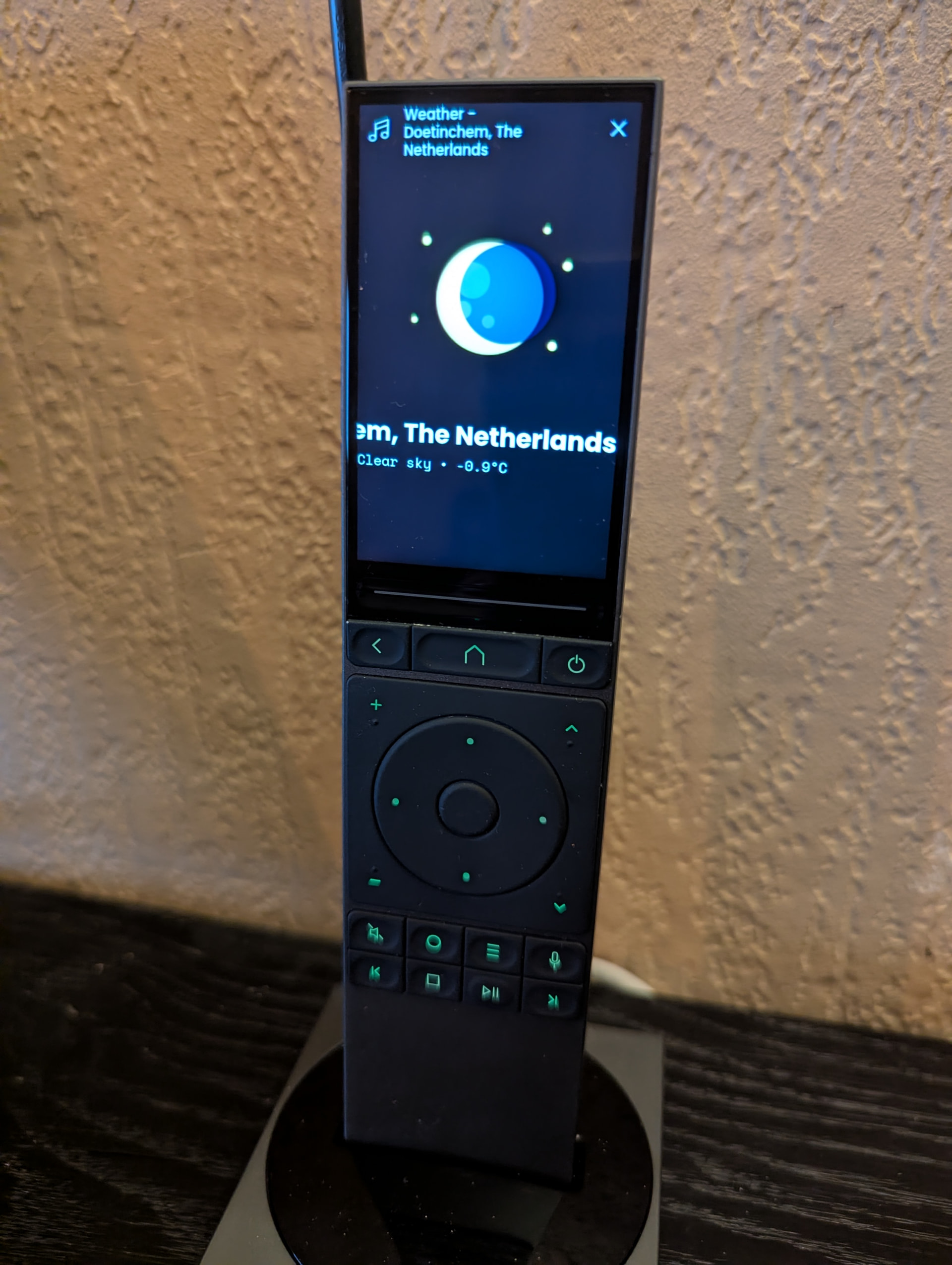
Hey everyone, i created a custom integration that will add a weather forecast entity to your remote. This is great if you would like to have a visual of your current location weather forecast.
This integration does not require any API registration, it should work everywhere in the world (although i tested in the US) and it will refresh itself every 1 hour or upon reconnect. There should be no impact for battery life as all the icons are cached and the integration should survive a reboot (learned that the hard way from all my other intergradations lol).
The integration will show different icons based on the weather or time of day
Features Real-time weather display with beautiful icons Support for ZIP codes and “City, State” location formats Automatic updates every hour Weather-appropriate icons (sun, clouds, rain, thunderstorms, etc.) Temperature, weather description, and location display Easy setup through the Remote’s web configurator
Please take a look at the README.md file and enjoy.
Thank you so much !!!
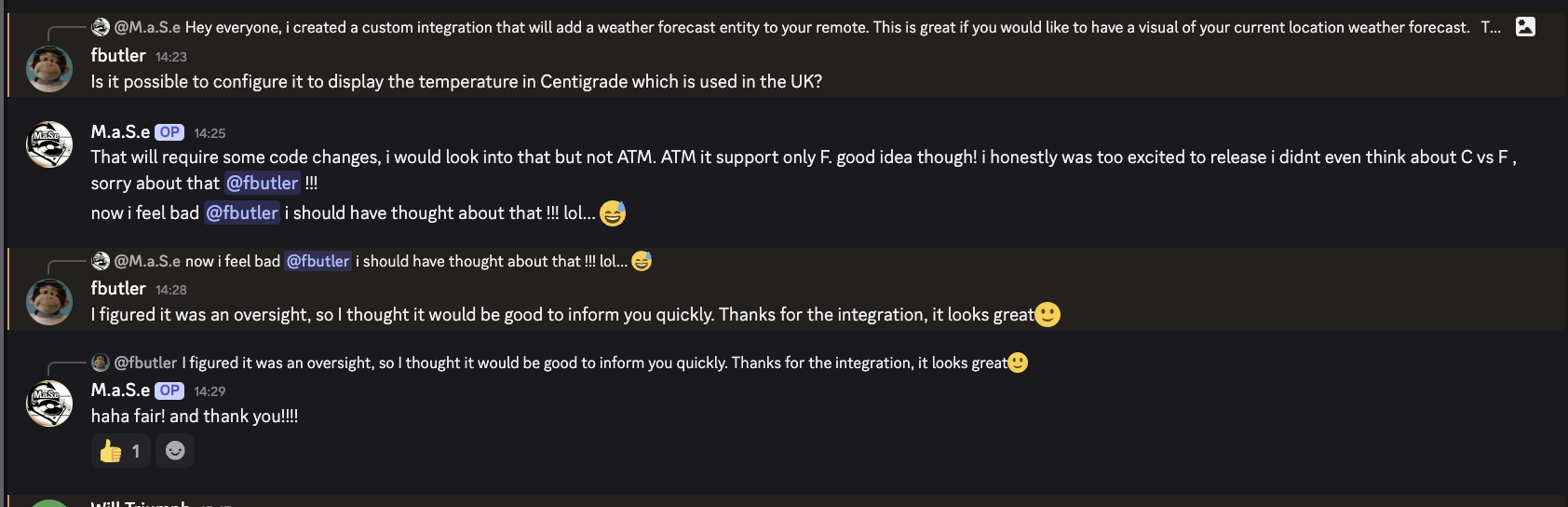
Hey @cobhc (and others) i just released a new release that have a support for Celsius as well as support for outside of us zipcode, my apologies for being so oblivious for outside US users, i was just too excited ! i hope this works, can you give it a test and report back? Release v1.1.16 · mase1981/uc-intg-weather · GitHub
the main diff: added a toggle button , checked = C, unchecked = F and allowed for less then 5 numbers zipcode and redirected to the API, i hope this works. really do…
EDIT:
oh, forgot to say !!! BEFORE uploading this release:
delete the previous integration
reboot the remote (the remote keep a persistant cache of your config file, if you do not reboot it will remember the old integration file and you will not see the new features).
Doesn’t seem to work for me in the UK if I enter either post code or city, UK. It appears to try and set up but then errors out with a timeout or host not found error.
check open metro website and see if you can find your location there, the integration uses open metro api to configure itself, so if you are unable to find it there it will not work. if you do, and enter it exactly how you found it in open metro, share logs for debug.
New version is out 2.0.6
New refreshed icons
Added total of 16 icons to cover more weather scenarios
Upgrade python Library
New docker image
Under the hood updates
 Real-time weather display with beautiful icons
 Support for ZIP codes and “City, State” location formats
 Automatic updates every hour
 Weather-appropriate icons (sun, clouds, rain, thunderstorms, etc.)
 Temperature, weather description, and location display
 Easy setup through the Remote’s web configurator

 It’s still nice to have! Good work!