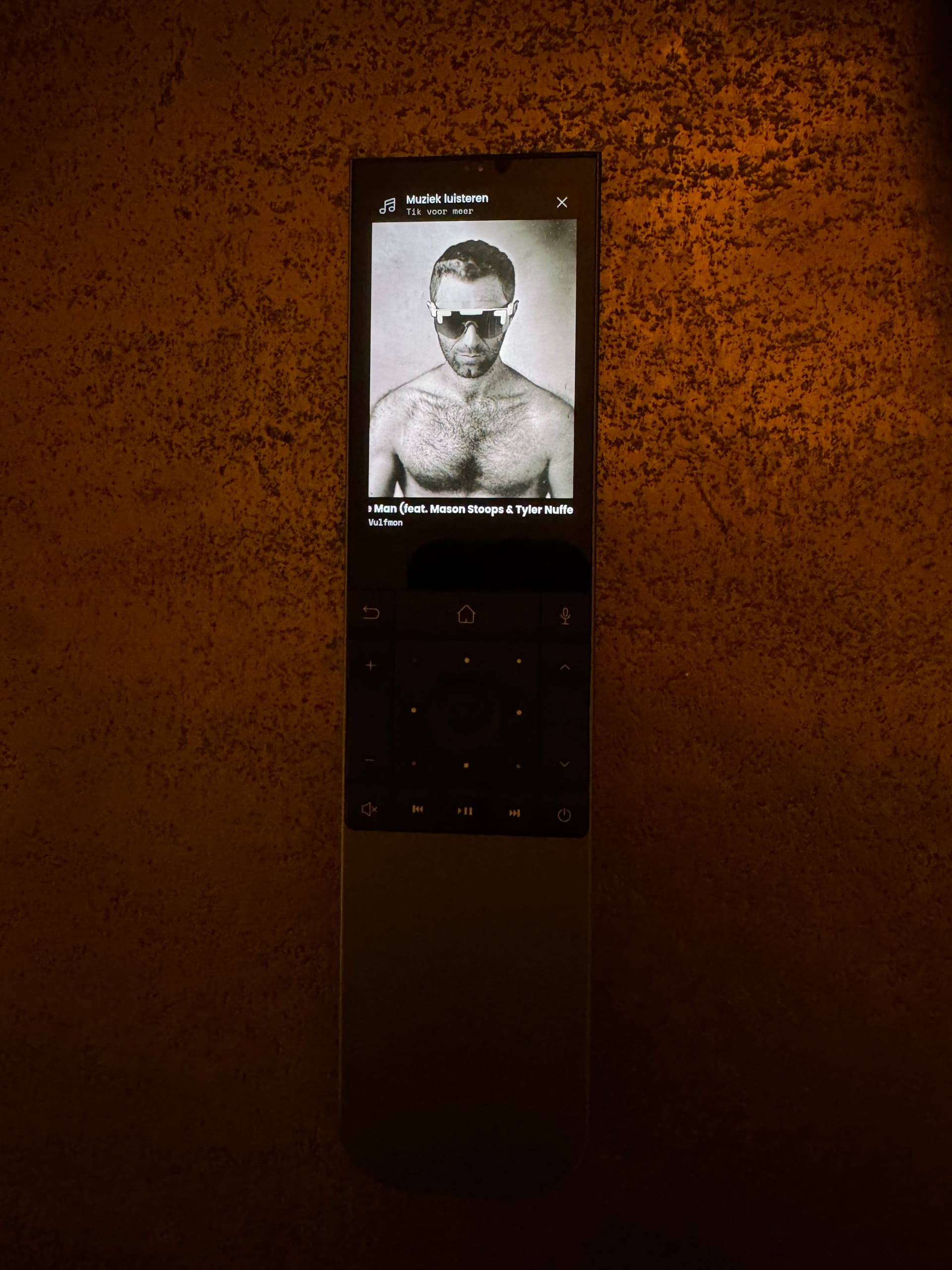
I have used the (brilliant) Home Assistant integration to connect my iTunes/apple music instance that runs on my Mac mini, to UC.
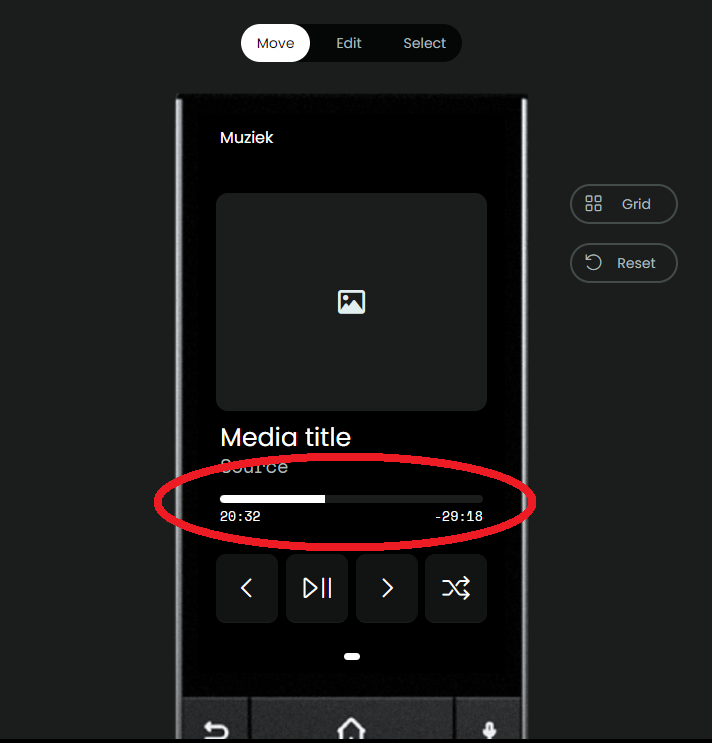
It was not too hard to setup, but what I’m missing is the scroll/seek part that looks to be part of the media widget in the screen.
It correctly shows the artwork and artist/track, but I’d like to be able to seek within the track and when installing the widget it shows a seek bar, but it isn’t showing.
How exactly did you implement this? I also use HomeAssistant and have a MacBook Air. Apple Music runs on it. I would like to be able to see the currently playing track on Remote 3 and control Apple Music from there (as in your screenshot).
I know this isn’t really the right forum for this, but could you possibly help me with how to install it? I’ve read the GitHub page but unfortunately don’t understand how to do it. Do I just type a command into the terminal?
It’s indeed all in terminal. This stuff gets over my head easily as well. I just fed the github URL to ChatGPT and asked it to help me install it. In the end it wasn’t that big of a deal
Thanks for the tip about ChatGPT. That helped me get it working. However, I still find the solution a bit clunky, as the server has to be started every time Apple Music is opened. And I can’t get the .plist to work. So I’ve now found another solution: