Over the last weeks I’ve built a few custom integrations for my Remote 3 that I’d like to share with you soon. All of them are unofficial community projects (not affiliated with Unfolded Circle). Developer: MOEHRLI.
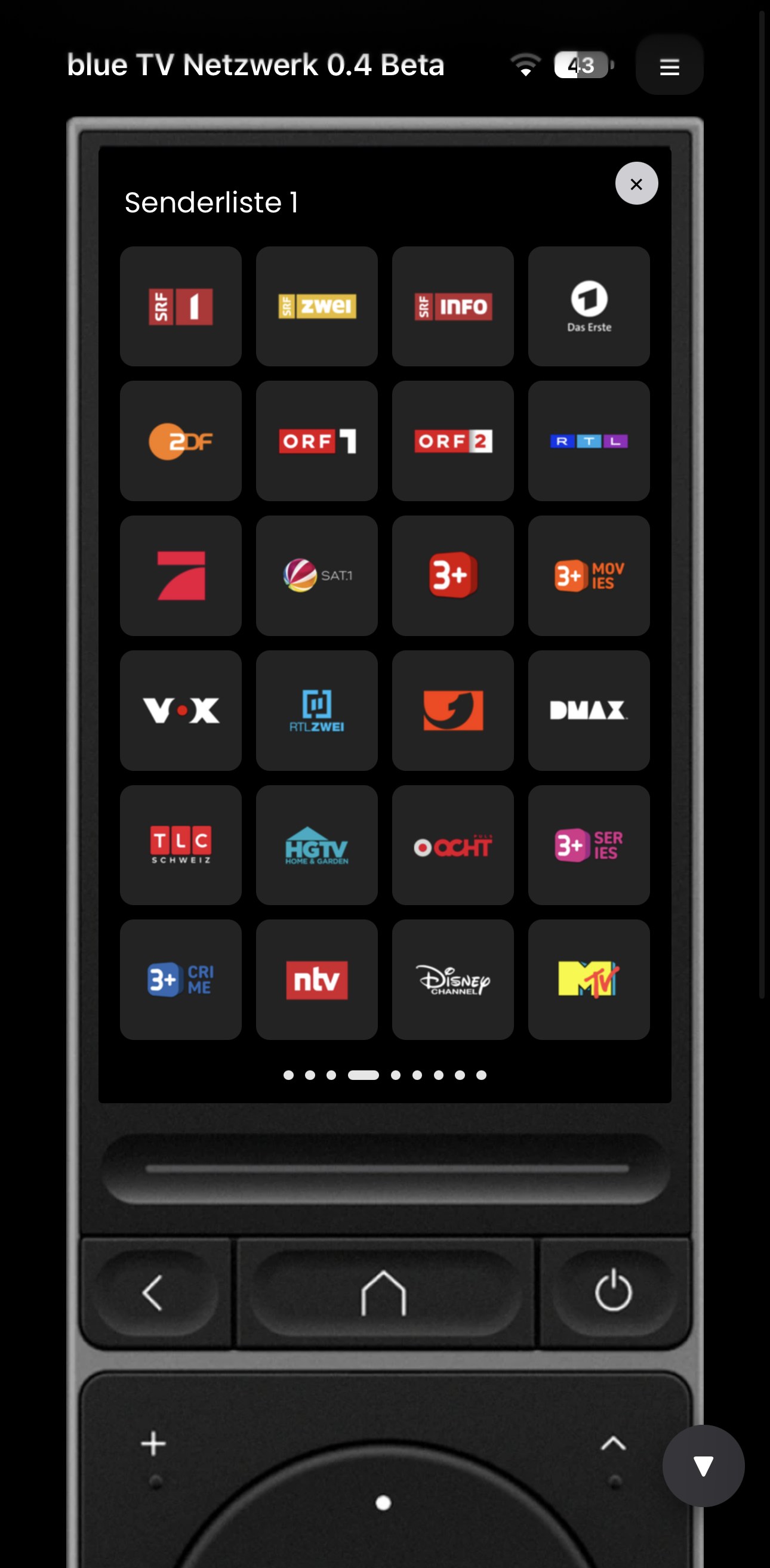
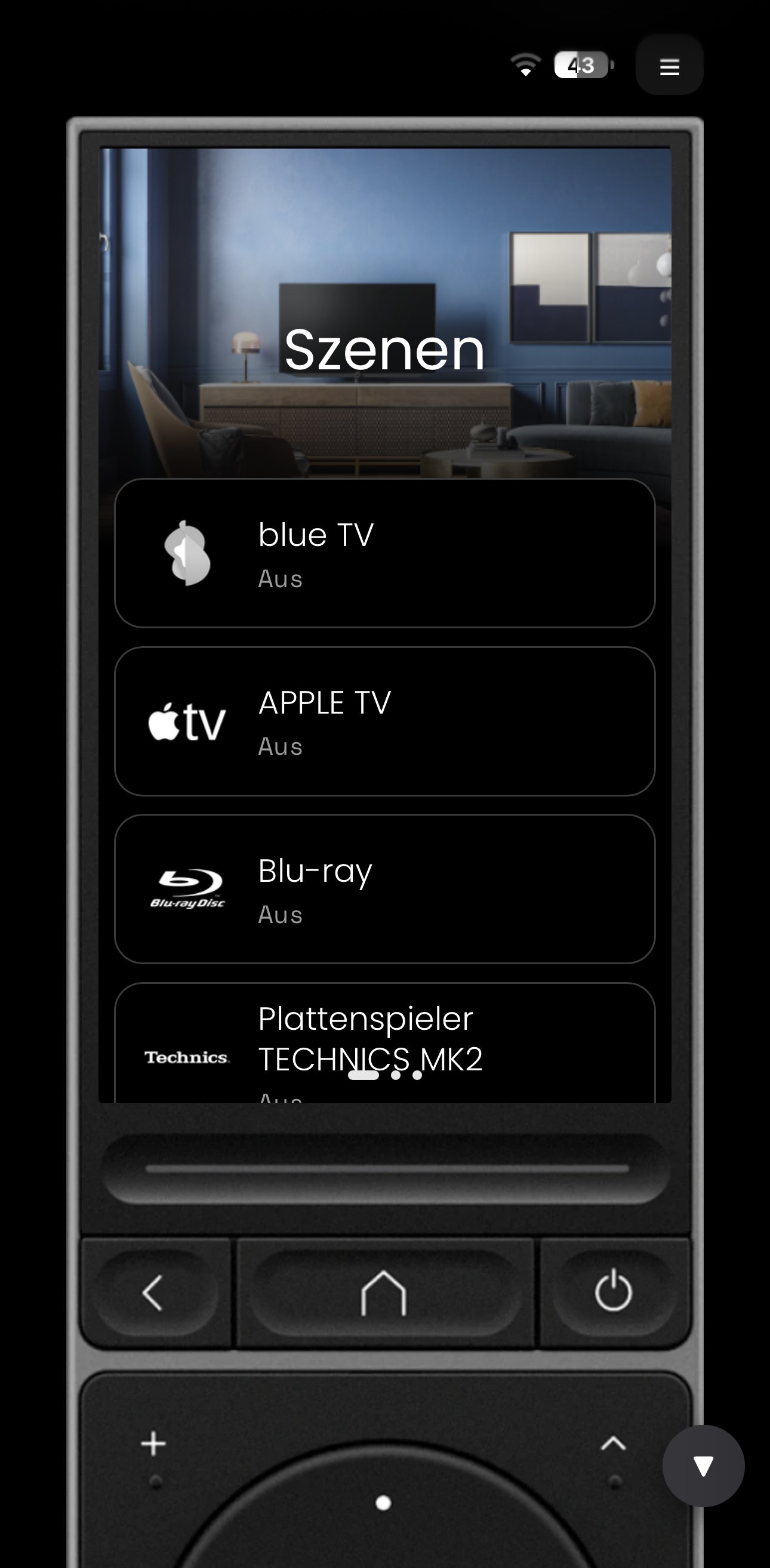
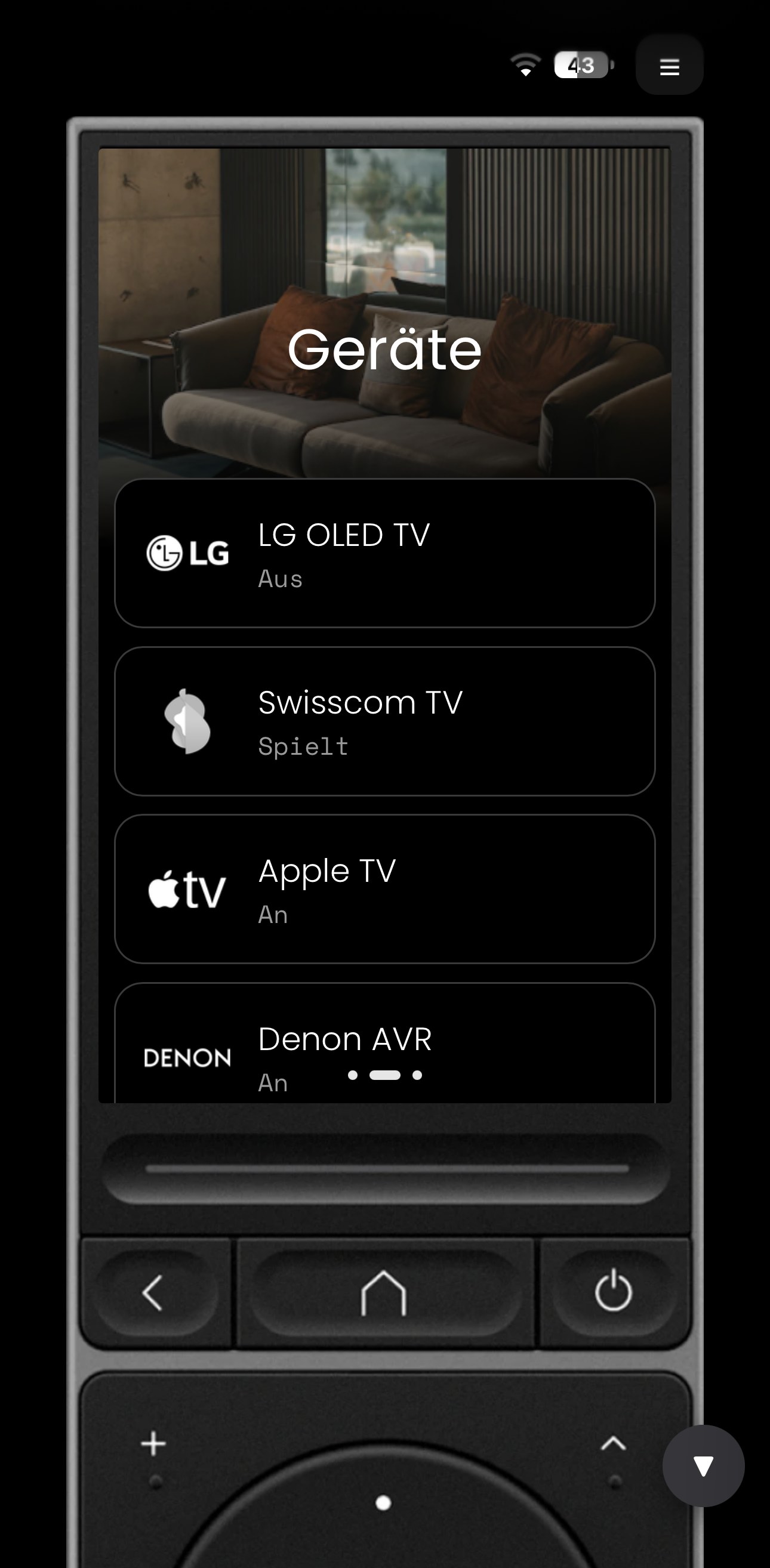
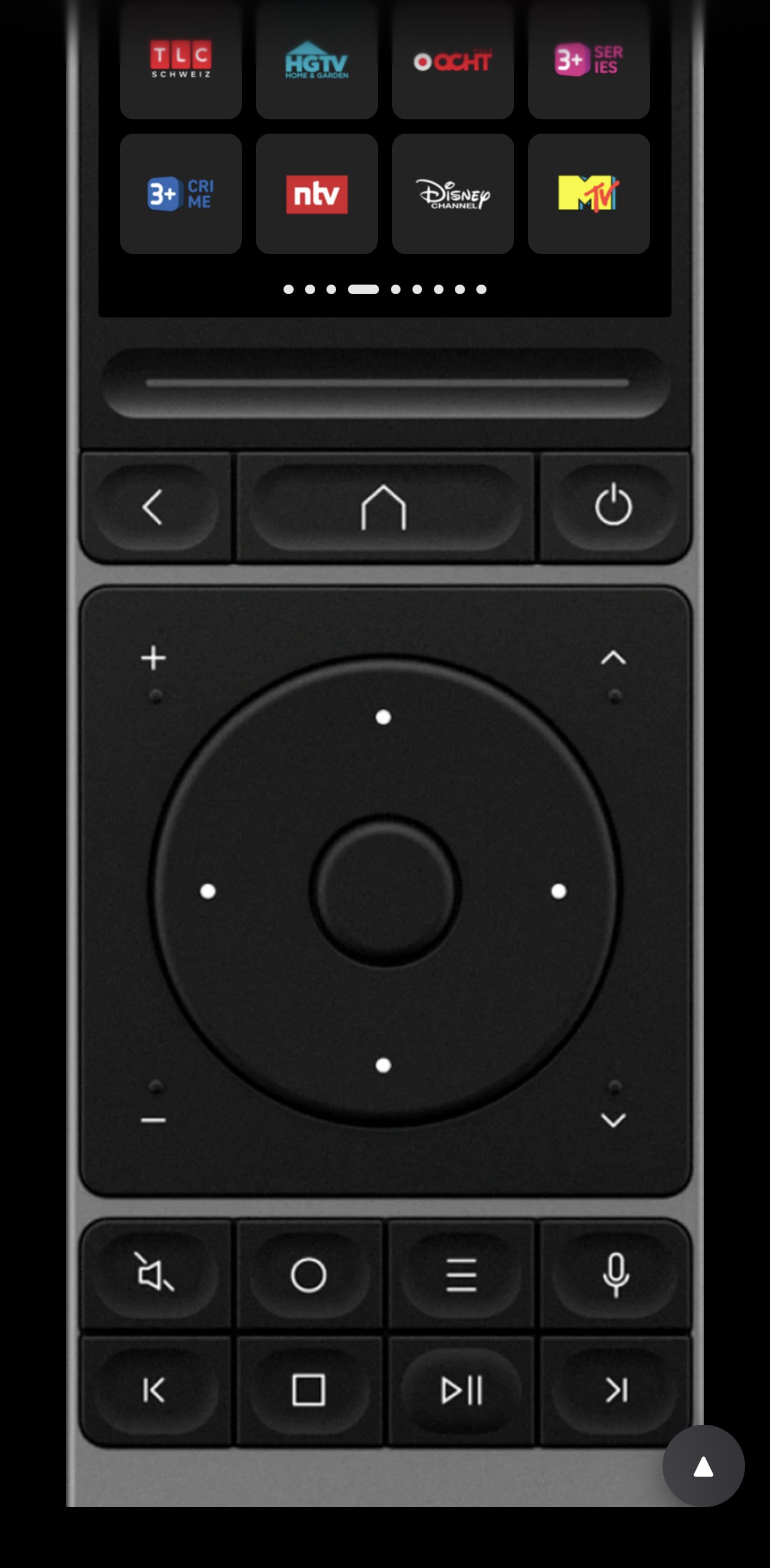
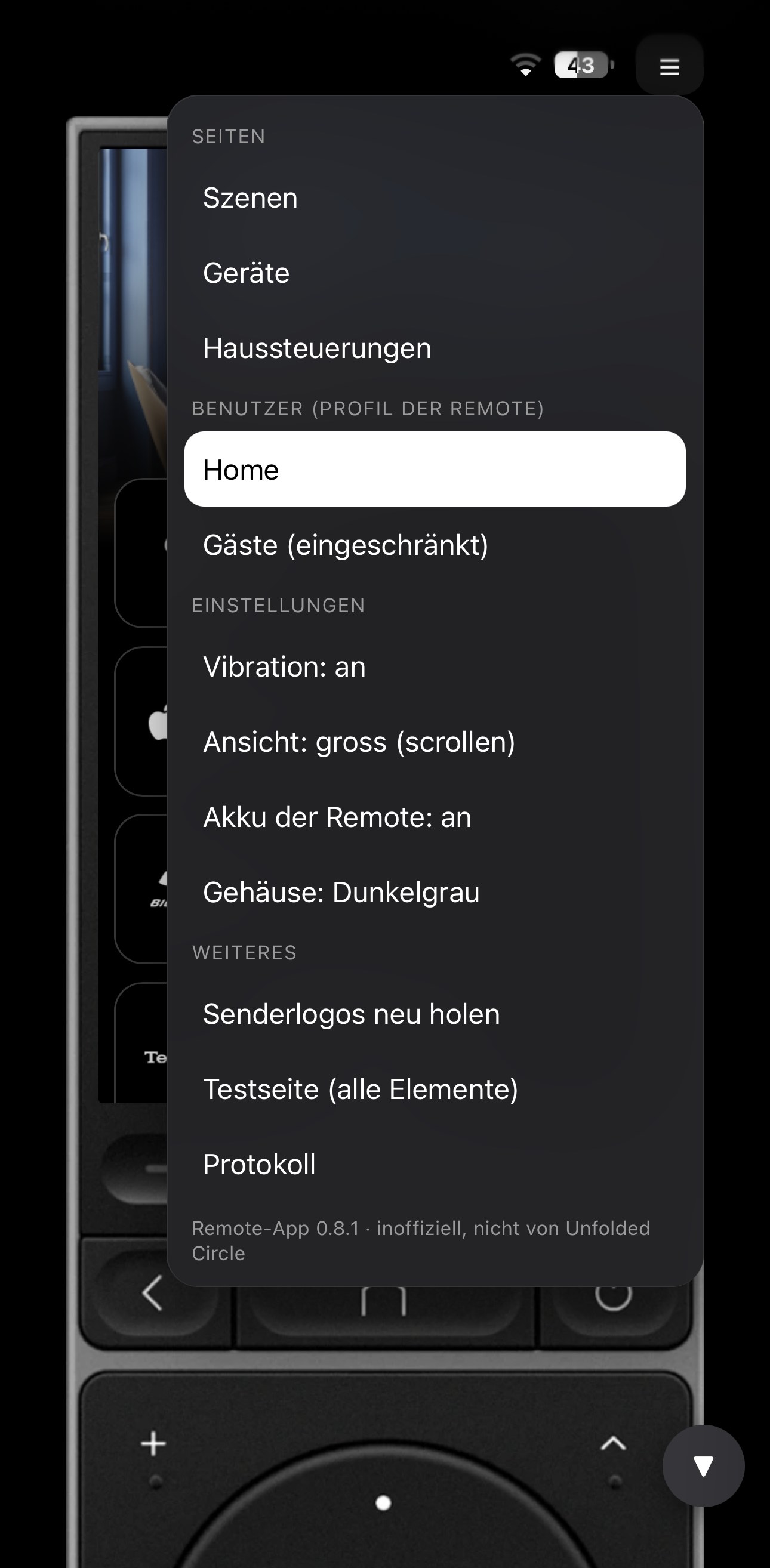
1. Remote Web App – your remote on any screen
A web app: runs on anything with a browser – iPhone, Android, iPad, Mac, PC. Nothing to install, just open it and add it to your home screen.
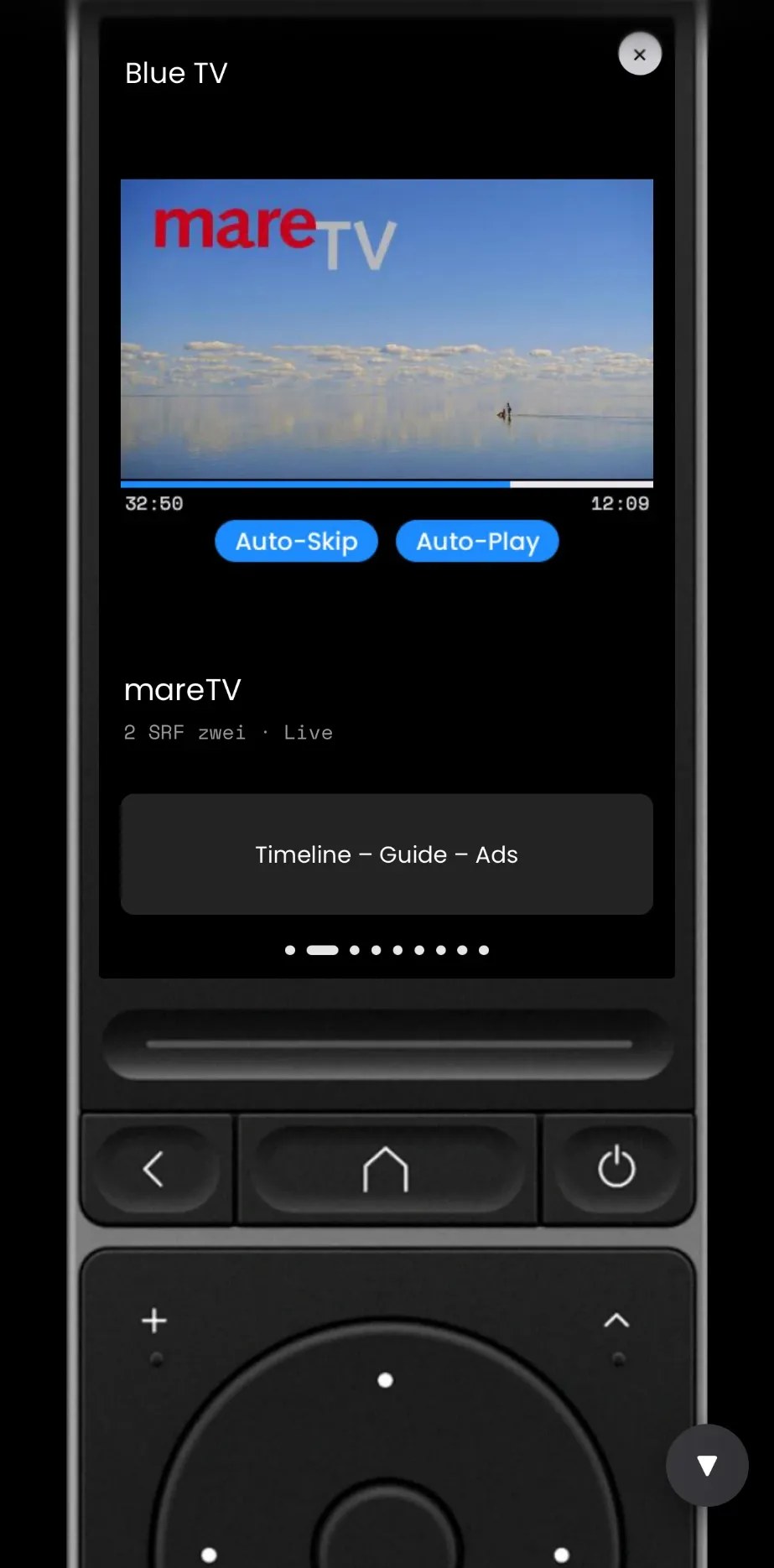
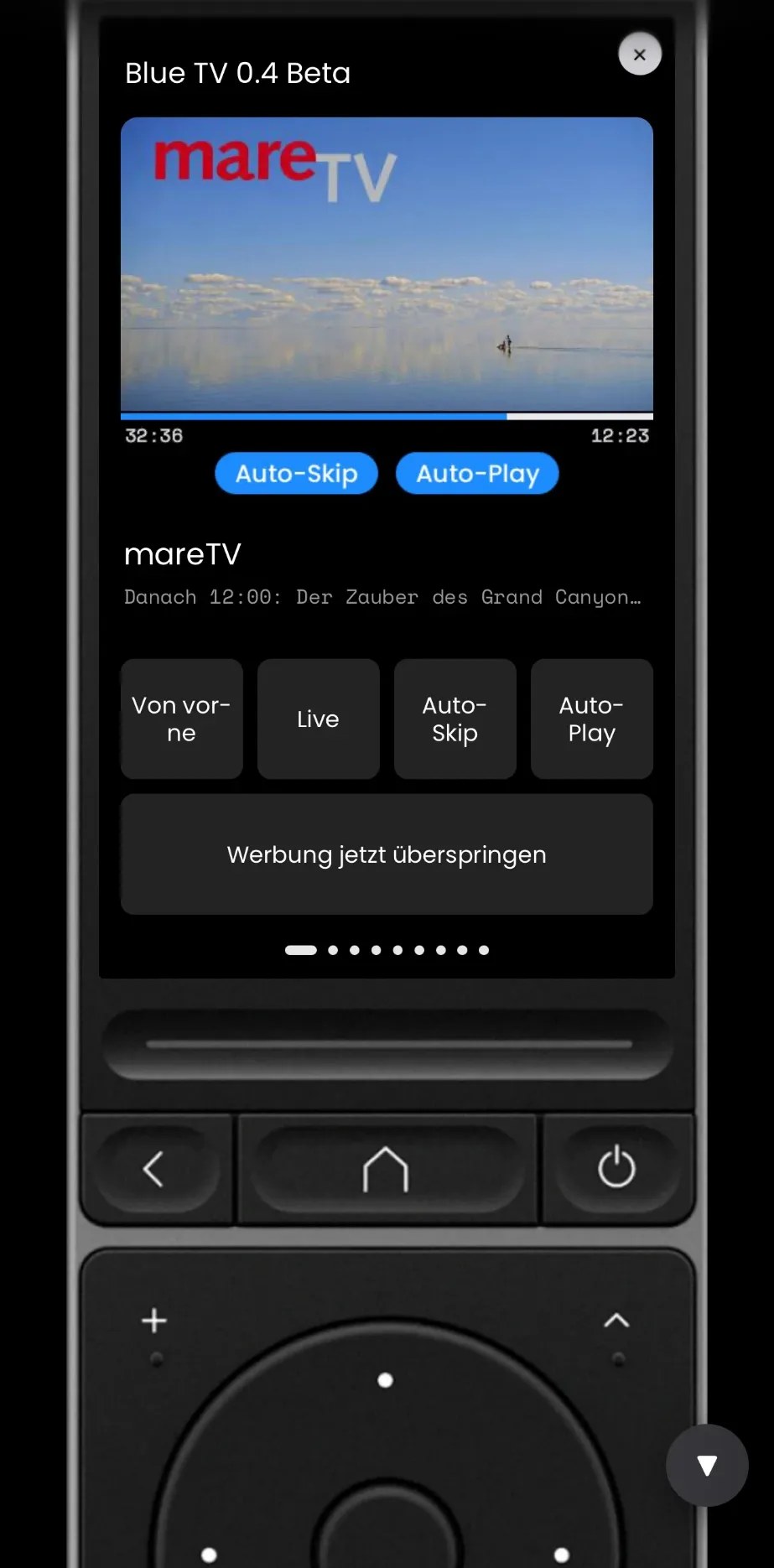
Looks 1:1 like the remote – the sleek Remote 3 look (silver or dark grey), Remote Two look prepared.
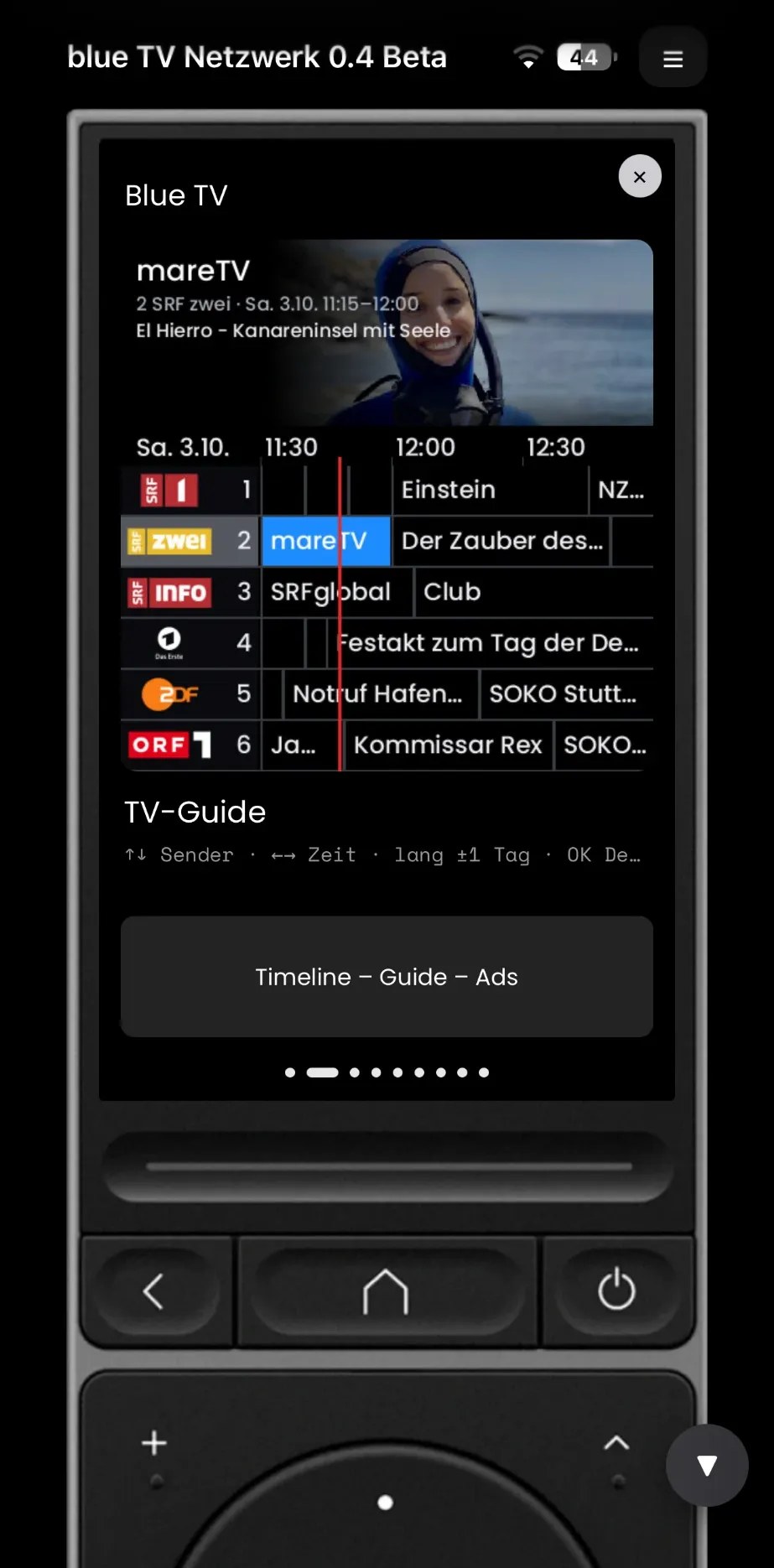
Activities, pages, buttons with their mapping, channel lists, live “now playing” – works with any integration.
Runs directly on the remote, no extra server, password protected.
So far only tested on Remote 3 → Remote Two owners: please get in touch, I’d love to finish it with you!
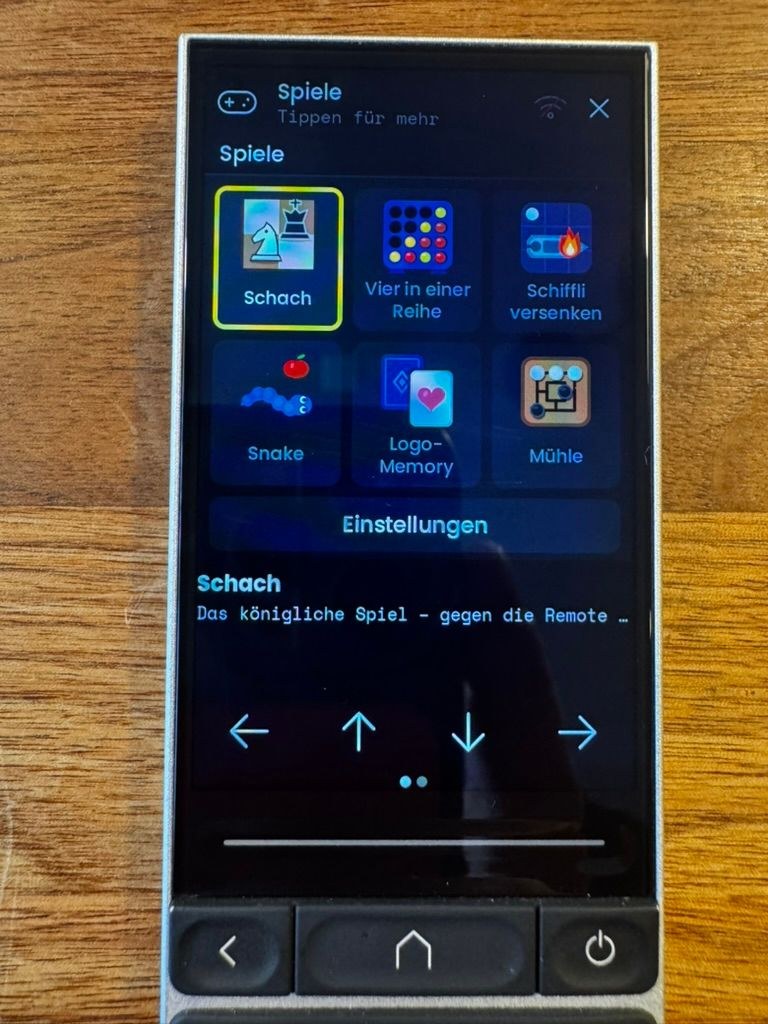
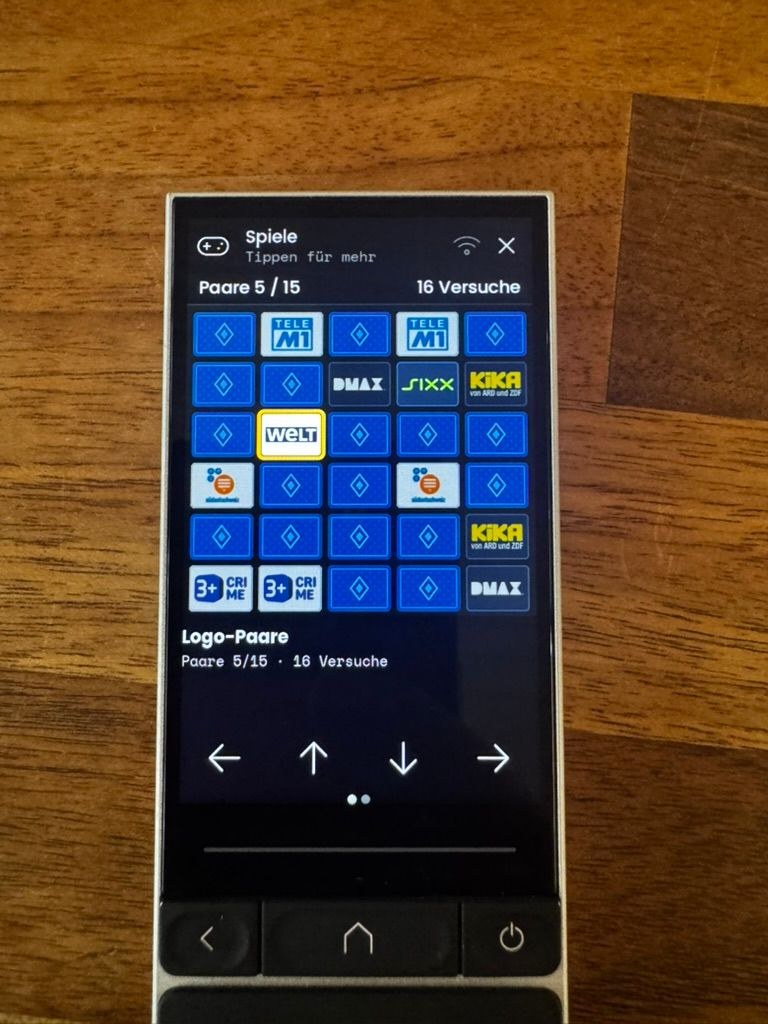
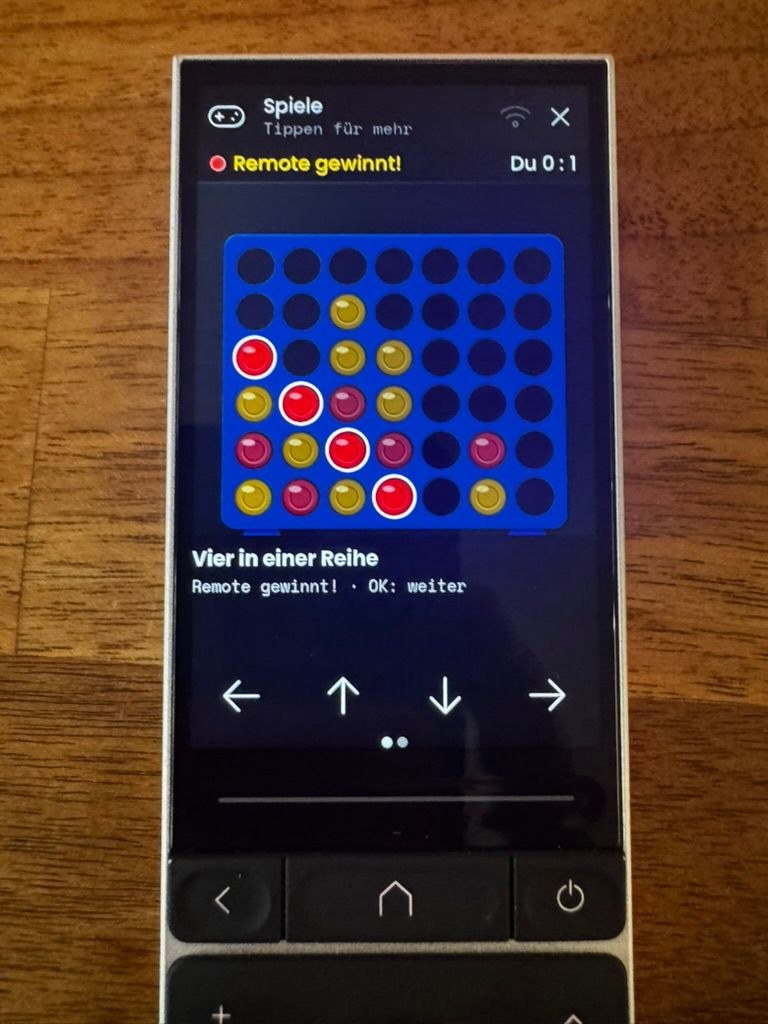
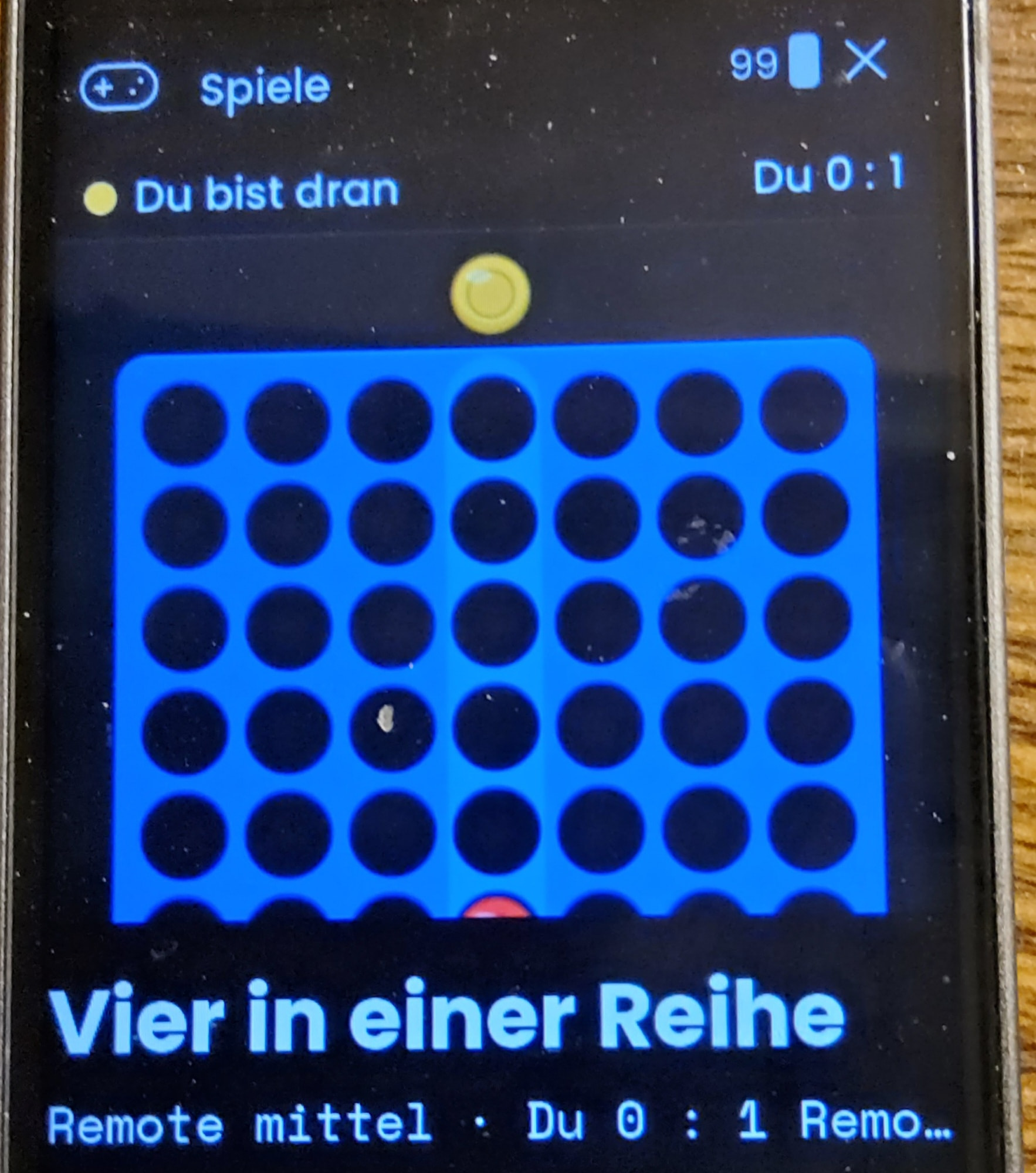
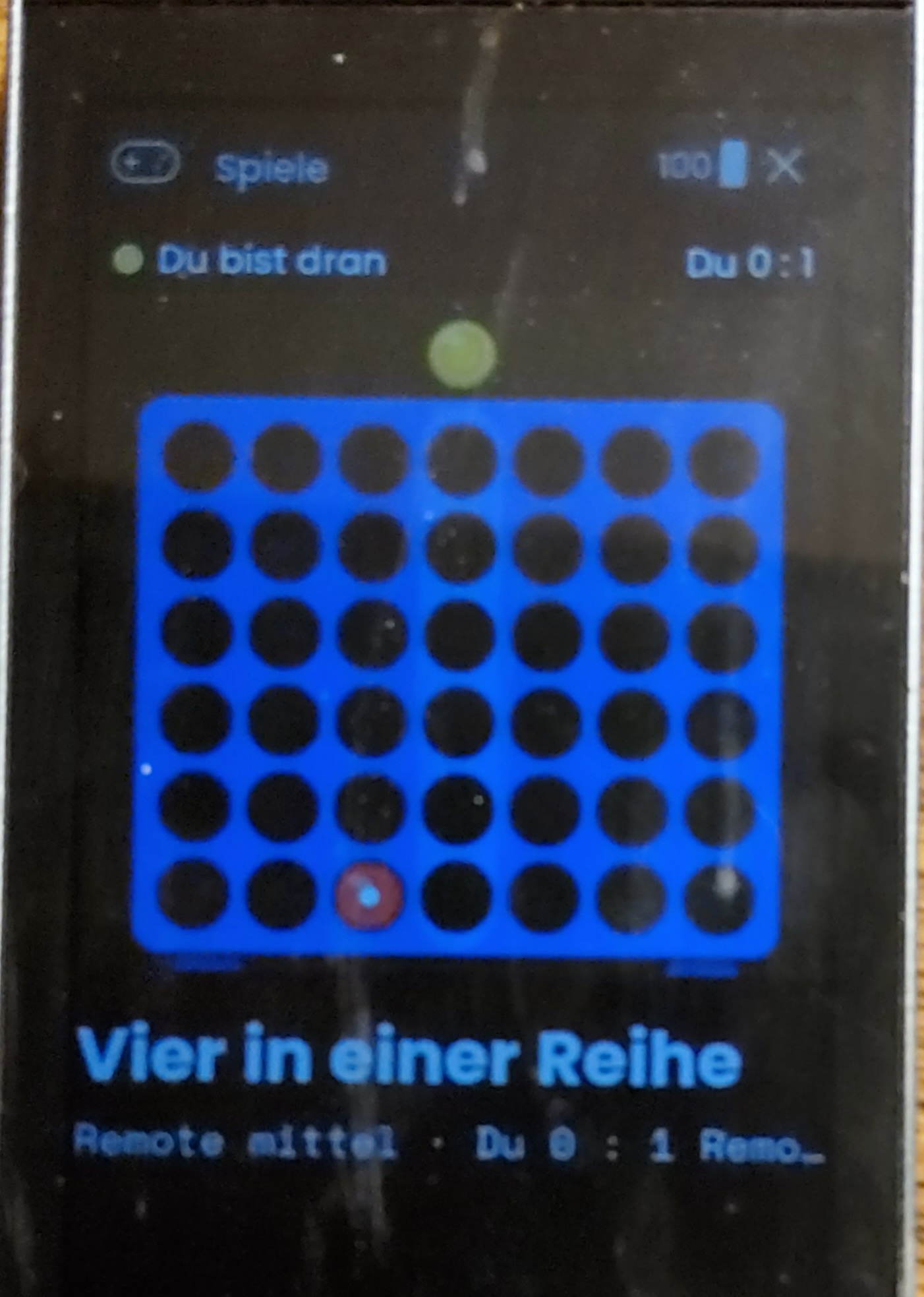
A few games right on the display: chess, four in a row, battleship, snake, logo memory, nine men’s morris – played with arrow keys and OK only.
Honestly: pretty basic – the remote only shows about one frame per second, so no gaming rig.
Perfect while your partner watches that show you couldn’t care less about, someone fetches popcorn, or has to go to the loo for the 15th time during the movie. Instead of twiddling your thumbs: one more round!
Warning: the remote plays four in a row better than you’d think.
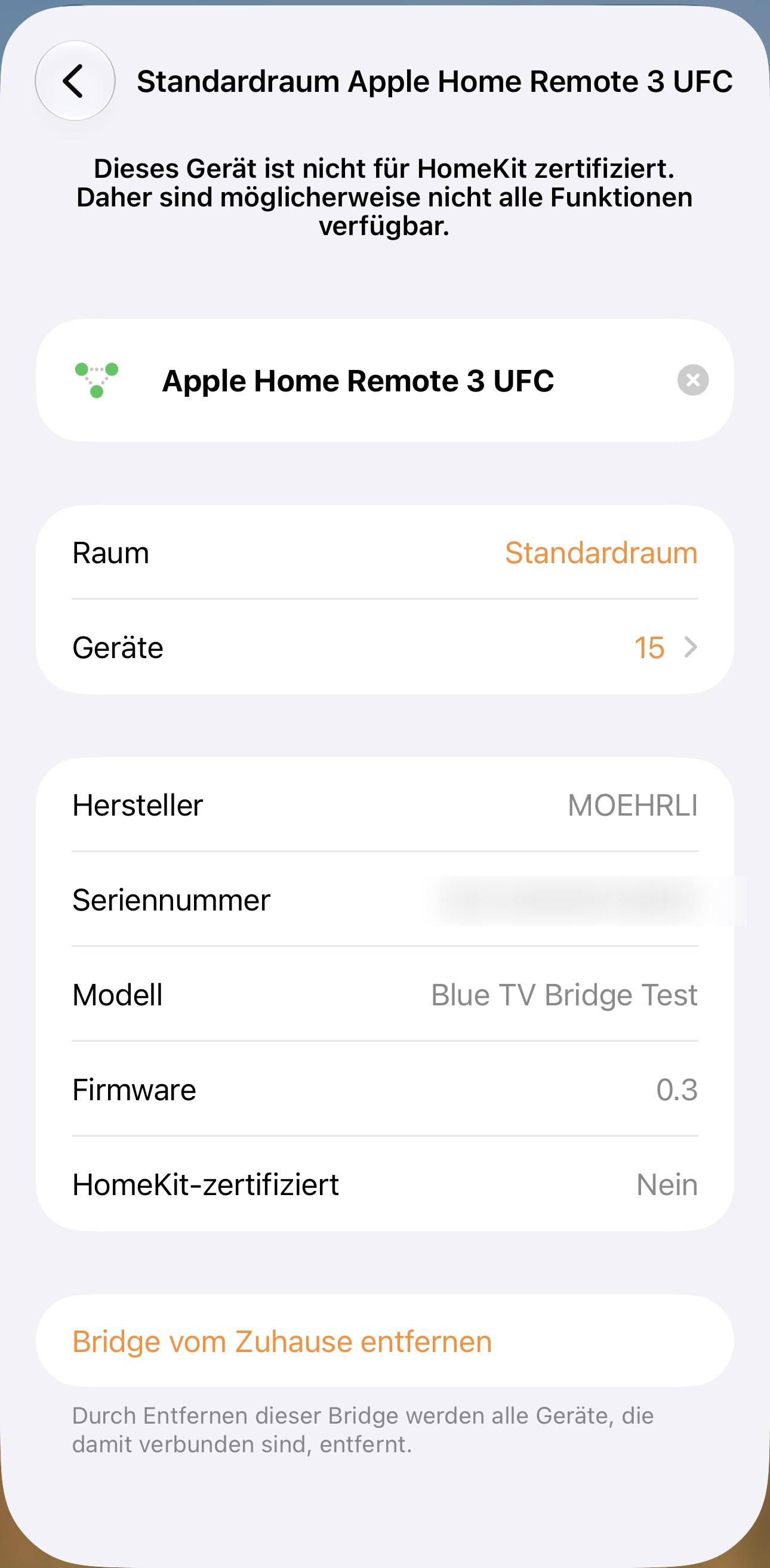
3. Apple Home Bridge – your remote talks to Apple Home
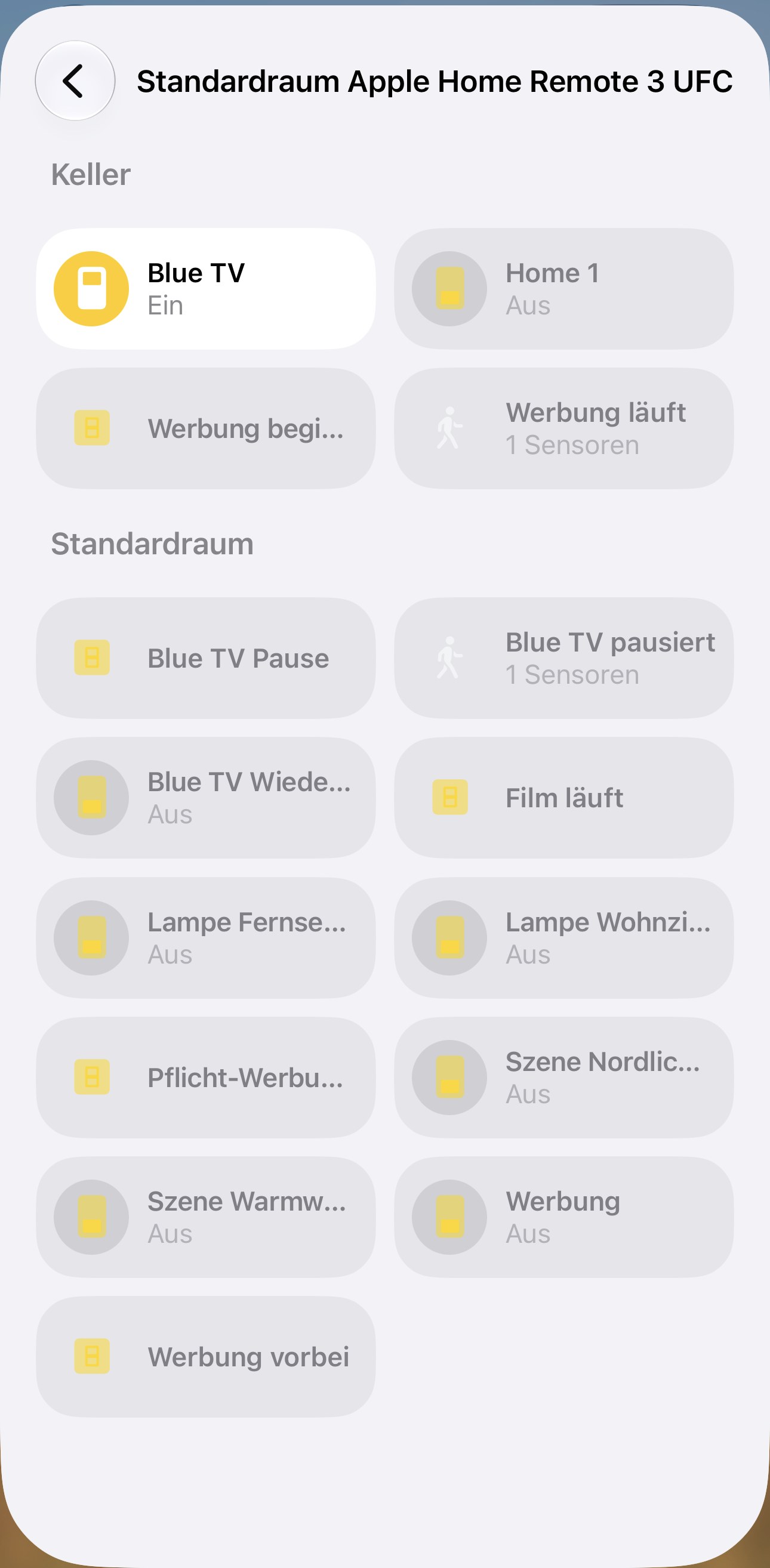
Activities, macros and switches of your whole remote show up in Apple Home – start them via Siri, the Home app or automations.
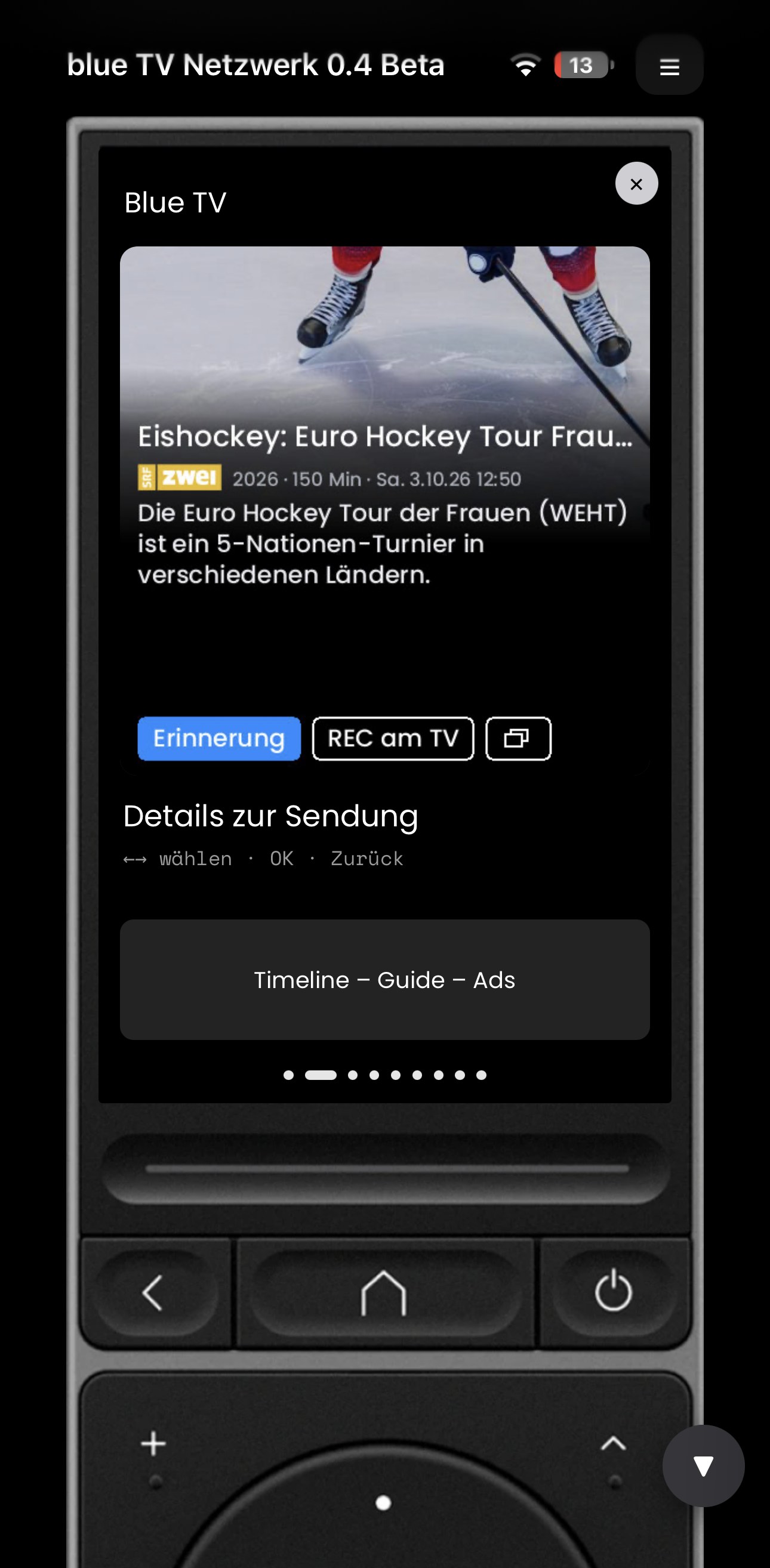
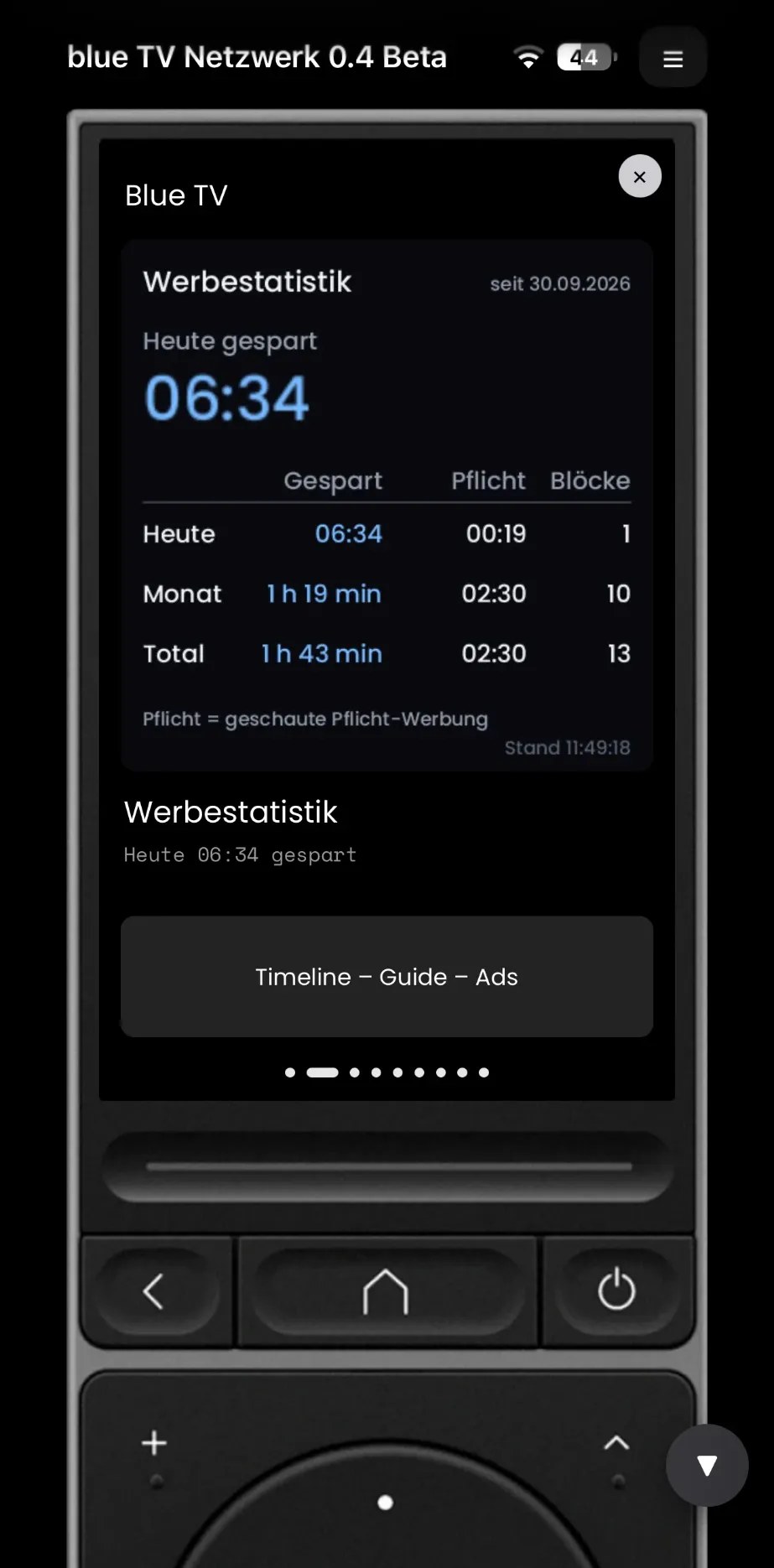
Both directions: remote events trigger automations. With blue TV even more (pause, ad breaks …).
Examples: a remote button triggers a scene · pause pressed → lights on (safe way to the loo or the fridge) · play → lights dimmed again · ad break starts → lights up for a moment.
In daily use at home; I’m polishing setup, docs and translations. First beta in the coming days via GitHub, with self-update and a “diagnostics” button so you can send me a report with one click.
Beta testers wanted – ideally people interested in several or all plugins. Please reply with: which plugins · Remote 2 or 3 · firmware version · for blue TV your Swisscom box model.
Feedback and ideas welcome!
German speakers: there’s also a post in the German thread (“Deutsches Forum”).
R2 Owner checking in. Are you going to list under custom integrations on Discord? Regardless, would like to kick the tires on the web app. (Understanding there are great Android and iOS apps).
@kennymc.c@HarmonyFan@rudolpht – you should have an e-mail from GitHub. Please accept the invitation, then you can see the project.
Where to start
• Remote Games – everyone. Open the project on GitHub → README → follow the install steps, then the short beta checklist (docs/BETA-CHECKLISTE.md, about 15 min).
• Home Bridge – @kennymc.c (Apple Home).
If something doesn’t work
GitHub → Issues → New issue → Bug, and attach the diagnostics file (one click on the plugin’s settings page – it contains no PIN or keys).
Ideas → Idea. “All good” or general impressions → Beta feedback.
What’s next
• Web App – I’m still waiting for Unfolded Circle’s answer about using the remote’s graphics. As soon as it’s in, the Remote Two testers (@Daan too) get their invitation.
• TV-Box Plus (the Swisscom blue TV plugin) starts its beta soon as well.
Thanks a lot, Ralf – and for the photos! Both points are fixed in v0.9.25:
Remote 3: the full-screen view on the R3 is less tall than on the R2, so the bottom of the picture was cut off. The games now detect the model and add narrow edges left and right – the whole board is visible. On the R2 nothing changes.
Difficulty: all games now start on “easy”, and there is a new level “very easy” where the computer makes real mistakes (chess and mill “easy” are weaker too).
Since you had changed the level before, your choice is kept – please switch once to “Remote easy” or “Remote very easy” in the game’s settings.
The update arrives automatically within a few minutes. Feedback welcome!
@Daan Sadly not even Crossy Road runs on it yet – but who knows…
@kennymc.c Thanks a lot for the detailed feedback! The QR code is already in the setup – from v0.9.24 it’s right at the top. You’re right about the updates: automatic updates only work once the projects are public. We’re working on a way so you get new versions without losing your pairing – I’ll post here as soon as it’s ready.
@kennymc.c You’re right, thanks! With “Update installed integration” the settings and pairing are kept – I was too cautious there. So for now: download the newest version from GitHub and upload it that way. Automatic updates will follow once the projects are public.





 German speakers: there’s also a post in the German thread (“Deutsches Forum”).

 Bug, and attach the diagnostics file (one click on the plugin’s settings page – it contains no PIN or keys).
 Idea. “All good” or general impressions →
  Beta feedback.

 Both points are fixed in v0.9.25:
