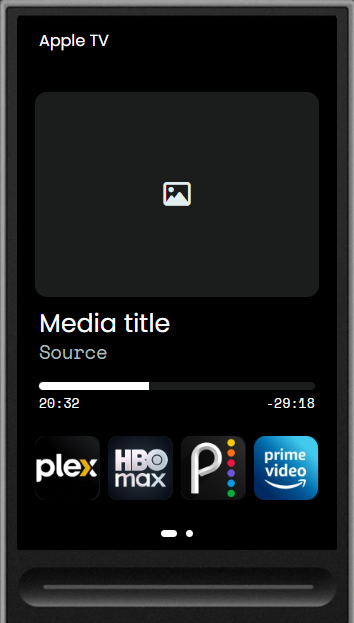
"I’ve integrated an Apple TV. At the bottom of the screen, there are four small squares that provide access to Netflix, BlueTV, Disney+, etc.
I would like to be able to use these options directly from my ‘Watch TV’ activity, but I don’t know how to do it. I can only map Apple TV commands. Is it possible?"
Not sure if you use Home Assistant, but I am wondering if you can create a script to open the app on the Apple TV and then add that to your button action. I just got my remote, so I haven’t gotten that far yet. But I THINK that might work.
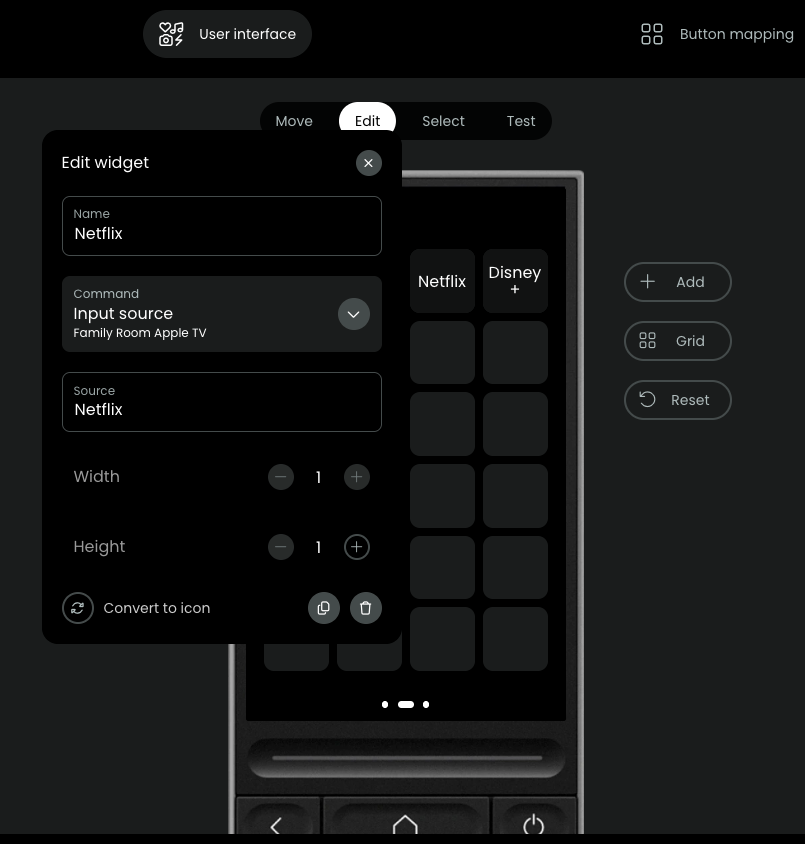
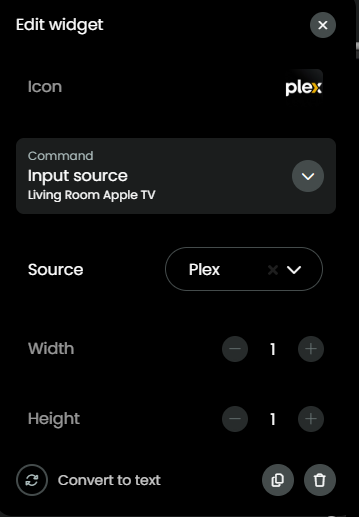
So you definitely can add app launch buttons. One thing i have found is that the apple tv needs to be in off status the app launch drop down will show when setting up your buttons. I have it all setup and working great.
Sorry for being obtuse… For UC 3, I clicked add Widget–; I do not see an input source command for my Apple ATV. Possibilities are: IR command/IR Sequence/Switch on/Menu… etc
How did you get thee Input Source option?
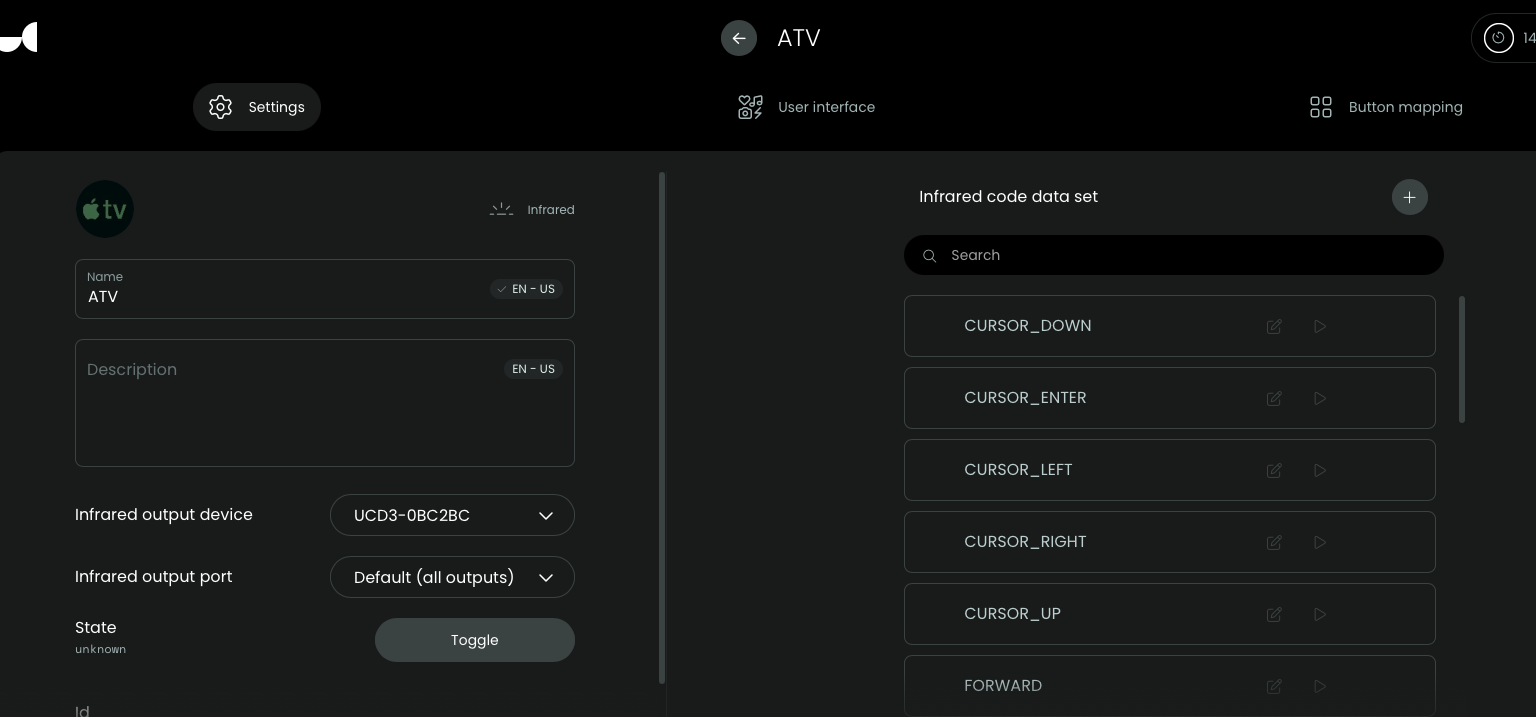
In the entity settings I see; Infrared output device: UCD3-0BC2BC Infrared outport port: Default (all outputs)
On the right pane I see Cursor_Down; Cursor_Enter;Forward.. etc
It looks like you are connecting to your Apple TV using IR rather than the native IP integration. You’re probably missing out on a lot of functionality doing it that way. Try the native ATV integration.