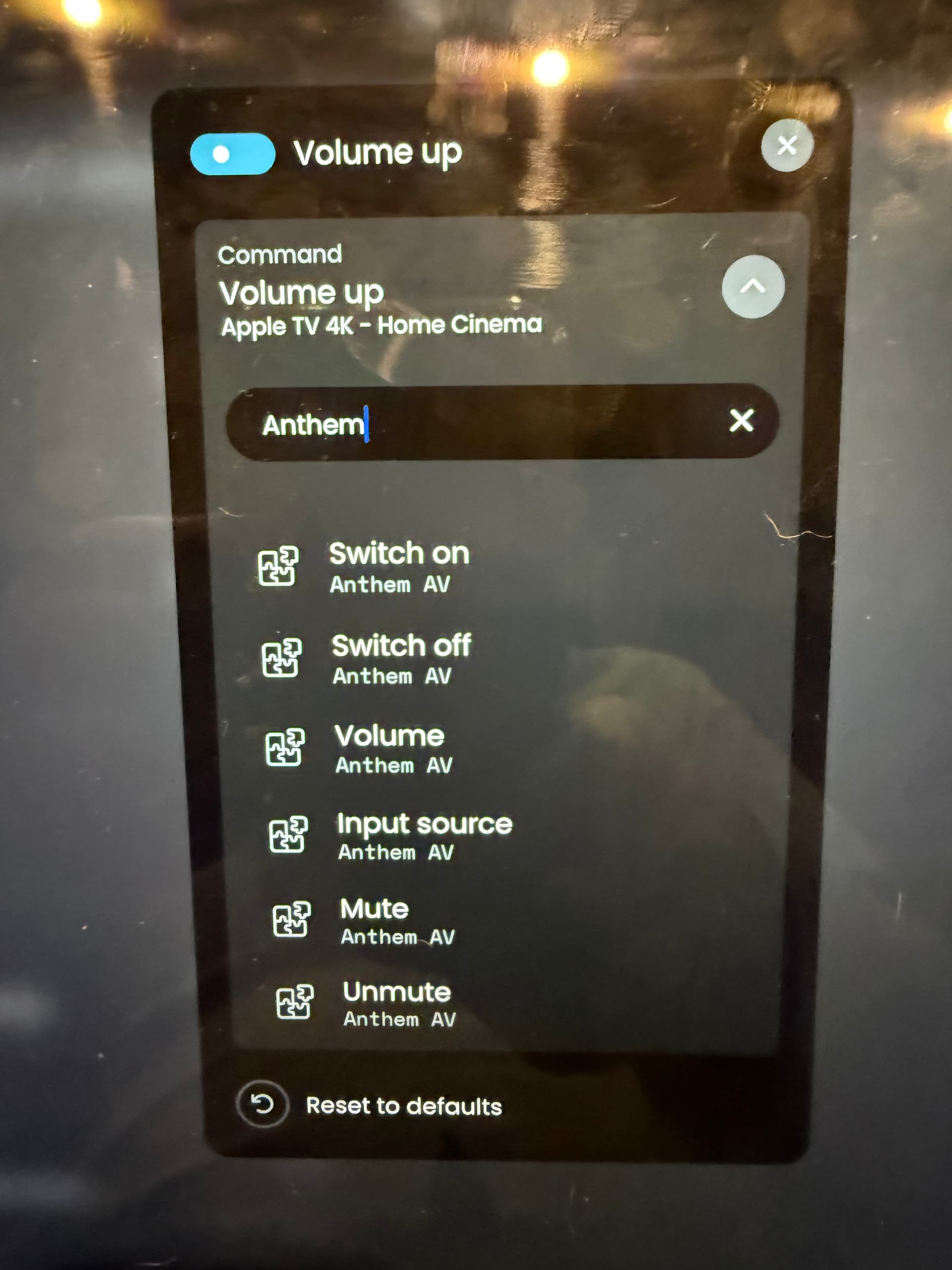
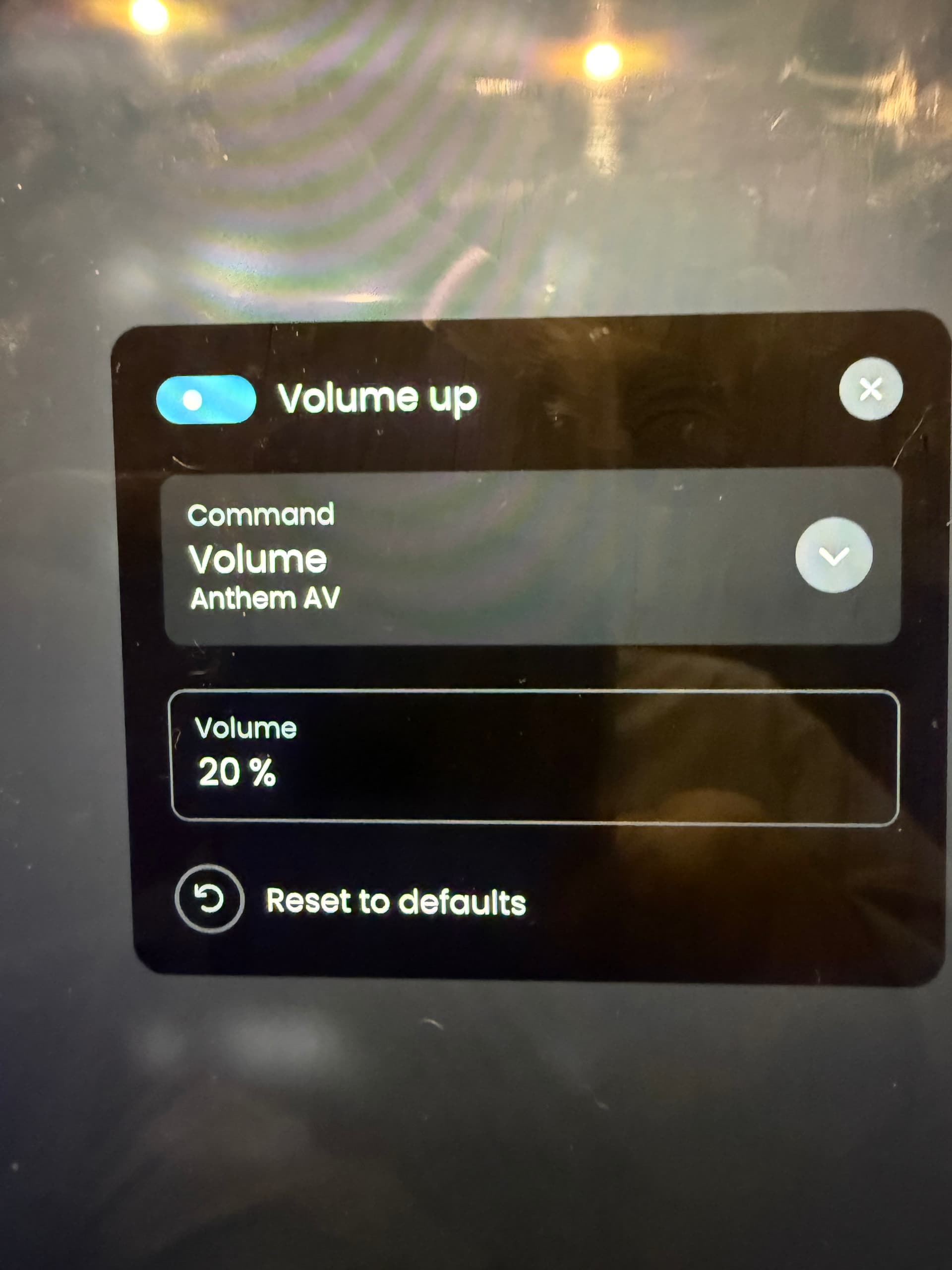
I located a custom integration for the AVM90 but when I add it to an activity there are no options to map volume buttons - just one called ‘volume’ that does nothing and no volume up or down.
If I add the entity to the remote and then click on that entity I can control the volume…
I also tried sending the Home Assistant integration that I have for the AVM90 but it doesn’t show it in the list of entities I can expose via the Unclosed Circle HA integration, despite being listed as a media player entity in HA.
If I add the device as an entity to the remote then the volume control works, so the commands are obviously there but not exposed when viewing the entity to map buttons.
The volume option show can be added but when clicked on the remote it just shows this:
ok, thats a simple fix. i just didnt add it to “simple commands” the volume… which model you have? share logs. also join discord channel ,easier for me to communicate there.
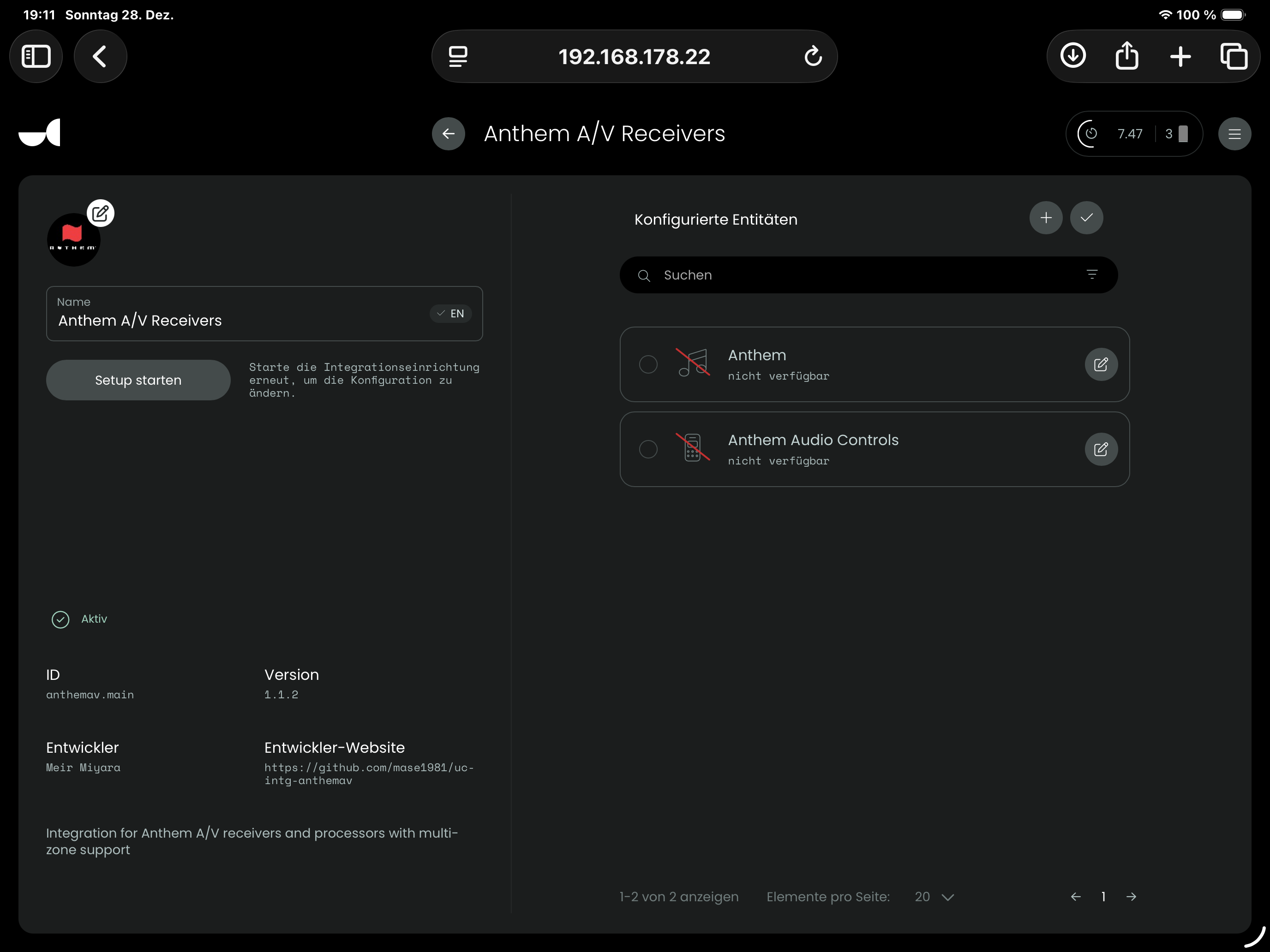
i google translated what you wrote, but yes - delete the current one and re install 1.1.2 and let me know if its working , if not still - share the integration logs so i can debug. you might want to join discord when its easier to discuss Discord
Normally everything is preserved. I updated several integrations countless times all in all. Of course you must setup and perhaps pair again and add the connected entities again.