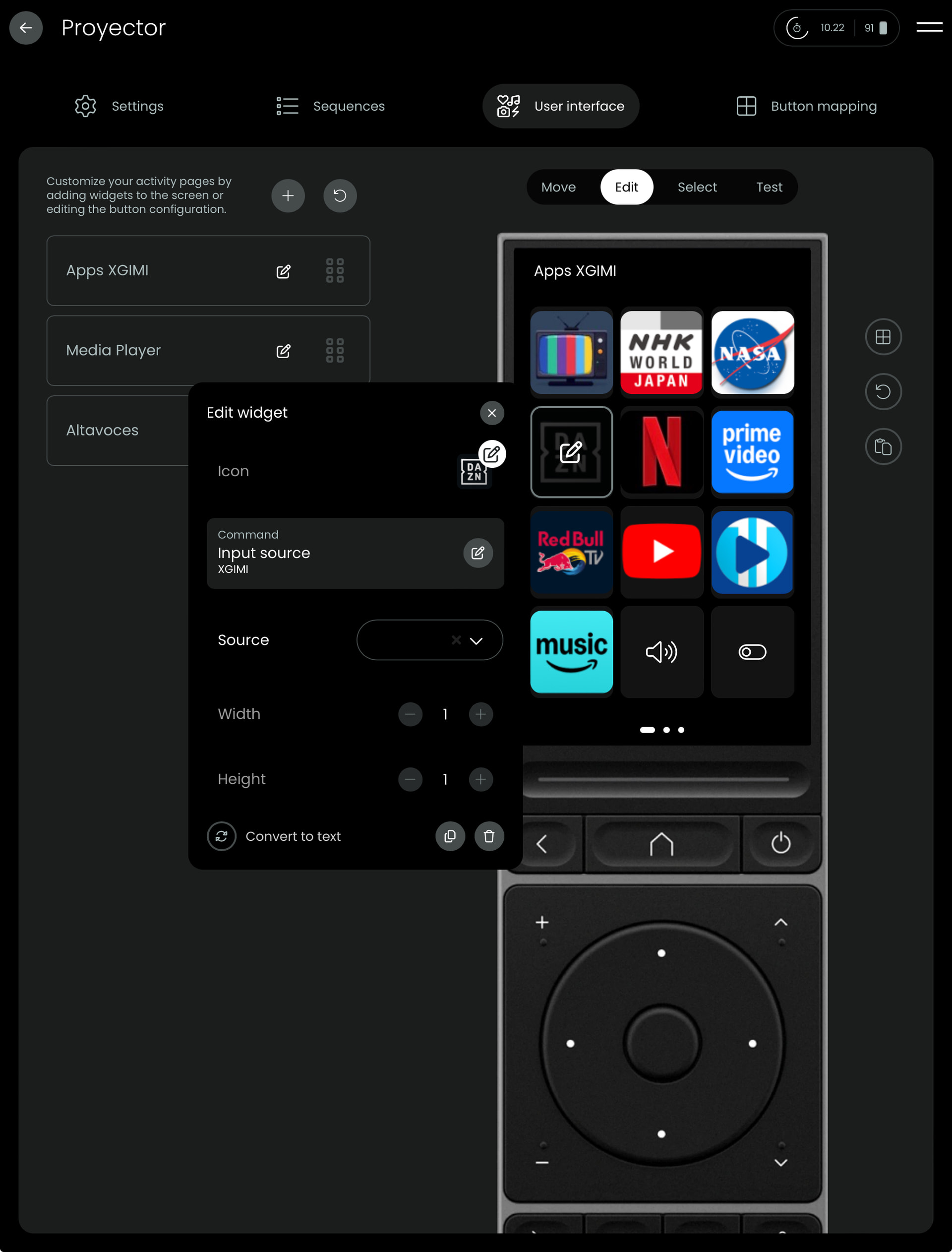
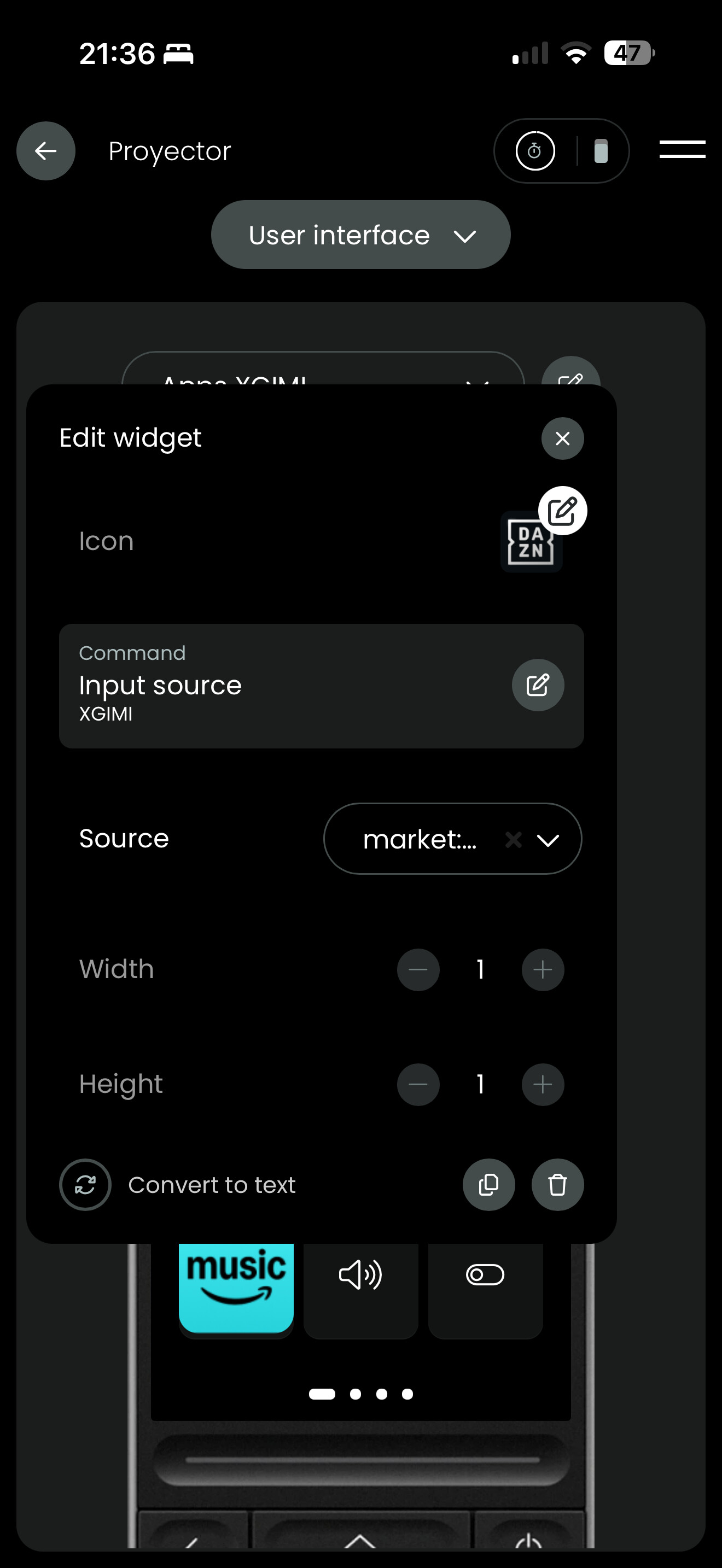
I had spent quite some time to have widgets with direct access to my main Google TV apps and after my summer holidays are not working anymore (I click on the widget icon and doesn’t open the app). Only one is working (Netflix). I haven’t changed anything only firmware update of the remote. I have reboot it and no luck. Can someone help on this?
Post LogFile of Android TV? Best ist to restart the remote, start your activity, press 1 or 2 widgets which do not start and then download the log. This way it is not so long and confusing.
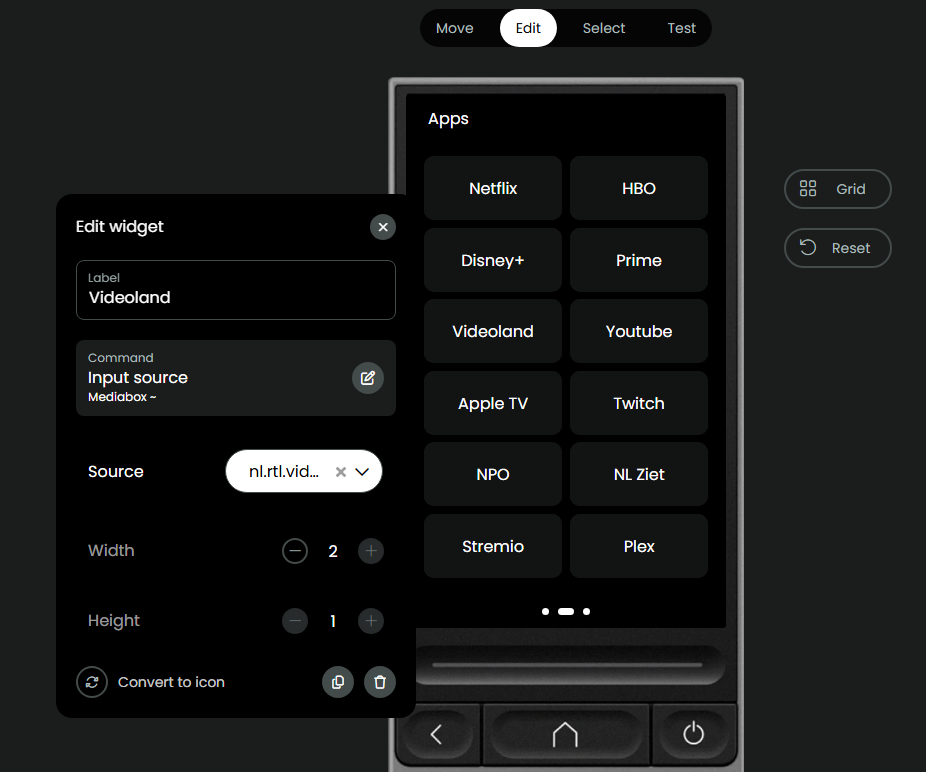
Apps that rely on a custom URL instead of the default options in the drop-down list no longer work.
Previously, I opened Videoland by using nl.rtl.videoland as the source. It used to open the app’s Play Store page (showing the “Open” or “Uninstall” buttons). While that behavior was already different from built-in apps, it worked. Now, the screen just flashes briefly and nothing happens.
I tried nl.rtl.videoland and android-app://nl.rtl.videoland as urls.
I’m running this on an Android-based Google TV media box.
It seems that starting apps on Android TV changed a couple of days ago. In my case all apps from the drop-down list starting the app with market: were not working. My solution is to use ADB to start Apps which I already used in plain Android and Fire TV.
Do you know that ADB has now a select entity which offers a pull down list with all installed apps and start them? Sadly it is not so simple to get the App name with ADB.
ADB integration works with Android, Android TV and Fire TV. So it works with Nvidia Shield. Latest version has a select widget and input/source command to easily select an App.