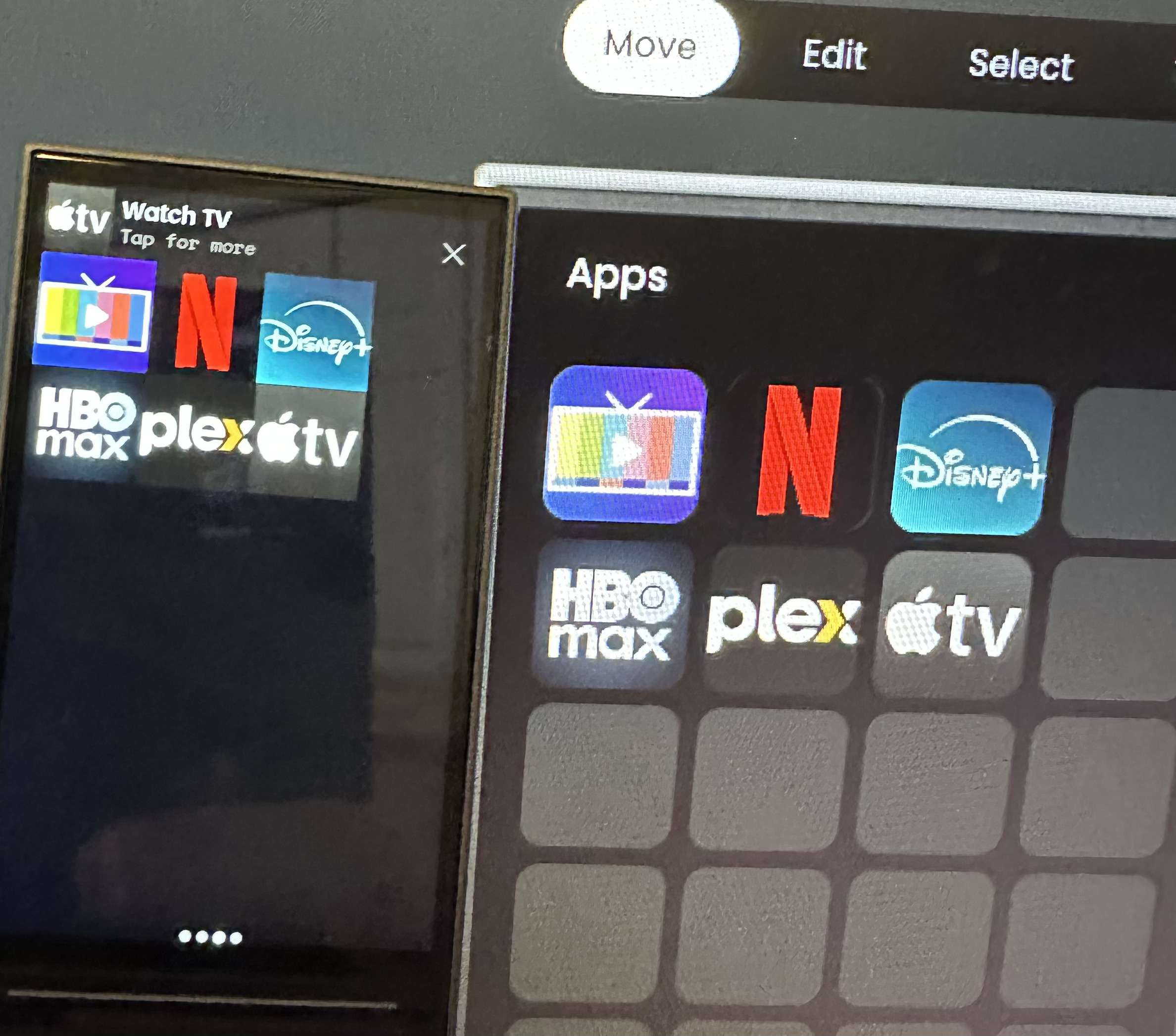
My picture below is probably not great. But in the web configurator on the right, you can see icon corners are rounded and there is some space between each icon. But on the actual remote on the left, the icons are square and touch each other on all adjacent sides. Is there a setting I can change to make the remote look like the web configurator, or is this a bug?
I also like to find the answer to dis question
This is not a bug. The configurator is using a different design that eventually will also be used on the remote itself with a future update. But there has no ETA been published by UC for this update yet.
Thanks @kennymc.c . You always seem to have the inside scoop!
I use this online tool, does the job Round PNG Corners – Online PNG Maker
Build that padding into your 90x90 images.