I have this LG TV from 2020, and it has a “fun” feature – setting the audio output requires using the remote to put it into settings mode, then waving a cursor around on the screen to select the output using a visual “clickwheel” instead of directly selecting the value. Since the TV might be in an arbitrary output mode when I’m making the selection, it’s not clear if or how I can make my remote select a specific output via IR.
Has anyone done this for the TV? It’s running a webOS TV version 5.5.0, if that helps.
(Edit to add: I’m aware of the webOS integrations, but my “smart TV” is deliberately not on wifi or a network at all, to reduce the likelihood of vendor-installed spyware)
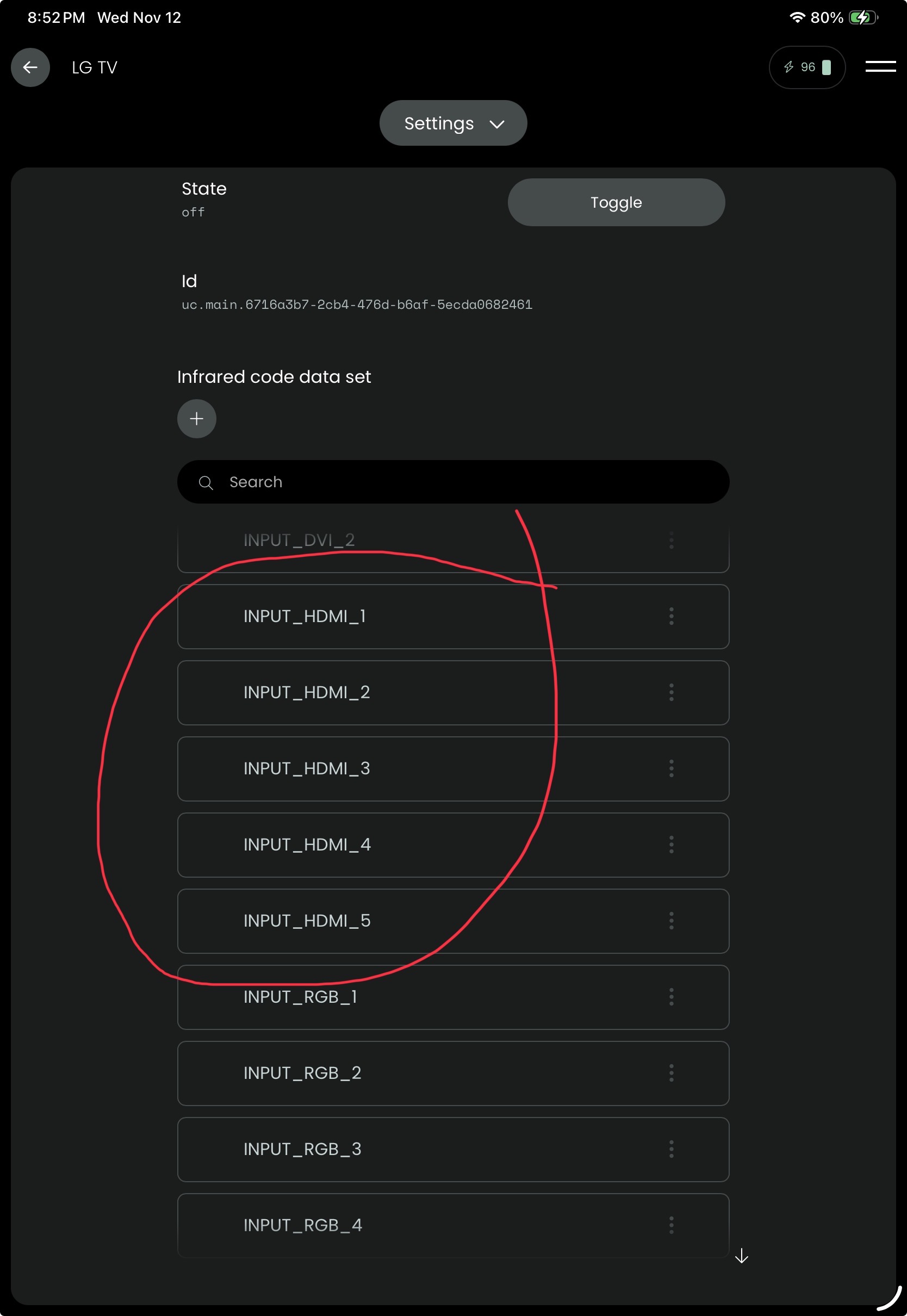
The IR code set provides a list of selectable HDMI ports. You can setup a sequence that turns the LG TV on, selects the HDMI port and turns the source device on.
I am currently learning my way through setting this up now.
Unfortunately, while the IR blaster codes have support for inputs, the LG smart TV at least doesn’t have an IR code for the output; so, I can easily change my input to the right one, but can’t automatically set the output from the codes I have.
I dont think you can do this using IR if the initial output state can vary. If it was static you could have created a macro to move the cursor where you needed it but as the start point is not determined then that wont be possible.