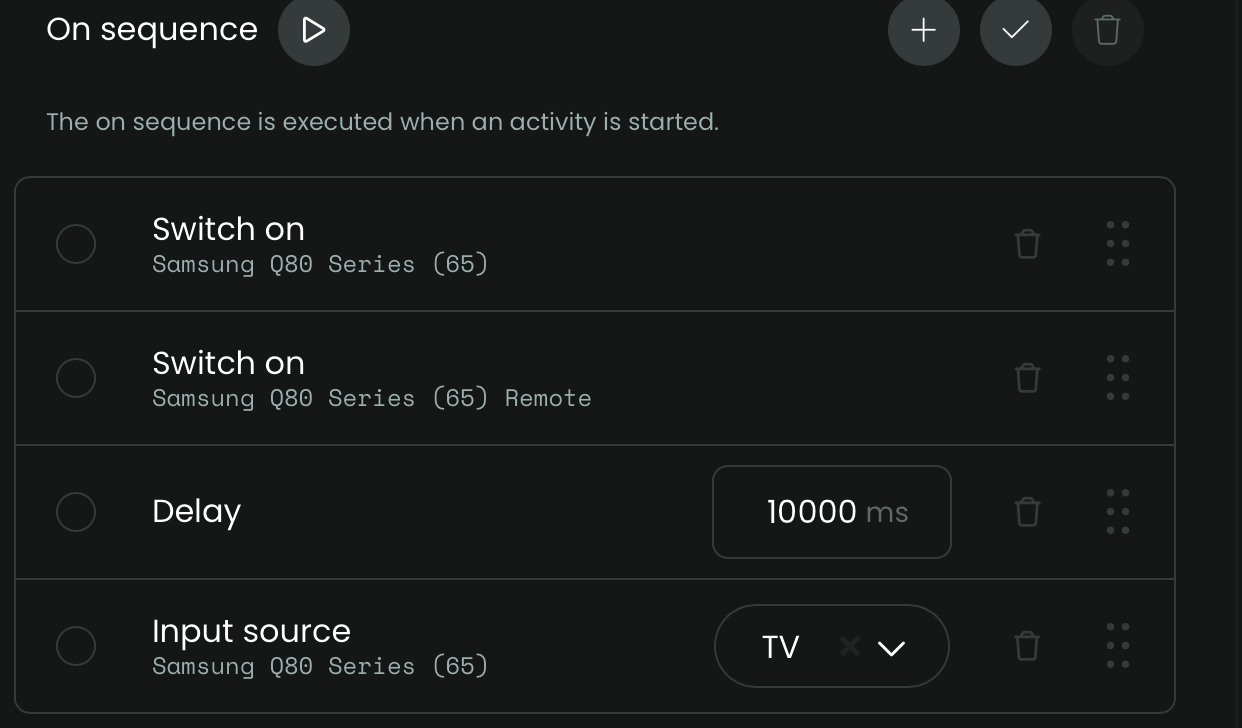
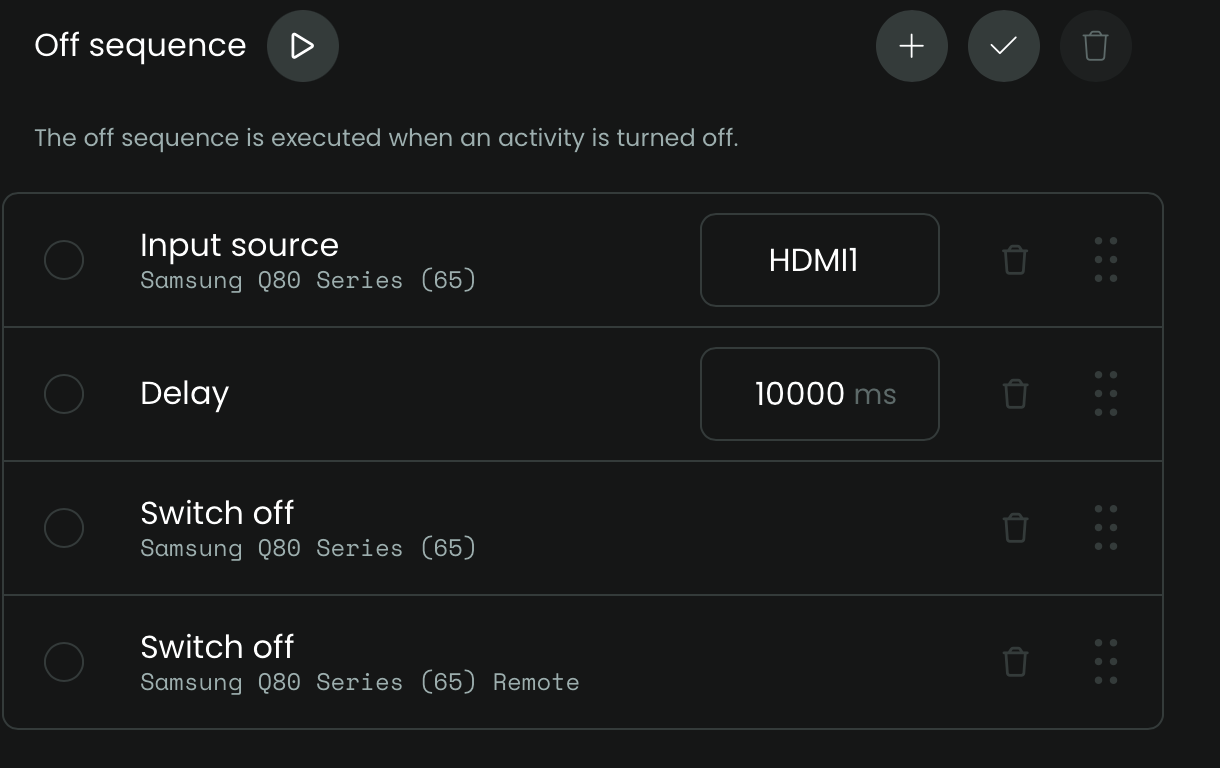
Using the Samsung TV integration, I have four configured entities:
Samsung Q80 series TV
Samsung Q80 series remote
Samsung Q60 series TV
Samsung Q60 series remote
I have created an activity for the Q80 TV & remote and a second activity for the Q65 TV and remote.
My problem is I am unable to change the input source either in the On Sequence or in the Off Sequence for either TV.
The usual input for the Q80 is HDMI 1, but for the Watch TV activity I need to change it to TV (I use an antenna). I have added a (very long) delay before the input source step in the On Sequence but that hasn’t helped.
Don’t try and set the input sources in the start sequence to begin with. Set up buttons in the user interface for each of the available input sources in the drop down and test what happens when you press them. I think you might find that TV selects TV and HDMI scrolls through the HDMI inputs.