Hi everyone! I’m excited to announce the release of UC Remote for Android Devices, a native Android app that brings complete control of your Unfolded Circle Remote 2 or Remote 3 devices directly to your Android phone or tablet. After crazy hours of development and testing, the app is now entering closed beta and will soon be available on the Google Play Store.
The app will give control of all your smart home entities including media players, lights, climate systems, covers, switches, remotes, sensors, and activities - all with real-time WebSocket updates for instant feedback. The app features full profile management with the ability to switch between different profiles on your Remote, custom UI pages that sync with your device, and a Material Design 3 interface that adapts to phones and tablets in both portrait and landscape orientations.
I tried to do my best incorporating everything and testing countless of scenarios. It’s completely free with no ads, no data collection, and no subscriptions - just pure support for Unfolded Circle Remotes Two/3. If you’re interested in joining the closed beta until the App is officially released please DM me.
Key Features:
Complete entity control (9 entity types supported)
Material Design 3 interface with light/dark themes
Activities management with running state tracking
Monitoring and system logs viewer
No Data Collection - Privacy!
Requirements:
Android 8.0+ (API 26+)
UC Remote 2 or Remote 3 device
Both devices on same local network
Special Thanks: An incredible, undeniable, amazing thank you to:
The UC Team for building such an awesome Remote
albaintor - which allowed me to access his iOS app source code files, without him giving me access there was zero chance of me build able to build this app.
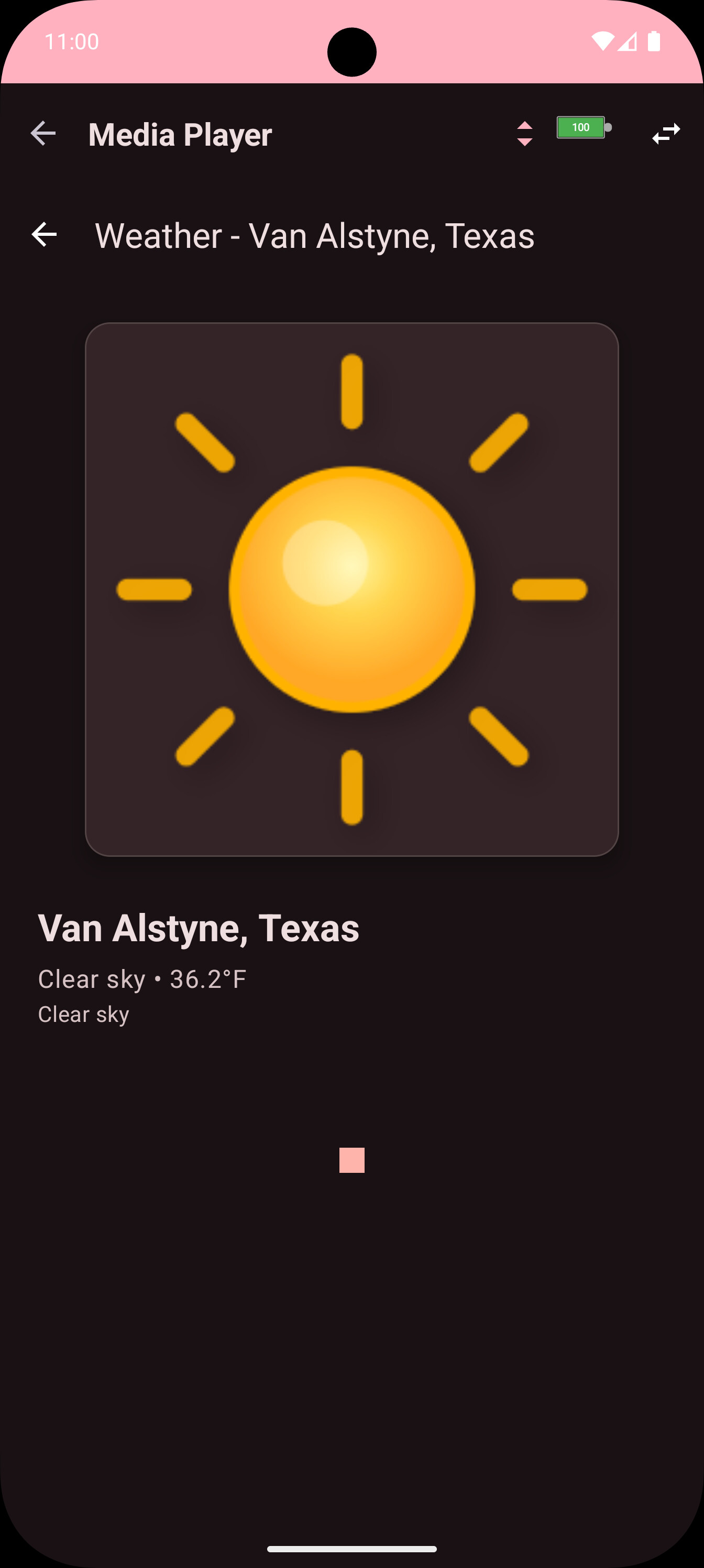
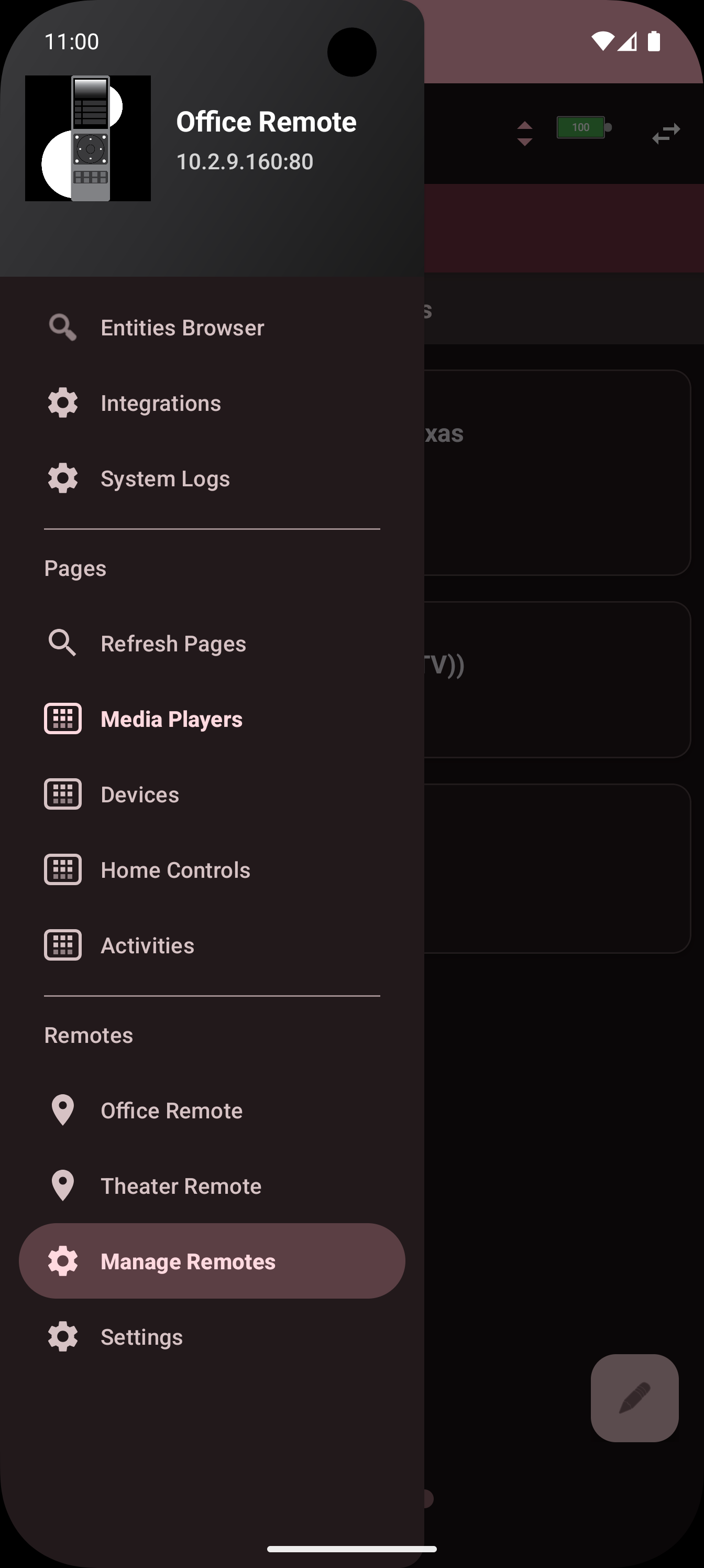
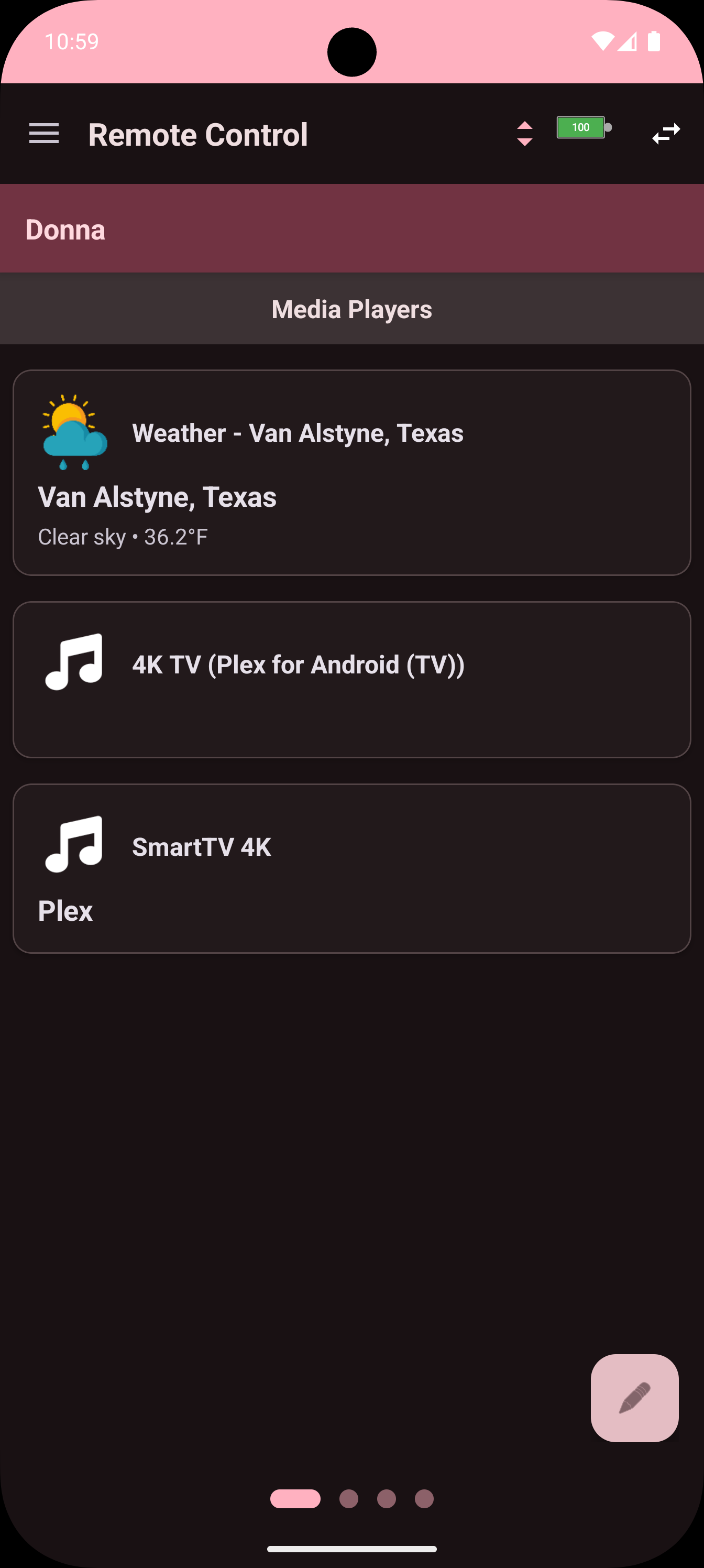
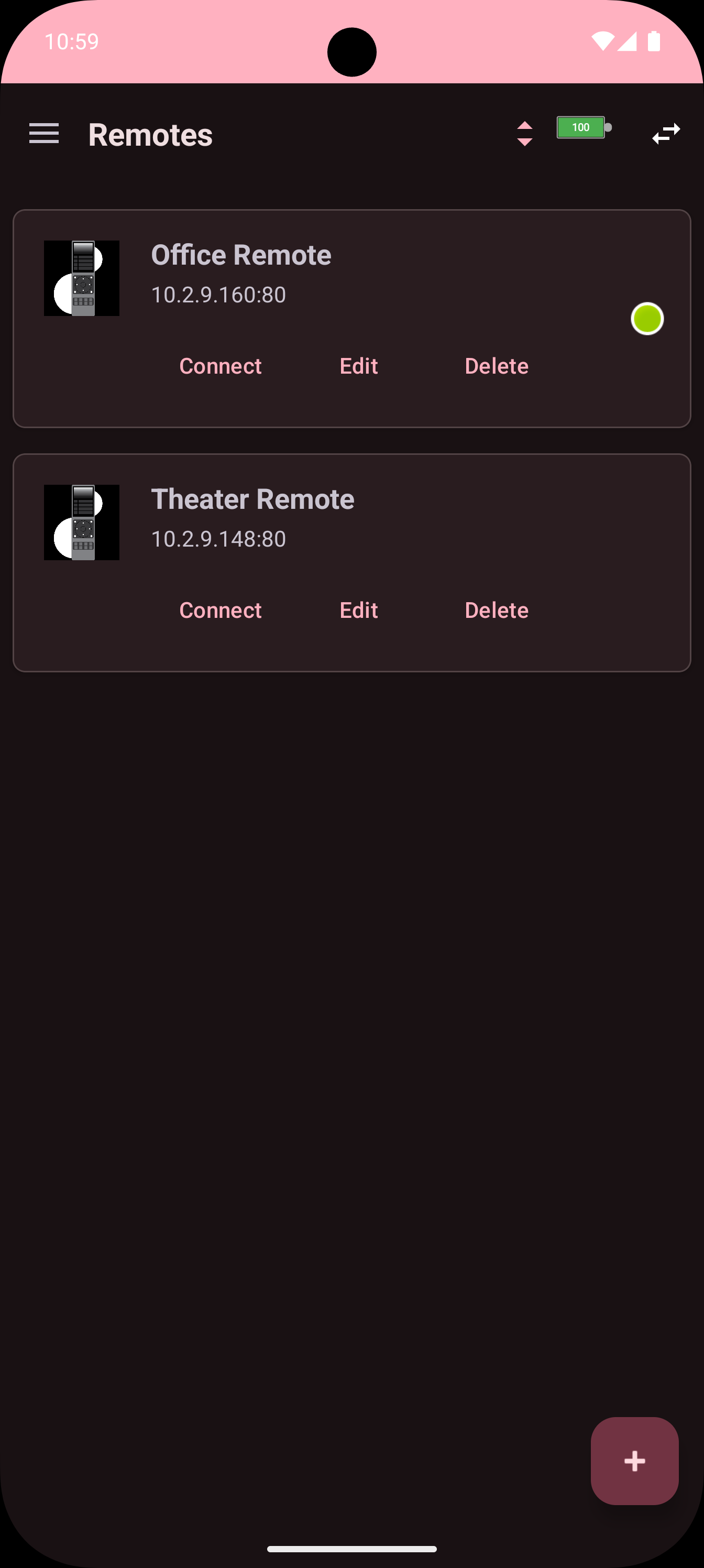
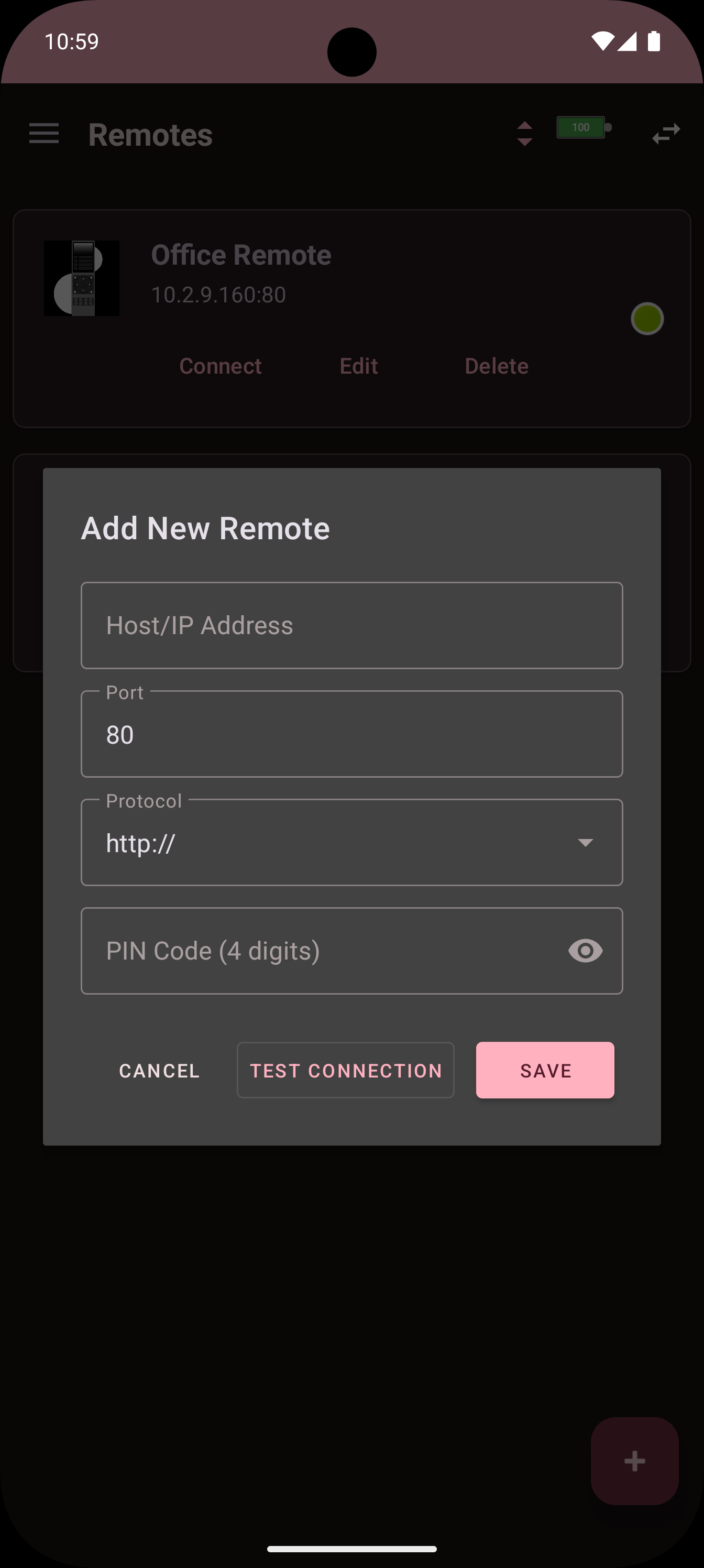
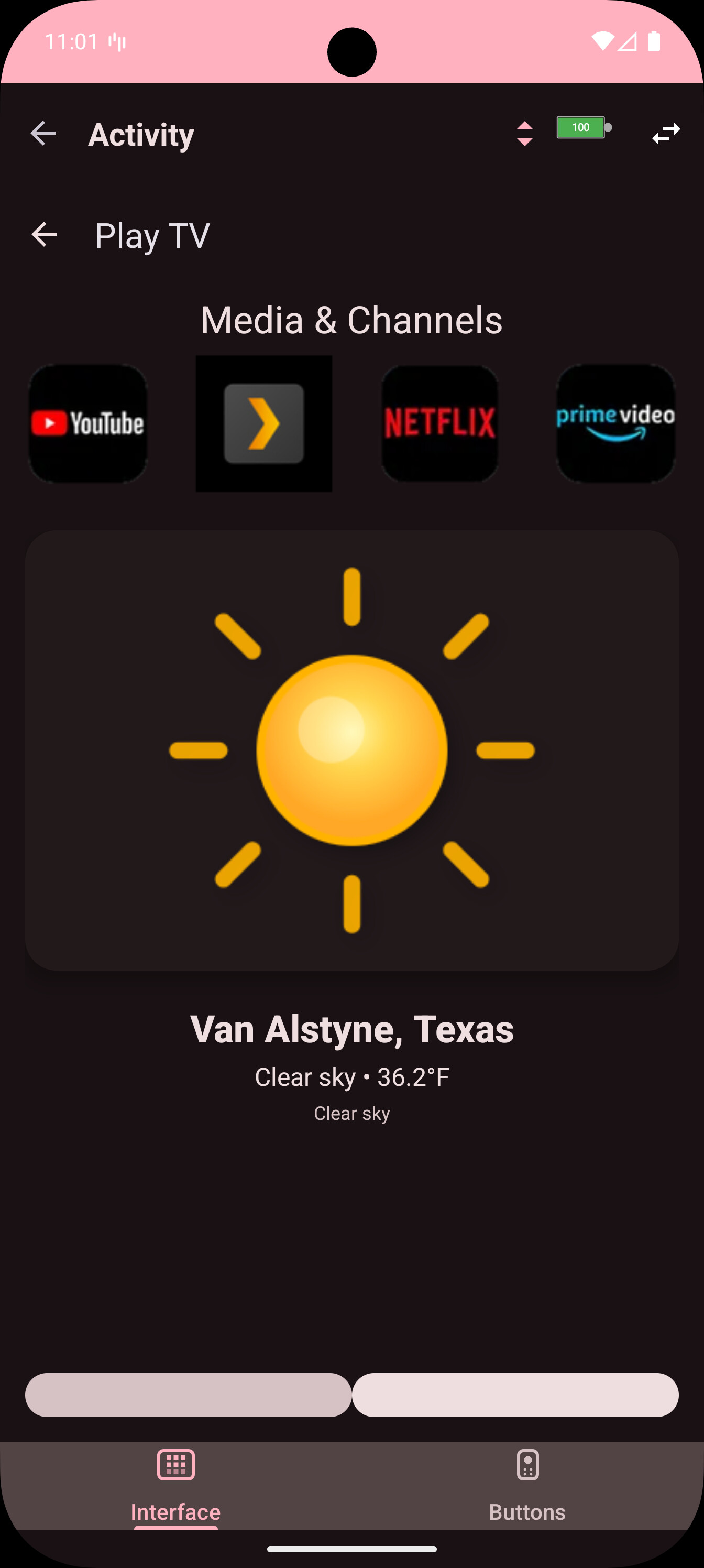
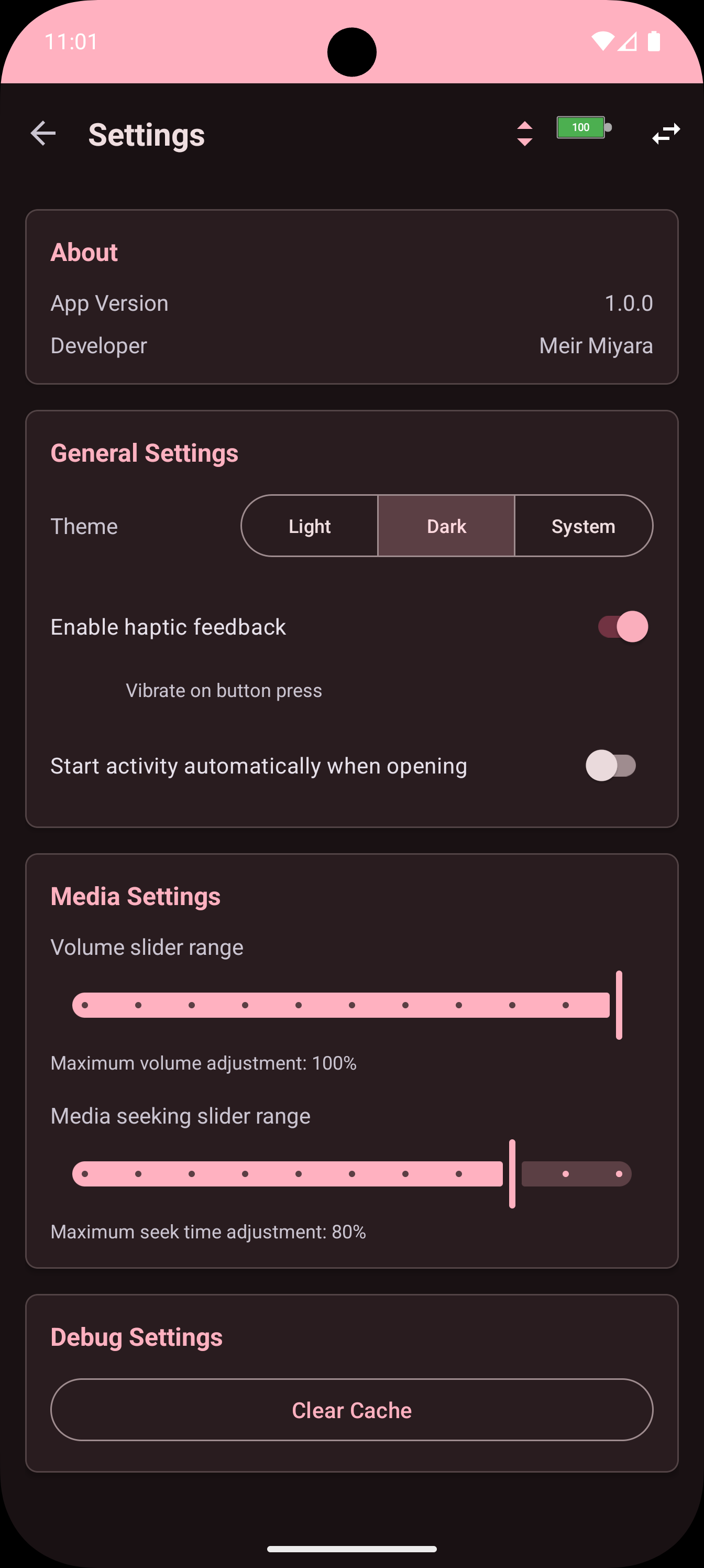
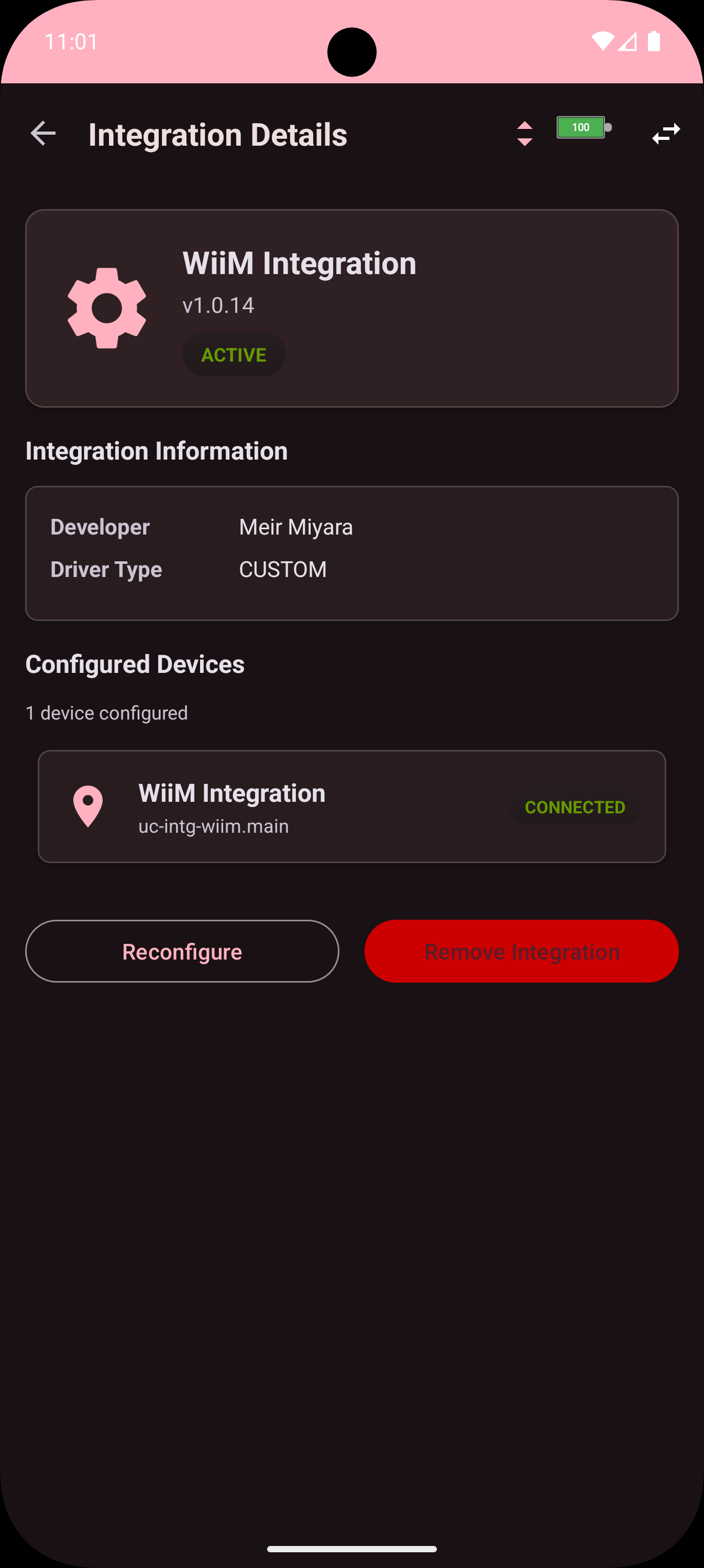
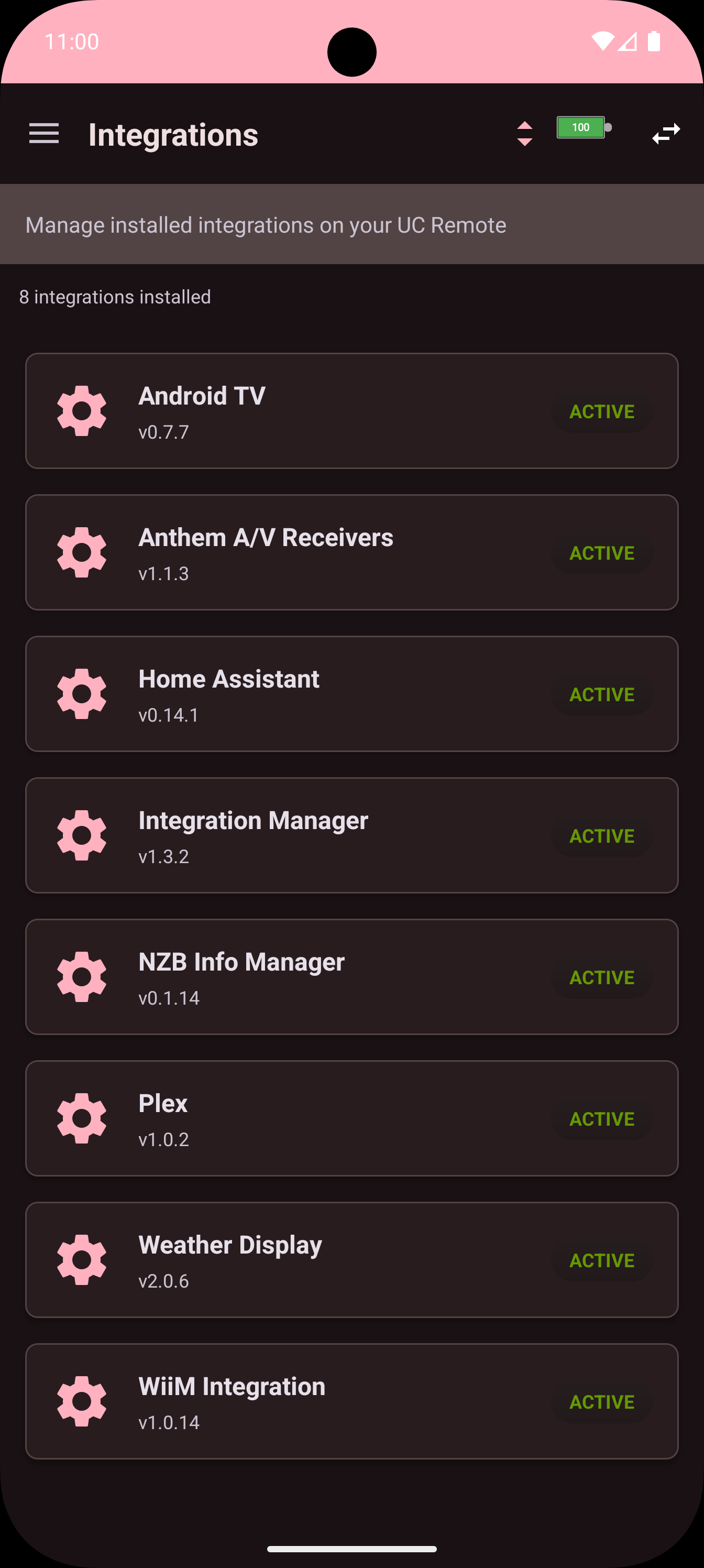
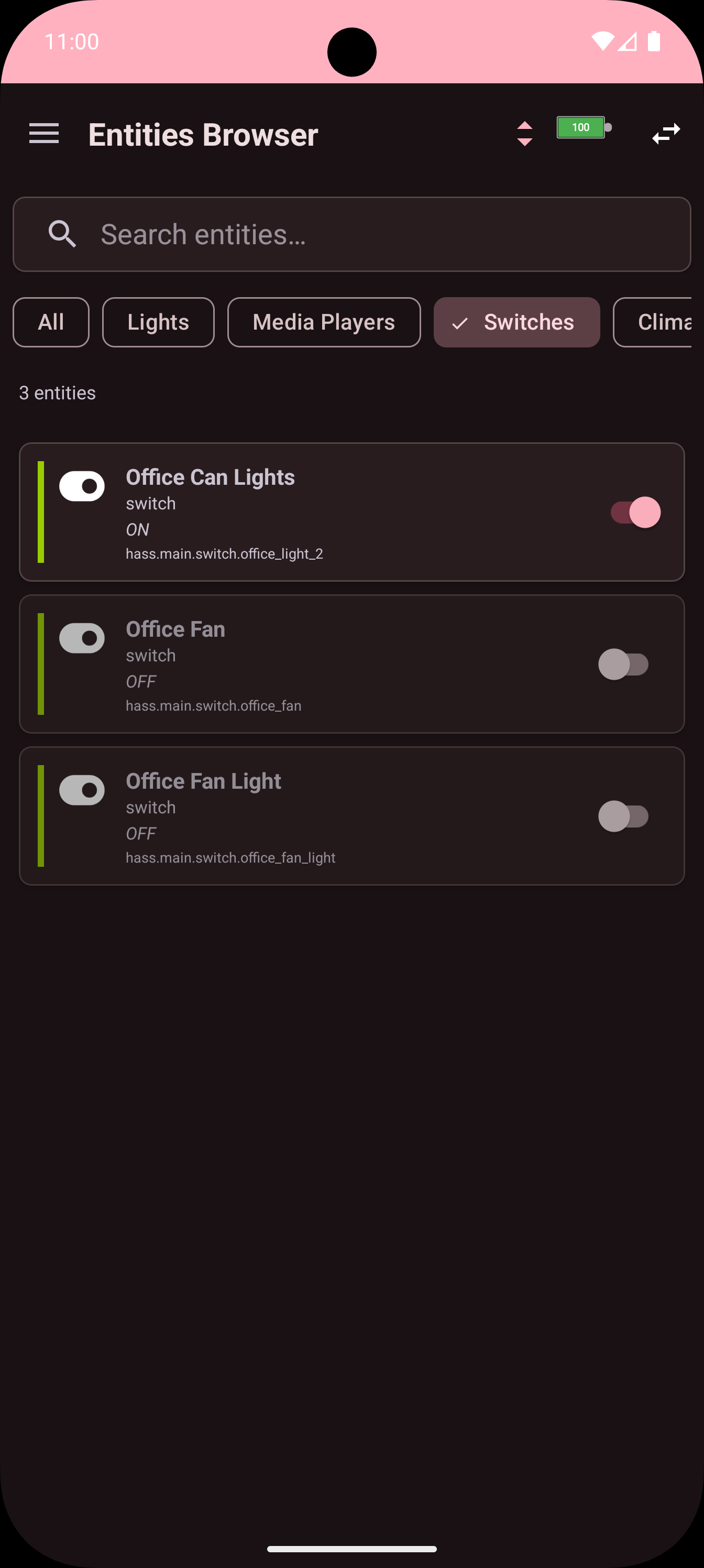
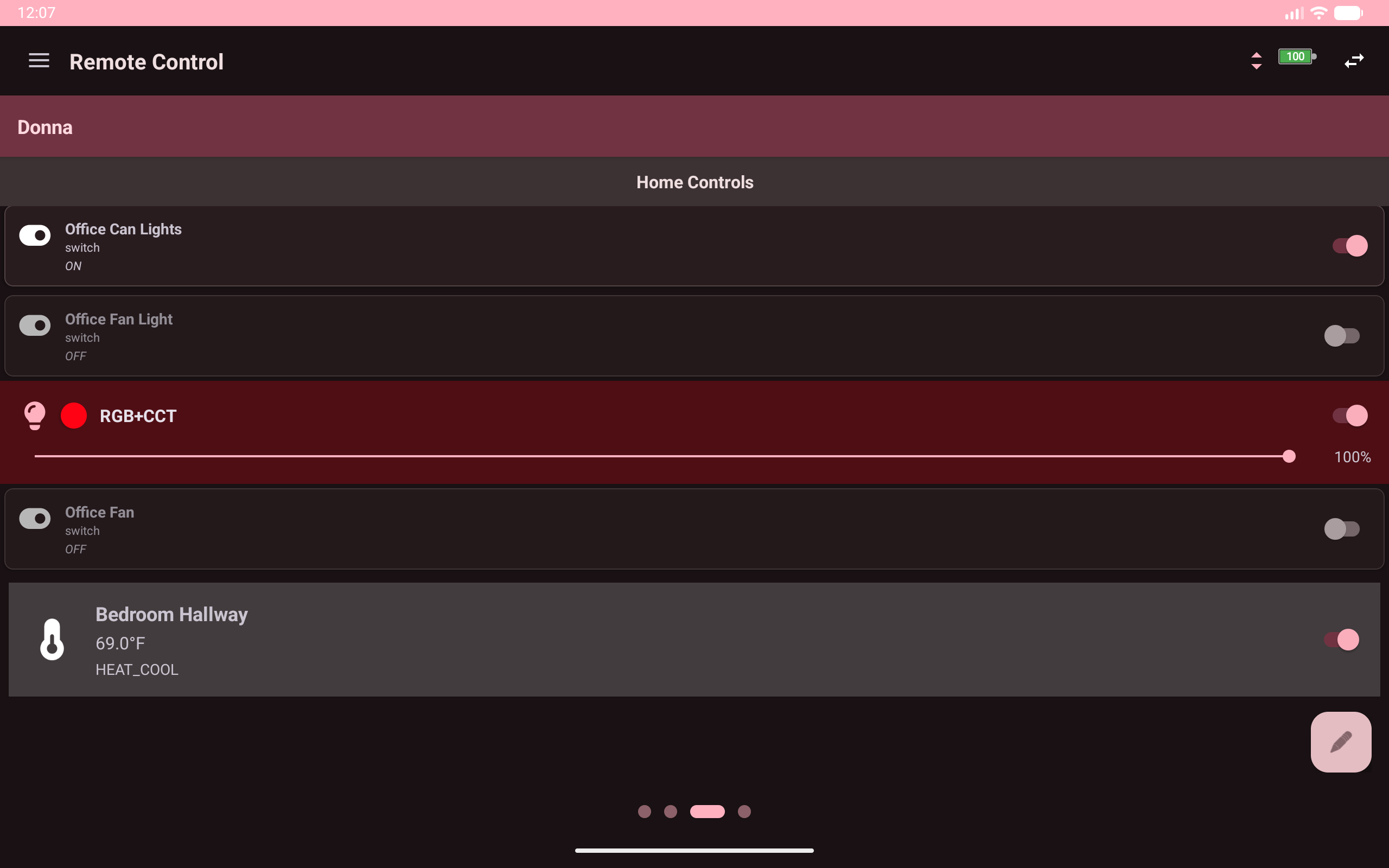
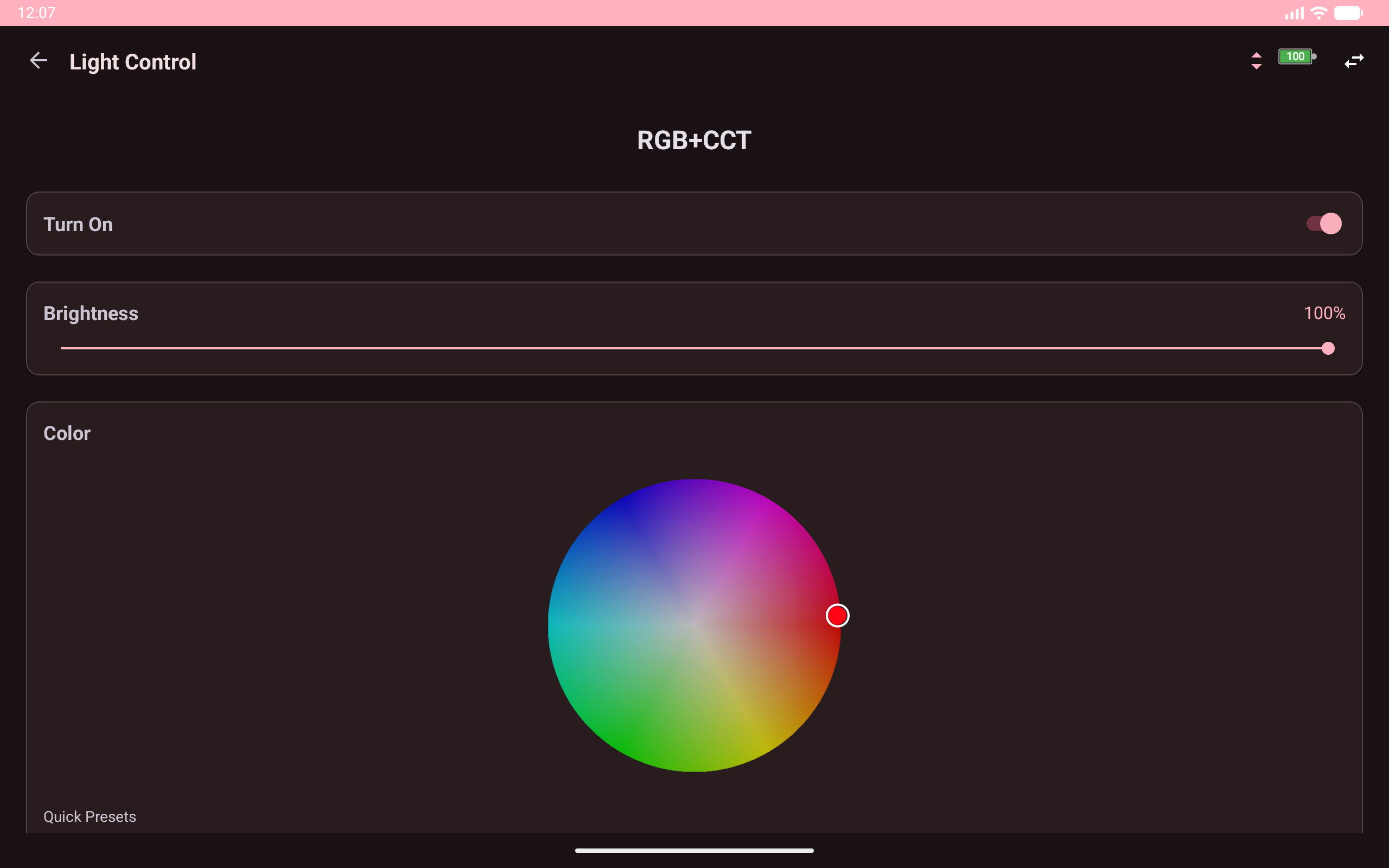
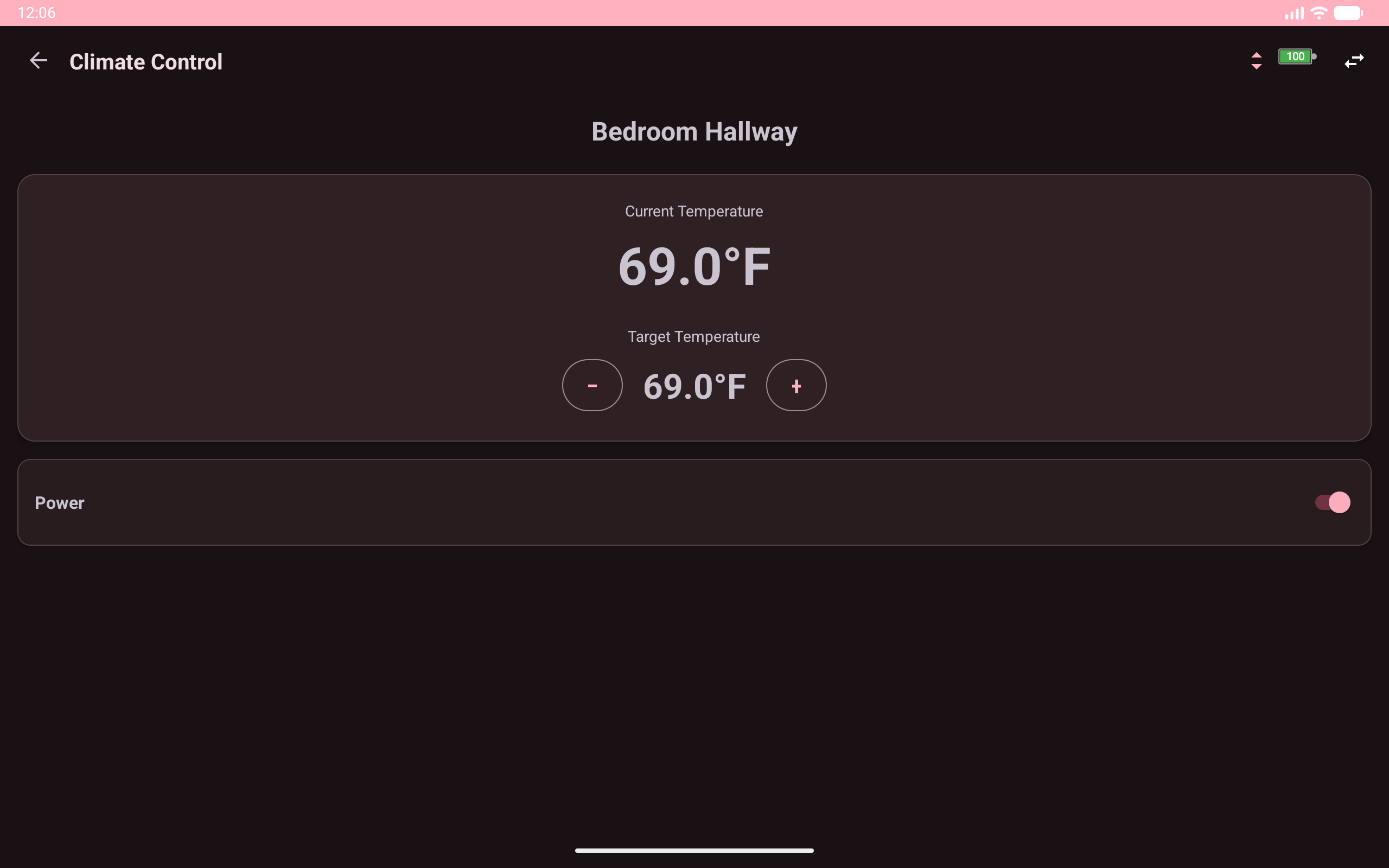
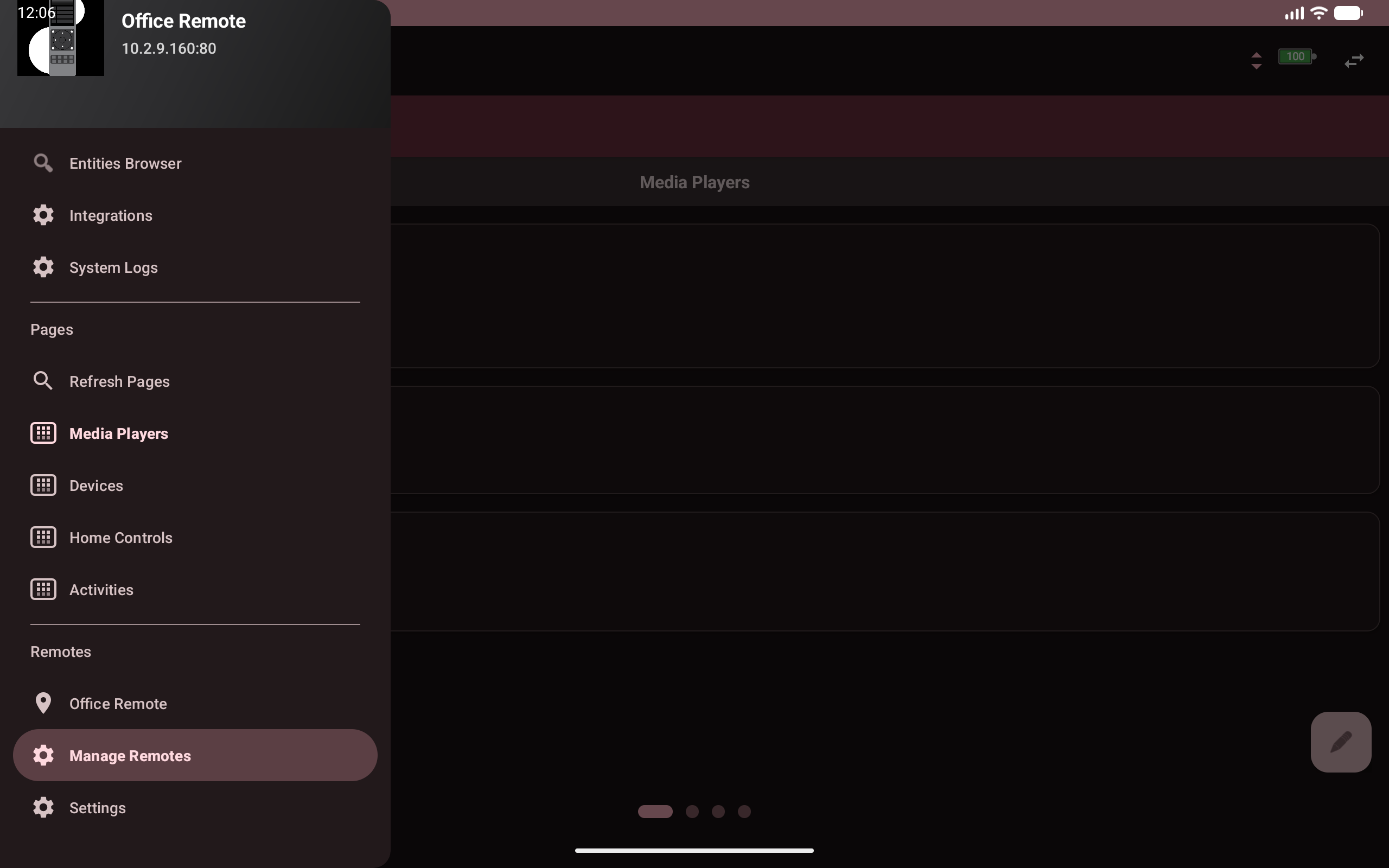
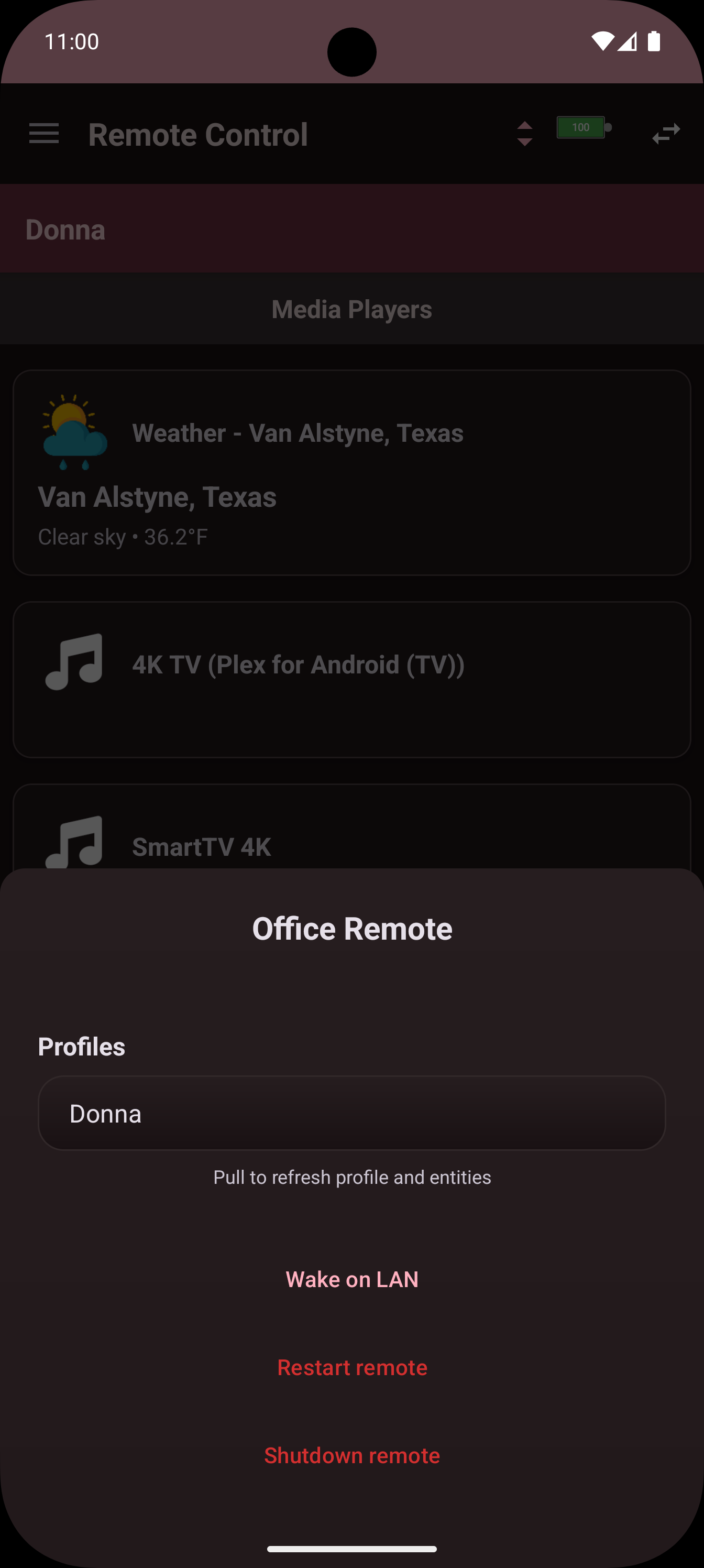
Thank you all which have sent me DMs to join the beta. We are very close to begin beta, i completed a massive UI/UX overhawl + massive bug list and am gearing up for first release. Here are some screenshots of the enhancemernts made. If more folks interested in joining the closed beta, please DM me with your gmail address (must be gmail address).
Dear all - sorry, I might have missplaced my question in the wrong that, therefore I allow myself to place it here:
On my journey to integrate my Logitech Harmony Elite Hub into the Remote 3, by using the docker integration via my Synology NAS, I finally can see now my Hub and all devices and activites on the Remote 3.
Now, the weird thing is; in the web configurator, all the devices actually in the Harmony Hub are available and can be put on a screen on the Remote 3, but are marked as “unavailabe”, and can’t be accessd deeper with their buttons etc…….BUT when I use on my android app as found here “https://play.google.com/store/apps/details?id=com.ucremote.android”, actually there I can see all buttons etc.
So, somehow the same configuration on the Remote 3 Hardware does not allow to go deeper on the buttons, but paralell in the app it is working……..is there anything I would need to “activate” on the Remote 3?
The app is reading the data available, it doesnt mean that it will still act on the functions. The app just doesn’t have a barrier that if the entity is disconnected to not be able to go into that disconnected layer.
your issue is (in my opinion) is that the Harmoney integration was written a long long long time ago and got abandoned by the deverloper (AFAIK), but the remote since then had many updates and my guess the harmoney integration just cant work with it anymore, its seriously old.
That being said, almost 90% of us came from Logitech Harmoney, you should (my recomendation) spend the time setup your devices wihtout harmoney and do it properly and clean to a point you dont need the harmony.
As for the app why its showing the buttons, that’s because it just read the data from the remote but as stated, it doesnt mean it will function if the entity is in a disconnected state.
Thanks a lot for your answer - and yes, at the end of the day I want to move away from the Logitech Hub and for that matter currently testing several options. What I can confirm is the fact, the android app is not only reading the data available (meaning, accessing the Logitech Hub via Synology/Docker/HarmonyIntegration) by just showing the buttons; they actually work. meaning, even though the device (here a Revox B 250-E) is showed as “unavailable”, each and every button is working flawlessly ….what in contrary the Remote 3 is not doing or making available


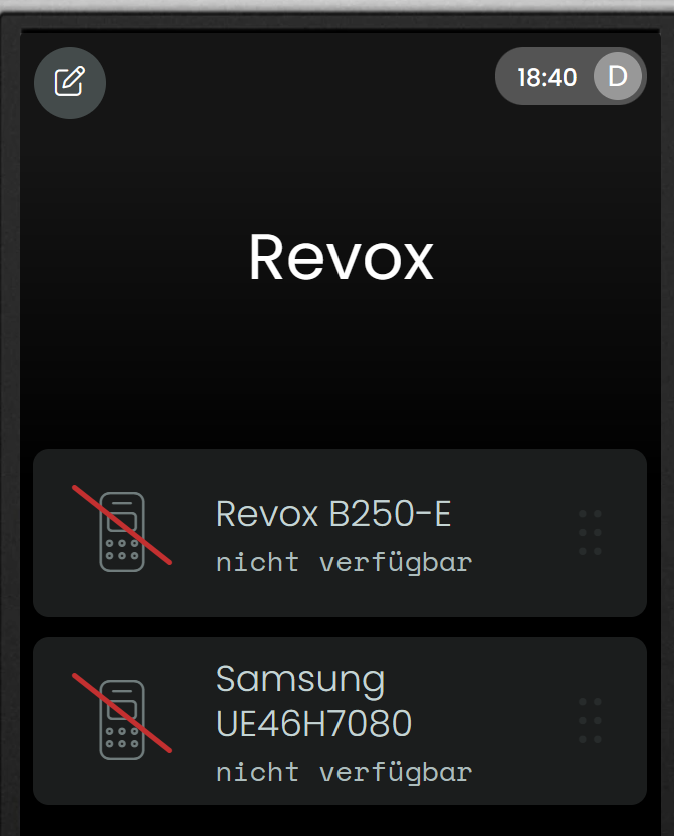
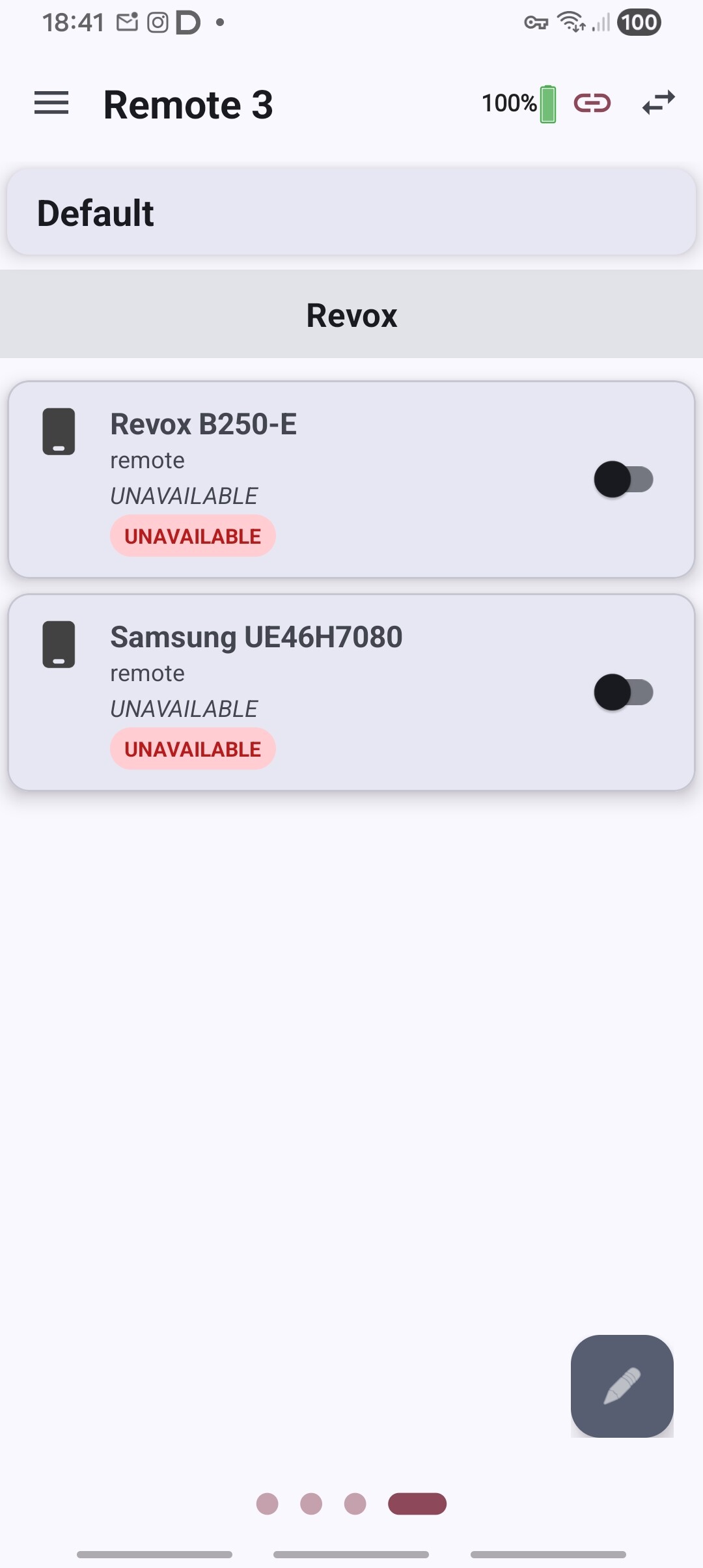
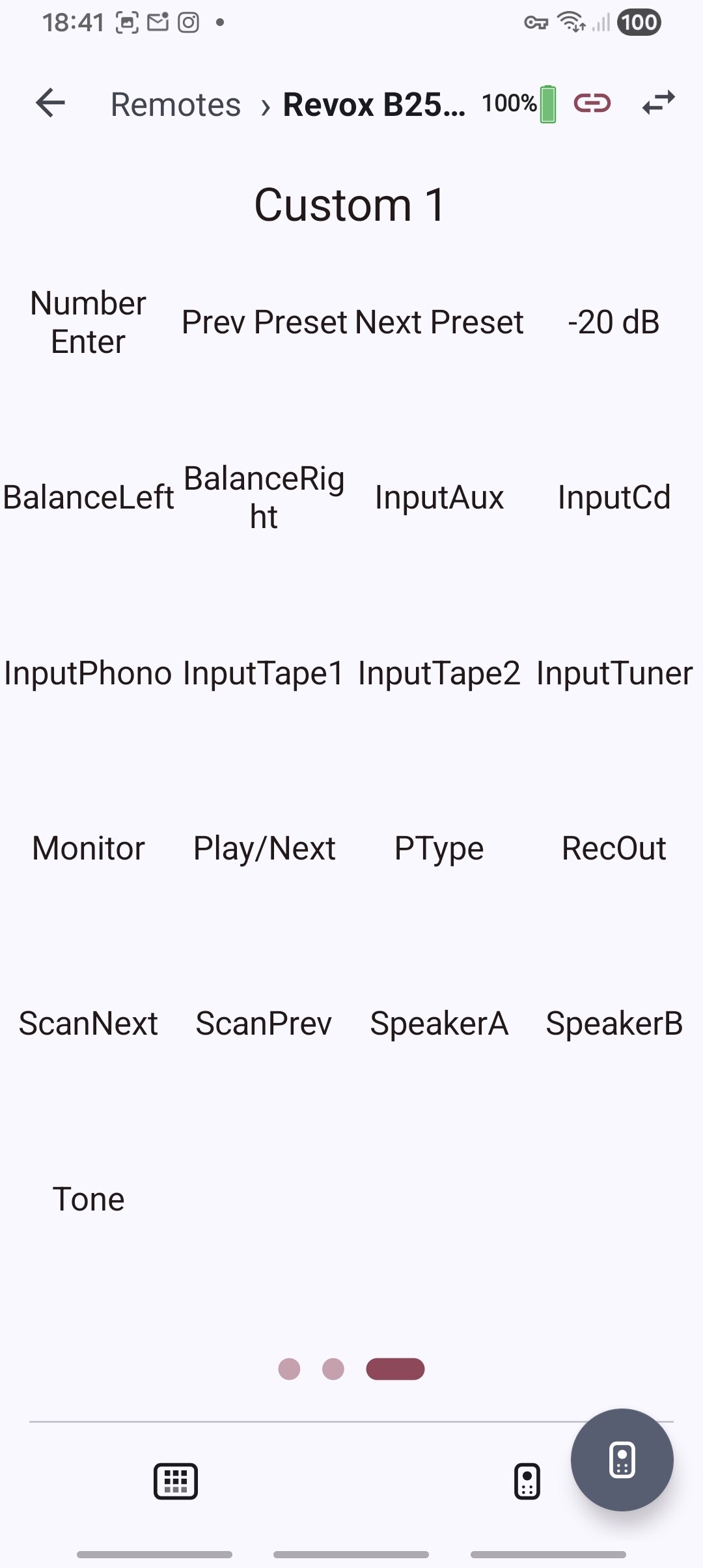
 meaning, even though the device (here a Revox B 250-E) is showed as “unavailable”, each and every button is working flawlessly