I am working on my Remote3 setup, being quite new - coming from Harmony.
When starting another activity while an activity is running, the entities of the former activity are not turned off, if not needed in the new activity. Even when hitting the power button, the former activity is not being turned off.
How can an activity be turned off, when starting a new activity? Of course entities still needed in new activity shall not get turned off.
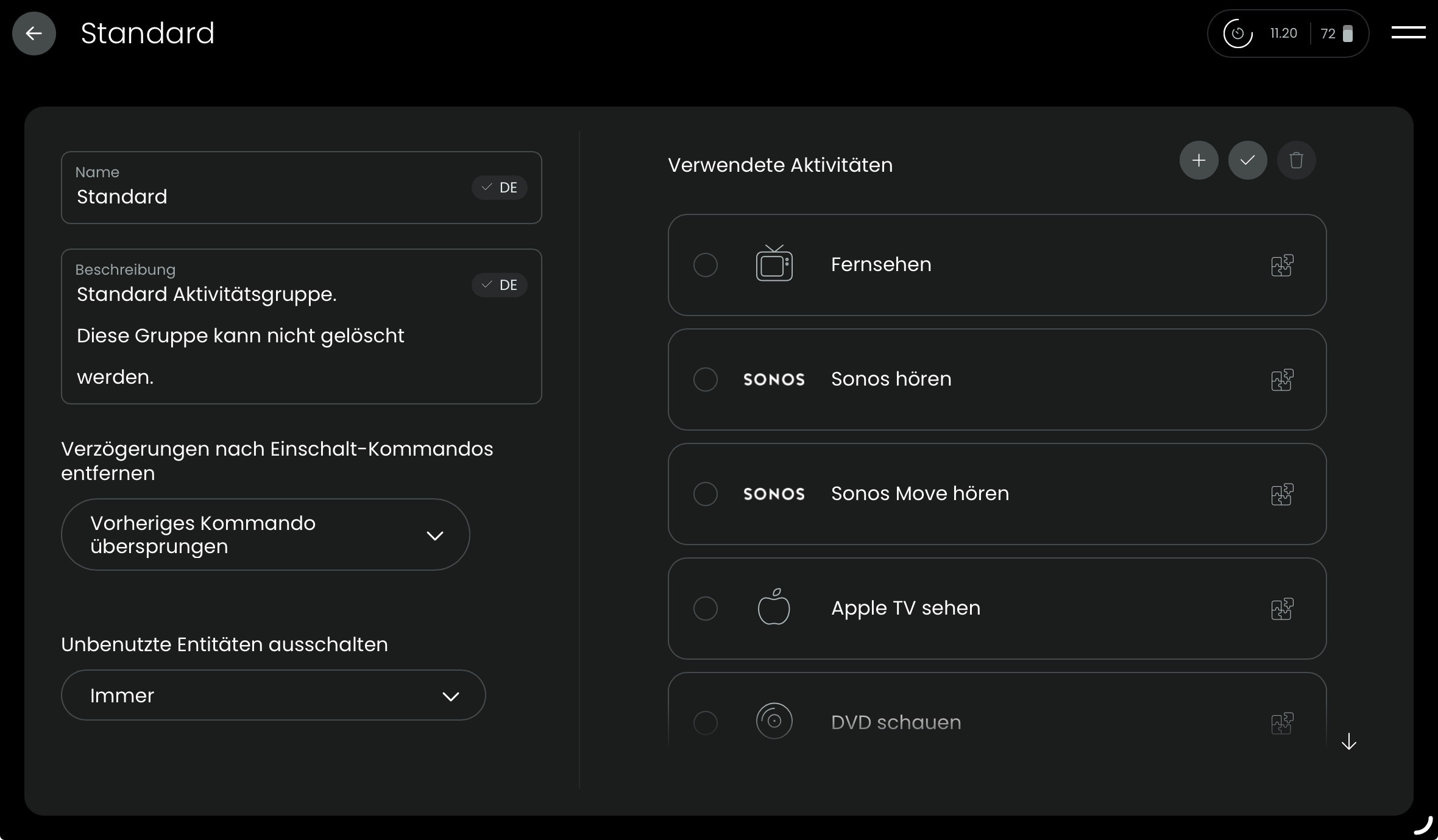
I am not sure if it works with the default activity group. I defined my own group for each room I can control with my R2/R3. At least it is worth a try.
I don’t know what to do anymore and I need someone’s advice. I couldn’t find anything on the discussion forum either.
I have activities Tuner and NET Eversolo.
The activity settings are as follows:
Tuner:
On sequence - Emotiva RMC-1+ - POWER_TOGGLE, switch TunerInput, switch TunerBandFM
Off sequence - Emotiva RMC-1+ - POWER_TOGGLE
NET Eversolo:
On sequence - Emotiva RMC-1+ - POWER_TOGGLE, EverSolo - POWER_TOGGLE, switch input AnalogBalanced
Off sequence - Emotiva RMC-1+ - POWER_TOGGLE, EverSolo - POWER_TOGGLE
I have these two activities in the MEDIA group, where Remove delays after turn on commands is set to Previous command skipped and Turn off unused entities to Run modified off-sequence.
When I start the Tuner activity, everything turns on, toggles and I listen to the radio. When I turn off the activity, everything turns off. It is the same with the NET Eversolo activity.
The problem is when I want to go directly from the Tuner activity to the NET Eversolo activity, Eversolo turns on, but Emotiva turns off. Likewise, when I want to switch from the NET Eversolo activity to the Tuner activity, Eversolo is turned off, but Emotiva is also turned off.
Can anyone here advise what I’m doing wrong? Thank you very much for your help.
Maybe i’m wrong but i think the problem are the POWER_TOGGLE commands.
One of my entities has POWER_TOOGLE only too and i learned that command as POWER_ON and POWER_OFF. More wasn’t to do. Since that time all activities work as expected and entities show ON/OFF-state correct.
So learn POWER_ON and POWER_OFF on each entitiy as new commands.
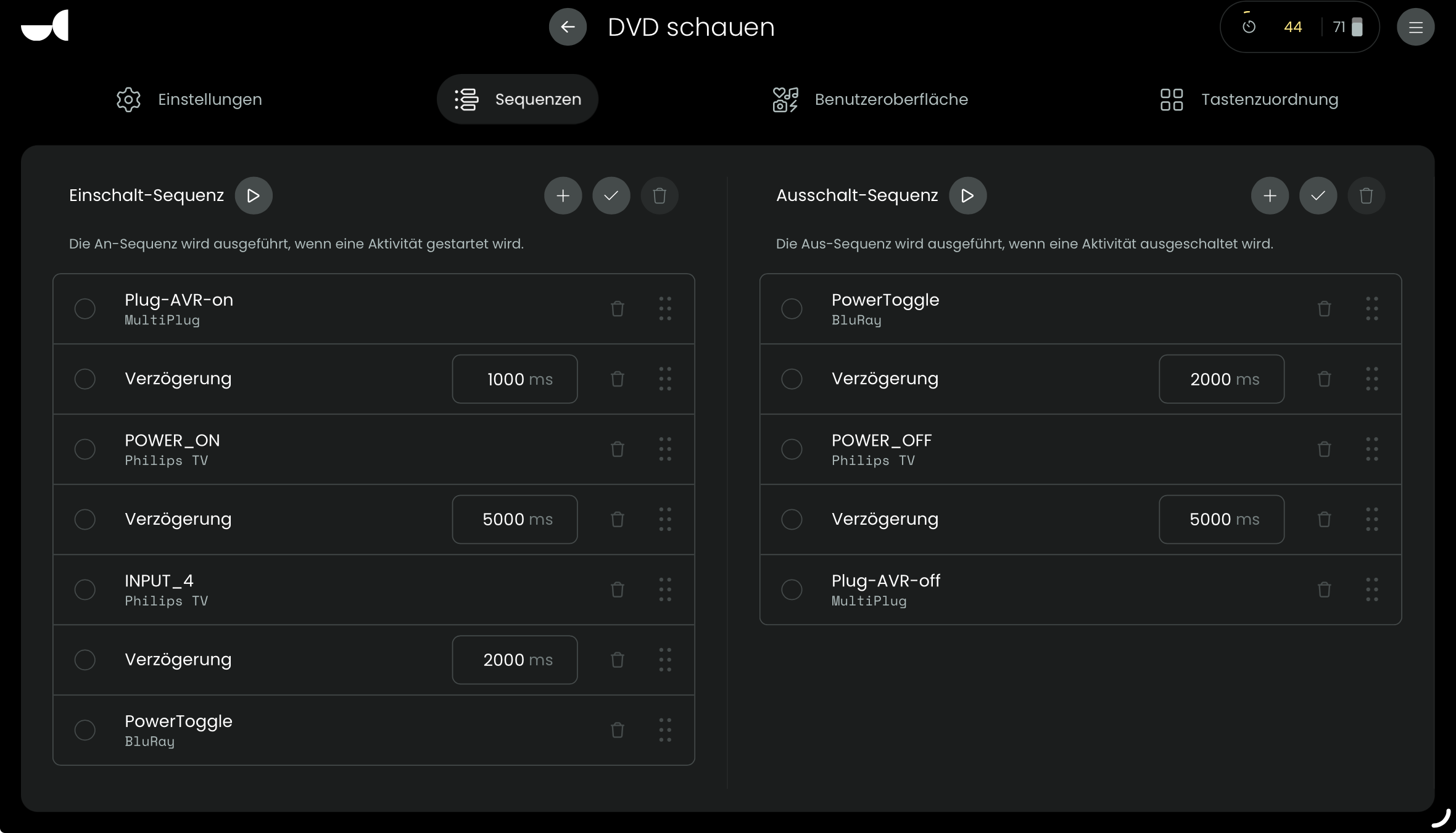
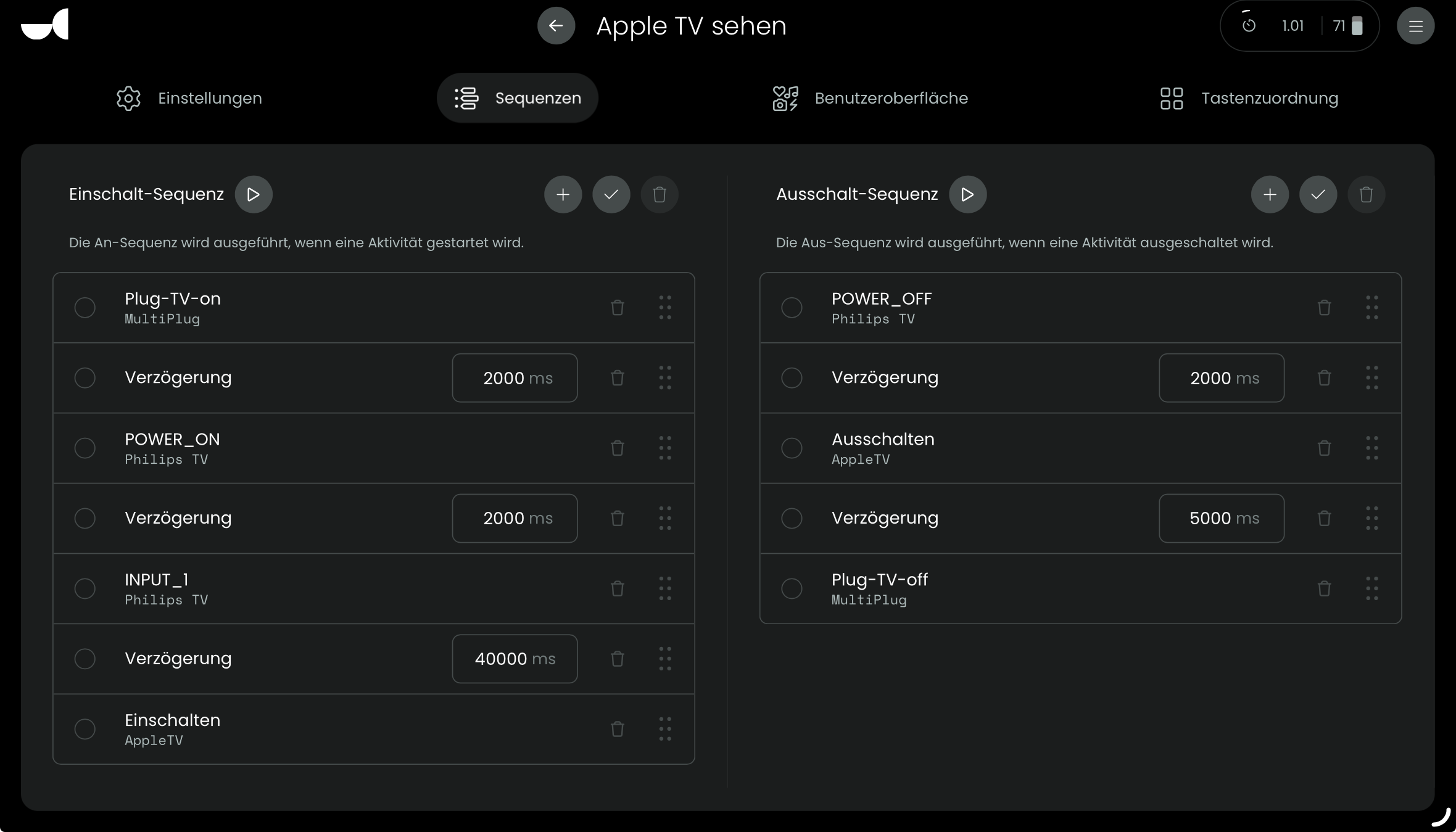
Definitely the POWER_TOGGLE commands. You must use POWER_ON and POWER_OFF commands.
If you don’t have these commands you could try to find them here.
If your manufacturer doesn’t have these commands in use, like with my Atoll DAC, then you can just insert the POWER_TOGGLE twice and rename them to POWER_ON and POWER_OFF. Exactly like this, in capitals.
This is not a good way of doing things, I know, but it is the only way you can make it work with IR devices that don’t have a dedicated on and off command.
Instead of using “modified off sequence “ try using “used in off sequence”
I have discrete on off commands for my devices and using “modified off sequence” caused them to power cycle when changing activities. When I changed it to “used in off sequence” the reused devices stopped power cycling and remain on for the next activity.
Thank you all for your help. It was exactly as you write. It wanted to use the POWER_ON and POWER_OFF commands and everything works now. Thank you again