Hello,

I'm having a problem with my Sony KE-65A8/P Android TV.

I can't find a setting to automatically switch to HDMI 4 after startup.

There is an option for "assigning a source," but it only lists Netflix, etc., and no HDMI inputs.

Is there a command I can enter manually instead of Netflix, etc.?

It would be great if someone had a tip.

The TV is set up as an Android TV.

Thanks :)
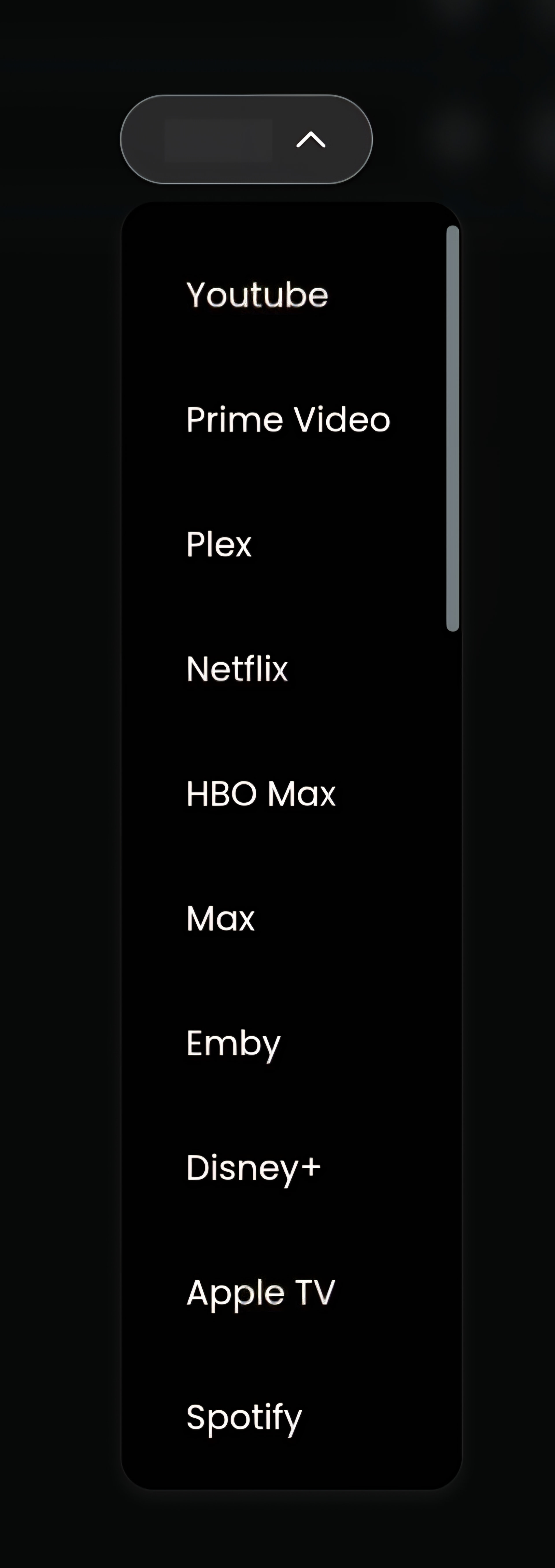
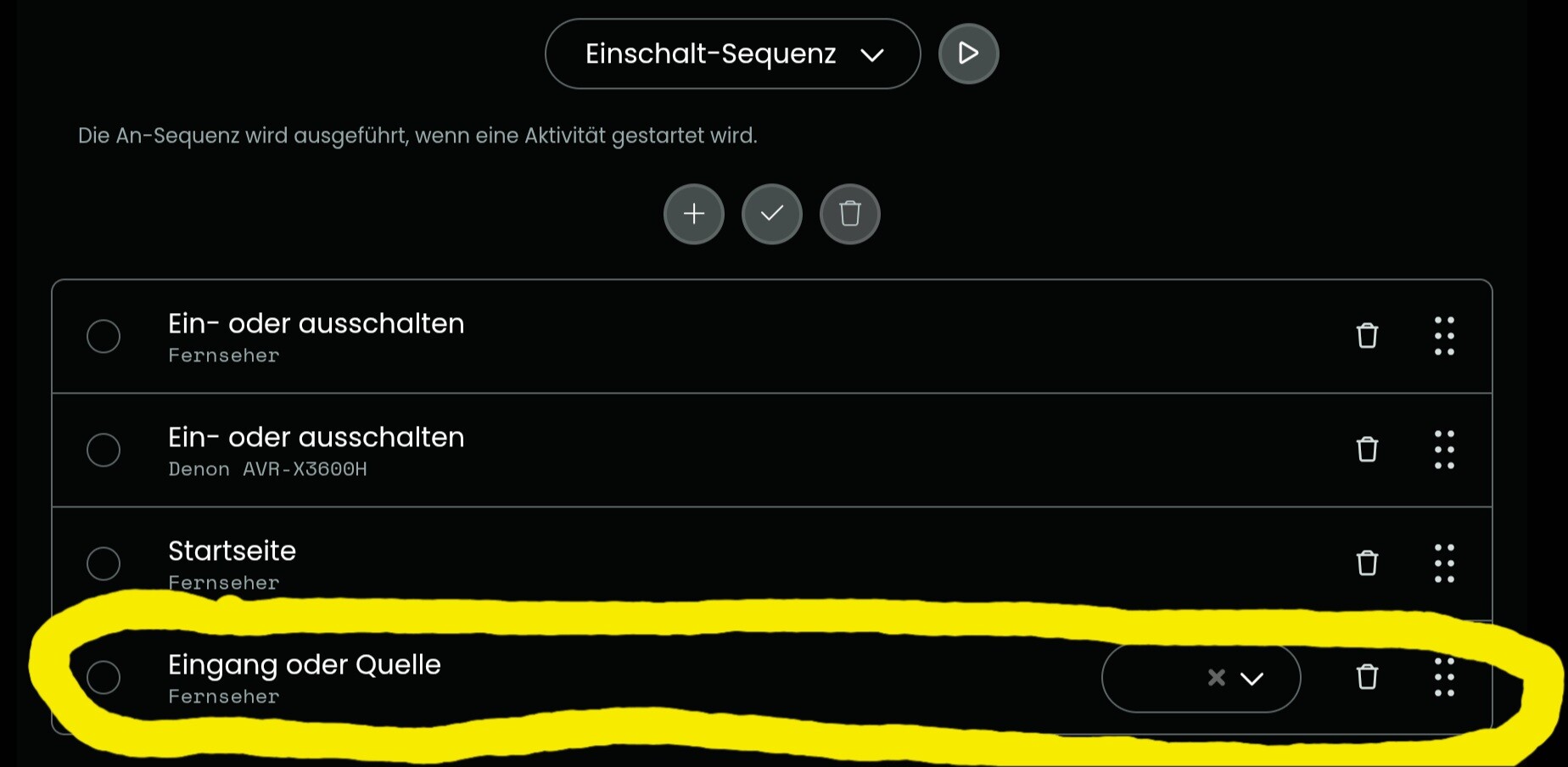
As all other Android TV like my Philips it does not support HDMI input with the Android TV integration.
Solution use the ADBTV integration which offers support for Sony, Philips, TCL, Hisense and Panasonic for HDMI input. To use this you must activate developer mode and activate USB debugging. For the integration you need the MAC and IP of your TV. On my Philips I can also switch between internal speakers and ARC.
Ralf
Install the ADB without Problems but on my 1st test to change HDMI i get this Error:
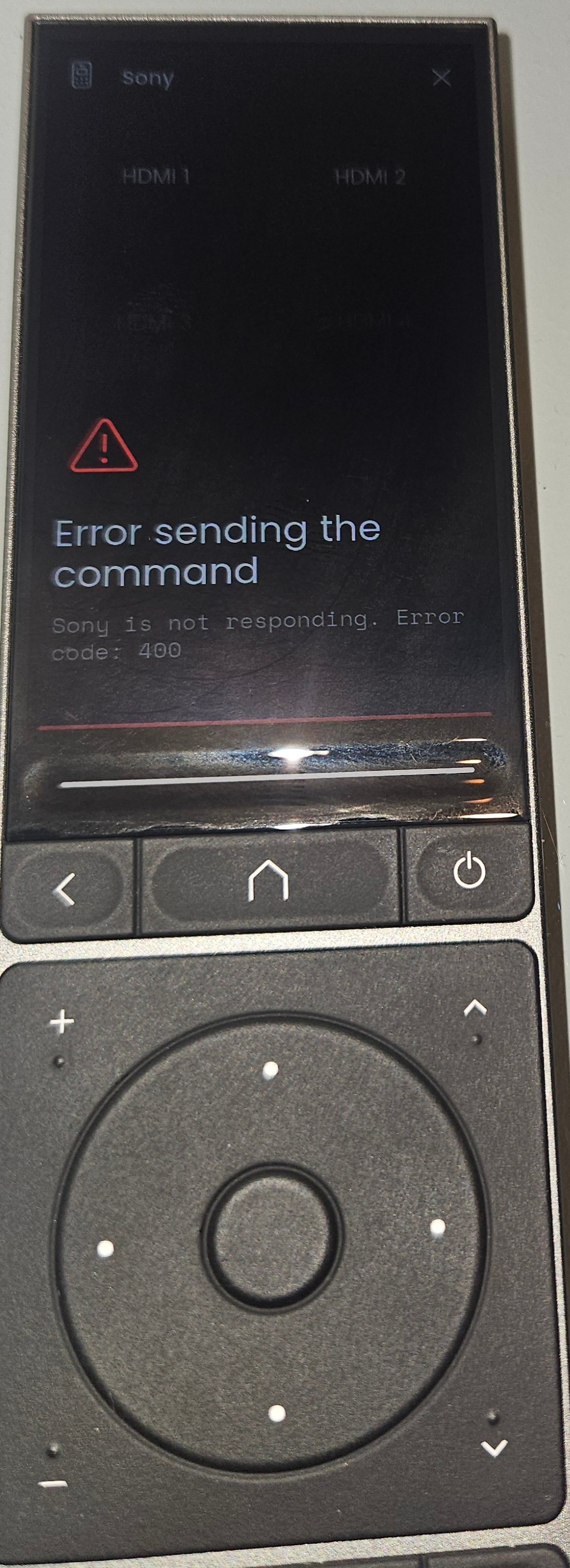
Man man…..


I try to remove the original Android TV integration complete and use only the ADB.
I wouldn’t delete Android TV. ADBTV works well but is slooooow for normal commands.
When you pair ADBTV you must see the picture and allow paring. Best is to fix the IP of TV in your router.
Ralf
I found the problem. Everything was fine on the PC when connecting, but the ADB sharing option wasn’t enabled in the developer settings on the TV. 

Now everything works via Android TV, and I only configured the HDMI connection using ADB.
Thanks again for the tip! 

Your welcome. Input switching direct with the remote made me very happy😁
I had the same problem; unfortunately, not everything is integrated into Android TV, for example, the HDMI ports. However, I was able to read the IR commands and can post them here for Sony TVs.
“key”,“format”,“code”
“HDMI-1”,“HEX”,“4;0x2D58;15;0”
“HDMI-2”,“HEX”,“4;0x6D58;15;0”
“HDMI-4”,“HEX”,“4;0x5D58;15;0”
“HDMI-3”,“HEX”,“4;0x1D58;15;0”
I can’t say whether the codes are the same for all Sony TVs.That would need to be tested.
1 Like
I tried it, but unfortunately the remote control for my Sony doesn’t send an IR signal.
The Sony remotes are Bluetooth,
but the UC3 can sends an IR signal.
I understand what you mean. I’ll give it a try.
Android TV is not very user-friendly; many things are missing. I am working on a program to improve this.
Android TV is not so bad. Bad are the implementations of all (?) brands which uses it for their TVs. HDMI for instance is part of Android TV but no one uses it.
With ADBTV I can switch HDMI and ARC/Speaker on my Philips.
Ralf
With Android TV from Unfolted, I can’t switch HDMI ports. I have no access to the apps; only Netflix works on my TV.
Apple TV doesn’t work in the app. How do you manage it?
I use Apple TV and Waipu on the TV. Everything works on the projector, including changing channels and switching HDMI ports.
In cntrast to Apple TV Android TV has no function to get all installed apps. With the ID of the App most Apps can be directly started with Android TV. Some only open Play Store but then a macro will help.
I used Waipu in Germany on my Android TVs and it should be in the list of sources. I now use Magenta TV.
btw. in discord they published a custom entity made with the Request integration for Sony Android TV which uses an API from Sony with app starting and input switched. But input switching should be available with ADBTV integration.
Ralf
1 Like
I used a found Sony TV IR-Remote in the IR library of unfolded to do this via the UC3 dock. It works.
But the Android TV integration seems to have a little bug. If I start the action with the Android TV integration and I want to Volume+, it will do nothing until I press one time to Volume-. After this, also the Volume+ is working. May be a bug?
I can’t call the AppleTV-App with this integration too. Any ideas?
There is a newer Android TV integration version in the git hub. But in the unfolded webconfiguration the older one will installed. Why?
Android TV ist part of the firmware so it will be updated when a new firmware is published.
Apple TV is the play store opened when try to start it? If yes create am macro with start Apple TV and enter perhaps with a short delay between.
I did not notice that volume+ does not work on 1st press but I didn’t really had an eye on it.
Ralf
Ralf i setup the plugin succesfull (adb) and commands are send but my philips oled806 switches to unknown inputs when send hdmi 1-4 did tou create custom adb command for tour tv?
Latest version has a Sony option which was confirmed to work. But different Sony use different methods. I learned this yesterday from Philips.
Ralf
Im new and a bit lost with my Sony Af8, because im not able to chose the HDMI inputs. Could anyone help me please?