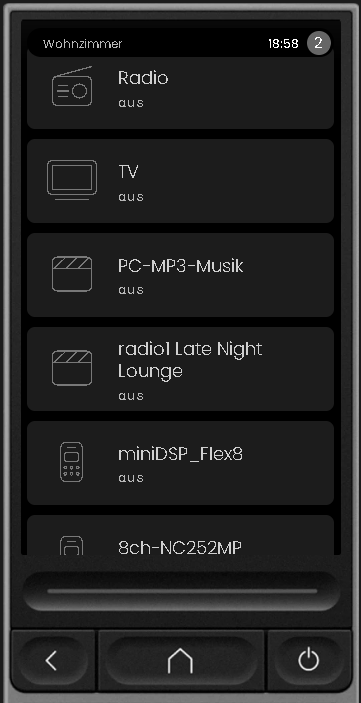
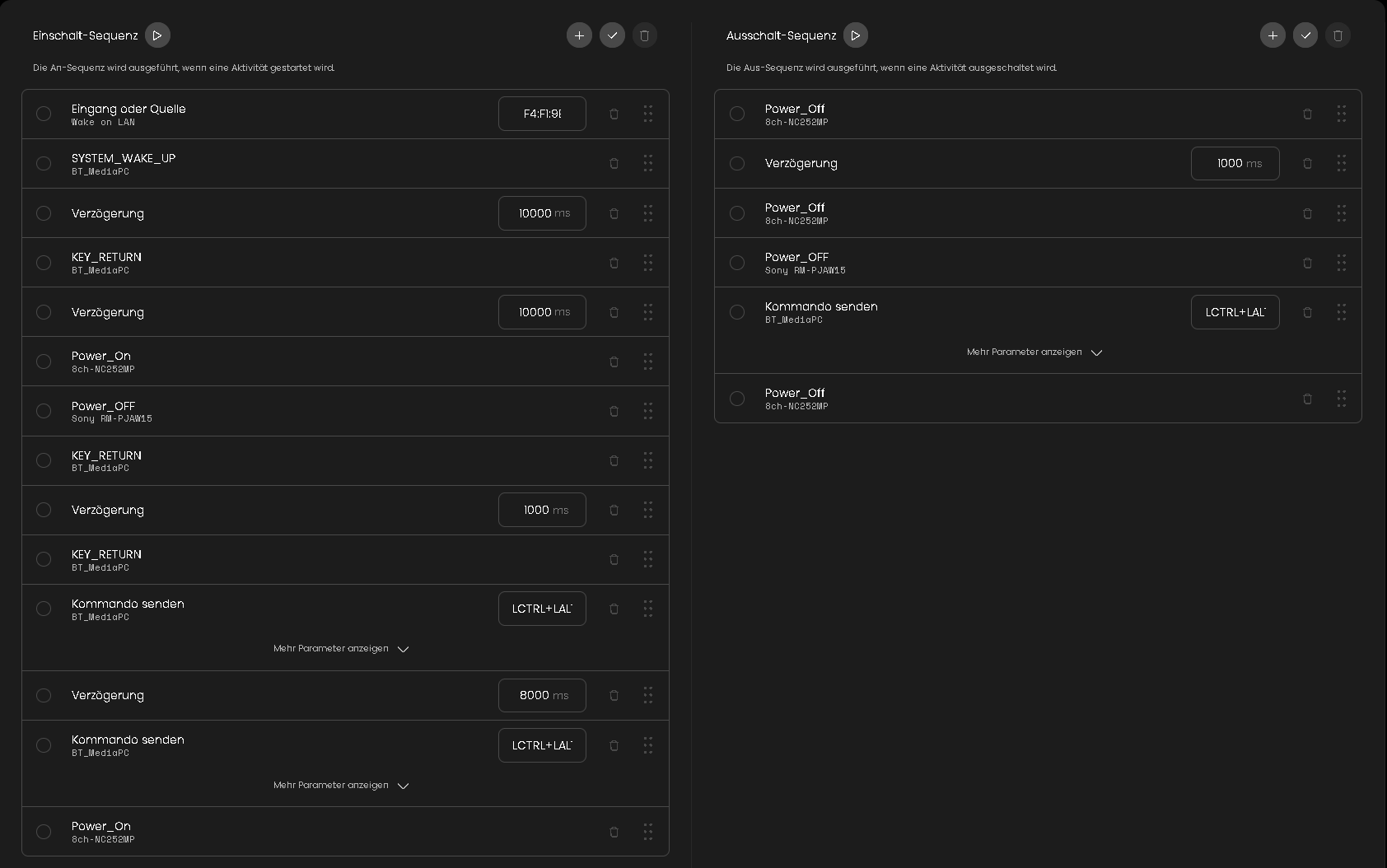
Hi everyone, I received my Remote 3 a week ago and I have been tinkering with it to get it to suit my watching habits.
One thing I would like to see is skipping of delays when a device is already turned on. I have 2 devices that can take up to a minute to start up and also my receiver can take a couple of seconds to get ready. The solution now is to put a delay after turning the device on, but what about when the device is already on? Surely the Remote would be able to check the status and skip the turn on command and any delay immediately following? If not automatically, will there ever be IF-THEN-ELSE logic implemented so we can create our own checks and skips?
I have worked around it now by implementing ON and OFF macros that prep all the devices so that the actual activities don’t need the delays.
Anything that should work better that I didn’t think off?
Yes, my activities are in a group. But, as I understand it, this skips delays when you switch between activities within a group and not when no activity is already running. This actually makes me believe that the logic must already be there.
Just to make sure I understand your use case: a device is already powered on (I assume via its original remote or using the R3, but outside of an activity) and then an activity is started. Your expectation is that the R3 recognises already powered on devices and skips the corresponding Power on command and associated delays?
That is correct. My TV is in a mixed used / living room. After I stop an activity (I have 3 currently: watch Plex which is on a Nvidia Shield Pro, watch on Zidoo Media Player and play on the Switch) it returns to the Nvidia Shield Pro home screen. I keep the TV, receiver and Shield as well as the Zidoo Media Player usually on between activities.
Ideally, the first time I start an activity, the Remote turns everything on required for that activity. The subsequent times it should skip turning on devices that are already on.
That’s how the remote works though isn’t it? It powers everything on the first time you start an activity and subsequently skips them if they are in the same activity group and already on.
It only works like that if you switch activities that are in the same group, i.e. an activity is already running and now you switch to another activity. Not when you start/stop/start an activity. Or not, for example, when you switch on your gear via a macro and subsequently start an activity.
Hm. This would required some sort of status tracking outside of activities and activity groups. I am not sure the remote currently has that capability. But maybe others have some idea.s
My PC needs 20 seconds (sometimes even more) to wake up from energy saving mode.
I’d like to shorten just these delays between e.g. Radio and TV, because the PC is running already.
But these delays are not skipped, unfortunately.
All activities are in one activity group (not the standard group).
I can confirm mine are skipping the delays when in the same group, but only when switching between activities
The other way, by stopping the running activity by pressing the “off” button, then starting the same or another activity, does not skip the delays. I should note that none of my stop sequences turns off any device, the devices all remain on when stopping activities