Hey everyone, i am releasing my latest integration for R_Volution Media Players.
This was another “Blind” integration, i do not own an r_volution device and so this was developed based on a Simulator and i hope it works.
This integration will give you a Media Player and a Remote entities with all buttons per r_volution API for both 8k devices as well as regular Players.
R_Volution has different API for their device models, so during integration you will be asked to choose via a dropdown menu the type of device so integration can build the entities according to your device API.
This integration will support either a single or multi device setup and all models (hopefully).
All in the README.md file - Please read it carefully.
MAJOR RELEASE TODAY: Full support for Media information in Media Player, Currently playing information: Movie name, TV show name, Episode, AND media image. Please uninstall old version, reboot remote and install the latest 2.0.0 https://github.com/mase1981/uc-intg-rvolution/releases/tag/v2.0.0
@M.a.S.e Many Thanks, another great integration so far🙏🏼.
@all: short question: Connection to Player (8K Pro) is only possible after restart of R3 and only if player is powered on with R_Video running. After shutdown/power off R3 shows still connection to he integration. It seems there went something wrong with the status. Anybody else?
Unfortunately, the R_Volution integration isn’t working reliably for me. If my R_Volution player is already switched on, I can successfully install and configure the integration on the Remote3. Everything works fine. However, once I end the Activity and the player is switched off, the Remote3 loses the connection and I can’t re-establish it. I then have to reinstall everything from scratch. Does anyone have any ideas?
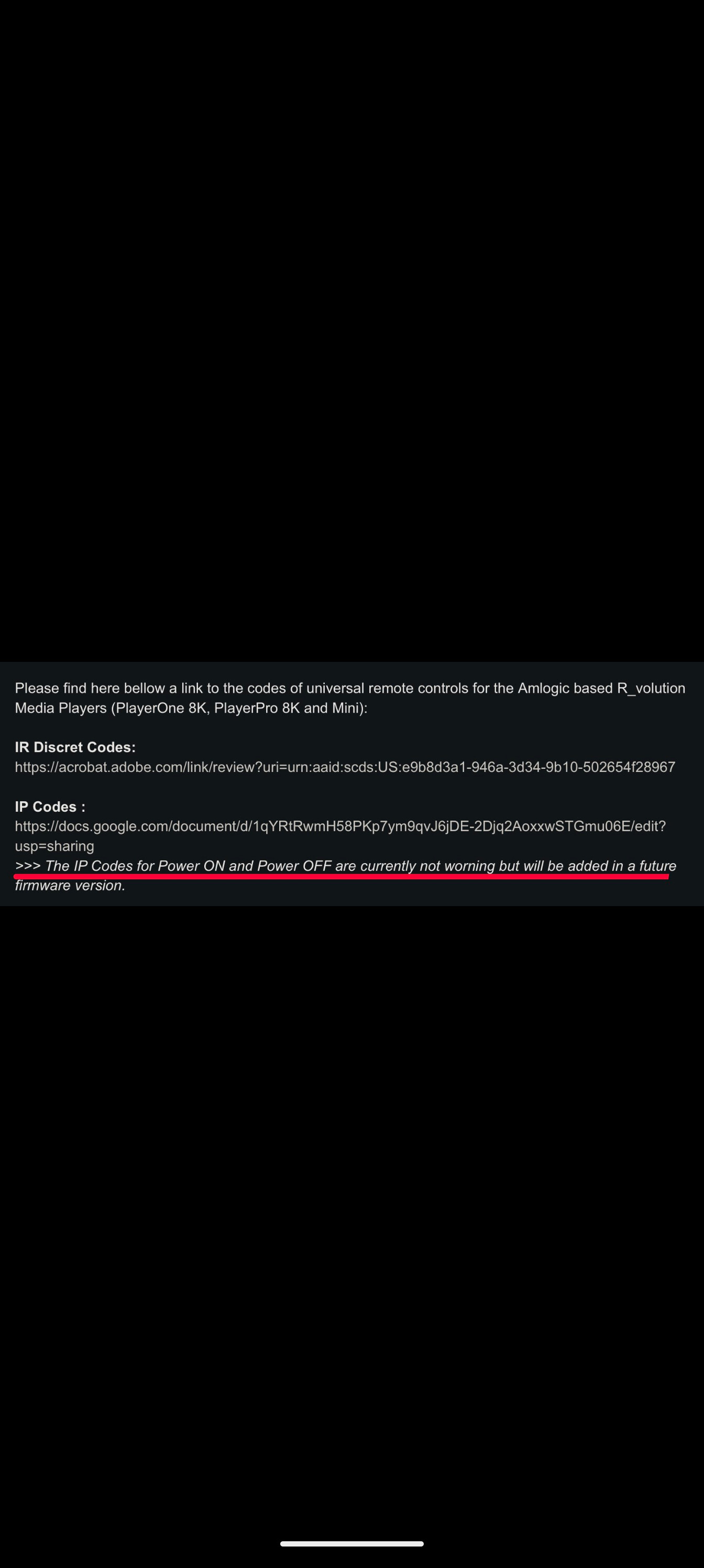
Known device limitation. You need to change the device behavior to never shut down completely but to go into standby mode. Else, use infra red to power on and this integration for the rest.
Thank you very much for your quick reply. I’d already thought of starting it via IR. Unfortunately, the integration doesn’t reconnect. You’ll need to run the setup again
That should not happen, and it was verified working by many other users. Check the logs or share the logs. also , best to join discord for this and communicate there.
@Mar-S You don`t have to re-install integration. If connection is lost, just power on the R_Volution and restart the R3. Then integration will connect again. After that you can power off the player.
@Thanks, Peter. Unfortunately that doesn’t happen. When the connection is lost, the integration won’t connect by itself again. I waited for hours ;-). I have no idea why.
Currently the connection is established and I’ will follow the log and see if I can learn something from there.

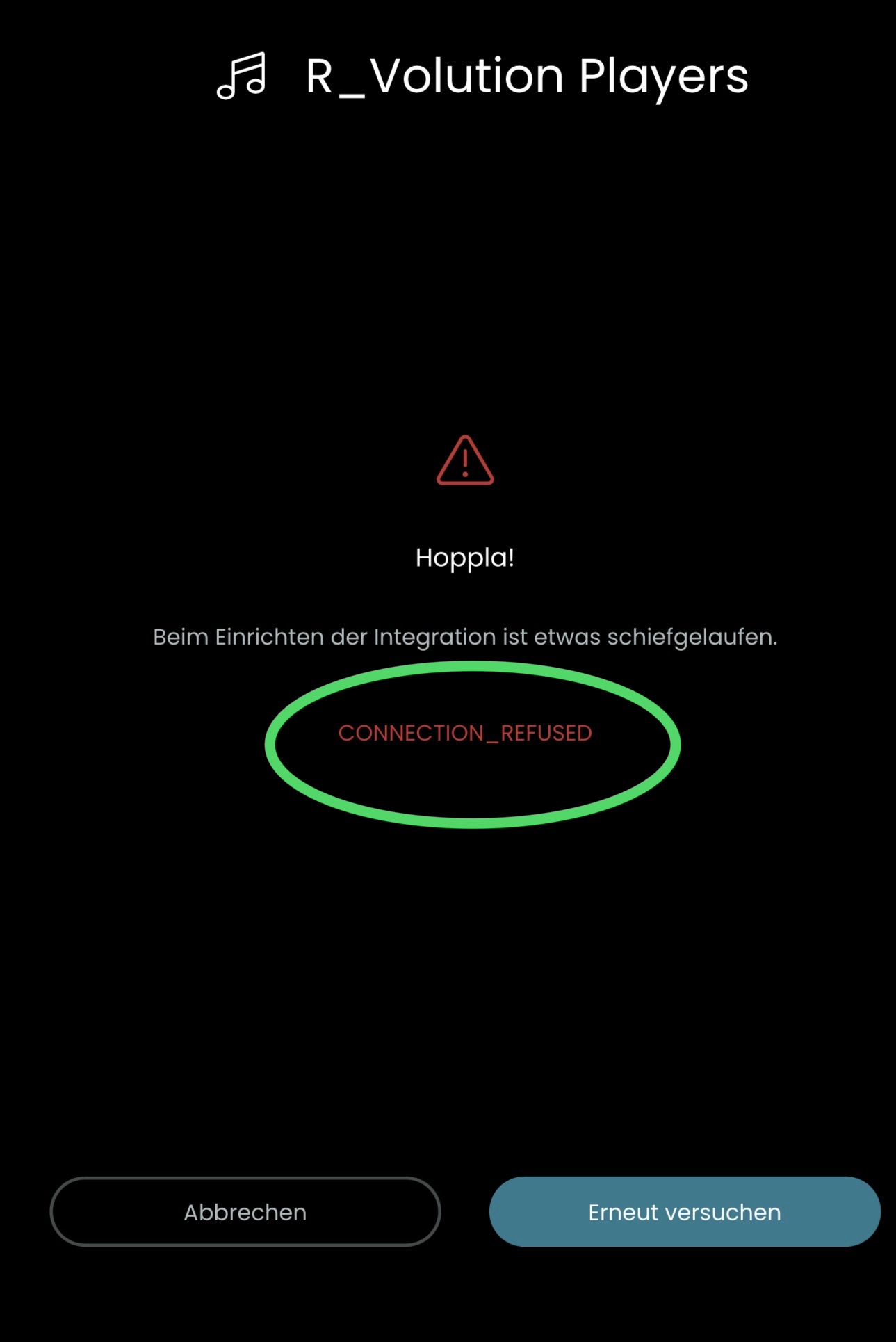
 . Maybe you can have a look into the integration. Would be amazing if it will work:folded_hands:t3:
 i’d help you test more, but I don’t have any of these devices