Hello my friends. I finally got my Unfolded Circle Remote 3 a while ago. I’m just starting to explore and learn it. For now, I’m adding devices. I’ve already added a few. My TV is a Philips OLED with Google TV. I used Android TV integration. In my old Harmony, when I added a remote, I could immediately use the remote’s buttons by selecting the appropriate device. I don’t see that option here. Will I have to assign each button individually to the remote in Activities? I’m having a problem with my movie player. I have a Ugoos AM6B+ player with CoreElec installed. Unfortunately, Unfolded Circle Remote 3 can’t connect to it via Bluetooth. Is there a solution? Has anyone else had this problem? I don’t have these problems on Android, but I can’t connect to CoreElec. Please help me.
- corect you must assign each button by yourself.
- BlueTooth: activate “just works” in settings, developement, preview feates and try again and while you are there activate multiple connections it might come handy.
Ralf
I’ve assigned every button, unless I did it incorrectly. In the “Entities” tab, I added a new device. In the Settings tab, I read the codes from the original remote control and then assigned them to the buttons on Remote 3 in the User Interface and Button Mapping tabs. When I access the device I created, the new icons appear on the remote control screen, but there’s no response to clicking on the screen or the physical buttons. What am I doing wrong?
Running CoreELEC here as well, but all my controls are IP based.
Works flawlessly and provides a lot more control then only BT commands.
Just make sure you enable the webinterface in CoreELEC / Kodi first and then it’s all a breeze.
Is there a step-by-step tutorial on how to set up this remote? I don’t know what I’m doing wrong. I think I’ve set everything up correctly, but the remote isn’t sending commands.
As for CoreElec, I will read this information, but first I need to somehow get the remote control working.
This playlist from @Thrillcat includes some tutorial videos: https://www.youtube.com/watch?v=OXmwRpz1ZzY&list=PLk745VcQoUFaRUZ_yBoxe_7trjnMxugBk
Maybe there’s a problem here.
The infrared output device can only be set to DOCK. There’s no option to change it to remote control. I’d like the remote control to send IR commands.
You need to activate the internal emitter first under settings/development/preview features
I enabled the Internal Infrared (IR) Blaster option. Then I restarted the remote, but unfortunately, I still don’t see any response from the devices. Is there anything else I need to enable?
In entities configure remote as IR transmitter.
Ralf
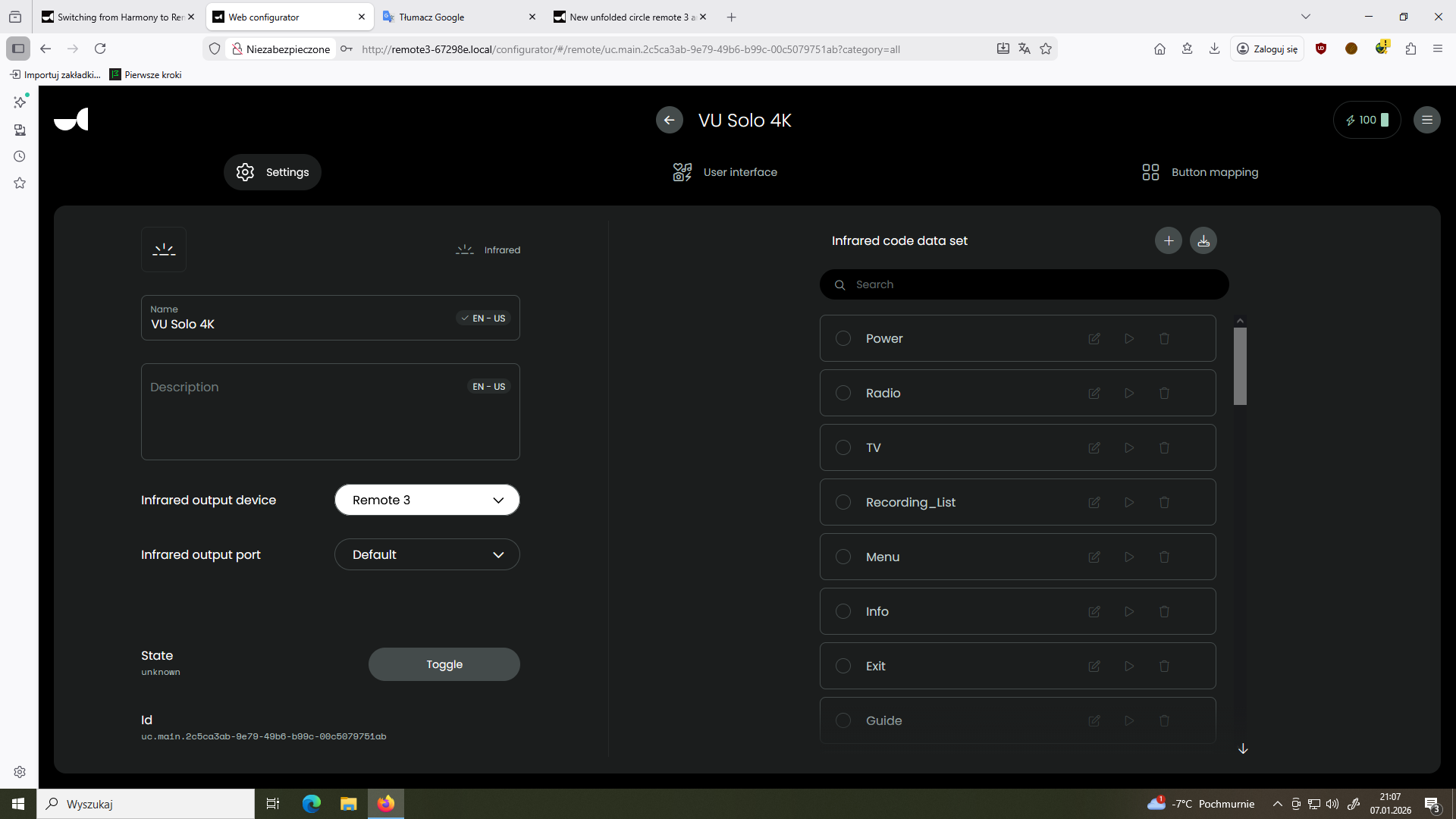
So it doesn’t work with either the dock or the internal emitter? If you imported the codes as hex or leanred them with the remote try to change the last digit to 1 or 2. This repeates the code as some devices need to code to be repated. Theres also a Dreambox integration (i think even 2) that should work with the VU. Ralf should know more about this.
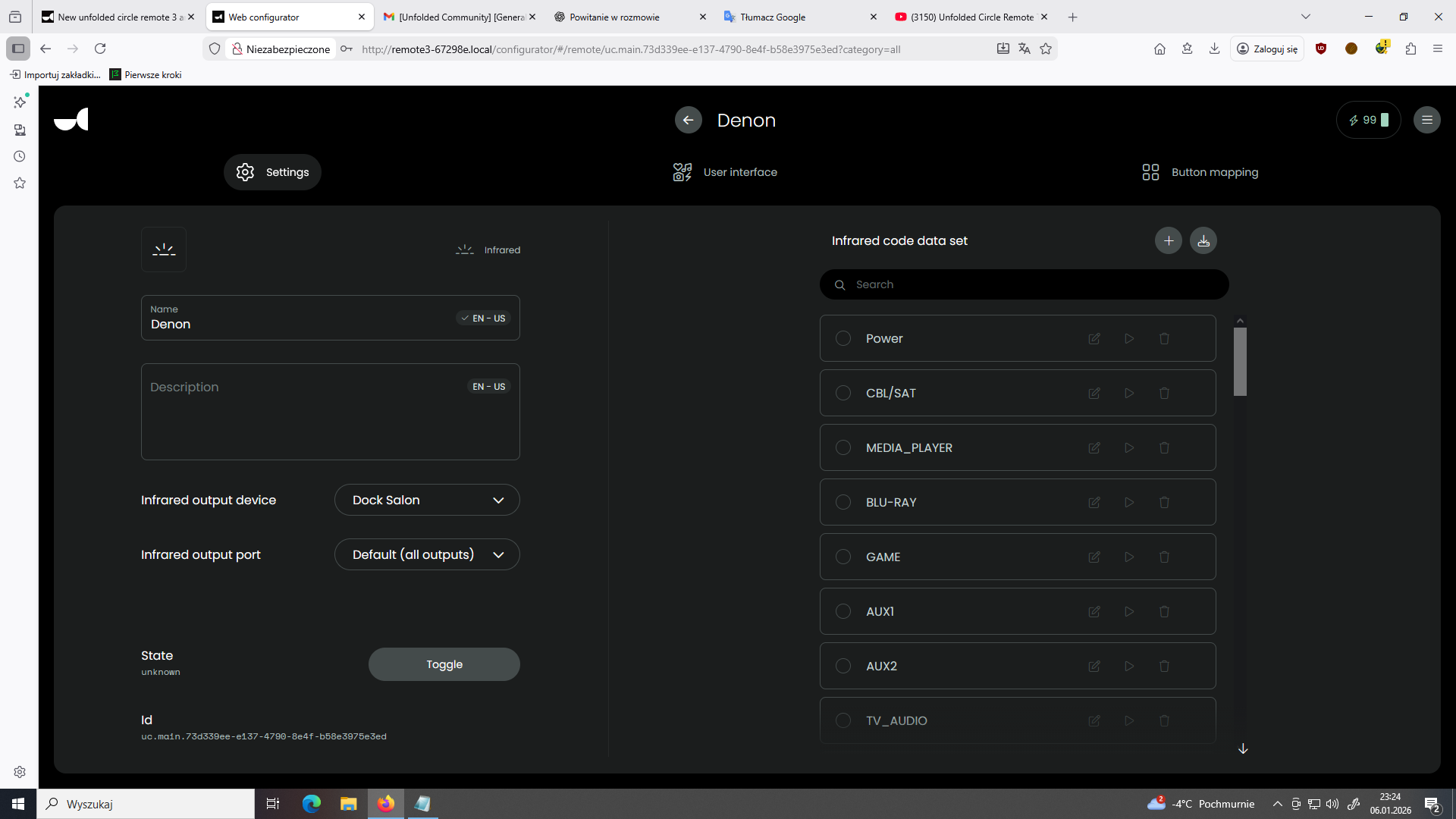
I’m currently testing a Denon AVR. I’ve mapped the source buttons to the remote 3 screen. Some buttons work, others don’t. For example, Media Player and AUX2 don’t work. I re-read the codes from the original Denon remote, but it still doesn’t work. Another problem is the AVR’s volume control. It’s incredibly slow when holding down a button. Is there any way to fix this?
PS. I know I can add DENON integration and everything works via IP protocol, but it works slower than directly from the IR remote.
Did you get an error learning the code? I also could not learn all codes. Did you try generic Denon AVR from the data base or global cache if you want to stick with IR?
Ralf
I didn’t get any errors during learning. I send every button from the DENON remote to Remote3. Can you explain what’s going on with the DENON AVR’s general database and global cache?
Are there any files I can import and if so, how?
Internal database: https://support.unfoldedcircle.com/hc/en-us/articles/13216044176156-How-to-add-an-infrared-IR-remote
Global cache: Database | Global Caché Control Tower
Here you get codes but they must be changed before they can be imported but I am not expert for that.
Ralf
Hello. I’m still struggling with my AVR. Almost everything is fine now. I uploaded the IR commands from the Internal database as HarmonyFan suggested. Most of them worked, but I manually added the ones that didn’t, and now they work. I’m only having trouble with the volume +/-. A single click works fine, but holding the button for a short while causes a huge volume increase. How can I adjust this?
Hello. Can someone tell me how to configure Kodi for IP support in Remote 3? ChatGPT told me I need some kind of UC CORE. When I ordered the remote, I didn’t have that option, or I forgot about it. I ordered the Remote + Dock 3 bundle. Does that support IP support?
Don’t trust AI chat bots. The core is the software that orchestrates all internal calls from integrations, the ui and configurator. Kodi has their own custom integration: GitHub - albaintor/integration-kodi: Kodi integration for Unfolded Circle Remote Two
Look on Discord (unfolded.chat) in #community-projects for more integrations.
There is a Kodi integration which works via IP.
Ralf