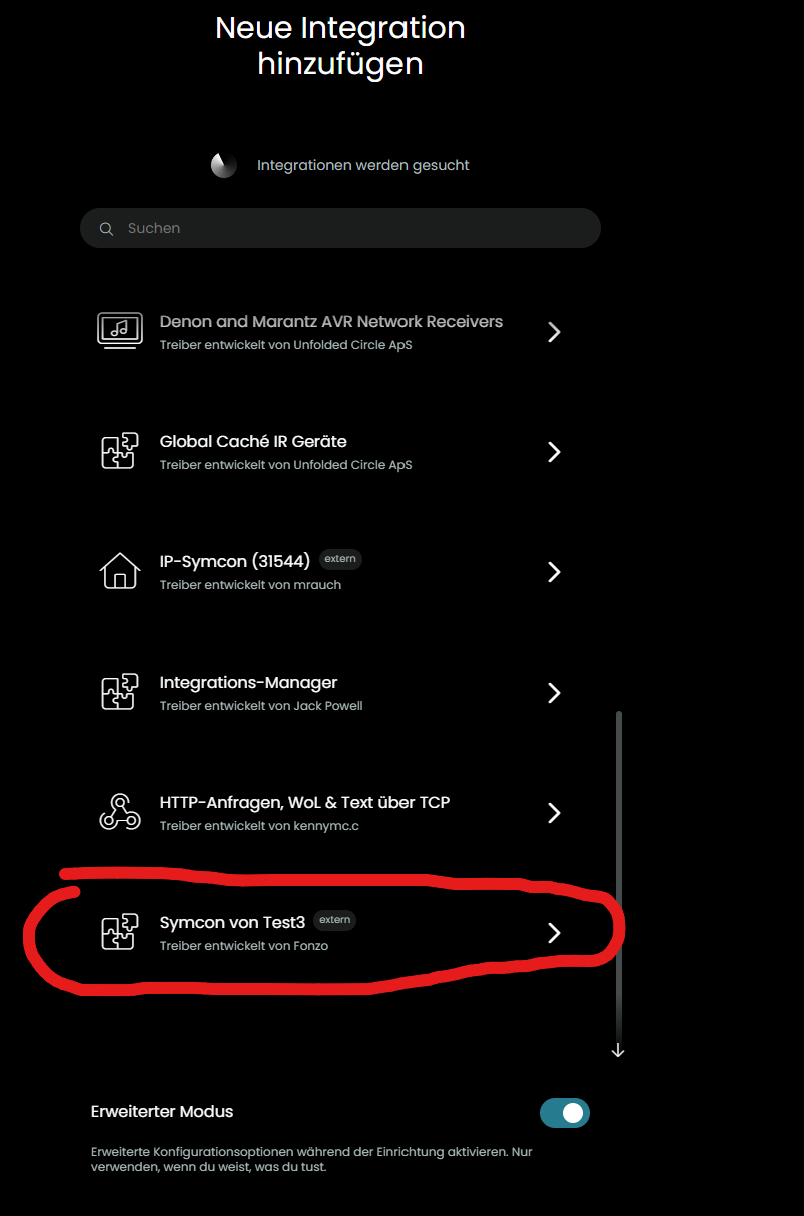
I’m currently building a custom driver and I’ve hit a bit of a snag.
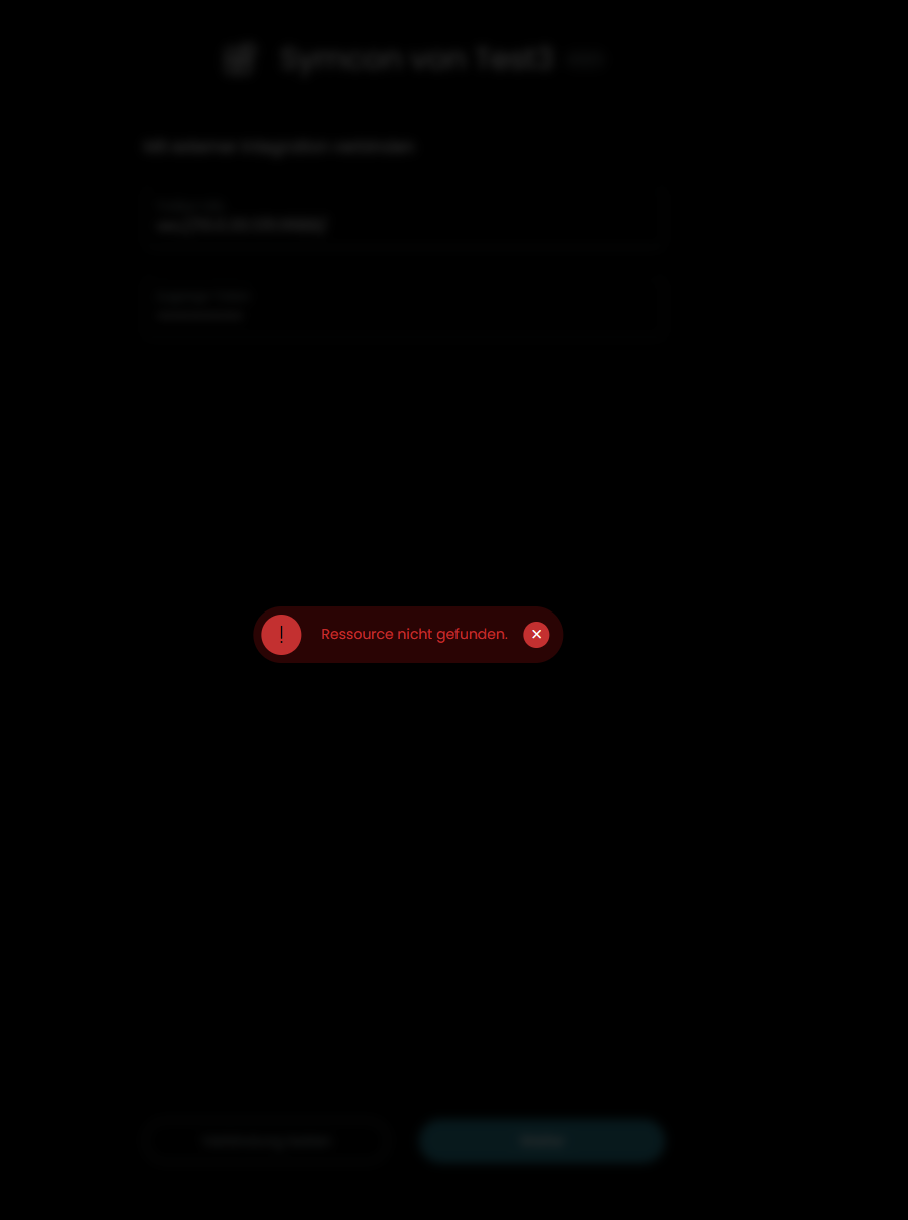
Everything works perfectly in the Web Simulator – the driver registers via mDNS and I’m good to go. But when I try it with the actual Remote hardware, it fails with a “Resource unavailable” error.
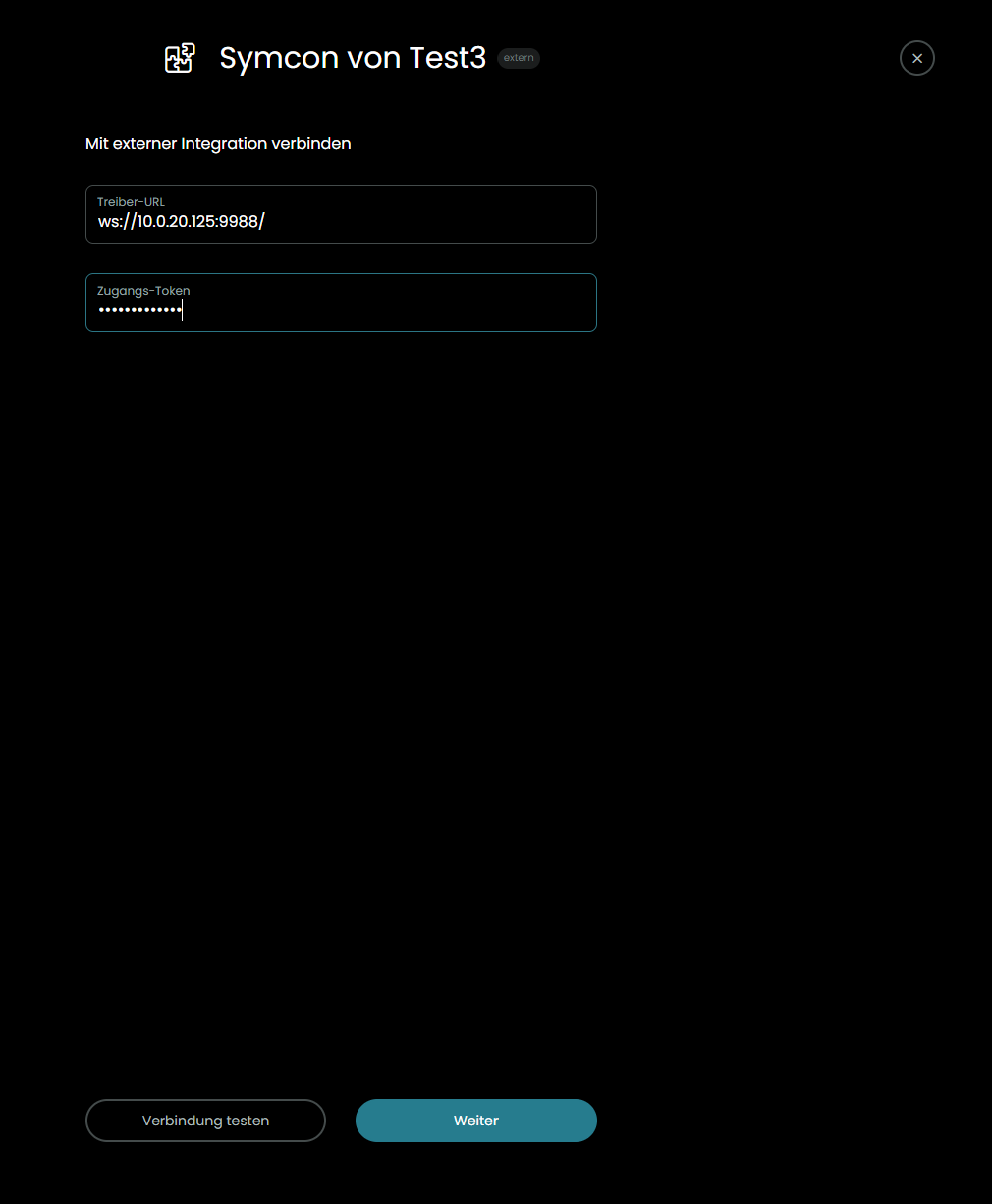
The weird part: When I add the driver with Expert Mode enabled, the Remote actually shows the correct URL! So it definitely sees the mDNS service and knows where to go. However, monitoring my network, it seems the Remote doesn’t even attempt to hit that URL after I confirm.
The same applies to the remote of an friend and he already did a factory reset, still the same issu.
yes but the remote do not try to connect, no entry in the log and no packets in the packet sniffer of the router.
In the log i can only finde the infomation of the discovery with the corect url.
if a send requests to the core API the remote respons, and i can sey packets passing my router.
Yes I restarted and also switched off and on, with out results.
I haven’t don a reset of the remote because a friend with the same issue (we develop the driver together) rested the remote and now has also problems to integrate other drivers as well).
Do you know if the backup will save all integrations including alle activity settings. So I can fully recover from a factory reset to a working remote?
The only thing that is not backed up and restored are custom integrations that have been installed on the remote itself. But if your reinstall them and run the setup again your activities and macros will work. Just don’t start/stop/edit them while the intgrations are not yet reinstalled. If you added them to a profile page outside of activities this has to be done again. There is also a report that restoring more than 5 groups from a backup doesn’t work but this could have already been fixed: Restore will not restore profile completely · Issue #467 · unfoldedcircle/feature-and-bug-tracker · GitHub