Hi,
I created some kind of comic for the steps you need to make:
-
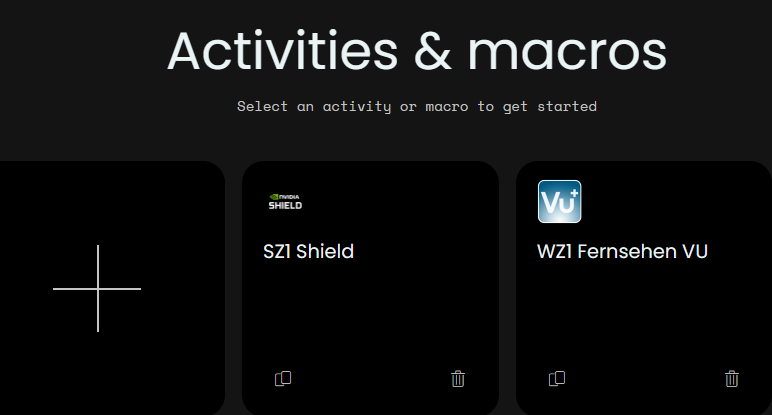
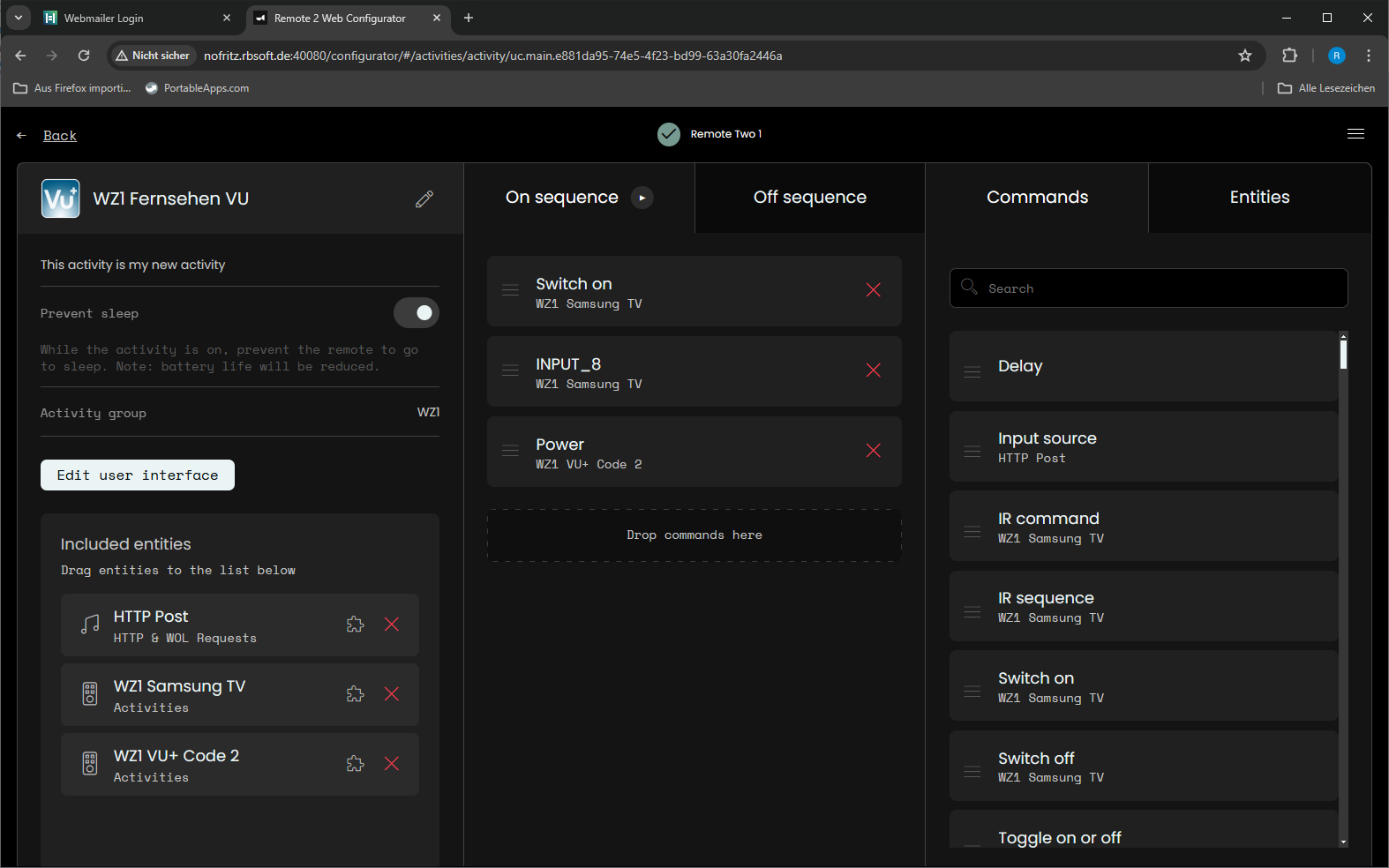
Create or select an activity
-
select edit user interface
-
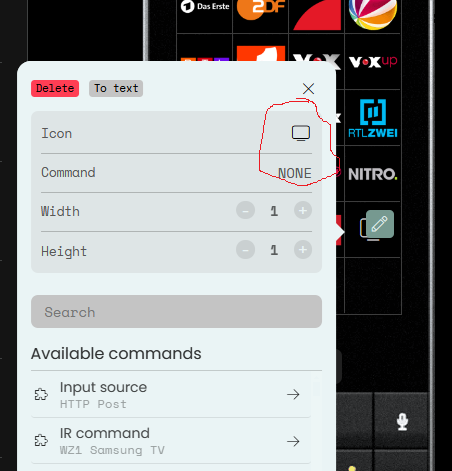
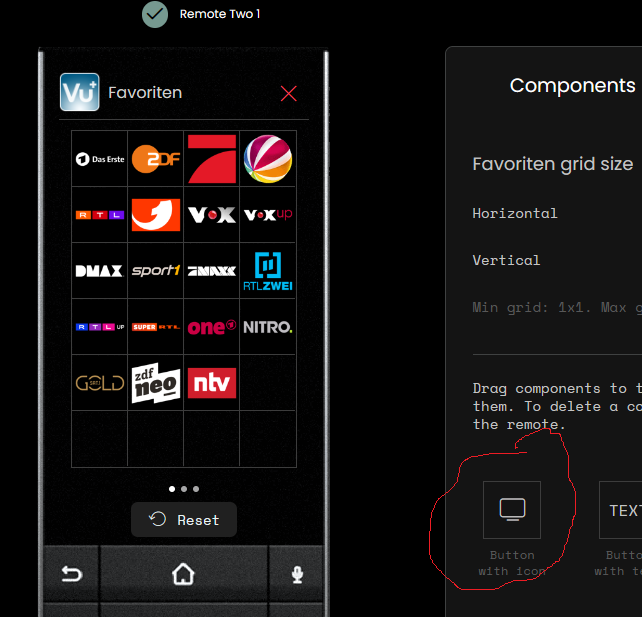
drag the circled screen to a field on the display
-
press on screen
-
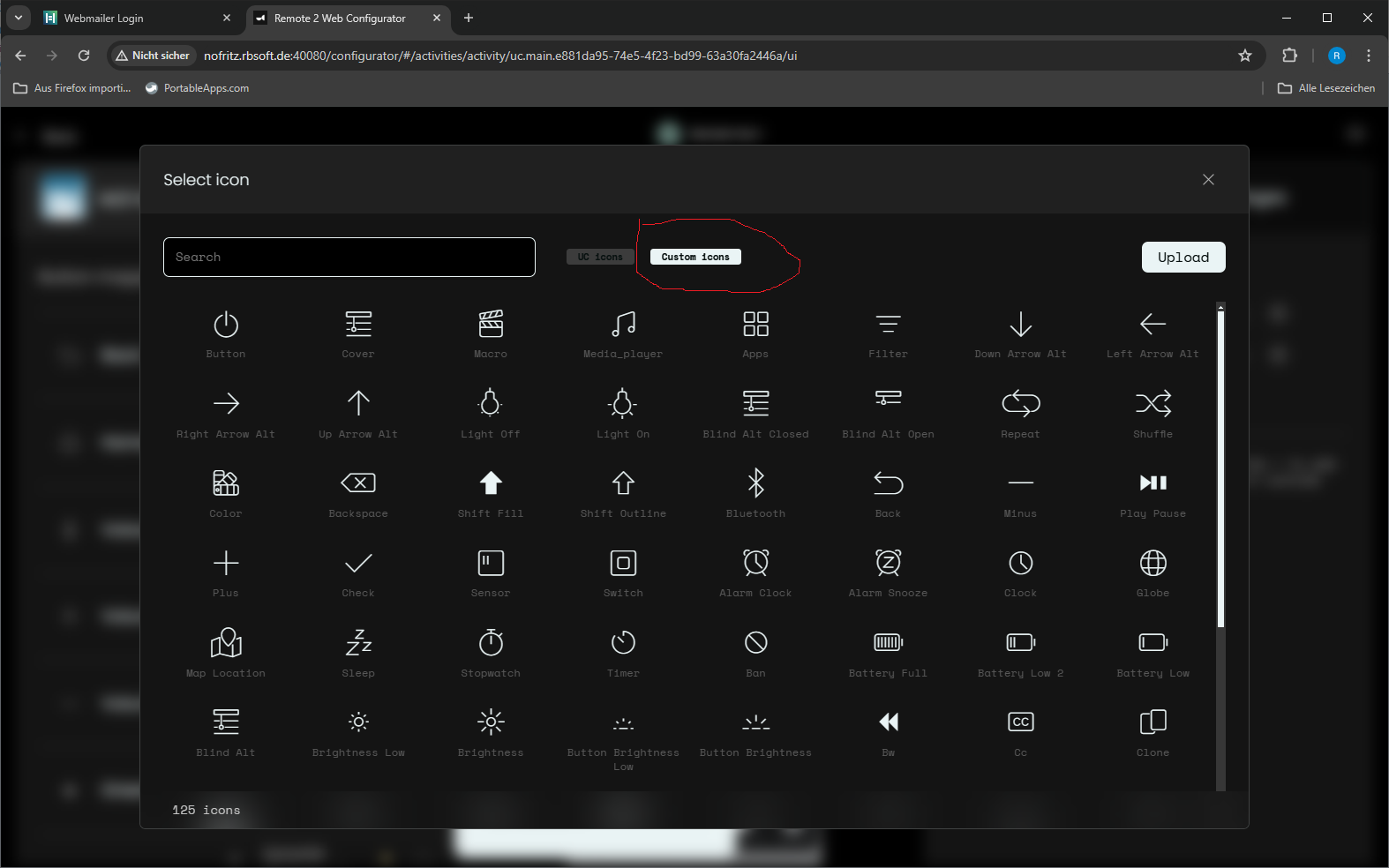
select custom icon
-
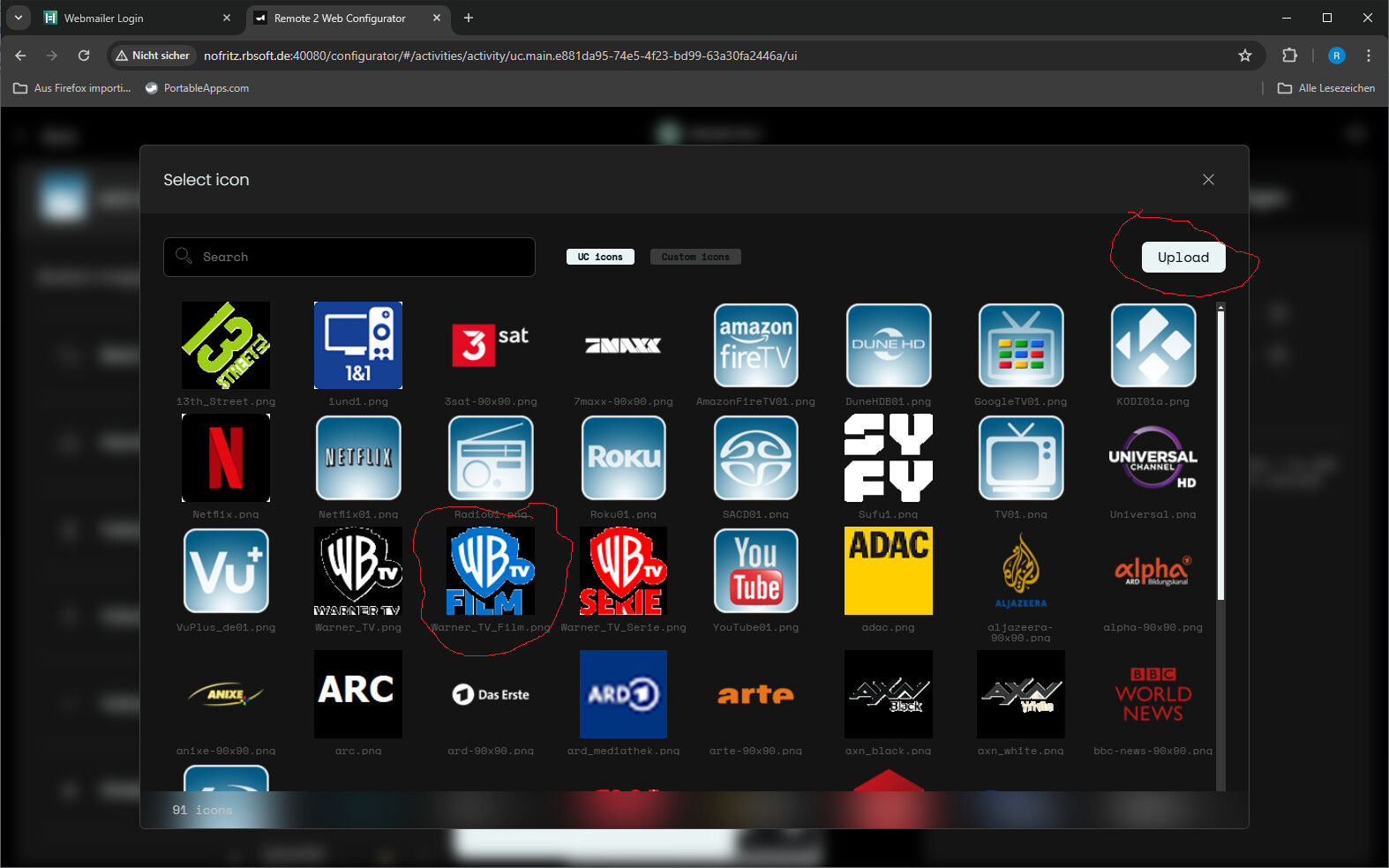
select or upload a 90x90 pixel icon
-
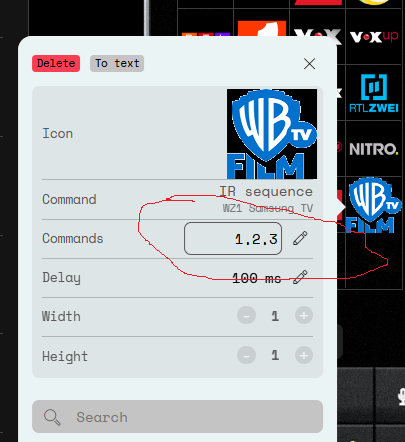
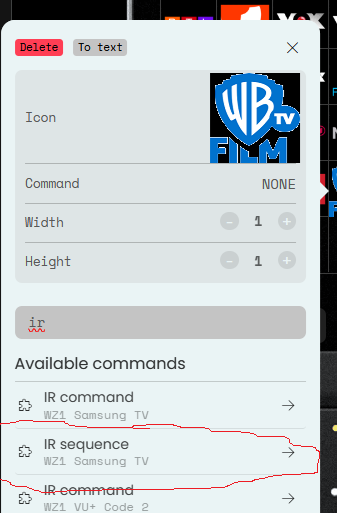
select IR sequence of IR device
-
Enter channel number of TV station. Sometimes it is simply 1 sometimes DIGIT_1 depending on device. You can also add OK, SELECT or ENTER to speed things up depending on device.
btw. a good source of icon in europe is looking for “snp picon” these are collections of icons for Enigma2 STBs. snp means service name picons so they use the channel names for the icons. They are rectangular and must be changed for the R2.
Ralf