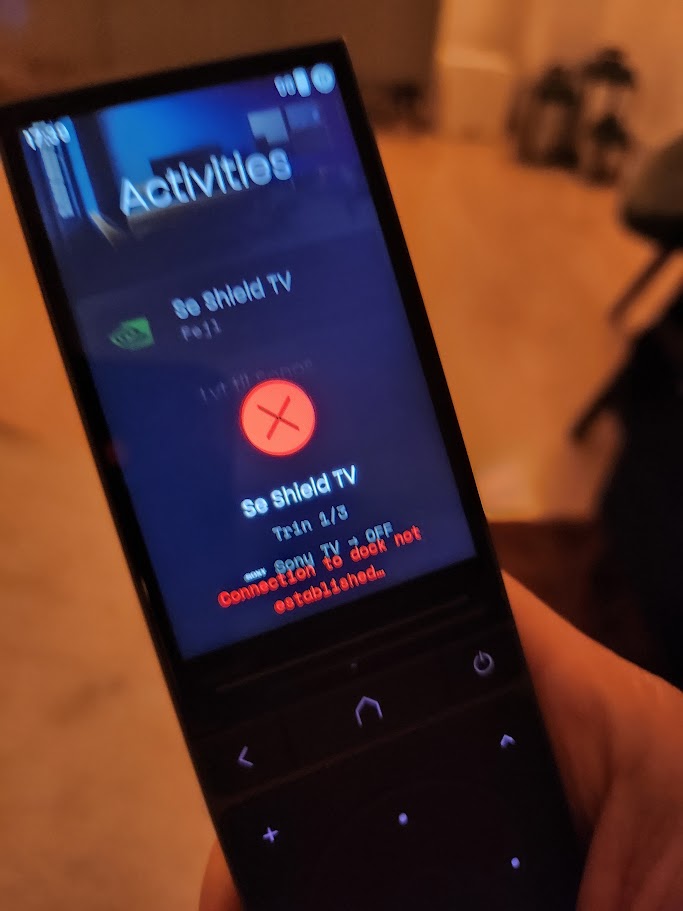
Loosing connection to dock

Hi Everyone

I’m having an issue where I regularly lose control of my devices, and the display shows the message “Connection to dock not established.” This often happens in the middle of using the remote. The dock is connected via Ethernet.

Has anyone experienced this or found a way to resolve it?

Yeah, sometimes restarting the remote helps, sometimes restarting the dock helps.

One time neither helped and had to remove it in the configurator then add it again.

Thanks - I’ll try that the next time and see if it helps.

Try using a custom url for your dock as explained here: https://support.unfoldedcircle.com/hc/en-us/articles/20018912602524-Manually-add-a-Dock-in-the-Web-Configurator

1 Like

have the same problem with fixed ip of dock and remote3 and custom url.

after some time (dozens of minutes) the connection to the dock is gone.

reset of remote helps. also opening the settings of wifi.

but if you want quickly mute the amp this makes the remote unusable :unamused_face:

There are ways to inspect the logs from the dock by connecting it to a computer via USB-C. The support (support@unfoldedcircle.com) should be able to explain this in detail. With the log it will be easier to do the troubleshooting for UC.

Thanks - I’ve now tried to set static IPs for both the remote and the dock and added the custom URL in the settings. Fingers crossed :crossed_fingers:

Any improvement when making these changes? I am having the same issues.

I implemented the settings on Saturday, and so far, it seems to have done the trick :crossed_fingers: I’ll post back if the issue returns…

Since I did this my docks have only disconnected once in 6 weeks. Before they were disconnecting almost daily.

in my setup the dock is aleays working. i can access the web server via web browser. but the remote itself is no more reachable. i need to reset the remote or open the wifi settings. then remote3 reconnects to wifi.

this disconnection of remote3 only happens when an activity is active.

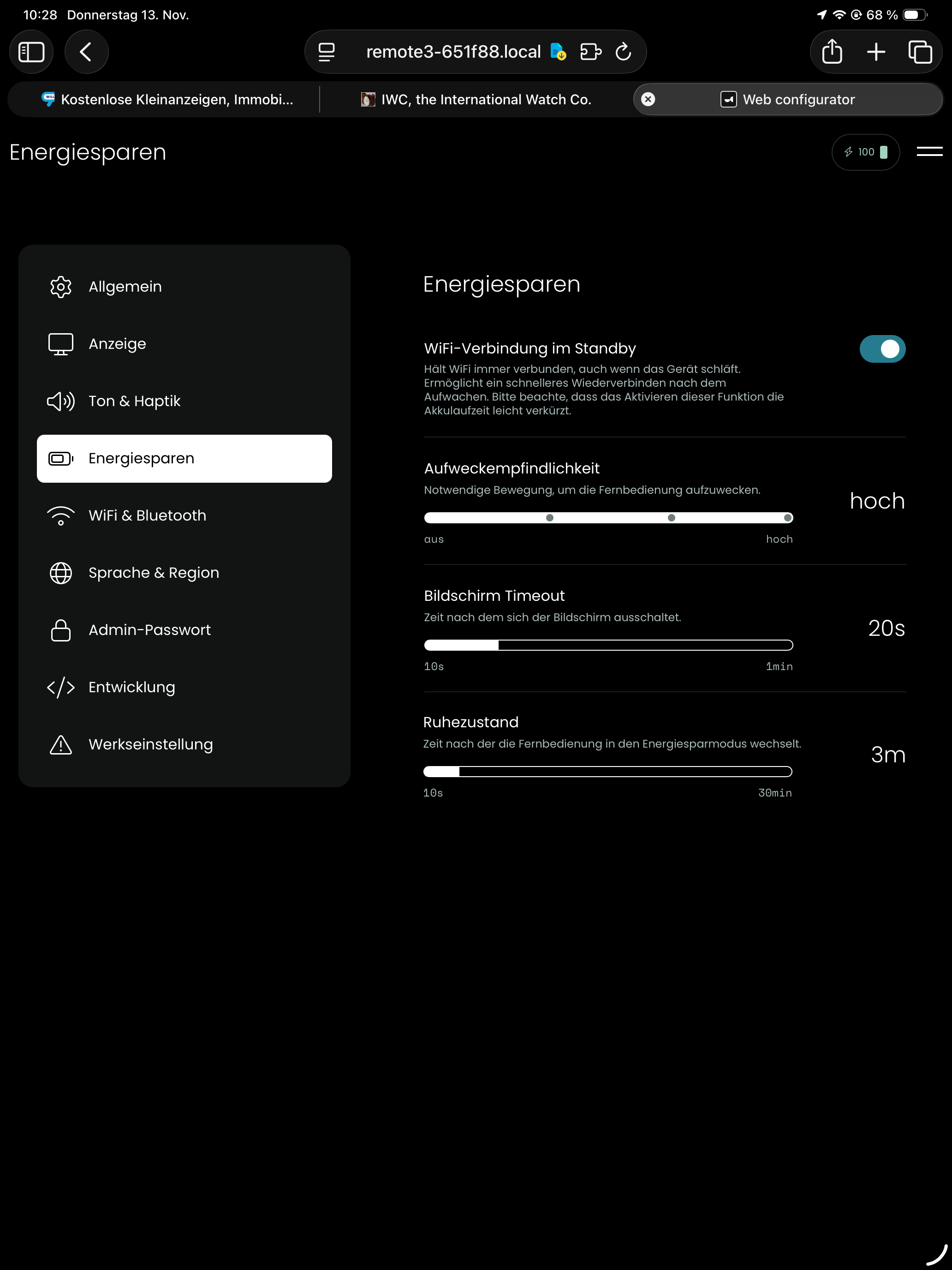
do you have prevent sleeo during activity turned on?

do you mean that wifi should be connected during standby? without this remote3 is totally unusable :wink:

I mean within each activity (on the first screen left hand side - I am away from home right now so cant screen grab) do you have ‘Prevent Sleep while activity is active’ set on?
1 Like

i see what you mean and will activate it. any ideas how long the remote will work when not switching to standby?

thx for the tipp. seems this solves my problem for now.

hopefully the current wifi issus will be fixed soon.

1 Like