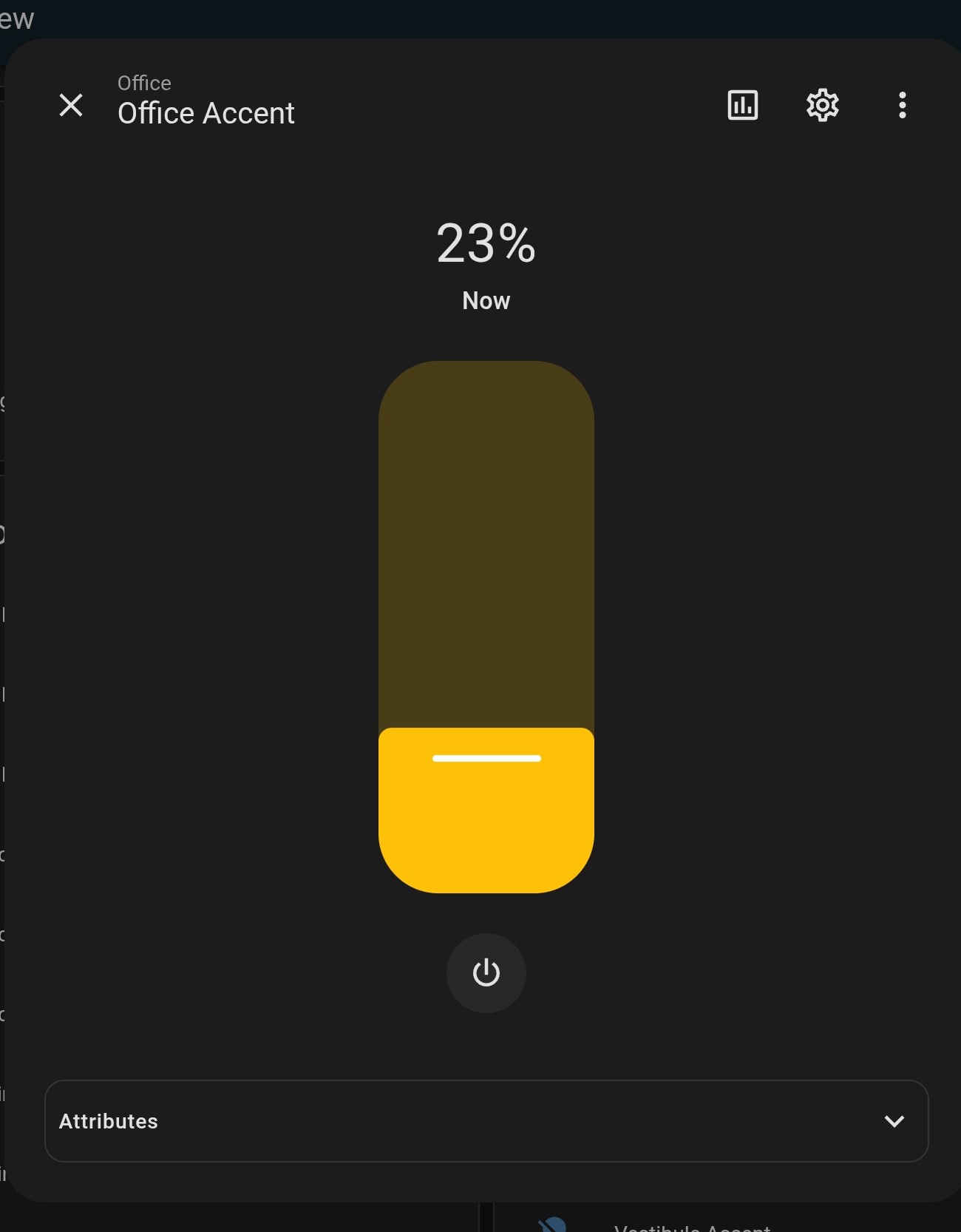
9.21.2025 EDIT: See the second to last post from kennymc – solved the problem!
ORIGINAL POST:
I have Lutron Caseta devices integrated into my R3 (via Home Assistant). Although the HA controls use sliders to control dimming (see photo) those entities in R3 are just static on/off toggles or preset dimming levels.
Anyone know how to enable slider dimming control, either via a touch screen widget, or perhaps using the up-down physical buttons on the remote?
Slider not yet configurable. Fixed to volume control in activity.
Ralf
Sorry, I wasn’t clear. I wasn’t asking about the physical slider control on the remote, I was asking how to enable/build a slider-type widget on the screen, resembling the photo from HA.
Not possible. Only picture and text at the moment.
Ralf
Slider widgets in activities are indeed not possible yet but If you add dimable lights to you profile pages (Customize your remote) and open them you see a more detailed control interface. This you also has a slider to dim lights and change color/temperature if the light entitiy supports this. If you want to access this ui from an activity just add the lights to your activity and tap on the top bar to show a list of all included entities. If you tap on the light you see the same interface with a slider.
1 Like
Kenny, thanks a ton – that worked! I never would have thought about tapping on the top bar. Doing so provided the UI slider then I was hoping for. Really appreciate the tip!
Unfolded Circle needs to start a sticky thread with all of these quick fixes.