My old dumb Harmony remote is able to send a command to reboot an Apple TV. I have not yet found a way to do this on the Remote 3. Does anyone know?
1 Like
I think there’s no direct command for that and you need a macro or command sequence for that. I’ve tried to build a macro but it wasn’t reliable enough
The Harmony was able to natively do it, but I think that was via bluetooth rather than IP.
I connect through Bluetooth as well, and there’s a extensive list of commands available, but reboot isn’t listed. Only power off and power on, but that’s not a real reboot I think.
You also could connect the ATV to a smart socket
1 Like
It was definitely there. I think I was using some kind of beta version of the ATV device for the Harmony. I’ve never seen Reboot anyplace else, but it sure was handy!
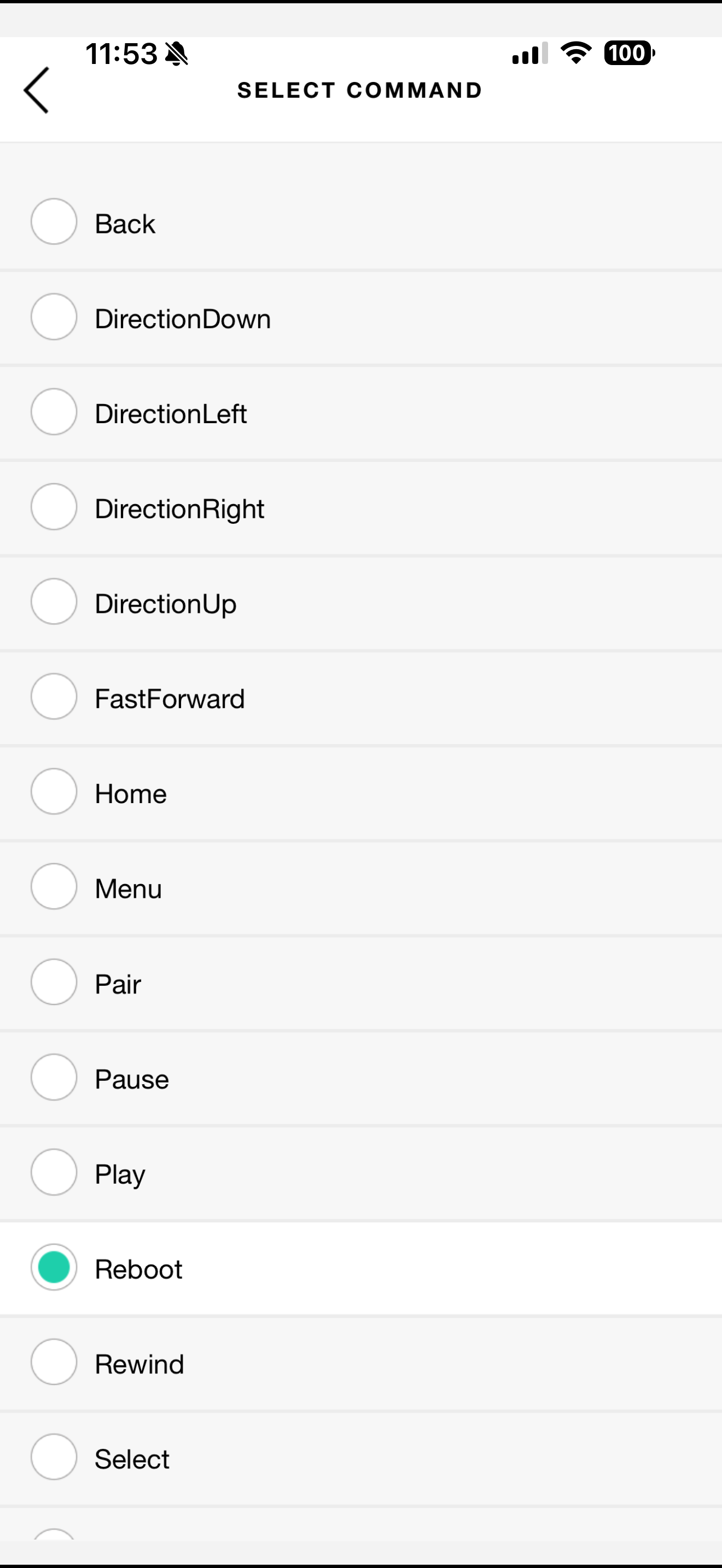
That means the command actually exists and we should have it!
Maybe it works when you just send a custom command. I’m not in the position to try this now, but I’ll try later. This might work
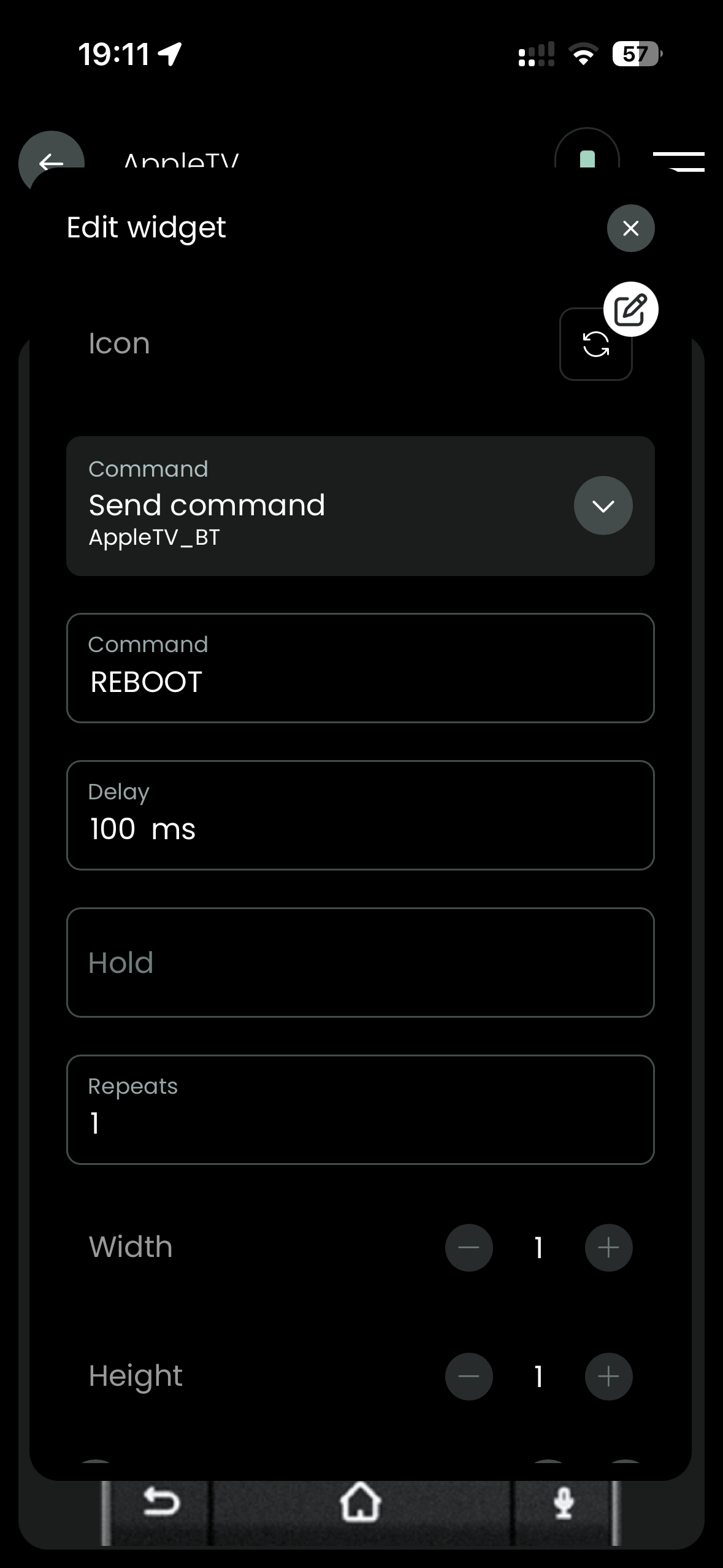
I’ve tried different commands, but no single command is rebooting the Apple TV.
Holding down home and menu buttons on Siri Remote makes the ATV reboot, but replicating that seems impossible at the moment, since sending Bluetooth command sequences is not yet implemented (you can set it up, but you’ll get an error saying this). I’m on the Remote Two running 2.6.12
Did this happen instantly from what you can recall? Or did it step through the menus to do it?
Everything I find online seems to point there being no direct access to a reboot command either through Bluetooth or IP.
Correct. There seems to be no direct way to do this at present.
At this moment I haven’t got stability problems with the Apple TV anymore, but if that reoccurs, I’m probably going to install a smart plug to reboot it
I did a little digging to refresh my memory on how I got this working with the Harmony. These two links discuss a Manufacturer: Harmony Beta / Model: Test Apple TV device that uses bluetooth to connect to the ATV and adds functionality beyond the standard Harmony integration. This is what I was using with my Harmony. So it is possible to get the Reboot button. I’m just not sure if it can be replicated.
http://reddit.com/r/logitechharmony/comments/klkrkd/harmony_beta_test_apple_tv/
In the Reddit link it seems as restarting is done via IR, correct?
Shoot, you’re right! I just ran some tests to recreate the Reboot button. It is the standard IR Harmony integration! I even tested it by covering the ATV with a box, and sure enough the box blocked the IR signal.
I think the bluetooth integration came from the Harmony Beta. It’s been so many years since I set this up, I had forgotten.
So the next question is - Can UC learn this code?
I just tried it… And it worked!
HEX Code:
26;0x77E11880;32;0
1 Like
I did see that there was some confusion with the Harmony remote where most people also added the Apple TV via IR and so thought the reboot command was sent via Bluetooth when it was actually IR.
Glad you got it sorted in the end!
1 Like
Ah cool thanks! Now I have a reason to connect through IP, Bluetooth and IR to the same device haha! 

1 Like
I have the same ask. I have no idea how Harmony did it, but I desperately want to do it with the Remote 3
My harmony had it too. No Macro,no sequence…just instant reboot
@Dodge I ended up figuring it out and posting in this thread. Works perfeclty.
1 Like
Thanks for this! Works like a charm