much better for updating the integration is what I meant. Great integration!
That’s very cool! So is there ANY real advantage to using Docker at this point?
Hello,
getting this log message with 1.6.7:
“Update blocked for driver sonybluray_driver - lock is held”
and also other integration updates are not possible.
hi,
i updated the integration manager directly over the integration manager webpage. and after this, the integration manager was deinstalled (or is not visible?) anymore. what is going on?
did i miss something? as you can see in the picture, the ingreation manager is not installed. (i installed the manager directly on the remote3.) did i something wrong?
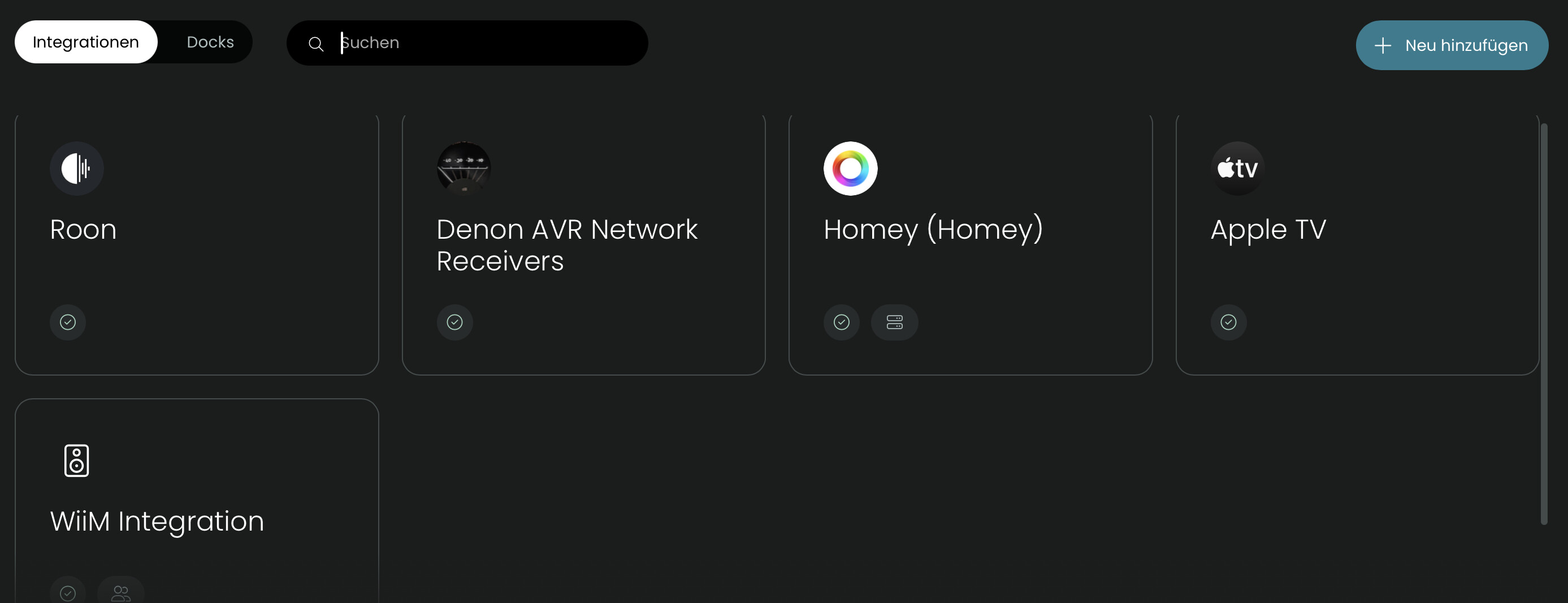
Update of integration manager only works has a certain version. I think your installed version was to old.
Ralf
restart the remote to fix it.
Automatic updates of integration manager weren’t officially supported until > 1.6.7. Due to me working out bugs, if you had 1.6.6 installed it may have technically worked but no promises. Earlier than that and you likely would have run into your situation.
But no worries just install it manually like you normally would and the version I’m working on releasing should be offered as an update soon
Hey @JackPowell Just wondering what your thoughts are on this? I am running the docker version, but I am wondering if I might as well shut it down and move the integration directly to my remote.
Reboot helps with the lock but starting updates does not finish. Tried with several different integration updates with reboots in between. No useful log messages.
Previous versions of integration manager worked here nicely.
After another reboot and waiting long enough all updates went through. Maybe been just impatient…
If it is your only container, yeah, I’d move. If not though, I’d stay put. I still run in docker
I’m going to improve the lock issues in the update. And put in a way for you to reset it if one grows stale
It’s my only UC-related container. All of my other integrations are running directly on the remote. But I’ve got lots of other non-UC containers running. If you’re suggesting to keep it, then that’s what I’ll do.
hmm okay, i don’t know which version was installed before. but i think it was a newer one. but okay. i will install it again and hope, it will now stay. 
Has anyone else experienced problems connecting two remotes? This has been working for a couple of months, but suddenly, I can’t open the Web UI for the Integration Manager at all. The logs show the integration is connecting to my first remote, but failing to connect to the second, which seems to lock out the Web UI. Any ideas?
If both remotes should be accessible, try rerunning setup and updating the config entry for that second remote.
Thanks @JackPowell, but unfortunately that didn’t do anything. I tried rerunning setup and selecting “Update information for selected device” on the second remote. No joy. Restarted the integration. No change. I also updated information for selected device on the first remote, rebooted both remotes, and restarted the integration. Still no change. Here’s a log.
Any ideas?
since last two Updates of R3 2.10.1+2 Integration Manger does not work anymore. „Connection refused“. Reinstalling does not solve the issue. Is there anything i could do now?
Many Thanks for your great Integrations
BR Peter
@Peter, I’m running Integration Manager on 2.10.2 seemingly without issue.