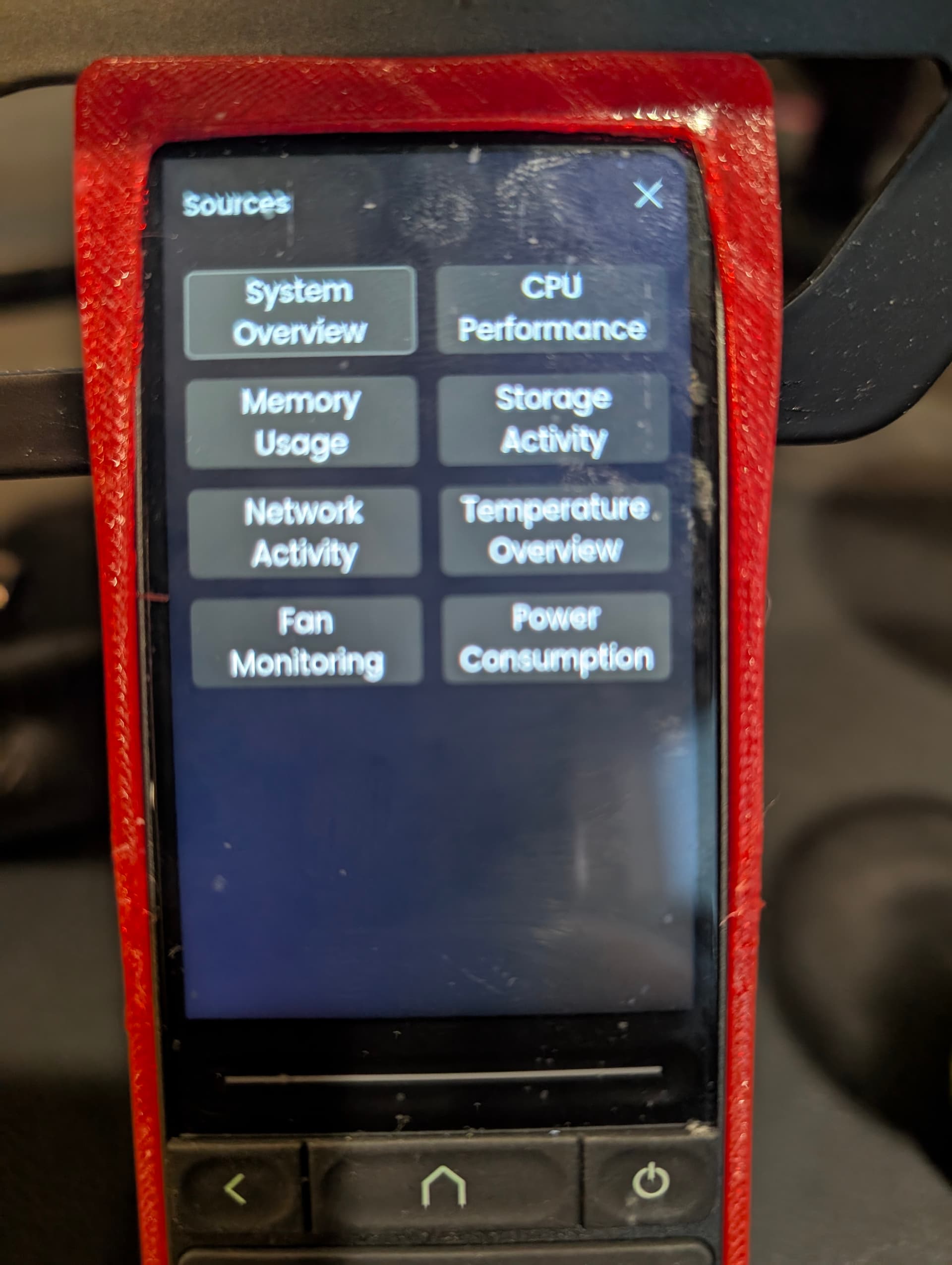
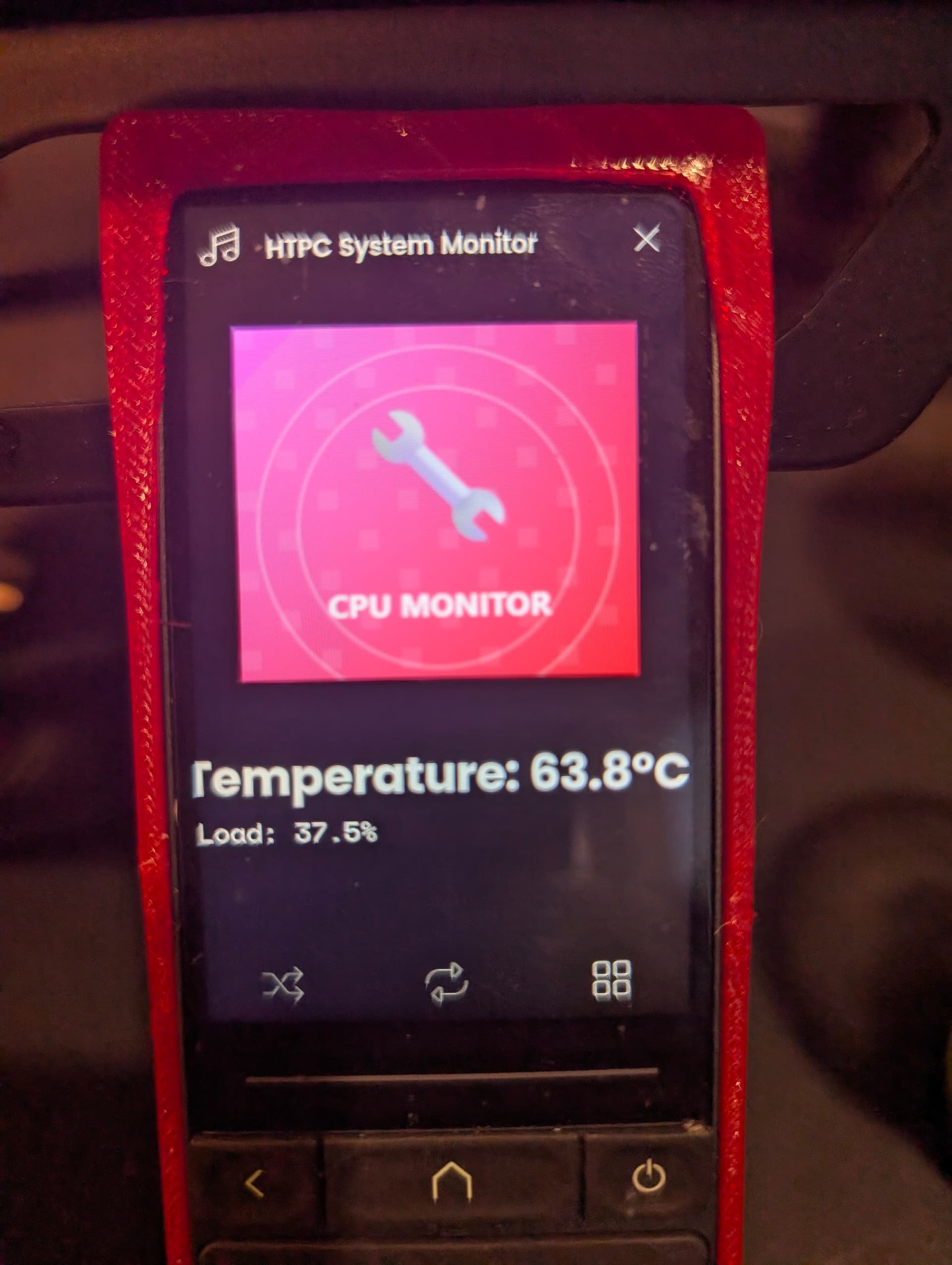
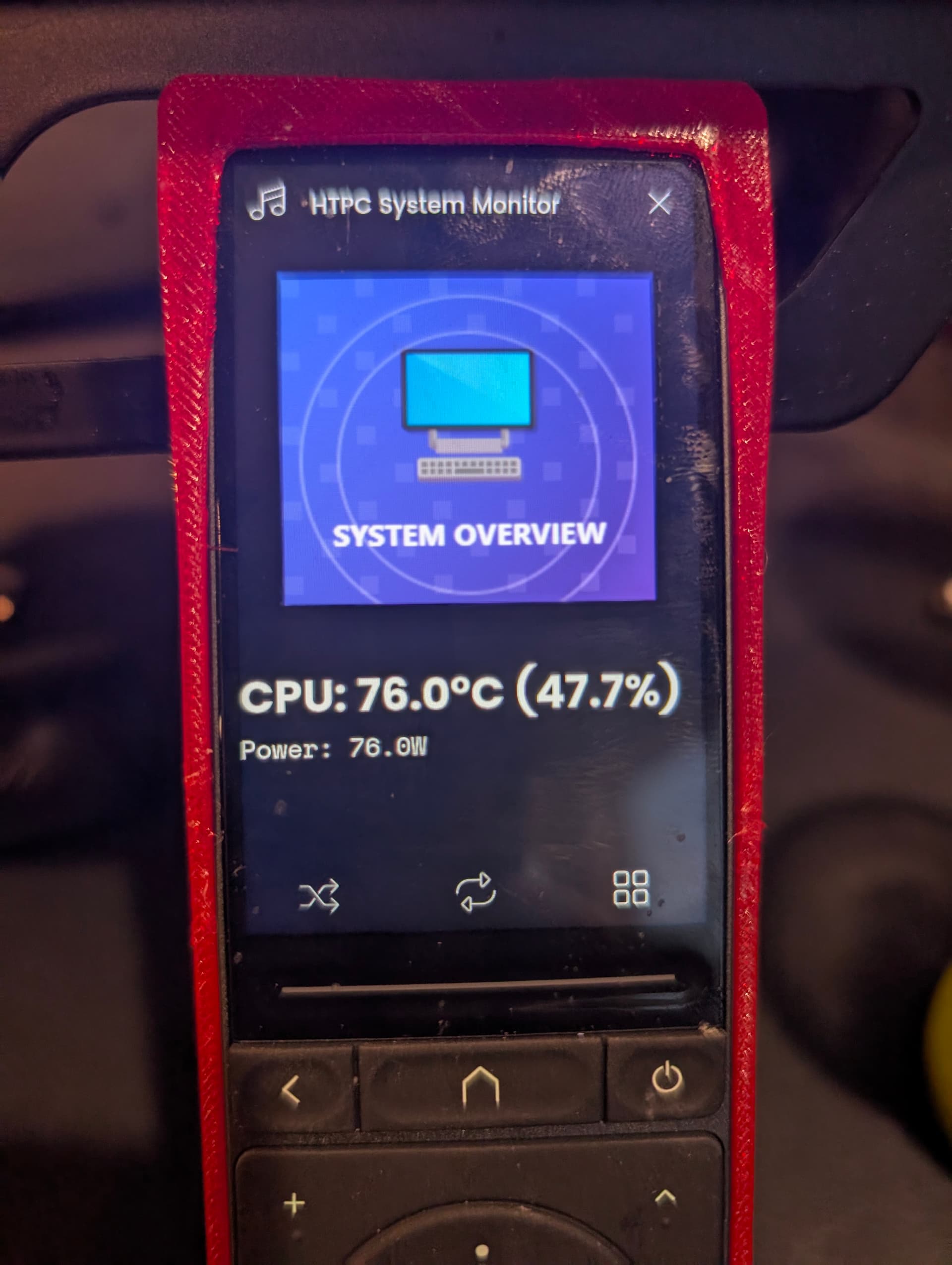
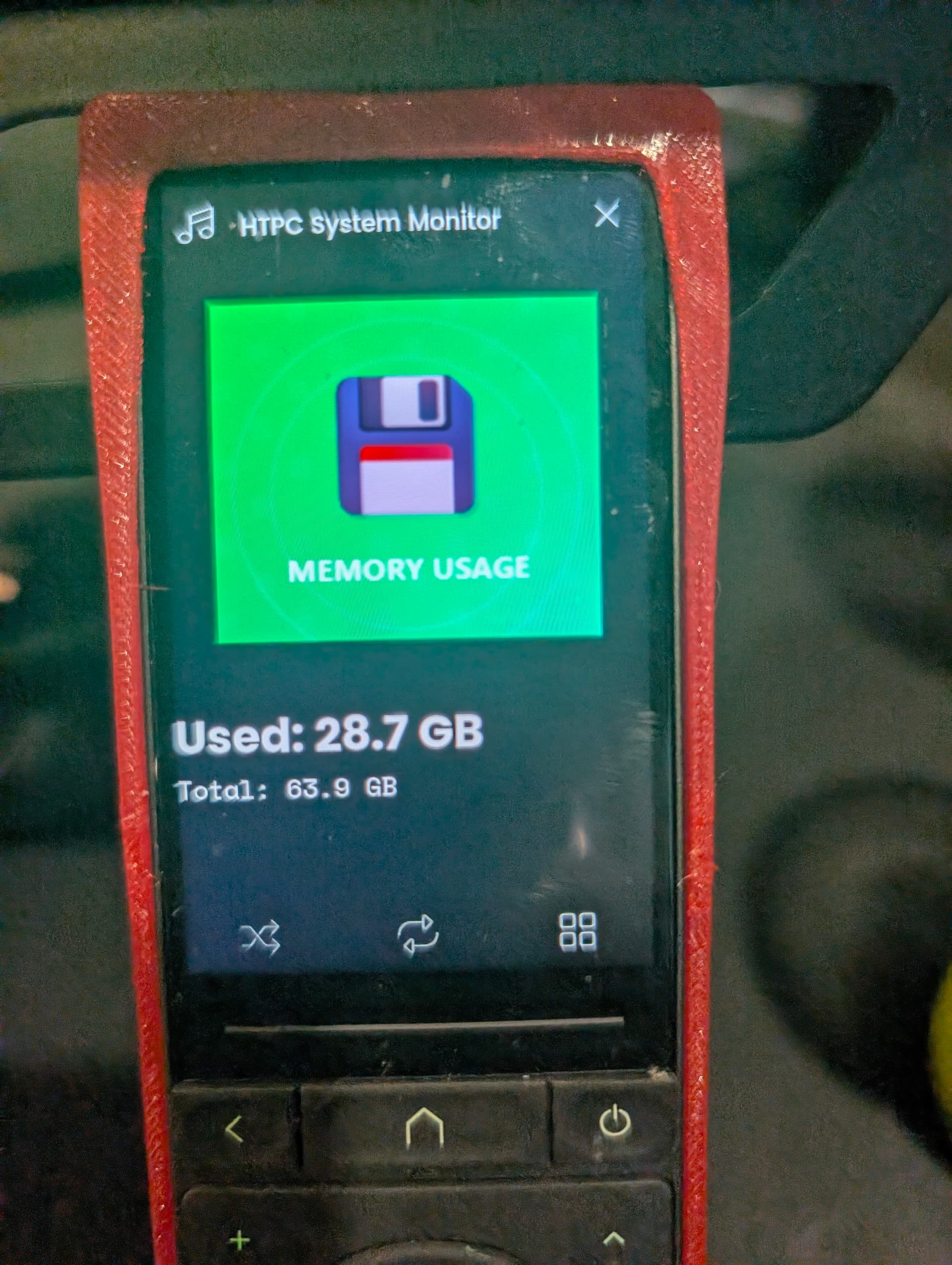
Hey everyone, i worked on an integration that is (almost) perfect for those of you who have an HTPC in your setup (or just want to have something cool for their regular computers).
What It Does: Full monitor and controls over your PC, it creates two entities: a MediaPlayer for system monitoring (8 different views) and a Remote for complete Windows control (6 pages of functions).
Key Features:
Real-time monitoring: CPU, memory, storage, network, temperatures, fans, power consumption - support celsius & fahrenheit
Complete Windows control: Media keys, shortcuts, app launching, power management
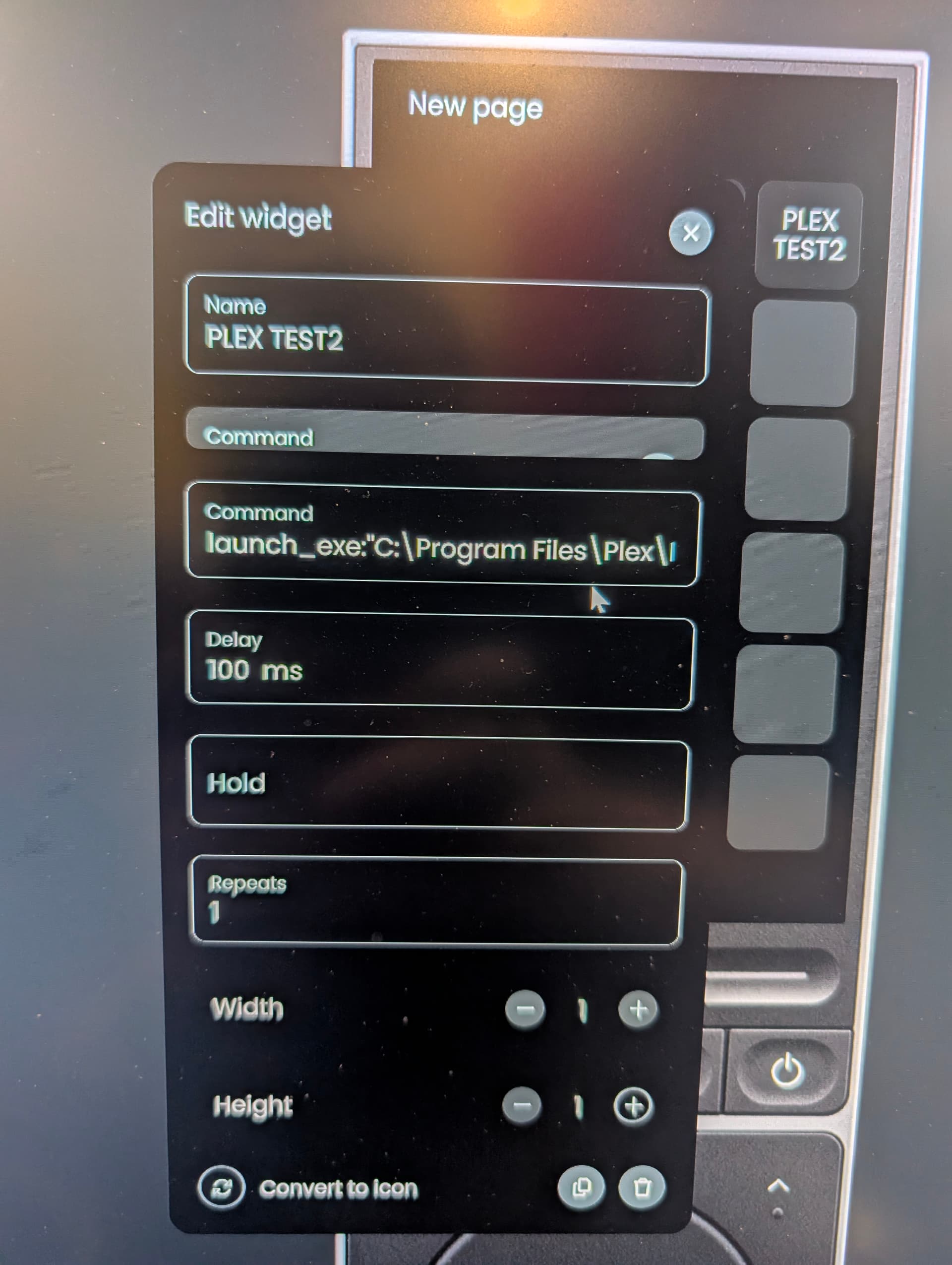
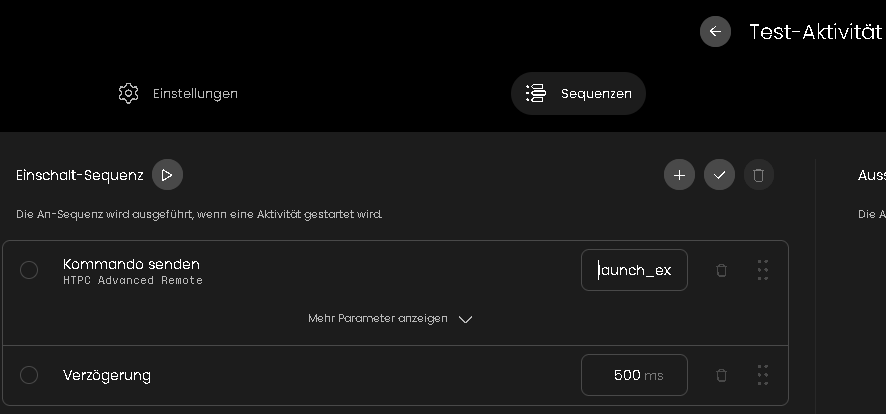
This is a cool feature i wanted to implement: Custom app launching via Send Command with launch_exe:“C:\path\to\app.exe”
Built-in web shortcuts for YouTube, Netflix, Plex
5-second refresh rate with configurable temperature units
Requirements:
Hardware:
Windows 10/11 HTPC + Unfolded Circle Remote Two/3
Same local network
Software (Both Free):
LibreHardwareMonitor - Download from GitHub releases
Run as Administrator, enable web server on port 8085
HTCP Agent - Download HTCP_Agent.exe from integration GitHub repo
Run executable, appears in system tray
Network:
Port 8085: LibreHardwareMonitor web server
Port 8086: HTCP Agent communication
Firewall: Allow both ports
Quick Setup:
Install LibreHardwareMonitor → run as admin → enable web server - Make sure the webserver is bind to the current network card (PC internal IP).
Download & run HTCP_Agent.exe → check system tray and make sure its running
Test connectivity: http://YOUR_PC_IP:8085/data.json (should show sensor data)
Install integration on Remote → enter PC IP → complete setup
Add entities: “HTCP System Monitor” + “HTCP Advanced Remote”
Common Issues & Solutions:
Setup fails:
Restart LibreHardwareMonitor and re-enable web server
Perfect for HTPC enthusiasts wanting comprehensive system monitoring and control directly from their Unfolded Circle Remote. No monthly fees, runs entirely on local network.
NOTE: Pay close attention to the setup, readme and how to configure.
Thank you and Enjoy
Some pictures of what to expect:
Great work. I’m looking forward to testing this when I return from overseas in a couple of weeks. I use Kodi on Windows and this integration will hopefully allow me to change from BT to launch Kodi etc.
So…I have been experimenting with your integration. Great work.
I have a couple of issues. Some of the sensor data is incorrect (e.g. CPU temp 5.7deg), but I haven’t checked the Libre setup yet.
The main problem I have is that the connection does not survive a reboot of the remote. If I reboot the remote I have to re-run the intergration setup to reesatblish the connection. Could you see if this is happening to you?
But this does not work, shows “Bad Request” after starting it.
Additionally the command “launch_exe….” disappears, when I go back and enter this activity again for configuration. So it seems that it is not accepted at all.
This works in principle.
But the DVBViewer in TV-mode runs fullscreen and then accepts only a few commnds like “Alt-F4”, a number for program changes or “F” for fullscreen toggling for example.
Windows itself does not “see” some commands (therefore does not accept), sent by the R3 (or by keyboard), if the DVBViewer runs fullscreen.
So the R3 cannot start one of my simple batches in that mode (except toggling fullscreen mode off before, what may interfere with other programs, which interpret the commend “F” differently).
A workaround would be to “restart” DVBVIewer. exe with additional parameters to toggle fullscreen or to close it.
So it would be nice to have the possibility to add parameters to the launched *.exe.
Do you think, it could be realized in the future?
Yes, it is more or less a problem, coming with/from the DVBViewer, I’ll try to place a ticket to the developer.