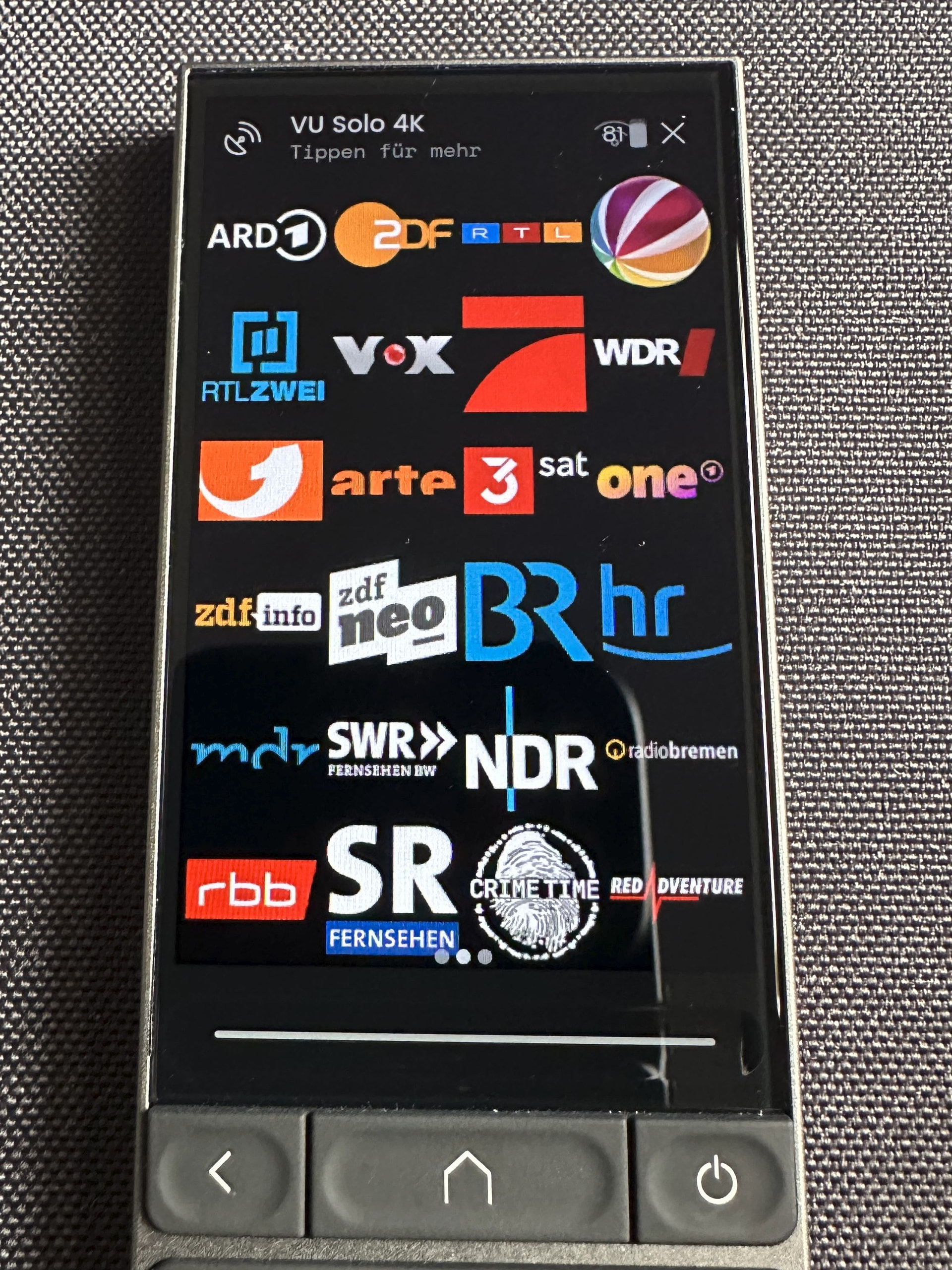
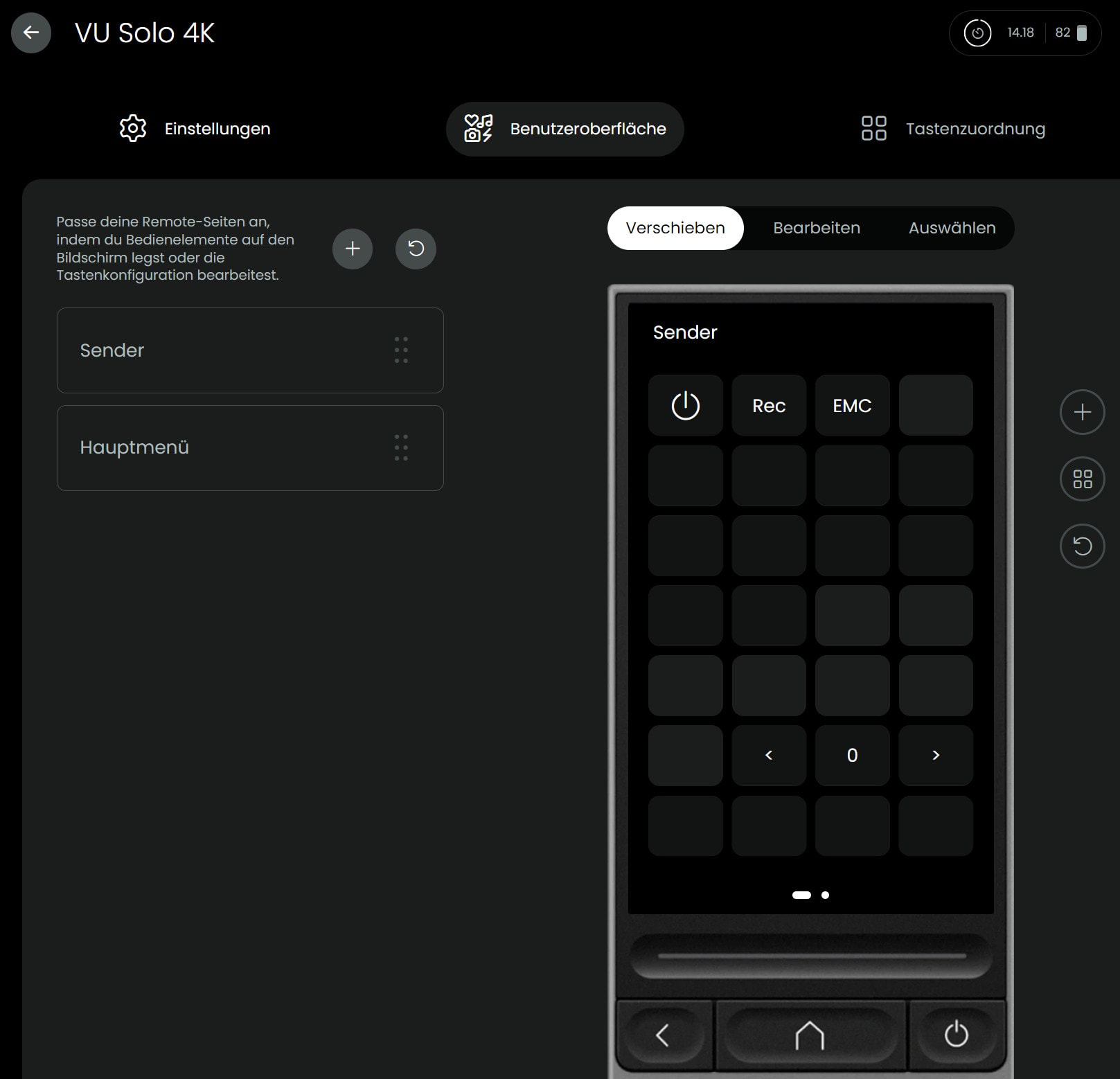
I have configured my sat receiver (VU+ Solo 4K) using the Dreambox integration.
Suddenly there’s an inconsistency between the display on the UC3 and the web interface:
As you can see from the 3 dots there are 3 pages.
On the top it says “click here for more”, when I do that it says : “fix status”, then “VU Solo 4K”, but when I click on that it says “Not yet implemented”.
Clicking on top of the screen opens among other things a list of used entities so that you can easily open an entity which is included in the activity.
Switching pages of activities is done my swiping left and right.
This brings up the page similar to that shown in the Web UI.
I have configured the entity with the 3 pages in the web interface, but I cannot find it anymore in the web interface. This looks like a bug to me.