Homey Intergration

hi all

I’m new here so please excuse any ignorance

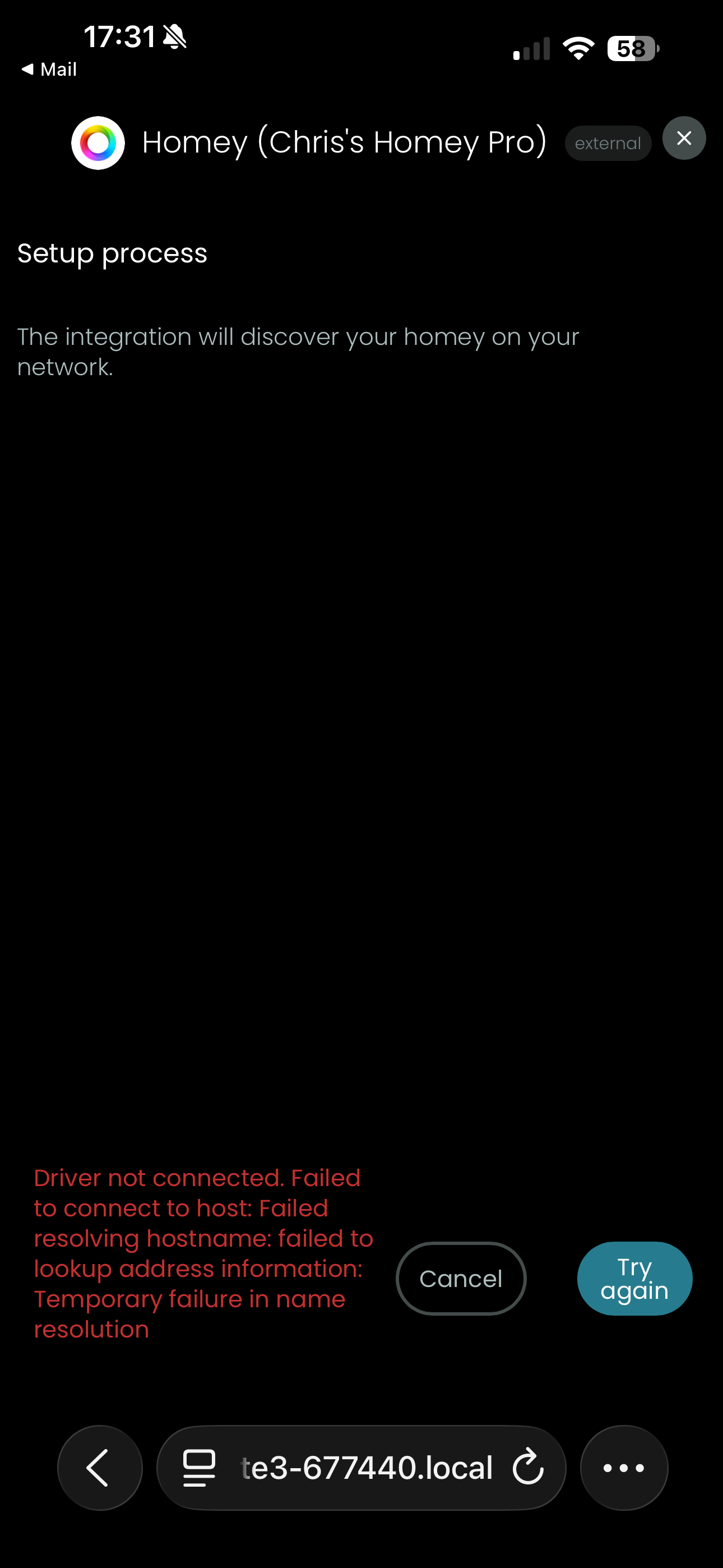
just setting up my remote 3 and trying to add the Homey integration. The configurator can see my Homey as it knows its name (Chris’s Homey Pro) but when I try to add it I get the following message

Driver not connected. Failed to connect to host. Failed resolving hostname. Failed to lookup address information Temporary failure in name resolutions

Homey is Ethernet connected and I have a mesh network. Both Homey and R3 are on the same network
Any assistance would be appreciated

Thanks

Have you installed the Unfolded Circle app for Homey on your Homey?

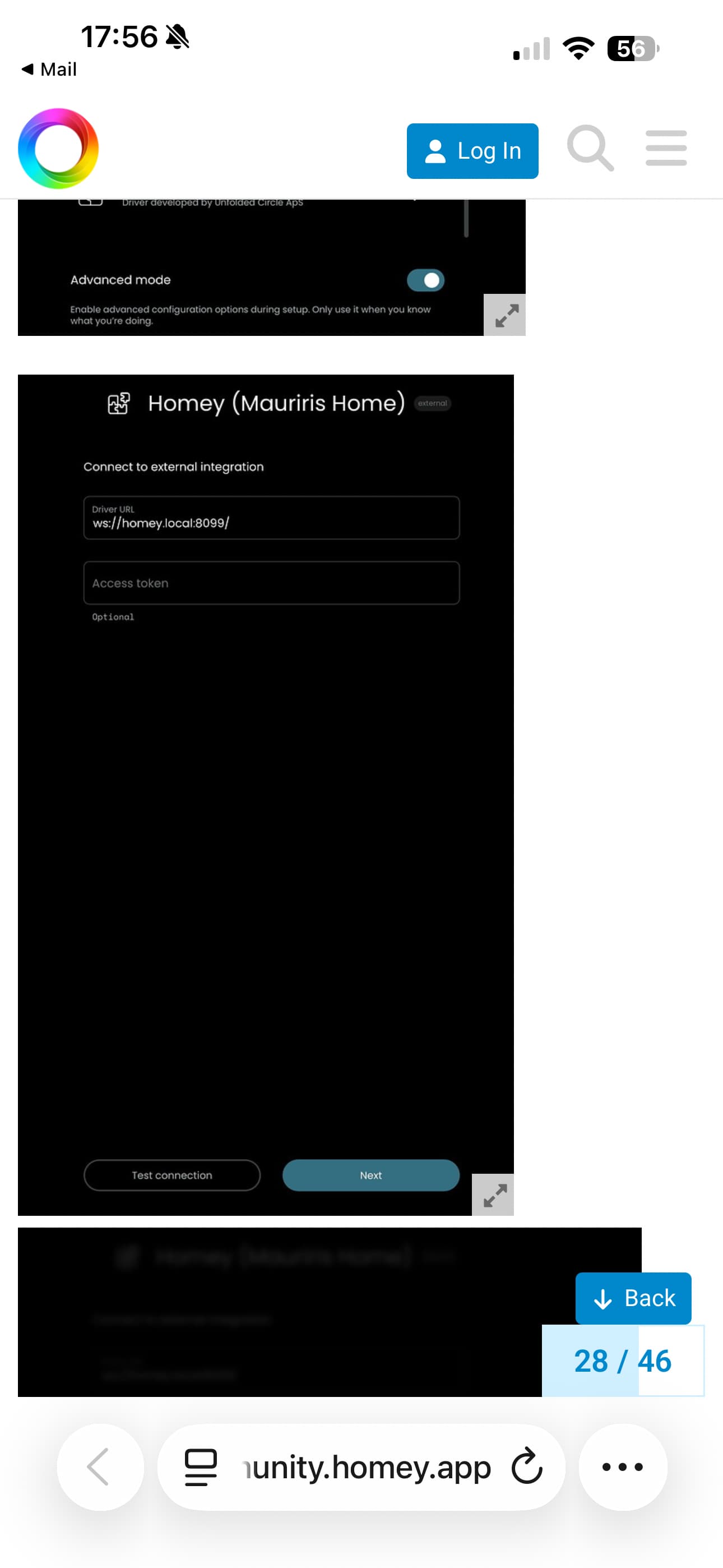
Other thought: you can create a more stable connection by letting the integration point to your Homey’s IP address, instead of its network name. Check this post for details: Unfolded Circle Remote 3 - #40 by SunBeech - Devices - Homey Community Forum

Thanks for the response. Yes the UC is running on the Homey

Apologies for the dumb question but how do I get to the Driver Connection Settings. This is all I get?

I don’t get to equivalent of this screenshot of the post you pointed out

Some other things to try:

  • Restart your Homey and R3
  • Remove and reinstall the integration on your R3
  • Does your Homey have a fixed/reserved IP?
  • Do you have IPv6 enabled on your LAN? You might want to check if disabling helps.

So a simple restart of Homey did the trick. Thanks for the advice and support

1 Like