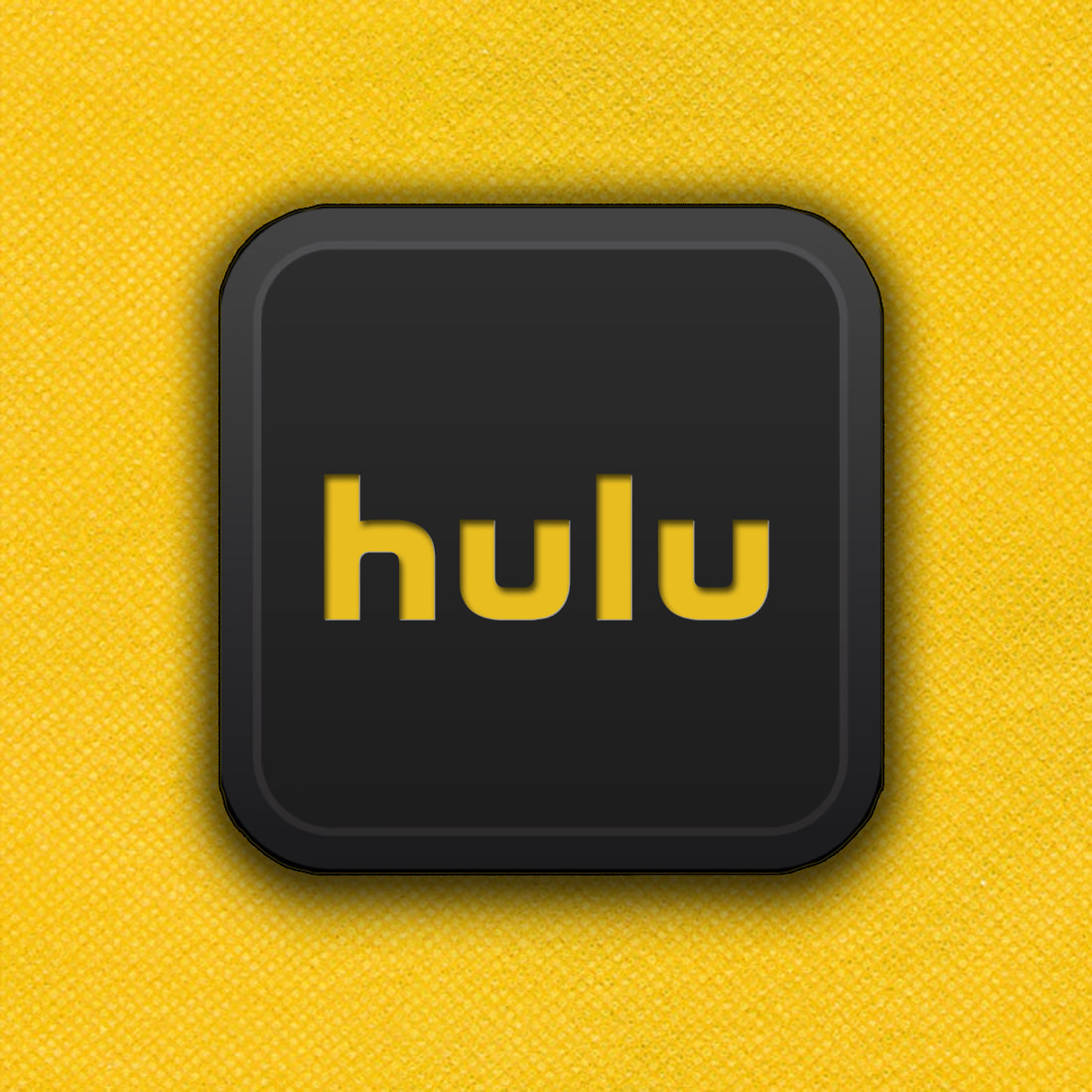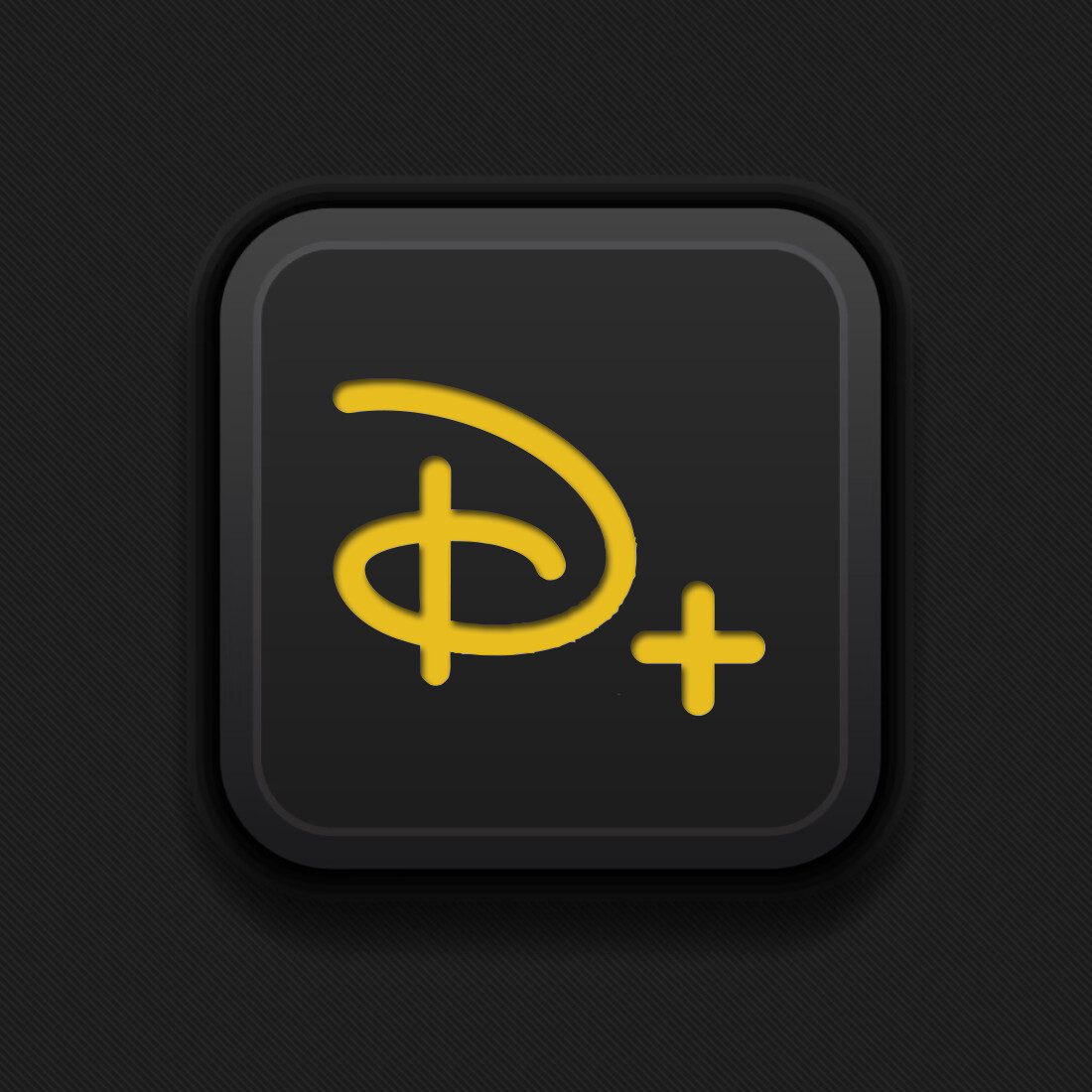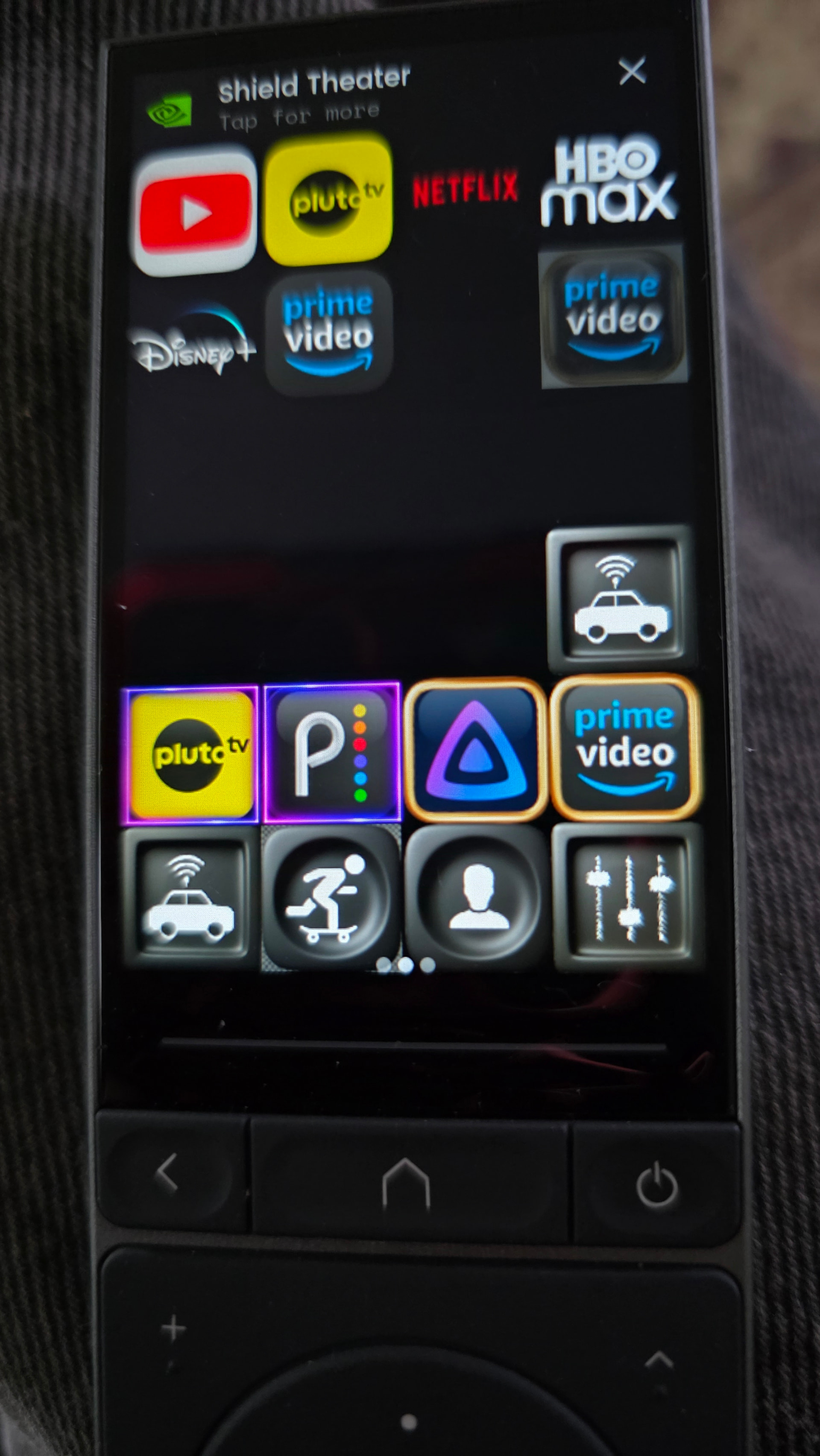
couldn’t do pic and post for whatever reason, but working on creating buttons to use with remote , opinions? on what works?
What do you mean? Pic’s for buttons must have the size 90x90.
Ralf
I mean pic of buttons displayed on remote and buttons are 90x90
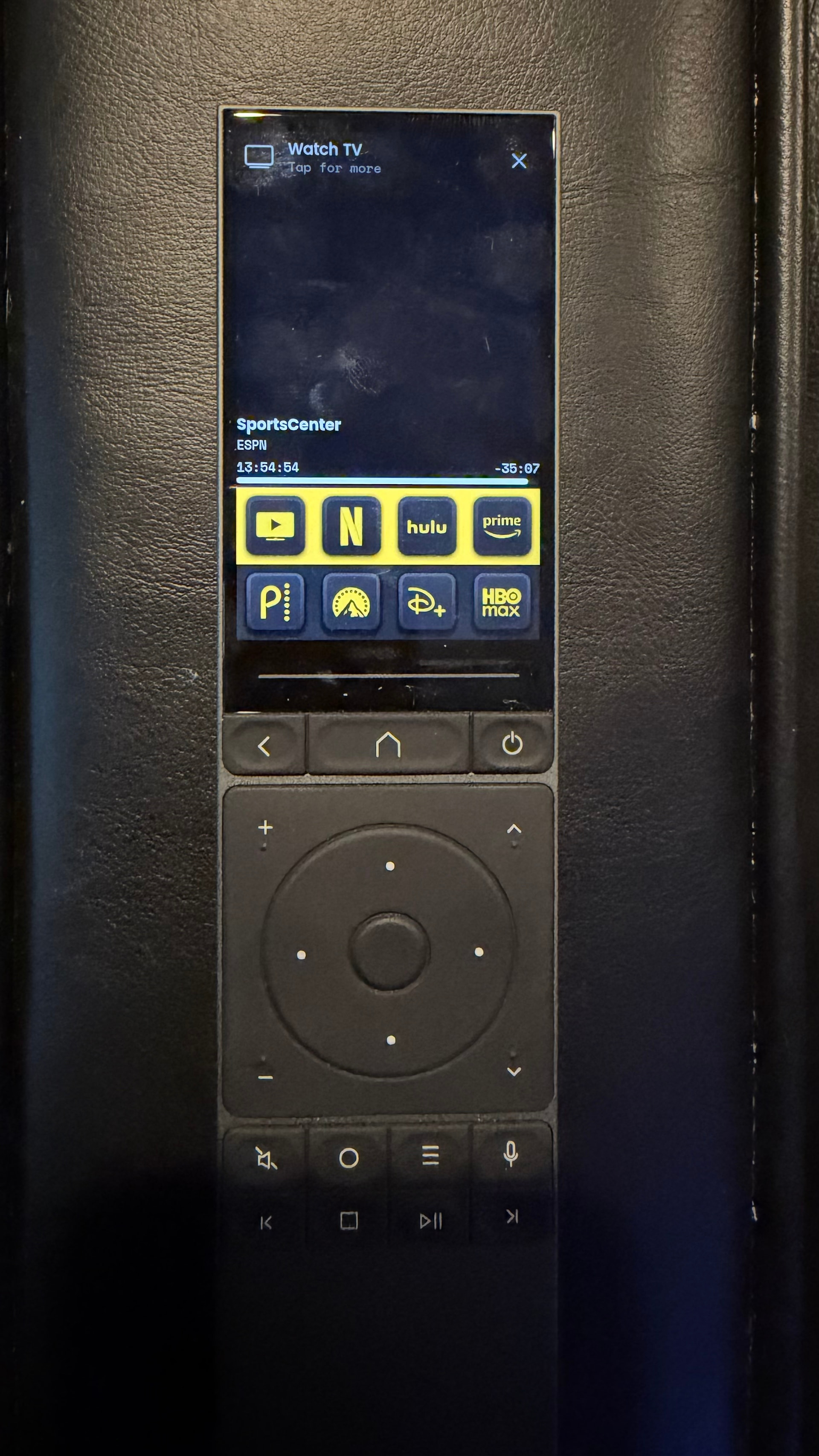
This is what I have. Don’t mind all the fingerprints…ha ha. I did modify some of the logos like disney+. It was just too small to look nice.
this is like the perfect thread for @harvey28 , no one and i mean NO ONE can beat him when it comes to icons lol
That looks really good, how did you do that strip of yellow around the buttons?
And does any one know if or when there going to add button states seems a waste having nice screen and not making use of it.
185 uploads - 6529 downloads - 20 Tile Pack backgrounds
https://unfolded.tools/?__transition=1
To get the yellow strip, you have to make the grid 4x6 and then design your button a bit smaller with yellow on the outside. Because of the space, it naturally pushes the icons together so it looks like a yellow bar.
@harvey28 Thats awesome….i didn’t know about that before…I just made my own in photoshop. Thanks!