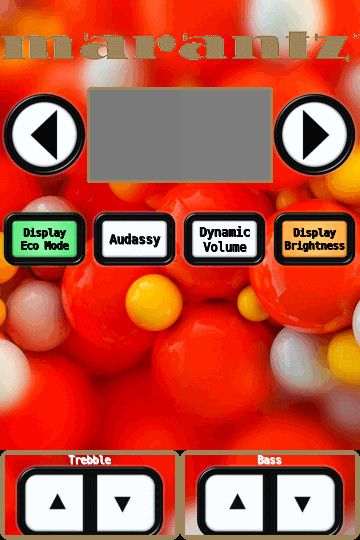
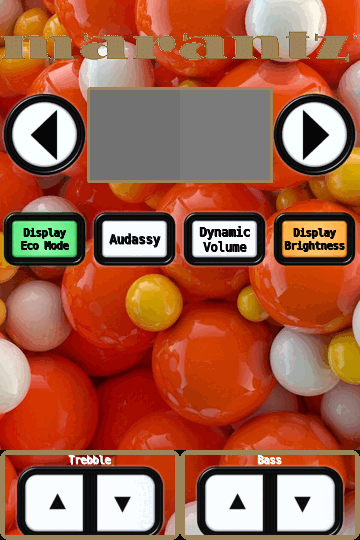
Working on tool to create interface grids for remote used a 6x9 grid for first test
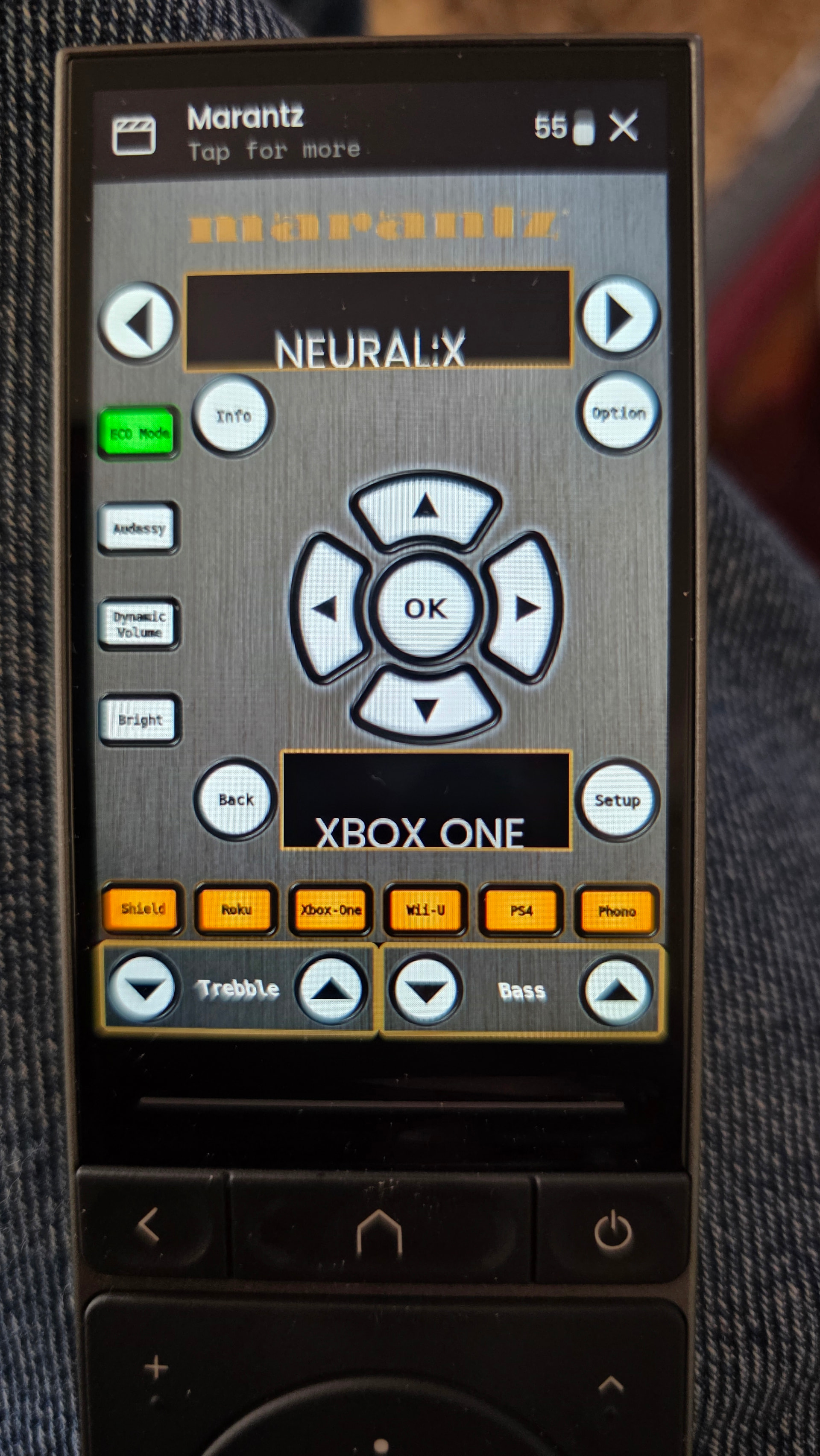
think the buttons are to small and wished text from sensors aligned better opinions?
Working on tool to create interface grids for remote used a 6x9 grid for first test
think the buttons are to small and wished text from sensors aligned better opinions?
super cool. i like the idea. question, when you say “tool” do you mean a slicer for the images or you inject a full background? reason i ask, have you seen this: Icons — Tile Creator
I mean powershell takes a image crops it to correct aspect ratio then cuts it up to the grid size your using then resizes tiles to 90x90 Then uses a *.txt file for directions on what to layer on each tile. Working on it I’ve been referring to these as elements.
here is border that goes around surround mode
r2c2, r2c3, r2c4, r2c5 = !border [color=#9d845b]
bottom section for bass/trebble
r9c1, r9c2, r9c3 = !frame [roundness=10, color=#9d845b]
r9c1 = !button = round_thick_coolwhite [size=75x75, x=7.5, y=7.5], !icon = Sort Down [size=50x50, x=20, y=20, color=black]
r9c2 = !text = “Trebble” [size=18, bold=yes, italic=yes]
r9c3 = !button = round_thick_coolwhite [size=75x75, x=7.5, y=7.5], !icon = Sort Up [size=50x50, x=20, y=20, color=black]
r9c4, r9c5, r9c6 = !frame [roundness=10, color=#9d845b]
r9c4 = !button = round_thick_coolwhite [size=75x75, x=7.5, y=7.5], !icon = Sort Down [size=50x50, x=20, y=20, color=black]
r9c5 = !text = “Bass” [size=18, bold=yes, italic=yes]
r9c6 = !button = round_thick_coolwhite [size=75x75, x=7.5, y=7.5], !icon = Sort Up [size=50x50, x=20, y=20, color=black]
all text based almost every element is editable by just changing a few words of text