Short history: I have a set-top-box, which I could not make work with my Remote 3 + Dock 3 combo. My dock died and somebody recommended to try Bradlink R4 mini with the integration. The intelligent IR blaster could drive my STB out of the box, with the first default configuration.
Now I “only” need to program my Remote 3 to use the Broadlink R4 mini and this is where I am stuck. Somehow this integration does not work the same way, like most of the others do.
Ask: Could anybody offer me some help in getting my Remote 3 configured through the integration to use by Broadlink R4 mini to control my STB ?
Also be aware that people are reporting disconnects with the Broadlink device with the latest beta versions of the R3 firmware which they believe is likely related to the connection issues that are already well documented with this firmware.
If you are refering to the disconnects/unavailable entities that have been reported since 2.11.0 they are most likely not related to any specific integration. I even had them with included integrations like Denon. But only 2 times and this hasn’t happened for a few weeks now. A reboot has always fixed this issue.
It is quite easy once you made it the first time BUT all IR devices the R3 itself supported or from IR database of global cache can be send through the RM4.
I was hoping that after I set up and tested my set-top-box on my R4 mini, the BroadLink integration will discover everything ( devices and all of their buttons ) during the setup and later on I can easily refer to them when setting up activities. But this does not work.
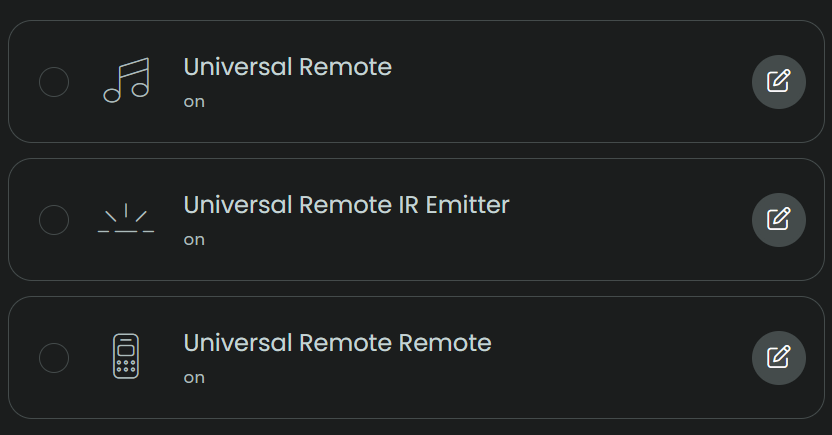
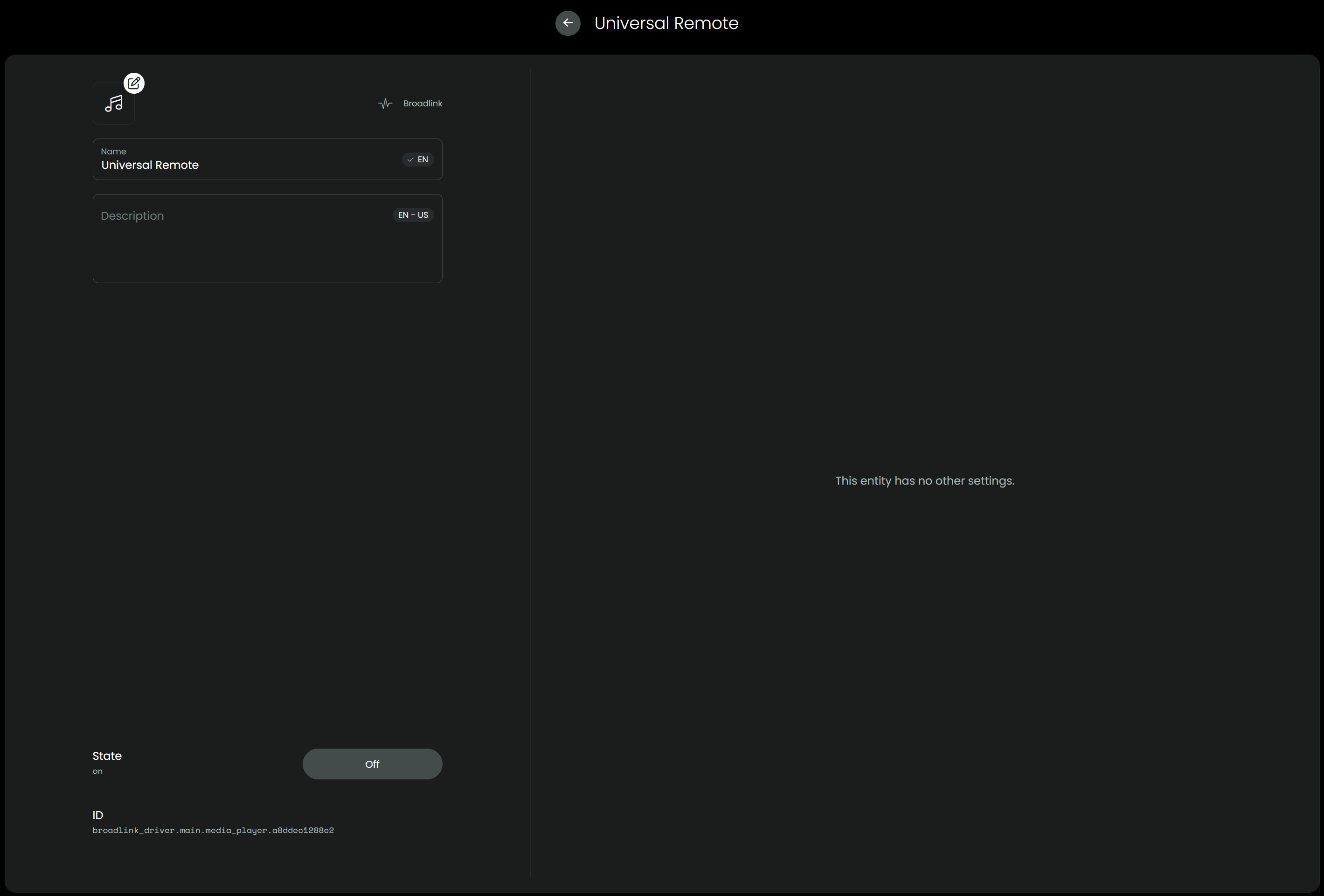
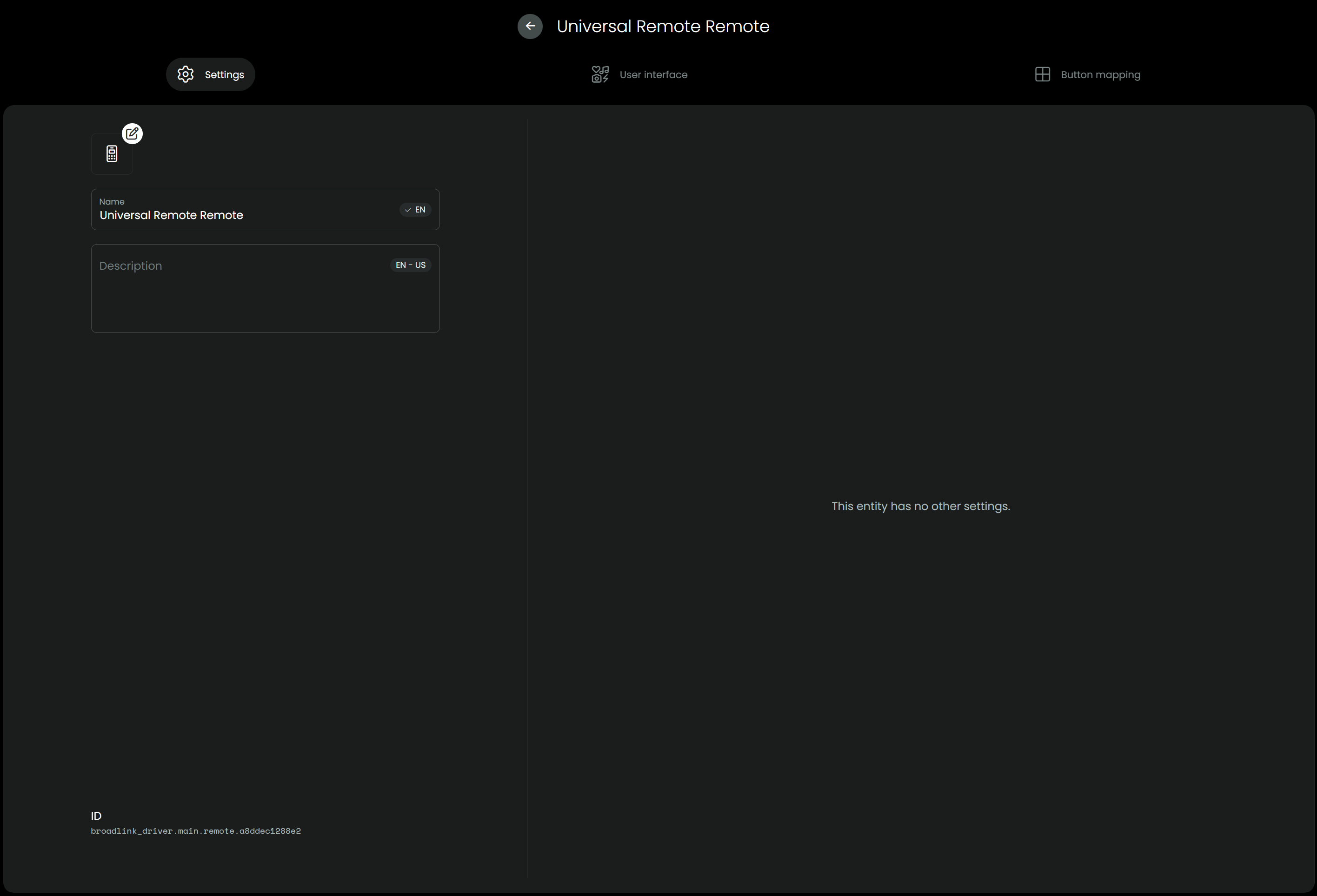
After setup I get the new BroadLink custom integration and the following 3 entities :
I think it does not use the devices from the Cloud. I use Broadlink RM4 Pro with devices I learned or imported from the UC database. If the UC dock cannot learn a code you must learn it with the Integration which is described in the documentation.
 will continue reading …