I updated the dock to firmware 0.10.3 on Thursday, June 25, 2026. Everything worked perfectly.
On Friday, I updated to 0.10.4.
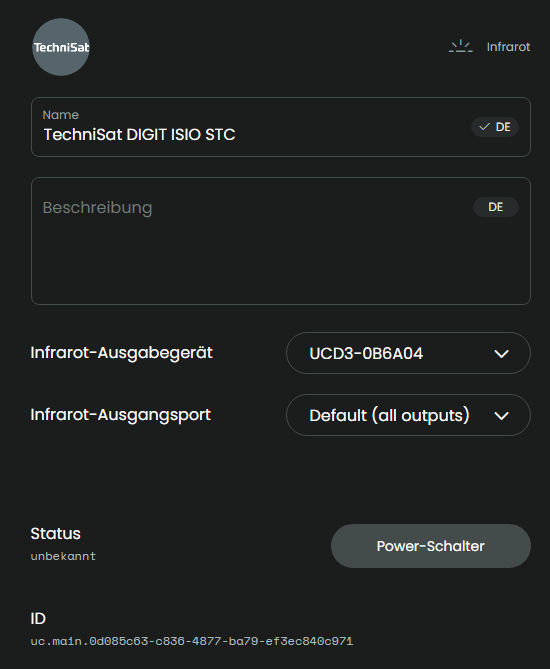
Everything worked perfectly all evening until the Remote 3 suddenly displayed an error message related to the IR device (TechniSat DIGIT ISIO STC).
Since then, I haven’t been able to control the device or end the action.
Restarting the dock: No change.
Restarting the Remote 3: No change.
The problem persists this morning (June 27, 2026). Here is the corresponding log entry:
2026-06-27 08:17:54.186943 +00:00 core ERROR [Fernsehen] error executing activity command uc.main.0d085c63-c836-4877-ba79-ef3ec840c971:remote.off (ignore error: false): BadRequest: Invalid port_id ‘8’
Since then, Remote 3 has been unusable for me.
What can be done to resolve this issue as quickly as possible?
Here is the log:
I have similar system only I use port 1. The error from the log only says that a command couldn’t be send. Is the connection to the dock active?
Qick workaround is to use remote to send IR.
Ralf
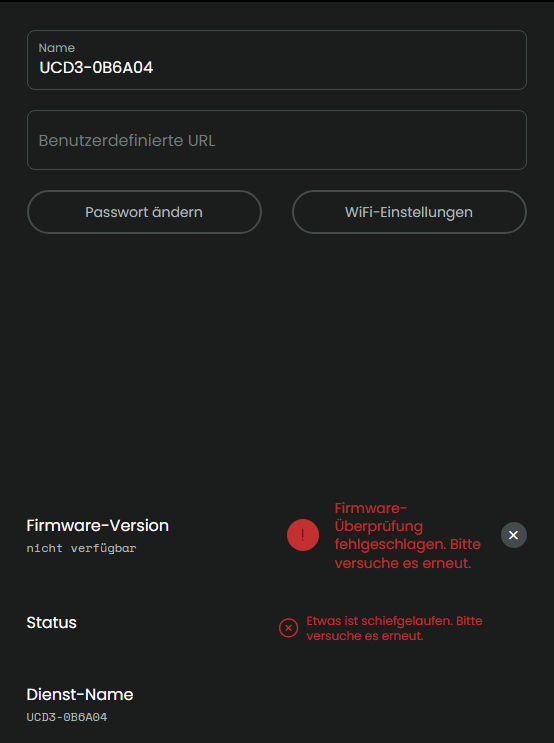
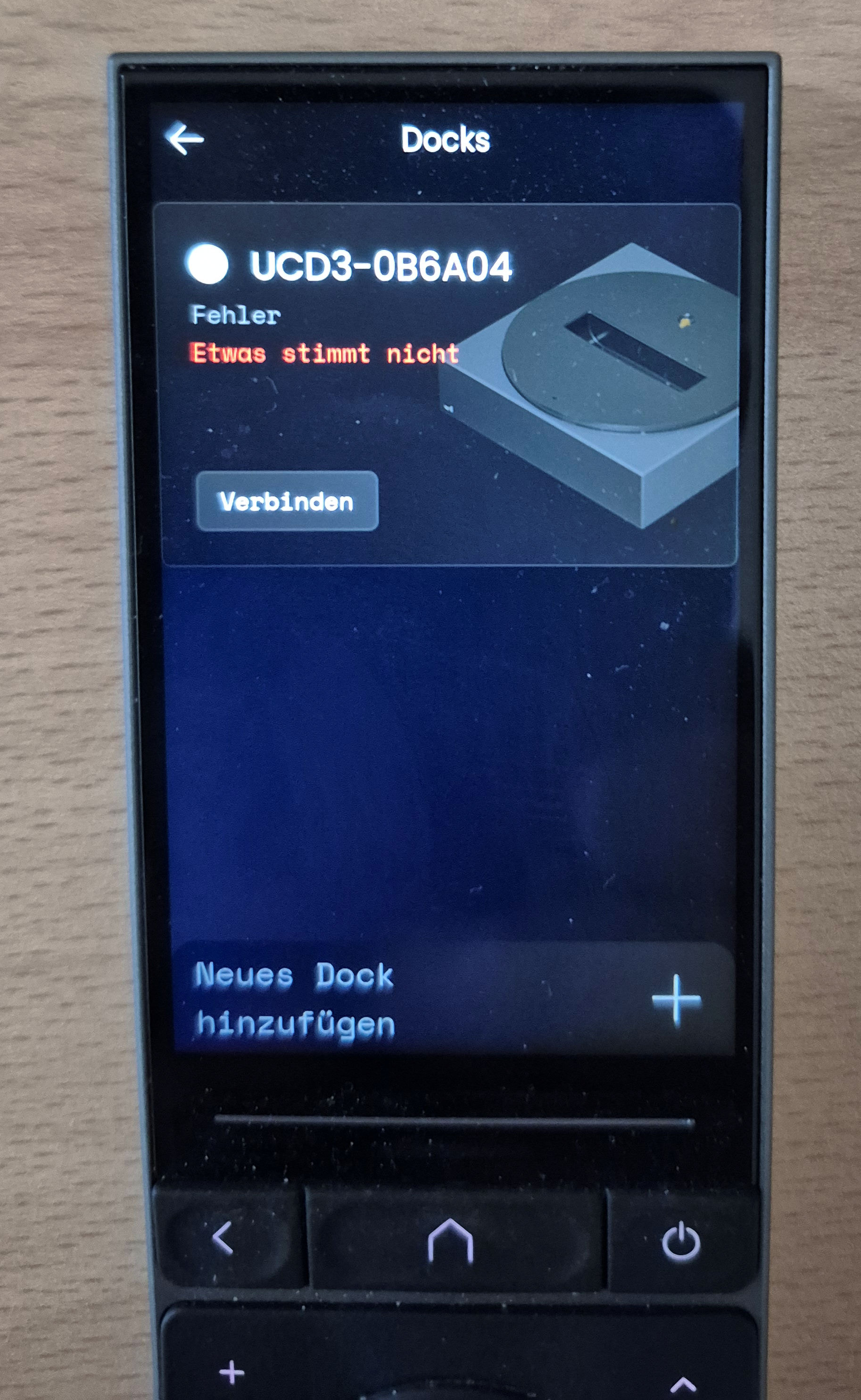
No and if I try to connect the Dock on the Remote 3 it says: “Something is wrong”.
It must be something wrong/broken inside the firmware because 0.10.4 was running several hours before the error appears.
I just activated ir-sending by the remote itself and it works.
Therefore the problem has to be fixed inside the dock’s firmware.
How did you try to connect the dock? URL?
Ralf
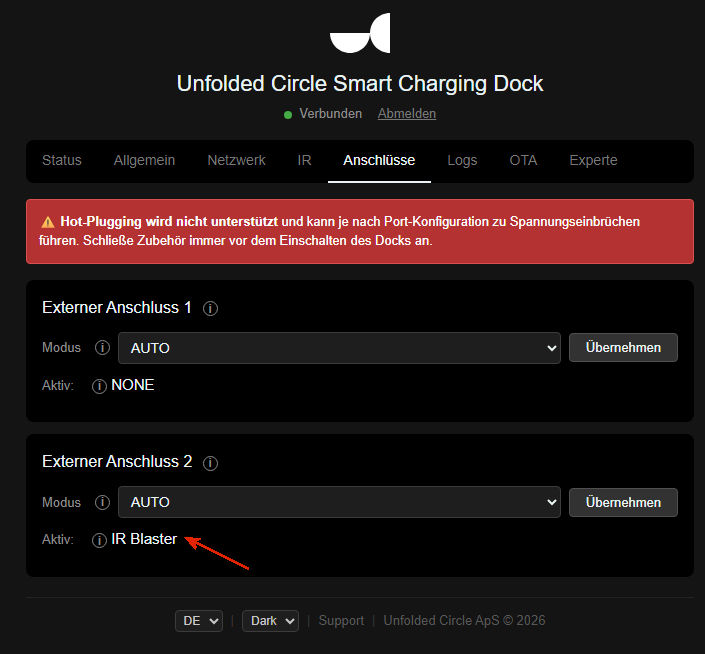
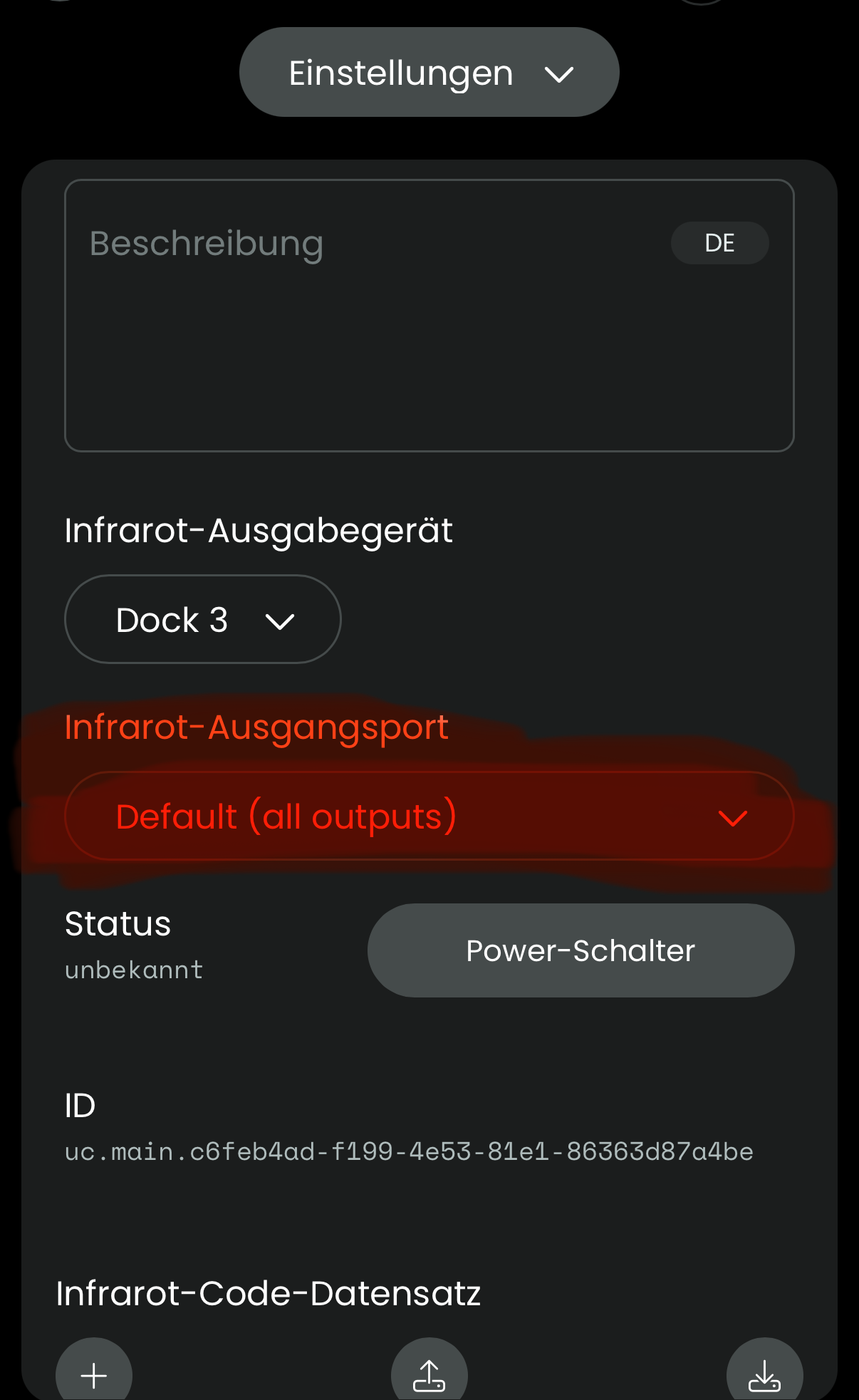
The error message is very clear. The remote entity seems to try to send its command to a non existing port 8. Check the remote entity config and try to manually change the output to port 2 which you connected to the blaster and try if this works. Maybe it also works if you set it back (probably it was set to the default all ports option). 0.10.3 had a problem with port 1 that was fixed with 0.10.4. Did you switched the port from 1 to 2?
Sorry but i don’t understand what you ask me to do.
Where should i do that?
I connected the blaster from port2 to port1 but as long as the dock isn’t changable inside the Web-Ui changing the port doesn’t matter.
Go to entities and choose the ir remote. In the next menu change this dropdown:
Did it without any change/success. The error still comes up.
As long as the dock is not connected with the remote nothing will work. Show the dock page from the remote.
Ralf
I told you earlier but ok, here’s a picture:
Adding a new dock too doens’t work. That message again appears.
I’m thinking about going back to 0.10.3 by using ESP-Tool because with 0.10.3 and using the blaster on port2 the problem doens’t exist.
Maybe you should first try a dock factory reset.
Do you see any meesage on the dock display with an explanation mark icon and a number when you power the dock? It’s shown as the last message after all other infos. If it’s 10 then port 2 could not be initialized. For me a 9 was shown when I had 0.10.3. installed which is refering to port 1 (ucd3-firmware/components/preferences/uc_errors.h at main · unfoldedcircle/ucd3-firmware · GitHub)
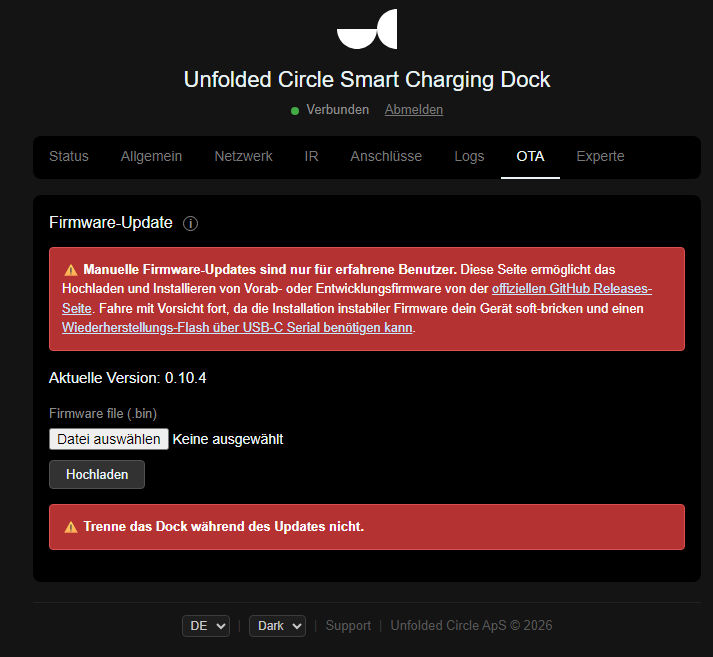
You should be able to use the OTA page on the dock and upload the older firmware. You get in from GitHub (Releases · unfoldedcircle/ucd3-firmware · GitHub). First download the firmware matching your hardware revision of the dock (r4 or r6), unzip the file and upload ucd3-firmware.bin. When it asks for a password enter admin as user and use the pin as password you also use in the dock webinterface (0000 by default). But keep in mind that on 0.10.3 port 1 may not be working.
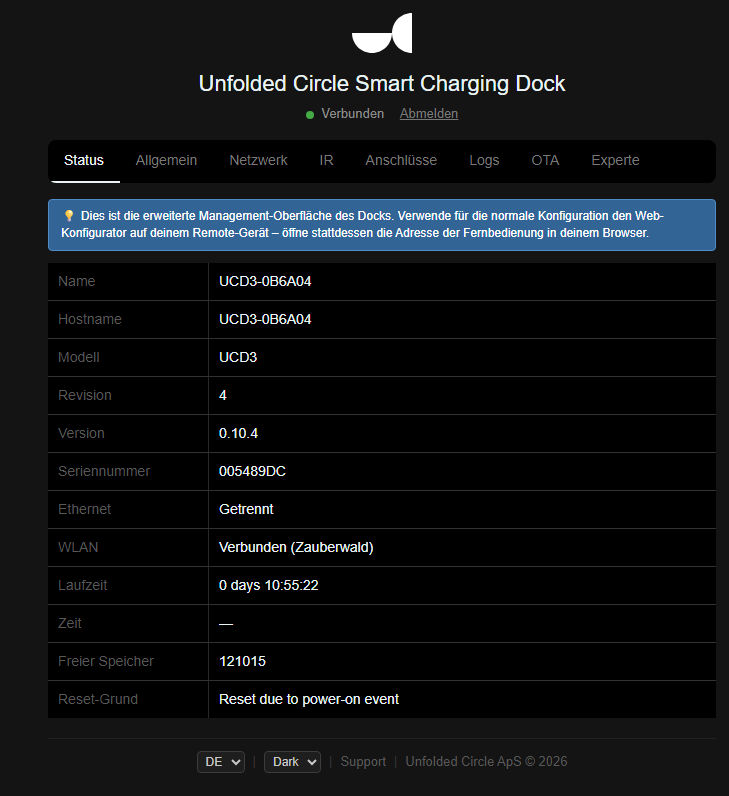
Update: While looking in you logs I see authentication errors. Have you set or changed the dock password/PIN (the one you use in the dock web interface)? Check that the same password is also set in the dock settings on the remote. You can also enable logs on the dock and monitor any connection message.
Another tip: Use a fixed/dhpc reserverd ip and a custom url for the dock to prevent any mDNS resolving errors.
You are my hero.  That’s it !!
I installed the Dock-Web-UI on my PC and changed the “Token” to that i use for my Web-UI.
That was the graet “mistake” because on the remote the PIN still was the old one.
Changing the Token (PIN) inside the Dock-Web-UI should give a message saying “Remember to chansge the PIN on the Remote too”.
There also should be a more clear message shown in remote web configurator that the password is not correct instead of just a „something is wrong“ message. The log already shows the better error message. To be fair: Before the recent Dock update it was only possible to change the Dock password on the remote and the remote firmware hasn’t been updated since then. Maybe this will be added in the next update
It should be.
I’ve thought about factory-reset which takes a very long time and going back to v0.10.3 which can be dangerous.
Thanks to you, I was spared all of that. 
Could it be that a PIN other than 0000 isn’t accepted? I change the dock’s PIN via the web management interface and then on the remote. Even after restarting both the dock and the remote, the “Something’s wrong” error message persists on the remote. Logically, error messages also appear on the remote when starting activities.
Only when I reset both PINs (dock and remote) to 0000 can the dock reconnect and everything works normally again.
0.10.4 firmware says RS232 is now available on one port. When I go into dock port configuration, there is no RS232/serial option. I am on ‘Preview Features’. Check the dev change log, nothing mentioned about buried settings etc. How do I select RS232/serial in the dock settings page?
RS232 is only available on the Dock itself right now for testing purpose. If you you access the dock via its ip and can try it with a web console.
Did really noone change the Dock’s PIN via the web management interface and then on the remote with success?