I’ve been trying to work out the best (quickest) way to upload IR codes into Entities on my new Remote 3.
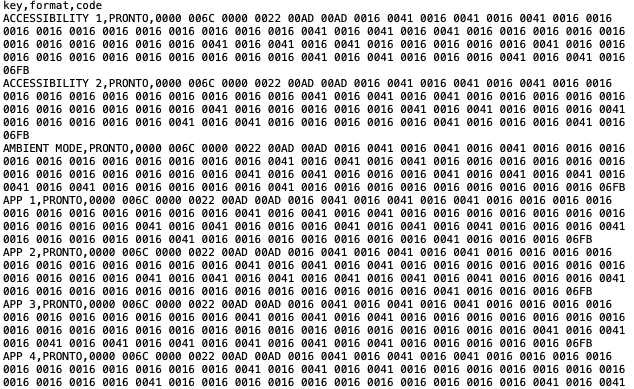
The GlobalCache code sets are great but in the wrong format, so I wrote some code to convert them quickly. See Below
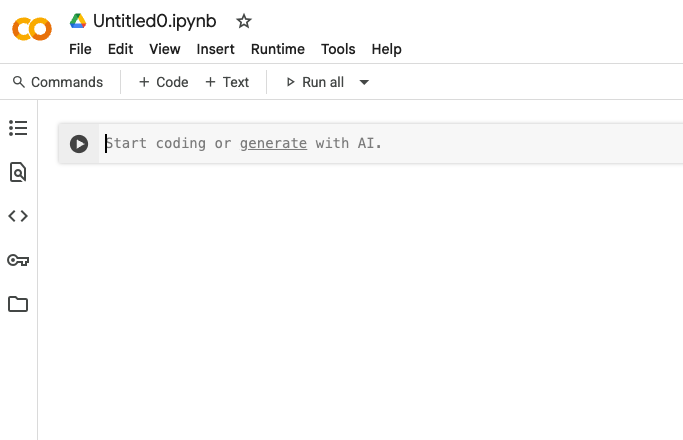
This is designed to be run on https://colab.research.google.com/ which allows free accounts so it should let anyone do a quick convert of a GlobalCache CSV File.
Instructions
- Go here and select the data SET you want Database | Global Caché Control Tower
- Check your email and copy and paste the data set to a file called something like SamsnugTV.csv
- Run the code
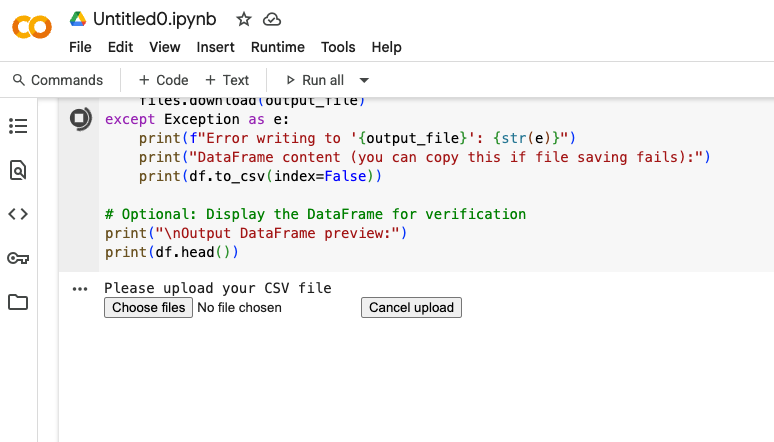
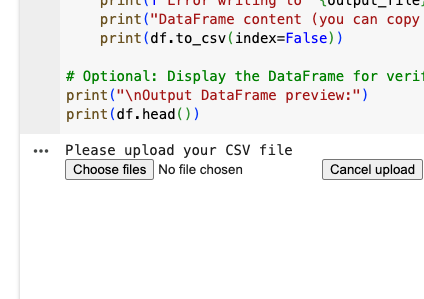
- Upload the CSV File
- Wait a few seconds and it will auto download a UC-file.csv with the converted IR codes into the correct format to upload into Entities in the UC interface.
- Go to your remote interface
- Create new IR with EMPTY IRs
- Upload the UC-File.csv
- You should now have a fully working Entity with all the codes from GlobalCache
- Ensure the Dock is set to IR Blast on at least one IR Port
Hope this is useful to others.
p.s. think it might be a good idea to have a page on the forum for Converted CSVs aka a Database for others to share.
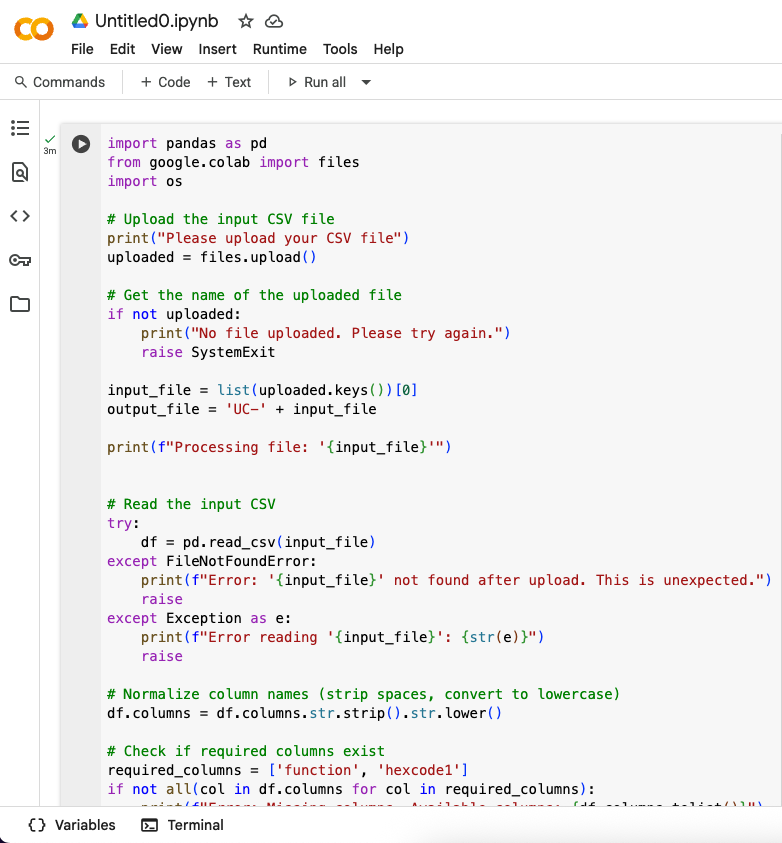
import pandas as pd
from google.colab import files
import os

# Upload the input CSV file
print("Please upload your CSV file")
uploaded = files.upload()

# Get the name of the uploaded file
if not uploaded:
    print("No file uploaded. Please try again.")
    raise SystemExit

input_file = list(uploaded.keys())[0]
output_file = 'UC-' + input_file

print(f"Processing file: '{input_file}'")


# Read the input CSV
try:
    df = pd.read_csv(input_file)
except FileNotFoundError:
    print(f"Error: '{input_file}' not found after upload. This is unexpected.")
    raise
except Exception as e:
    print(f"Error reading '{input_file}': {str(e)}")
    raise

# Normalize column names (strip spaces, convert to lowercase)
df.columns = df.columns.str.strip().str.lower()

# Check if required columns exist
required_columns = ['function', 'hexcode1']
if not all(col in df.columns for col in required_columns):
    print(f"Error: Missing columns. Available columns: {df.columns.tolist()}")
    raise SystemExit

# Rename columns
df = df.rename(columns={'function': 'key', 'hexcode1': 'code'})

# Clean up the 'code' column: remove leading/trailing spaces and quotes
df['code'] = df['code'].str.strip().str.strip('"')


# Add 'format' column with static value 'PRONTO'
df['format'] = 'PRONTO'

# Select only the required columns
df = df[['key', 'format', 'code']]

# Save to new CSV
try:
    df.to_csv(output_file, index=False)
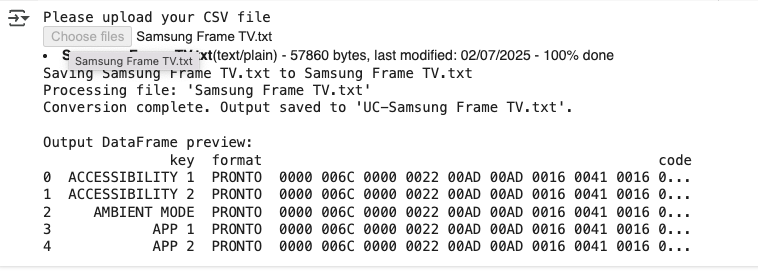
    print(f"Conversion complete. Output saved to '{output_file}'.")
    # Download the output file
    files.download(output_file)
except Exception as e:
    print(f"Error writing to '{output_file}': {str(e)}")
    print("DataFrame content (you can copy this if file saving fails):")
    print(df.to_csv(index=False))

# Optional: Display the DataFrame for verification
print("\nOutput DataFrame preview:")
print(df.head())
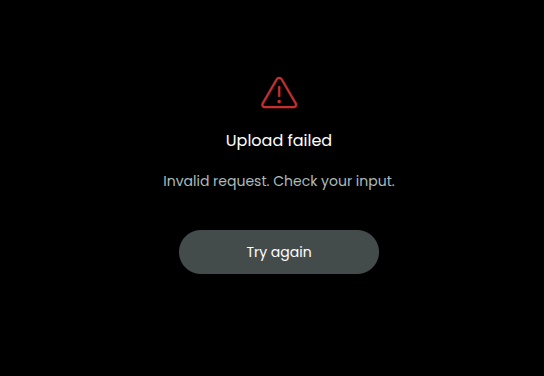
Edit 2nd July 2025 Updated the code above to remove extra spaces and " from the HexCode that appear in several of GlobalCache Sets of data causing upload problems
5 Likes
You don’t need a script for this. Just change hexcode1 to code in the first line and save it as a csv file. This works as all non needed columns are ignored.
1 Like
I tried that based on answers on this forum and it only loaded some of the rows at best and total error at worst.
So I created this to load 140+ codes without error.
If there is a better way please ignore or delete this post.  Sorry it it did not help.
Can you please tell me how to Run the code you posted in step 3 above. I am not a software programmer so do not know how to run this script in https://colab.research.google.com/ that you mentioned. Can you please give me guidance to do this. Trevor
Can you name a device where my method doesn’t work? I suspect a formatting error when copying the text from the mail.
I’ve converted so many I can’t remember which ones, but if you work for GlobalCache thank you so much for all the codes and the database. It’s really appreciated and a great source of information.
Thanks for your really clear instructions. I followed everything you said and uploaded the file to Colabs when prompted. After twenty minutes it still says it is processing the file. Is this normal or has it crashed. I used my Mac to search for files beginning with UC_ but I found nothing on my Mac . Trevor
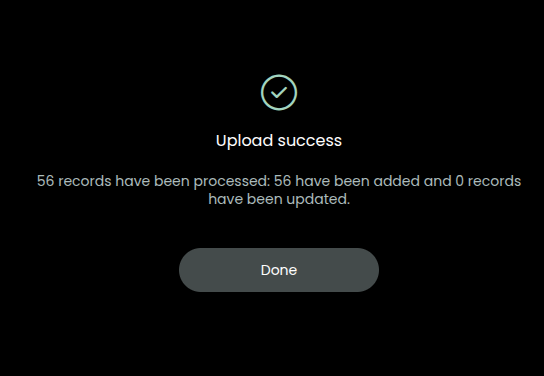
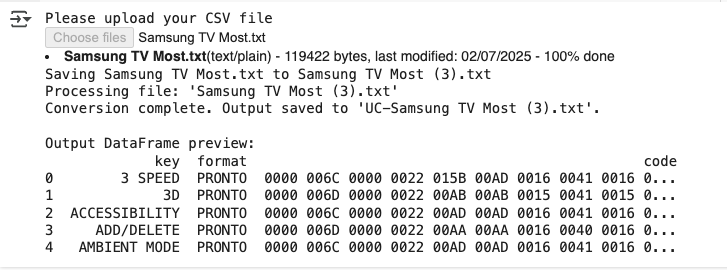
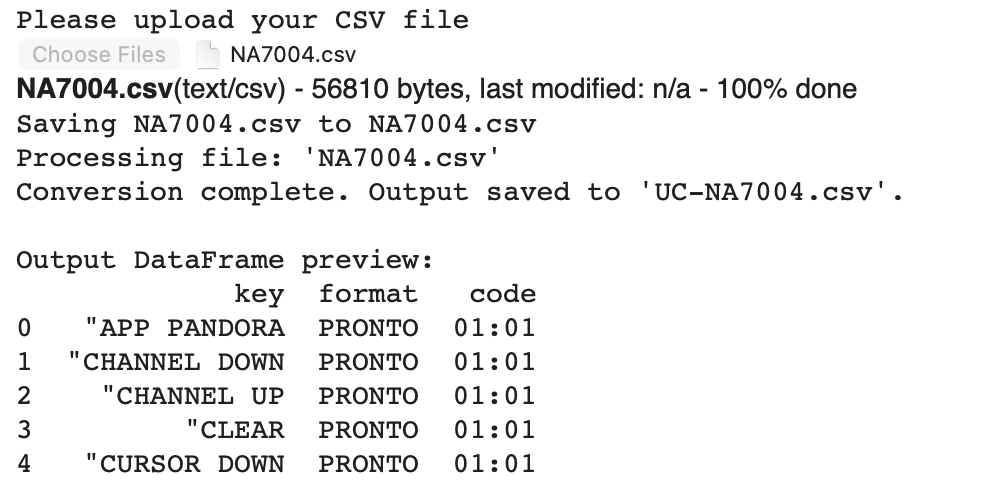
When you uploaded the CSV file do you see this below
If not please screen shot what you see
1 Like
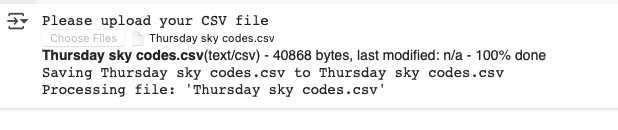
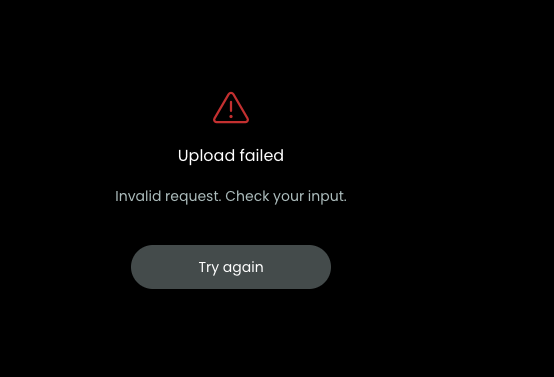
This is how far I get with the script. Same result now that I have run it twice yesterday.
The conversion complete line never comes up.
Can you share the CSV file so I can take a look?
I would love to do that but cannot upload CSV files in this community site. Can I email it directly to you? Trevor
You could use https://filebin.net/ and send the link
Just done that for you. The link is Filebin | 234ds7hfcbqairc4
Trevor
The File has lots of extra " " in it all over it, looks like something has parsed it making strings of the already strings.
Where did you get the file from it does not look like GlobalCache formatting.
Just tried this and end up with clearly nothing much in the file.
My initial .csv preparation must be incorrect?
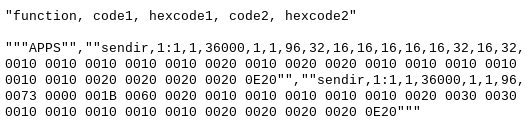
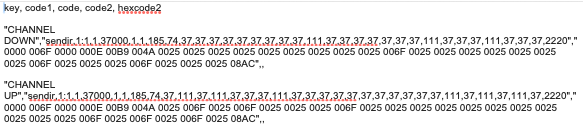
This is the raw code from GC:
I think that google has changed the memory usage on the tool and it no longer works sorry.
This worked for me (Updated 15th Dec 2025)
from google.colab import files
import csv
import io
import os

print("IR Code Converter - Freesat → Pronto CSV\n")
print("Please upload your input CSV file (e.g., Freesat.csv)")

# Upload file
uploaded = files.upload()

if not uploaded:
    print("No file uploaded. Stopping.")
else:
    input_filename = list(uploaded.keys())[0]
    print(f"\nUploaded: {input_filename}")

    content = uploaded[input_filename].decode('utf-8-sig')
    reader = csv.reader(io.StringIO(content))

    rows = []
    for row_num, row in enumerate(reader, start=1):
        # Clean cells: strip whitespace and quotes, remove completely empty cells
        cleaned_row = [cell.strip().strip('"') for cell in row if cell.strip() != '']

        # Skip if too short
        if len(cleaned_row) < 3:
            continue

        function = cleaned_row[0]

        # Skip the fake header row that sometimes appears
        if function.upper() == "FUNCTION":
            print(f"Skipping incorrect header row on line {row_num}")
            continue

        hexcode1 = cleaned_row[2]

        key = function.upper().replace(" ", "_")
        rows.append([key, "PRONTO", hexcode1])

    # Output filename
    base_name = os.path.splitext(input_filename)[0]
    output_filename = f"{base_name}_converted.csv"
    output_path = f"/tmp/{output_filename}"

    # Write clean CSV
    with open(output_path, 'w', newline='', encoding='utf-8') as outfile:
        writer = csv.writer(outfile)
        writer.writerow(["key", "format", "code"])  # Correct header only
        writer.writerows(rows)

    print(f"\nConversion complete! {len(rows)} commands converted.")
    print(f"Triggering download: {output_filename}")

    files.download(output_path)
As already mentioned above and for everyone else that may find this thread: You don’t need any script to convert Global Cache ir codes for the Remote.
Make sure to download the code set and not just a single button/command. Then just change the word function to key and hexcode1 to code in the first line of the mail content and save this as a csv file. Use a real text editor and not something like word.
Thank you again, you mentioned last time to only change hexcode1 to code which I tried and it failed, I’ve also tried as you mention yesterday both function to key & hexcode1 to code and it also failed for me.
I’m sure it’s user error on my part. Maybe others reading this can also test and report.
Please feel free to post a working example and save us all form my code driven workaround and we can kill this thread for good. 
GC modified full download used which contains about 47 entries.