Hi,
Is it possible to make the cursor control buttons (hardware buttons) dependent on the selected home screen?
Thanks in advance
Hi,
Is it possible to make the cursor control buttons (hardware buttons) dependent on the selected home screen?
Thanks in advance
I’m not sure what you mean by that. Can you give me an example?
I want to have in my activity two, or more, home screens and want to have the cursor control (up, down, left, right and ok) working for the set top box with home screen one, and if I swipe to home screen two, I want to control the TV with these hardware buttons.
Ok, by home screens you mean pages in an activity. No, thats not possible
Yes pages is the better word.
And switching it with a software button? Or any other possibility in an activity?
Only possibility is to tap on the top of the screen then you get a list of all entities used in the activity and you can start the entity with the according GUI and button mapping.
Ralf
Ok, thanks. I will try this.
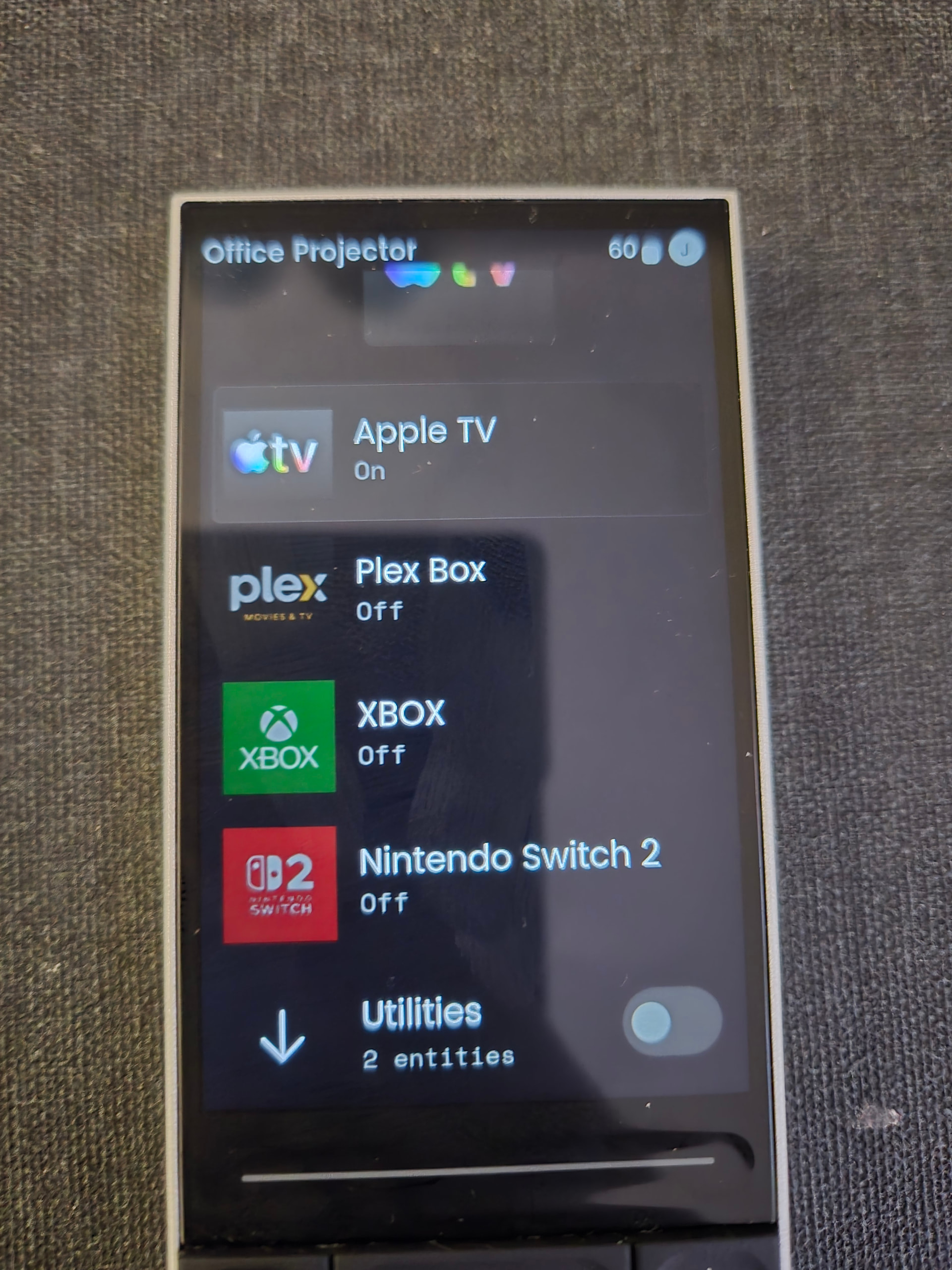
I put links to every other activity in each activity in order to jump back and forth. It work pretty well.
Can you explain how you did that?  you Jump from one Activity to an other and then you have different functions on the Main Buttons?
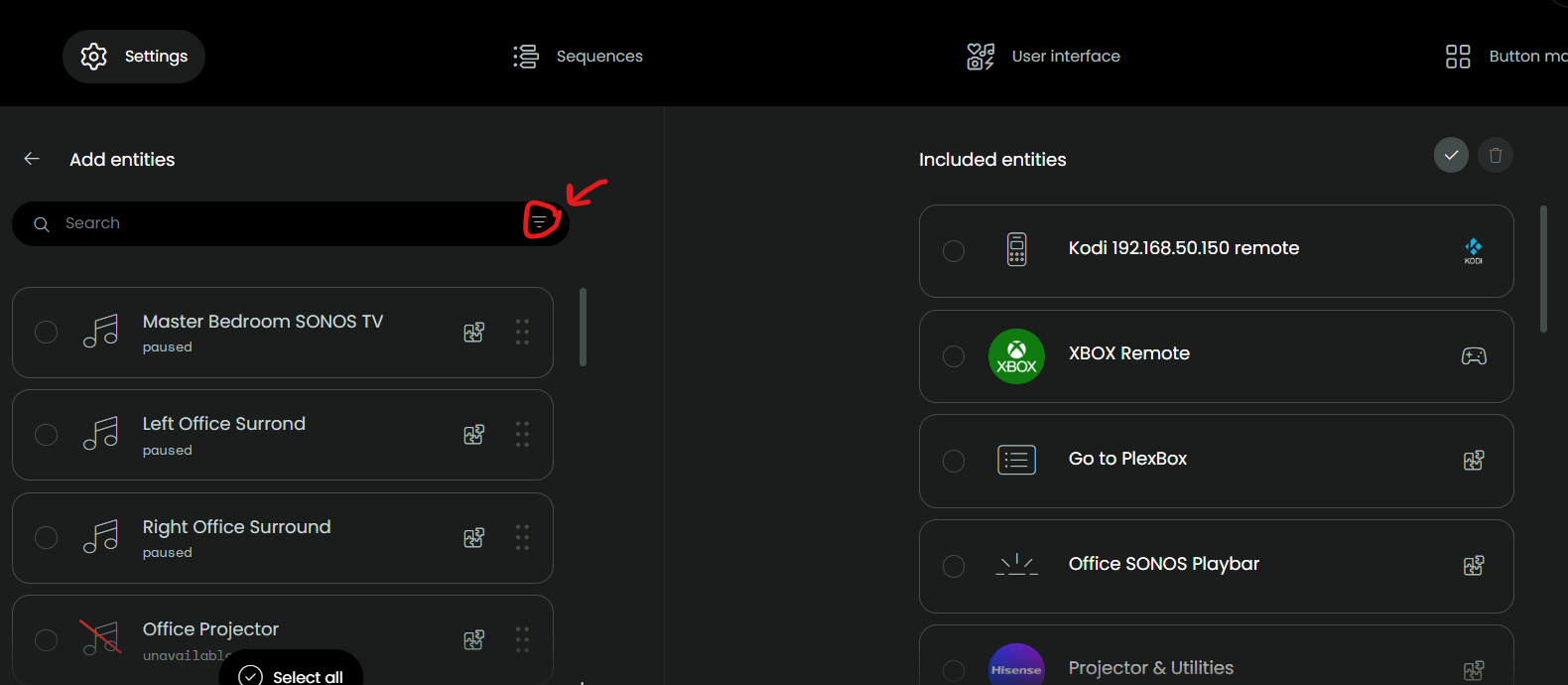
You can add an activity as you would an entity to another activity. Note that the web configurator will not let you add an activity to itself.
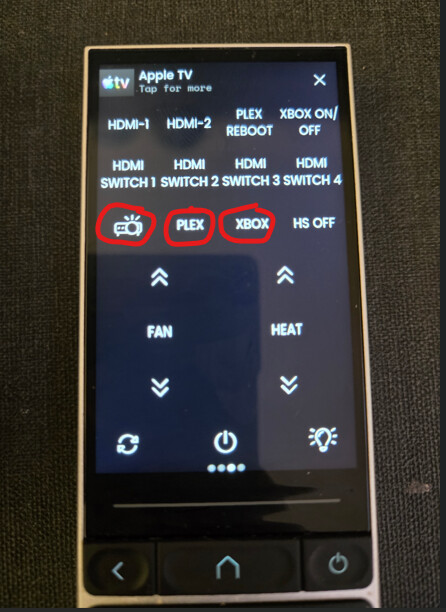
Here’s my main remote page.
I’m doing the same as harmony fan jumping from one activity to another. but i was trying to do the same from a macro and couldn’t get it to work. The idea was have a apps “netfix” “hulu” ect activity and starting one of the apps would launch the app and start the roku or shield activty returning the remote to my main control page. But it appears that starting an activity MUST be done from a physical action
I’m not sure if I’ve understood this correctly:
I have various activities: Apple TV, TV, Blu-ray, etc. I also have an activity that includes all the controls for the lights, blinds, etc. I’d now like, for example, to quickly switch from Apple TV to the ‘Controls’ activity, adjust the lighting there, and then switch back WITHOUT closing Apple TV.
If I tap the link to go to the Control activity, Apple TV closes, and I don’t see why you wouldn’t just switch to the activity directly from the Home screen. It’s the same result, isn’t it?
I have general controls for each room on 1 or 2 pages and copy these pages to all activities for that room.
For your problem: The control activity MUST NOT be in the same activity group then it should work. R3 only switches off devices if you start an activity in the same activity group.
Ralf
two things to look at and try add apple tv to control activity it doesn’t need to be in the on or off sequence just part of activity. Make sure control appletv ect are all part of same activity group and in activity group theirs a setting “Turn off unused entities” it gives you four options to pick from I use “run modified off sequence”
I did not realize you could do this. It’s great functionality.
URC and Pronto remotes always had this ability (they’re known in other products as “jump” commands) … great find.