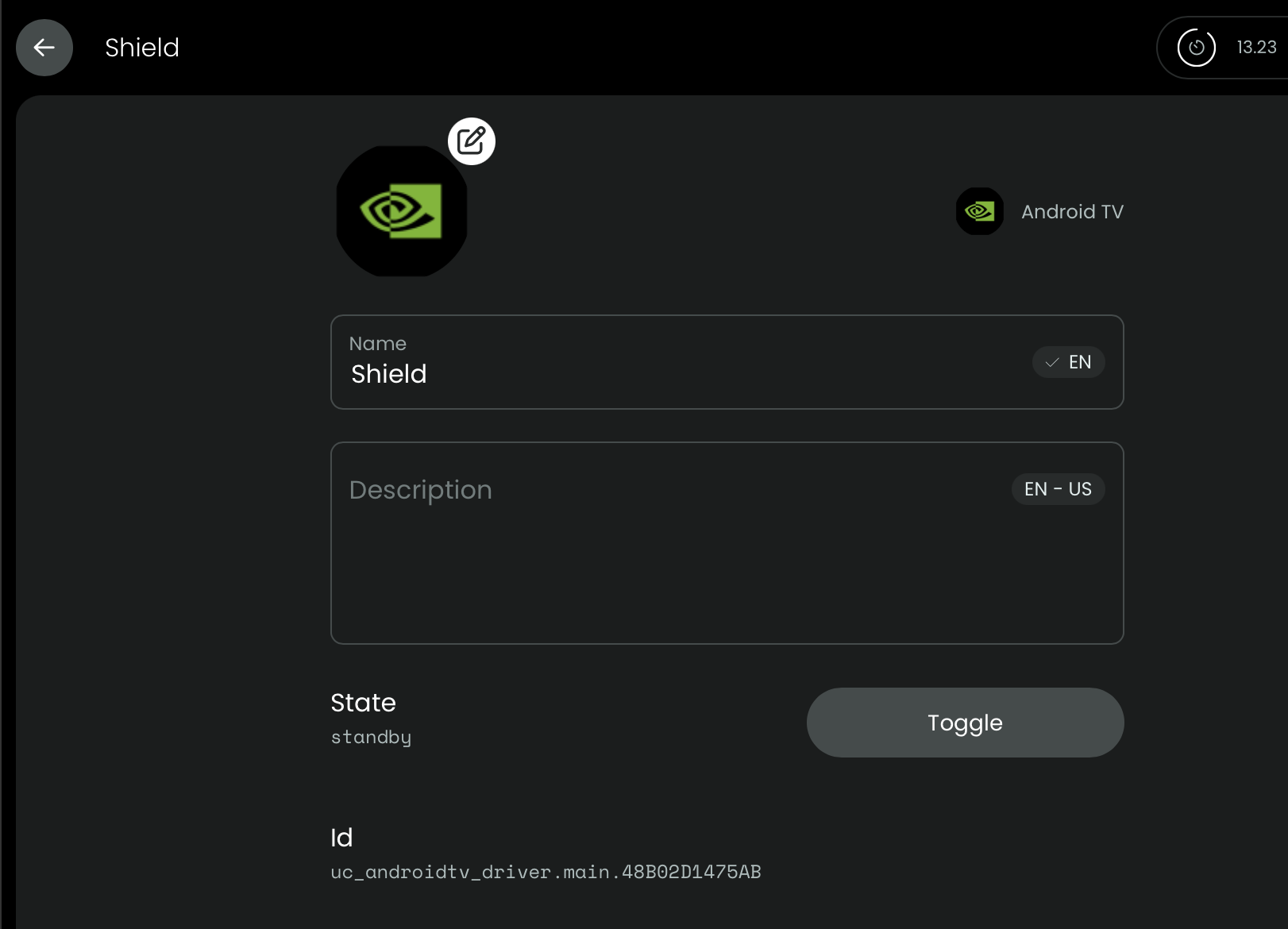
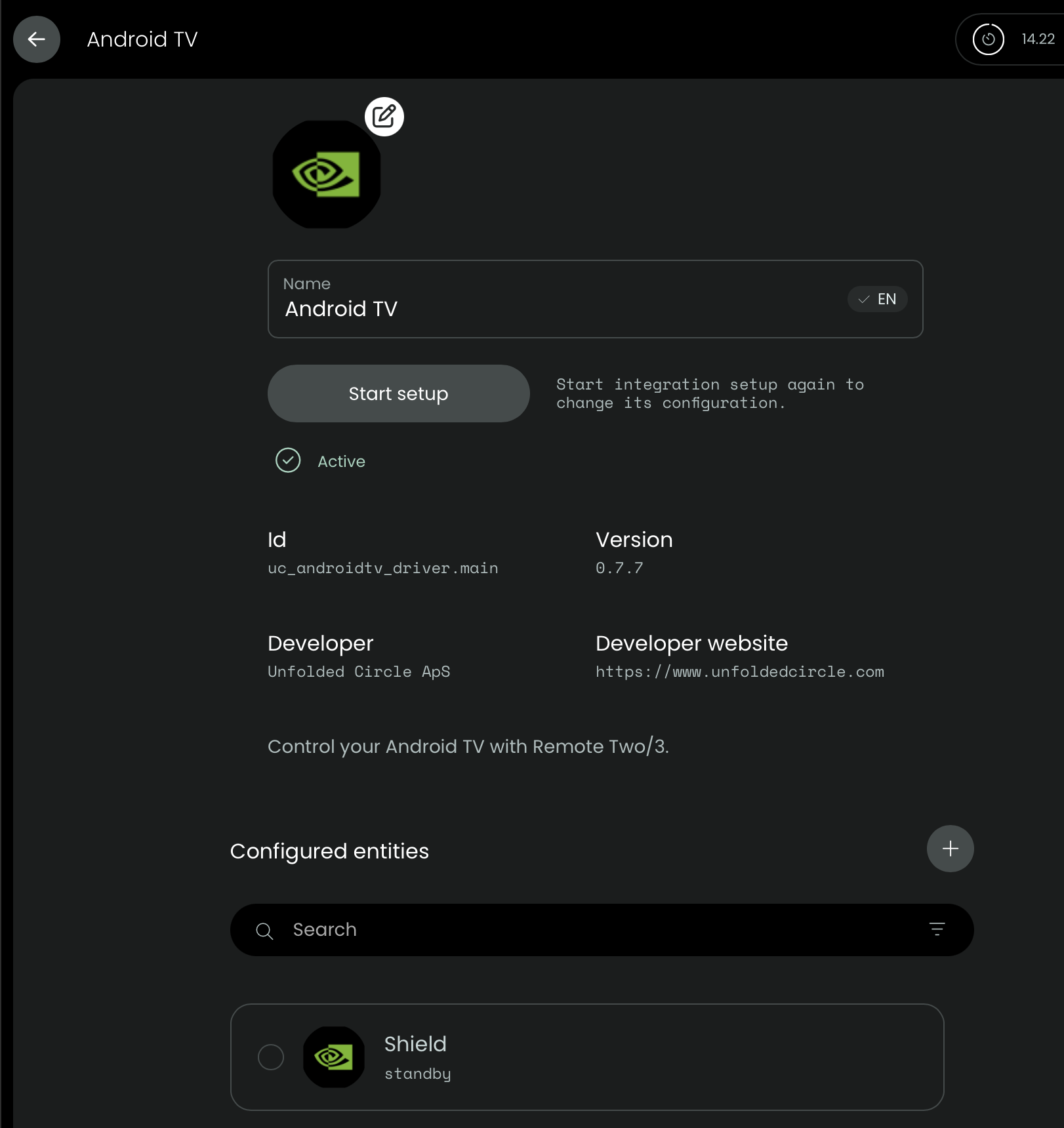
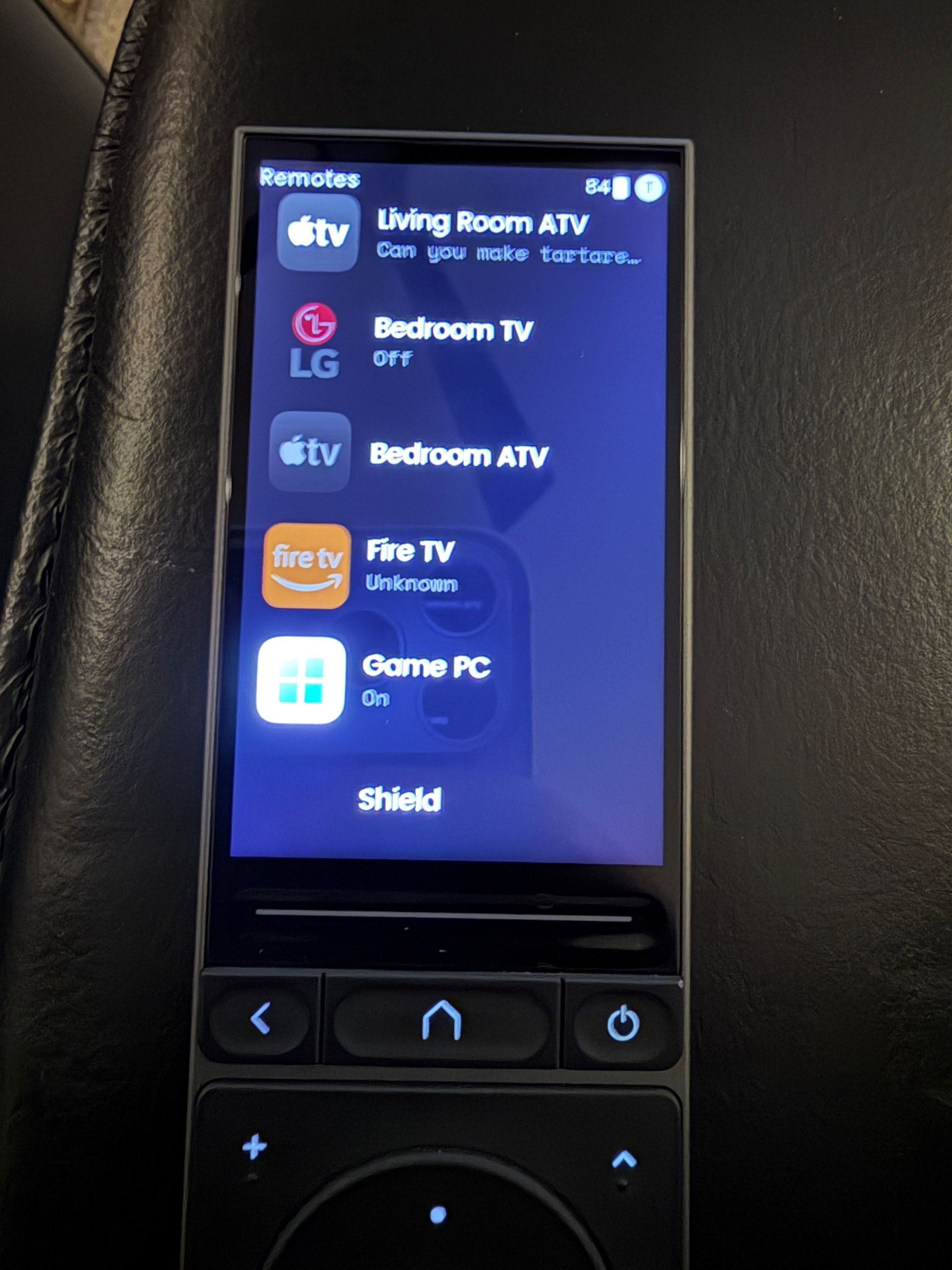
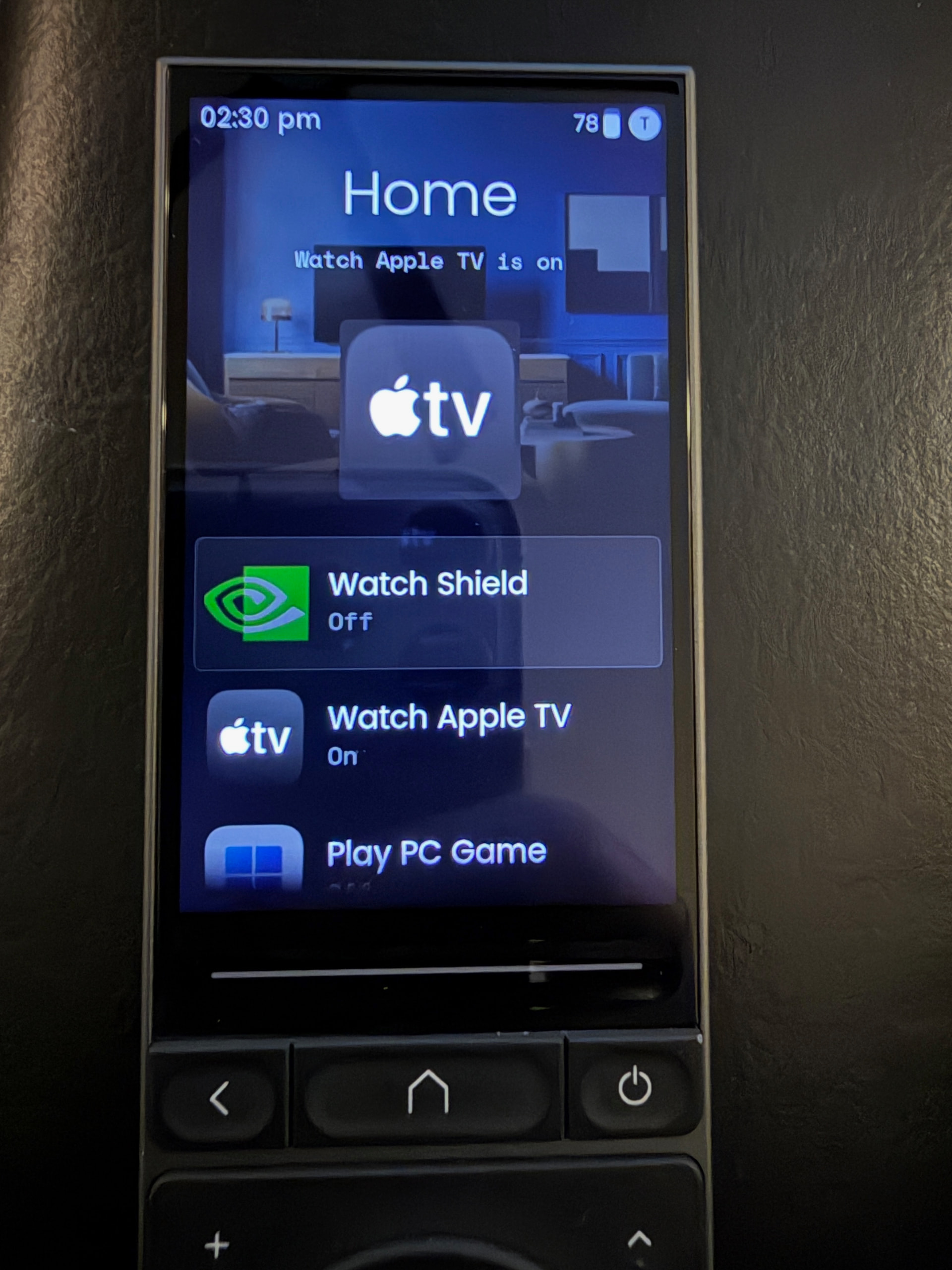
Has anyone seen this or something similar? No matter what I do, I get a blank area on the remote where the Shield entity icon should be. It shows up normally on the web configurator but not the remote itself.
I have two main screens; the first is for “Activities,” and the second for “Remotes” (the full dedicated remote for each entity). Every other entity icon shows up fine.
I’ve checked every place where you can change an icon and set the same icon for both Shield and Android TV integration/entities to the same Shield icon so there’s no mismatch between the Android TV integration and the Shield entity. I’ve also tried it with different icons for the Android TV integration and the Shield entity.
I have completely removed the Android TV integration and the Shield entities and set them up from scratch multiple times.
I’ve tried replacing the icon with both custom and standard icons.
No matter what I do, the remote just shows the blank space where an icon should be.
Are you sure you added the remote entity to the remote page and not the media player? This might have something to do with the current artwork of the media player entity that is shown instead of the icon if something is played. Maybe there is just a black artwork loaded.
Edit: I just checked and the Android TV integration is currently just exposing a media player entity so its likely a problem with the artwork
You’re right, it’s a media player not a “remote.” Same goes for Apple TV. There is no traditional remote control entity for either, unlike a Denon AVR for instance. I only get the list of inputs (or apps really) when going to that entity on the remote. Which makes me wonder how others are thinking about this. I also don’t see a way to modify the list of inputs for those media player entities. I’d love to be able to re-organize them.
A remote entity will be added in a future version. Currently it’s been tested. The ui of media player entities itself can be changed but you can add them to activities or macros and use the input source command to also start custom apps using the app identifier.
Good to know. I like having the dedicated “remotes” page even if I’m rarely going to use it. Maybe it’s the old way of thinking, coming from Harmony. You brought up another point which I haven’t looked at much but now I’m thinking about. When I select “source” for Apple TV (same for Shield) I just get an empty box. What’s the syntax here? I want to launch Emby, or Netflix, etc. Similarly, I have a gaming PC entity and there’s the option to “send command” with an empty box. What’s the syntax there (if you know)? Let’s say I want to input the numbers 1,2,3,4 as a login pin for instance. I tried a few combos but nothing worked and I figured I was thinking about this function the wrong way.
The empty box for input source (and also sound mode) seems to be an issue with other integrations as well recently. Usually it should show you all sources/sound modes in a dropdown. But for some reason these dropdowns are not populated by the remote. The integrations seems to load all items correctly. For me it worked without doing anything the other day. Others restarted the remote and/or their device.
In the Send command/command sequence box you enter the exact name of a command and can create sequences like macros by separating them with a comma. Some integrations are using send command to support more commands that don’t have their own dedicated simple commands. It’s useful when you can add parameters to a command. But the integration need to implement this.
Thanks for the break down and for letting me know I wasn’t being obtuse when staring at an empty text box thinking there should be more to it lol. After a remote reboot, I’m getting the source drop down for an Apple TV, but not for Shield. Definitely seems buggy. I’m more curious about the send command stuff since it could potentially be very powerful. I haven’t gotten anything to work but I’m just kind of guessing at it (documented commands would be great right :)) Do you, or anyone else seeing this, have anything setup there which you could share, thus making it more obvious to me what I may be able to do once I see an actual command/group of commands/macros in use. I’d love to see any example, but even better would be for devices which I have: Denon AVRs, LG TVs, Apple TVs, Shield.
For the LG integration I’m using it to change and set the oled backligh: E.g. picture backlight -5 and picture backlight 60.
If an integration supports this the possible commands are usually mentioned in the Readme on GitHub. The ADB integration (GitHub - henrikwidlund/unfoldedcircle-adbtv: Control your TV and other devices via ADB on the Unfolded Circle remotes) is using this to send adb shell commands and will probably work with your Shield. The Apple TV supports to open app deep links via the input source command. This lets you open an app in a specific menu/page or directly start a video or live stream. This usally works for apps that also have a website by entering the url to that page or stream/video as inout source. The pyatv doc also has some examples and tips on how to find these links (Apps | pyatv)
thuelskamp: I am still struggling to try and get anything to work with my Remote 3.
Please share details about how you set you set up “Activities” and “Remotes”
Sorry I am having so many issues
That playlist (Thrillcat Cinema Lab / https://www.youtube.com/@thrillcat; thank you for spending the time to put together those videos!) was the most helpful thing I’ve found so I fully agree that’s the best place to get started.
Unfortunately you’re going to have to cobble together information from YouTube, this forum, Discord, etc. The remote is great…the documentation is non-existent. If they ever want to expand to a larger customer base (and maybe they truly don’t want to) they will have to work on documentation and an actual onboarding process.
I’m a high level IT engineer and it still took a lot of time to wrap my head around this. Not because it’s super complicated but because it’s a unique platform without documentation and nothing to really compare to.
For instance, I’m almost embarrassed to admit how long I worked on setting up integrations/activities while still staring at the remote thinking, “there’s nothing on it!" The “customize remote” screen is totally unintuitive at first and I’ve seen other people with the same issue so I know it’s a design issue, not a user control issue.
Everyone here is willing to help and the users building integrations make the remote usable (to be fair; 9 out 10 integrations I use are covered by the UC integrations). I’m not an app developer so thanks to them, I can mess around for hours (not a designer either!) making icons I like instead of trying to get my devices to work.
You cannot say non-existent. Did you try
https://support.unfoldedcircle.com/hc/en-us
At least basics like activities and activity groups are explained here.
Ralf
Fair point. I didn’t find any of that particularly useful, but just because I didn’t doesn’t mean no one else would.