I have been using my remote 3 for several months now and have been happy with the performance. I decided to make some changes to my remote, but when I log in to the user interface, I noticed that the Apple TV integration is not visible. I saw another thread that recommended hitting the plus button on the activity page to make it appear again, but it didn’t appear there either. After trying several things with no luck, I decided to remove the integration and re-add it. Now, when I go through the setup process, it sees the Apple TV, but when clicking the button to complete the setup, I get an error message that says “Oops something went wrong while setting up the integration”. I have tried a few times with the same result.
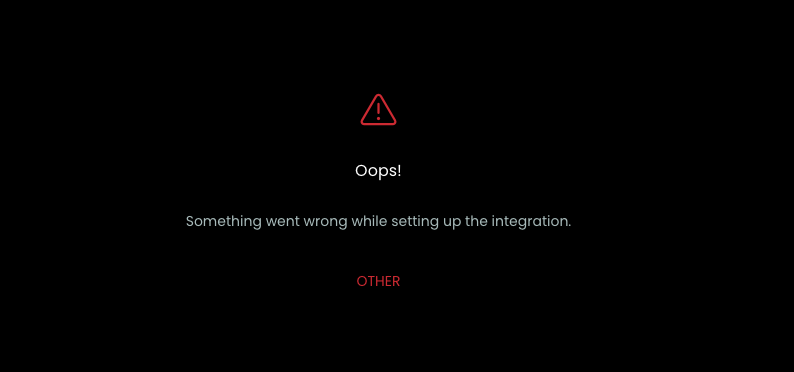
Does anyone have any suggestions on how I can fix this? My other integrations all appear to be working fine.
I also have a second apple TV that is not set up on the remote, but it doesn’t show up in the drop down list when trying to configure the integration. I don’t know if the two issues are related.
Any help would be appreciated.
 .
.