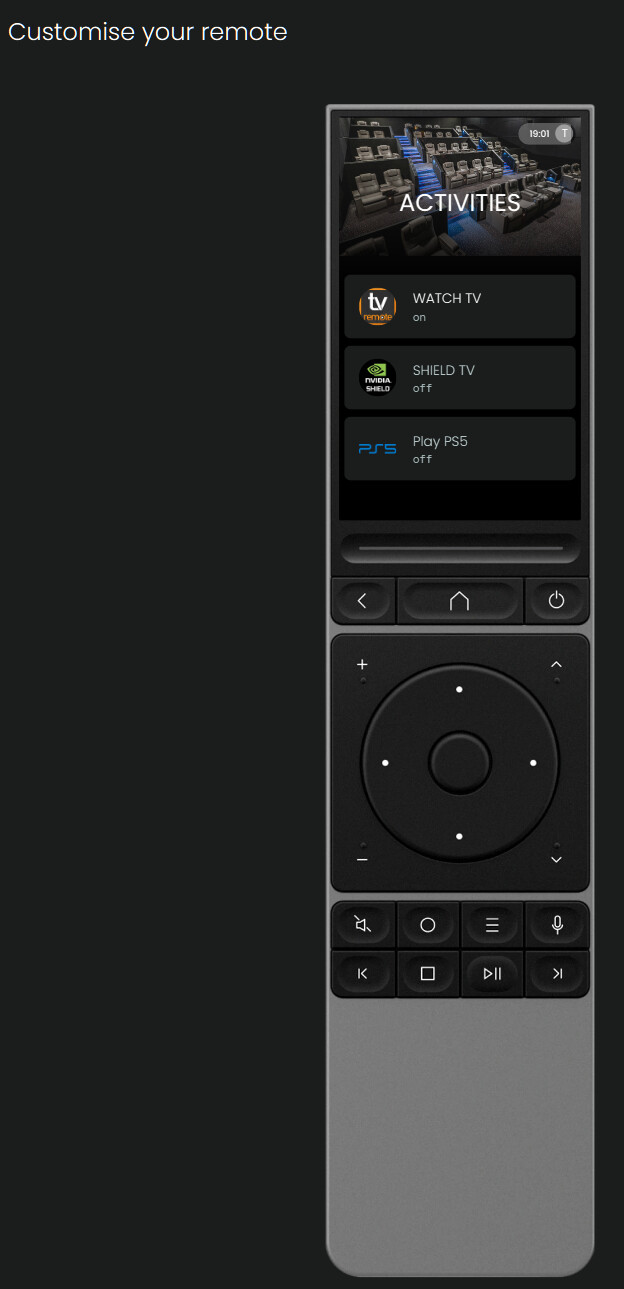
I’ve gotten my remote this week and set it up with my Nvidia Shield Pro using the AndroidTV integration.
It all works as expected, even in Kodi until I actually start playing something. As soon as something is playing, the dpad center button turns into a play/pause button. I have not been able to find a way to stop that from happening, and to keep it as a regular OK button to access the menu for things like subtitles and such. Is there a way to stop it from being remapped like that ?
Bonus related questions :
The back button brings up the main Kodi interface over the video. That’s the default behavior in Kodi, but I have mine remapped (using the Kodi plugin) to make back stop the playback, so presumably the back from the remote is not the same back as through CEC or from the regular shield remote, somehow. Could it be made to be the same code ?
I couldn’t figure out how to get the context menu to pop up ? It’s long press on the regular remote but could not get it working on the unfolded circle remote 3.
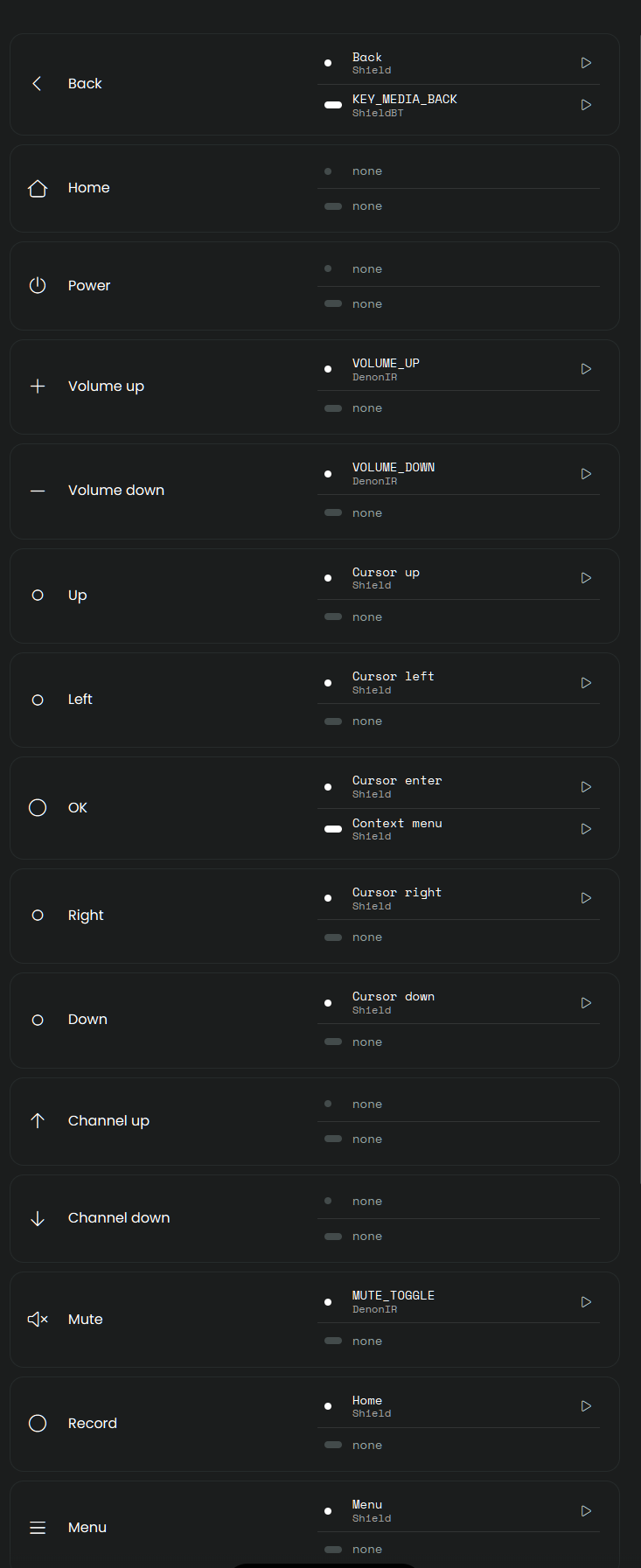
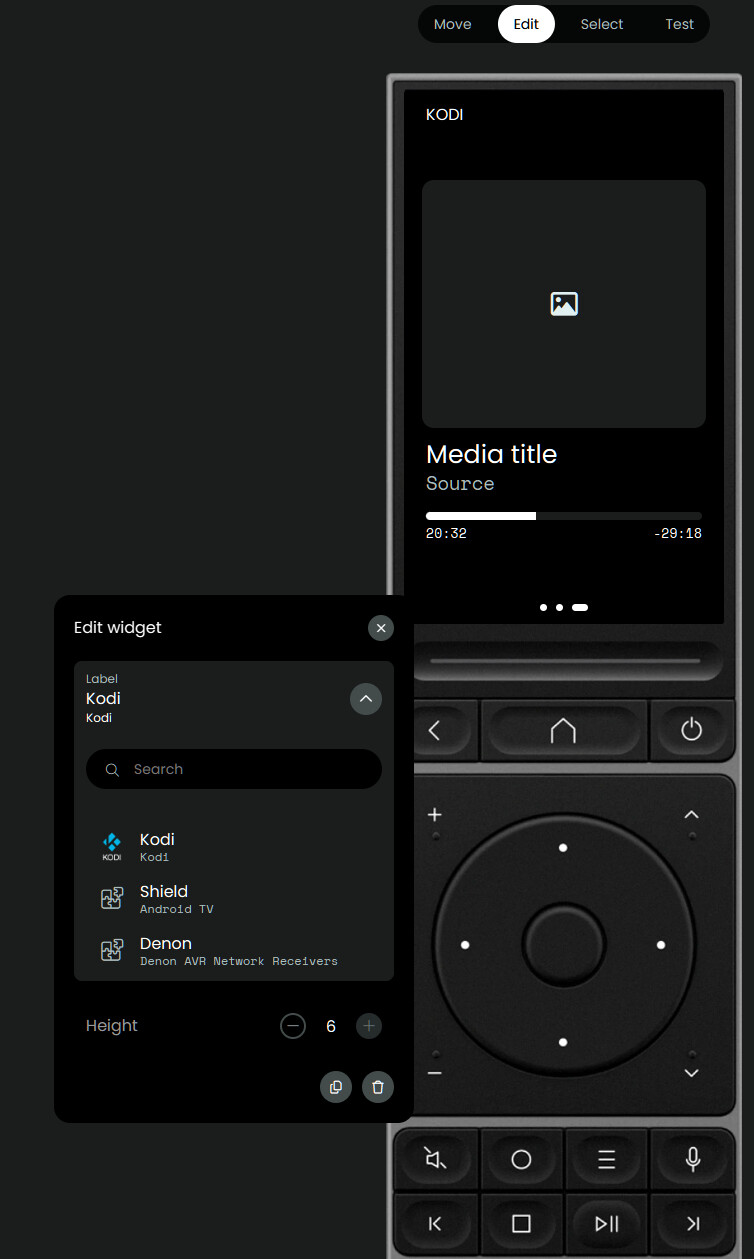
I set up mine with the Android TV entity as the main, BT for the bits that are/ were missing for main navigation (seems to come and go with updates - stop was missing for a while too), and recently the Kodi custom plugin which allows media to be shown as a media widget screen - if you wanted to load custom integrations to the remote (Optional). By adding multiple integrations/ Entities you can fill in the gaps. I found that IR is more responsive for volume and power functions on a Denon as you can get delays when only using the integrations. Add the entities to the Shield activity so they are available to configure in the User inteface and button mapping. This setup allows for full Shield navigation inc YouTube etc - and full Kodi navigation.
That’s quite neat. That at least fixed my mapping issue, so thanks for the tip ! And that lets me map a button for the subtitles menu, even better.
Question on that setup then, is there any way to make the widgets conditional ? It’d be nice to have the Kodi widget show when Kodi is active, if not the generic shield one (For YT and such), and if not show some IR tv things for example.
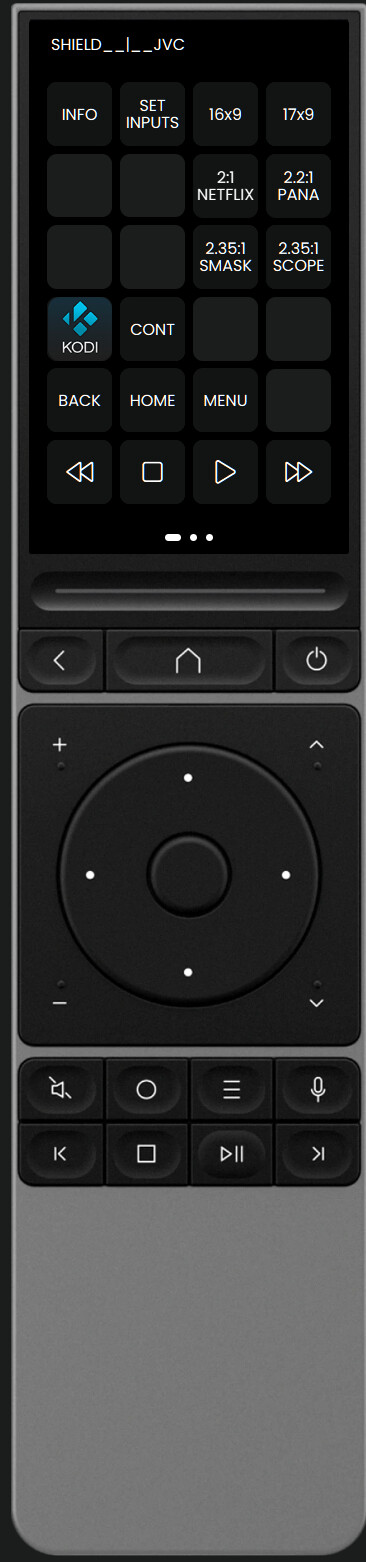
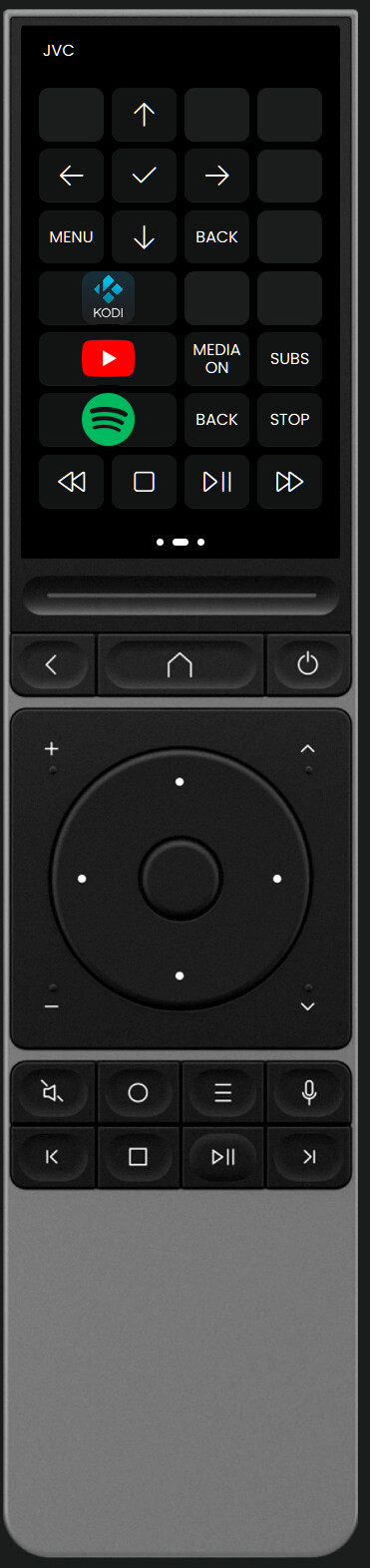
Not sure on conditional - I just made separate UI pages that I swipe between depending on use case - Media likes to use the whole screen, I have one that includes my projector presets 16x9, 2:1, 2.35:1 etc and projector controls, and another that has a few direct source controls. Still a WIP but does what I need for now.
If you needed to change the physical button layout, you would make a separate activity that fits your needs (eg watch youtube or watch Kodi but with the same equipment setup and run a source change) - That’s the way the physical buttons and source will change for each activity you wanted. I ‘m happy with the physical button layout per device eg tv, Shield, PS5 and a few screens - you could add a direct to source command if you need custom Youtube button layout. Beauty of this remote is you can experiment away until it’s just right for your setup.
Realistically, the family will never bother with changing activities, they’ll just grab the other remote which works for everything.
And even from a personal usability standpoint, it’d be much nicer to just have it automatically remap itself based on context instead of having to mess around with it all the time. Just saying it’d be a great improvement