I can’t seem to get my apps load on the Remote 3. I think you’re supposed to use this
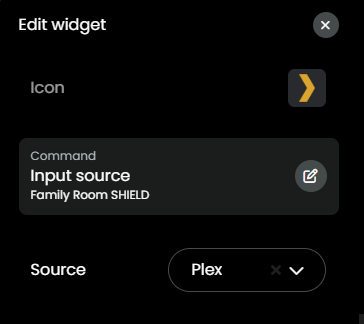
“APPS” command:
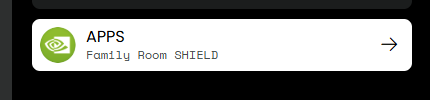
But when I select an app and try to load it on the remote, it doesn’t work.
Is there some trick to this?
I can’t seem to get my apps load on the Remote 3. I think you’re supposed to use this
“APPS” command:
But when I select an app and try to load it on the remote, it doesn’t work.
Is there some trick to this?
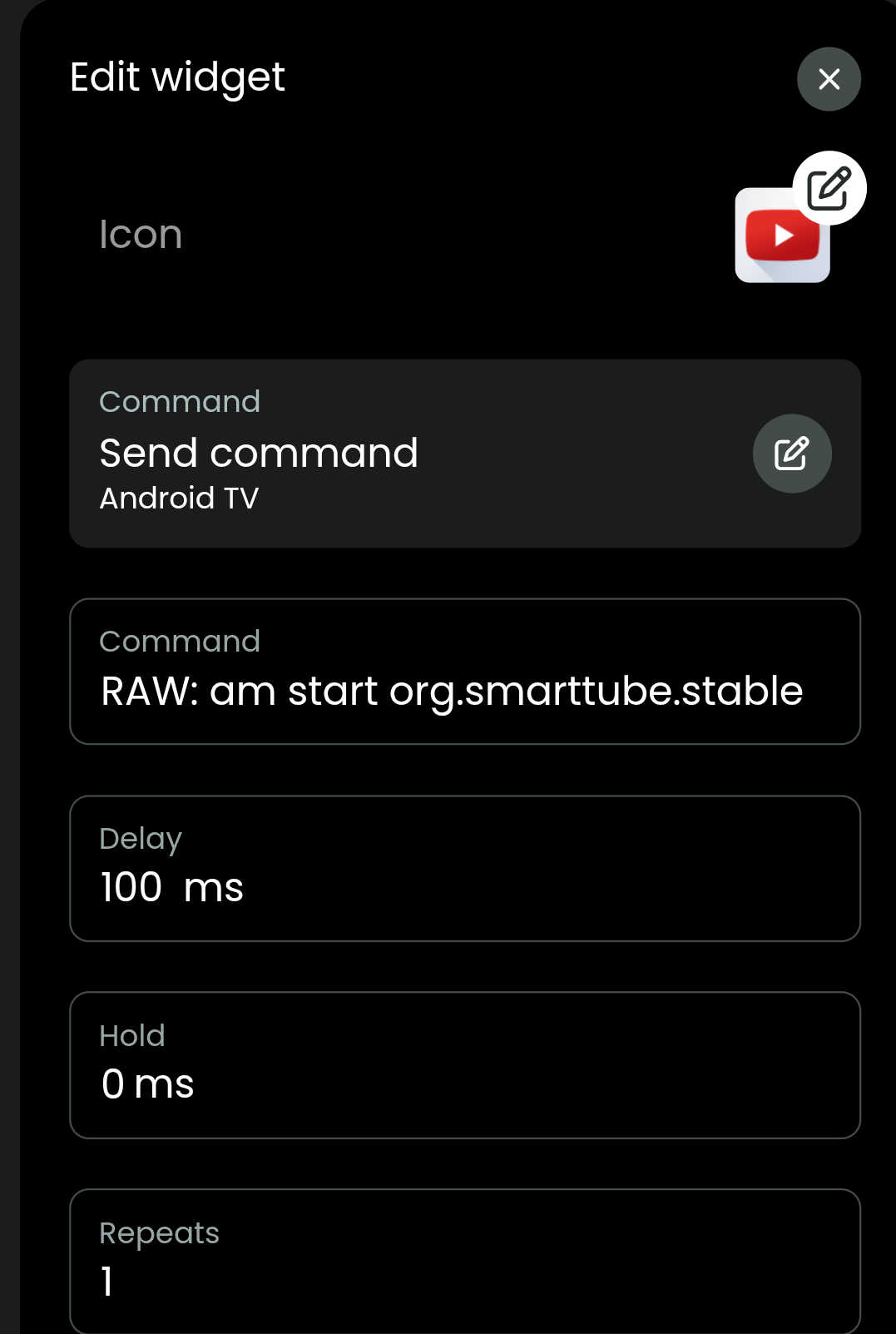
Android TV itself can also start almost all Apps it is not limited to the predefined list. Just find the package name of an App and put it is text in the input/source line like this:
market://launch?id=org.xbmc.kodi for Kodi.
Ralf
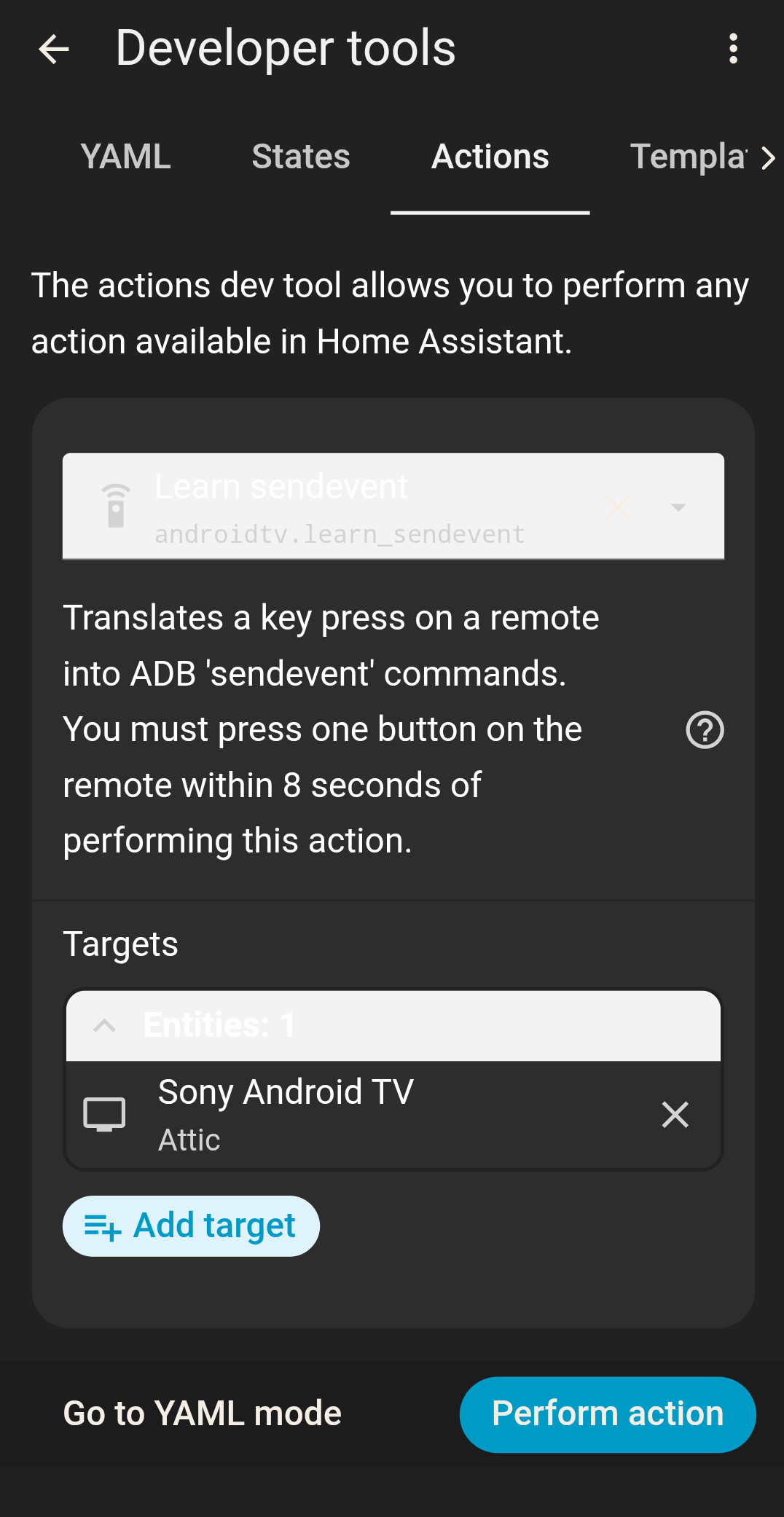
I just wish they didn’t hide custom codes behind root access. HA still has the feature under dev tools actions. Leransendevent. Every Android box has custom codes. You can learn them but need root access to use them now. I wonder how hard it is to root an Android box/TV.
What are you talking about? Hidden code an root access. Do you have an example?
Ralf
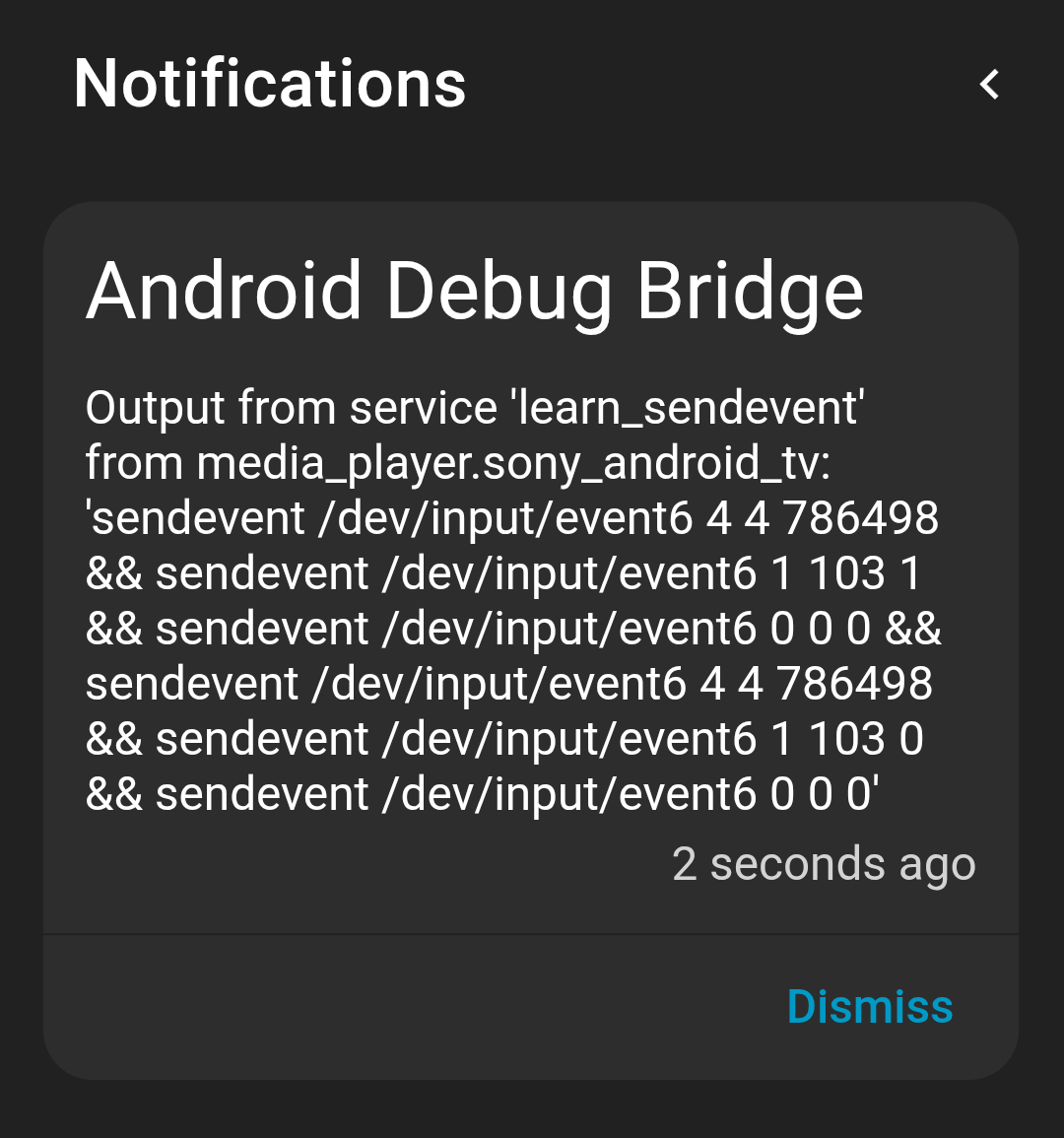
If you have ADB installed on HA go.t9 dev tools > actions and choose leransendevent and pick Android device. Press “Perform Action” button, then press a button on your original remote within five seconds. You then get a notification on HA with the custom code.. the code still generates but you need a rooted device to use it. This is WAY faster then generic ADB commands and didn’t always require root access, not sure what version it was but if you connect via a computer you get permission denied but any generic ADB command still works. I don’t know why but they were noticably faster than any other method when they worked on the Nvidia Shield 2019 Pro, even BT, at least IMO.
market://launch?id=
works good, but is there a command to close a app? tried looking thru documentation for the UC integration could even find where you got that command from?
Thanks
I don’t know such a command. I always use home if I want to stop or pause an App.
Ralf
I figured it out if I want to be able to close a app I have too use ADB integration playing with that now.
Thanks
Where to find the package name?
Yes, but the app logo remains in the remote screen background. Does anyone knows how to remove it? I just do remote boot to completely remove the app logo
Look in the settings direction the remote NOT web configurator.
Ralf