Hi. I have a Remote Two that I received over a year ago but only recently found the time to set up. I’ve been really impressed and have found it to be much more intuitive and easy than some people seem to, but I’ve got an issue I can’t solve.
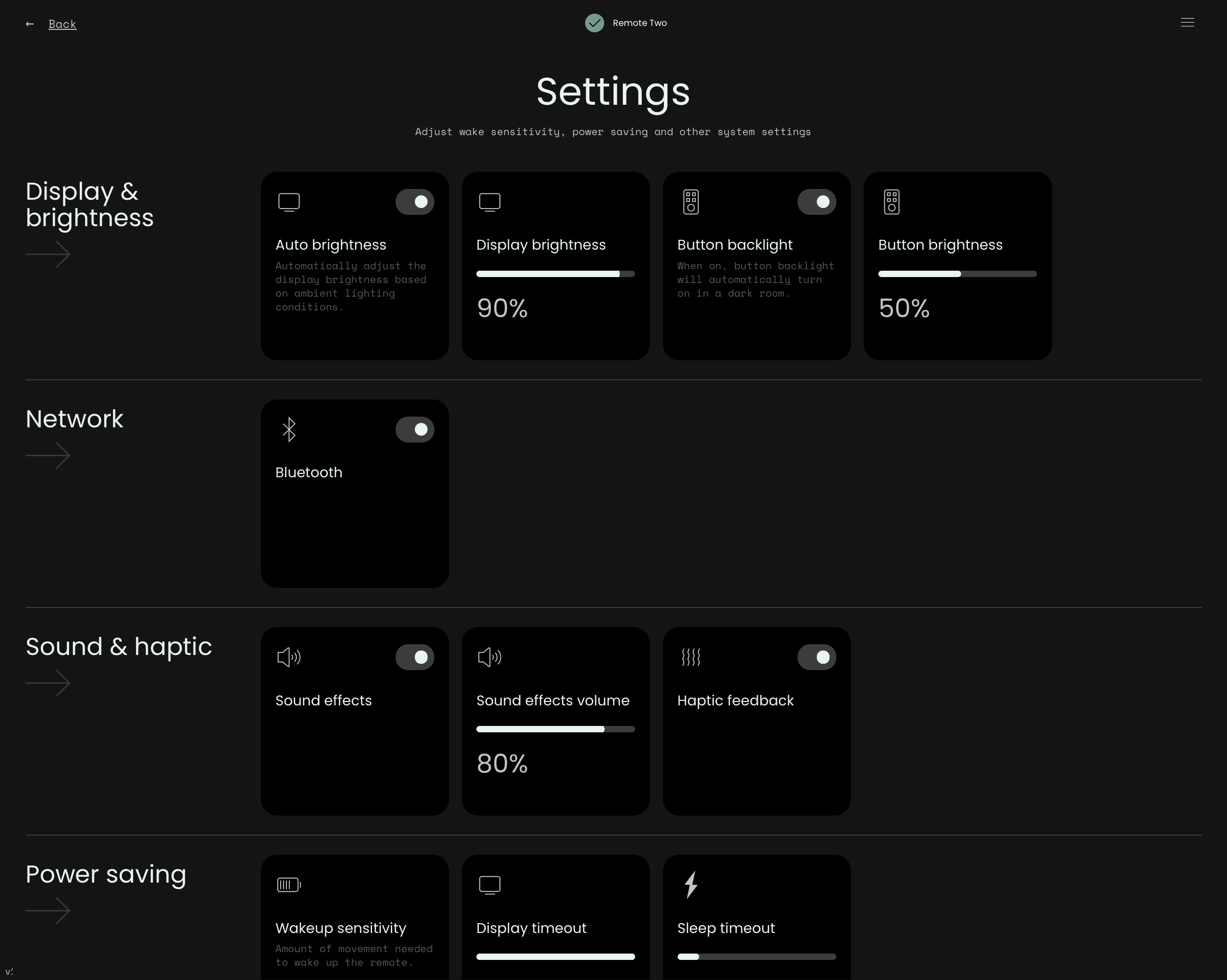
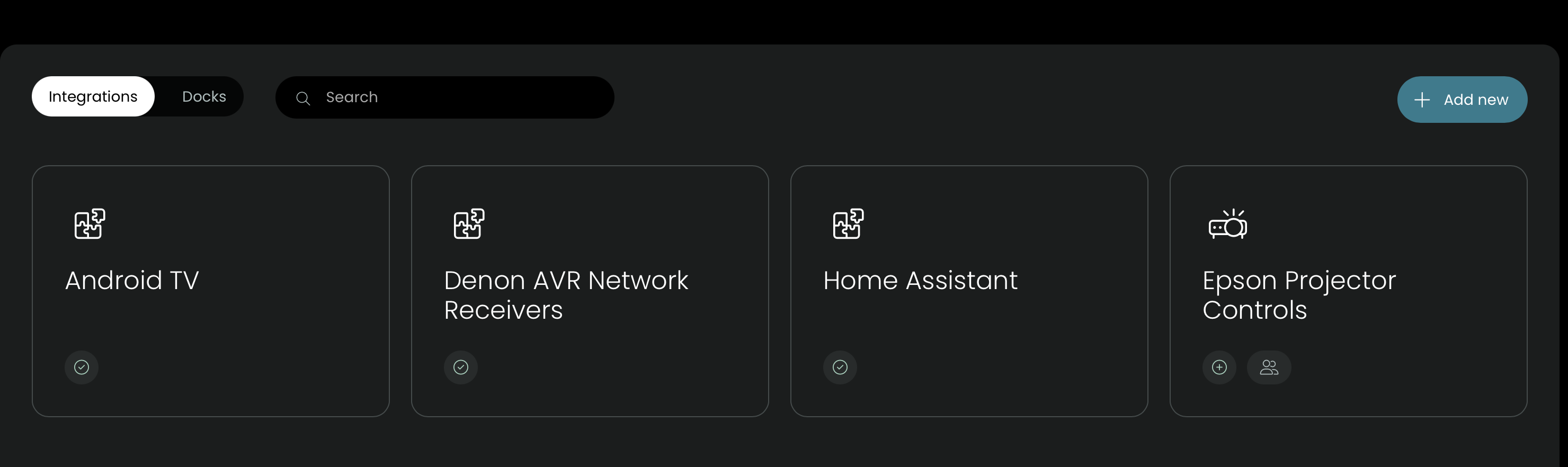
I’m trying to install Meir Miyara’s Epson Projector integration but have hit a roadblock. In the instructions on github it says to go to Settings → Integrations in the web configurator. I do not have any Integrations section in my Settings. I can’t see any other option elsewhere to add the integration either. I am on software version 1.7.14 and it says I am up to date.
What am I missing? Sorry if this is something obvious that I’m just not seeing.
Thank you for the very speedy response. I have a Remote 2. I don’t know if there are sub-versions or how to tell. In the software update section it says I am up to date with 1.7.14. Here is a screenshot of part of my setting section. The forum will only allow me to attach a single image as a new user sorry. Is there anything else more useful I could post?
your web configurator version loos completely different and outdates, check if you have firmware update, enable beta firmware updates however DO NOT - i repeat DO NOT upgrade to version 2.7.0 or your remote will be bricked (the UC team are working on this bug). That being said, i am unfamilar with that version of the web UI i am unsure how to guide you to install custom integrations, maybe someone with remote 2 and an old firmware can help better or check unfolded site for instructions. sorry i couldnt be more helpful.
I can assure that beta versions were real stable. I used every version. There was one really serious problem and exception which is the mentioned 2.7 for R2. Bei prepared for a complete new configurator which now also works on tablet.
Thanks for the very rapid responses yesterday. With the beta firmware installed it was very easy to get the integration added. Unfortunately I can’t tell whether it works as my projector isn’t turning up on my network. I suspect I have a bad ethernet cable and will have to get my AV installer back to fix it. Looking forward to exploring what else the newer firmware can do.
Yes. I’m fairly sure it’s a cabling issue. They had an apprentice terminating all of the ethernet cables and several of them had to be redone. I don’t have a ladder to get up and test it myself right now. First world problem that I will deal with in time.
Turns out it was a misconfiguration at the patch panel. Once I found that it was easy to get the projector on the network and the integration worked. Thanks for everyone’s help here and thank you Meir Miyara for writing the integration!