On the “Watch TV” Activity page my 4 entities are doubled up when the down and up arrow is pushed. Can I delete this double up option, I can’t see how beneficial it is.
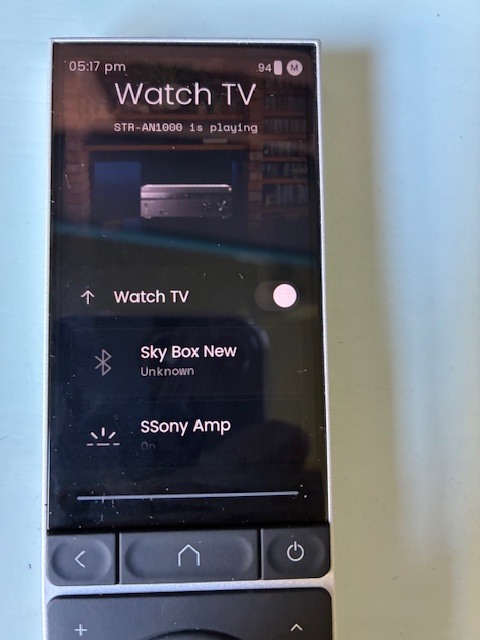
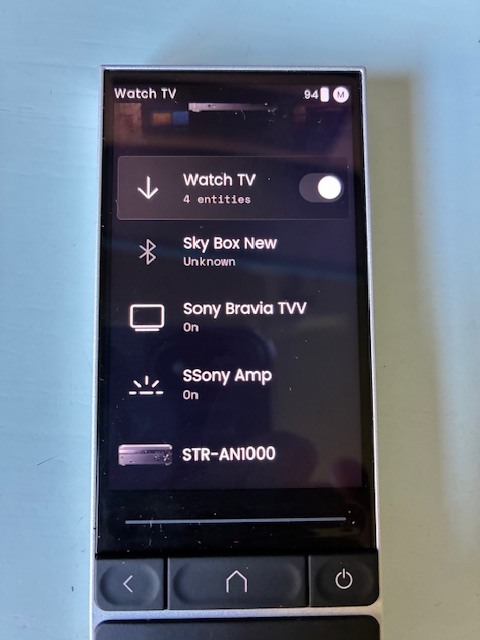
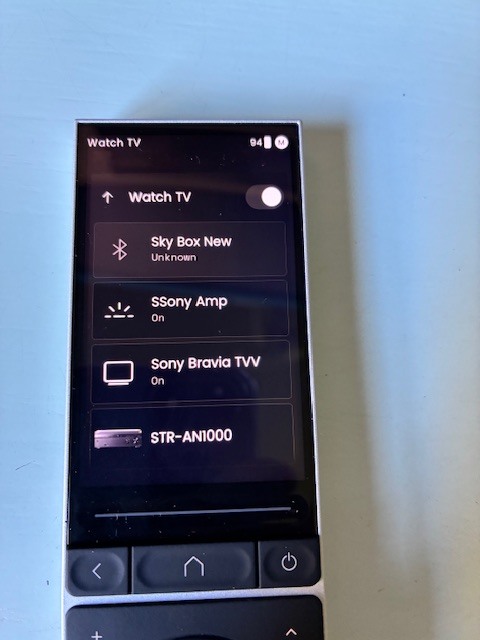
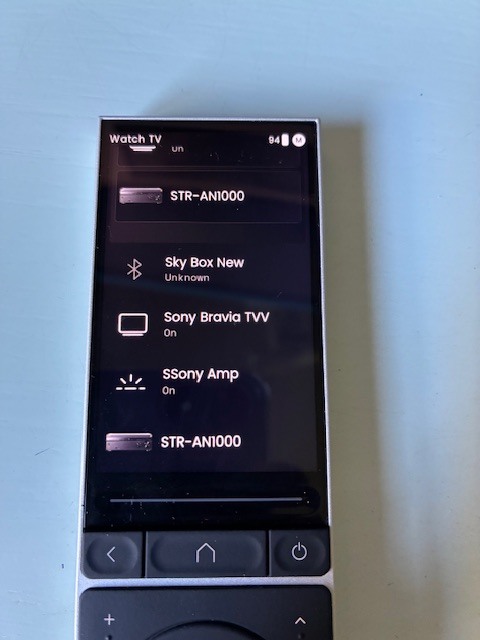
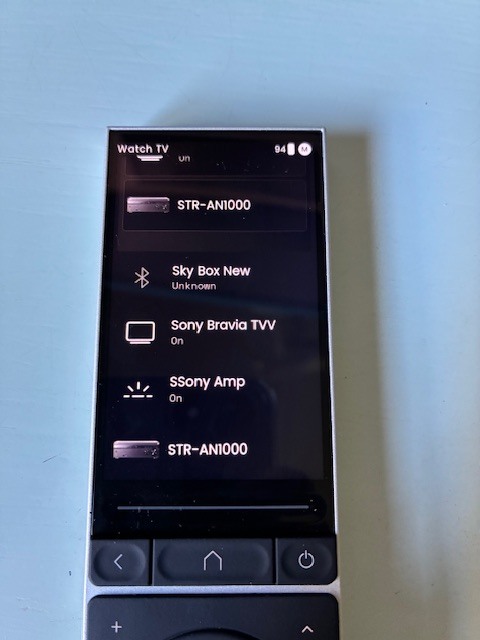
Are these really activities? They look like entities that have been grouped.
These are not Activities instead entities. Some devices have 2 2 entities. 1 remote and 1 media player.
Take a look here:
https://support.unfoldedcircle.com/hc/en-us/articles/13269248303516-How-to-create-an-activity
Ralf
Ralf, I believe I have created the Activity “Watch TV” as per the Unfoldedcircle guide you have quoted. It works, but why are the 4 entities repeated when I change the downward pointing arrow to the upward pointing arrow. Then the list of entities looks like this, Sky Box New-Sony Bravia TVV-SSony Amp-STR AN1000-Sky Box New-Sony Bravia TVV-SSony Amp-STR-AN1000.
What you see on the screen of the remote is defined by in the “customize your remote” section of the web configurator. If you want a page with all your activities you need to create one and add your activities to it.
The screenshot looks to me like you created a group and added entities to it.
I think you created a group called Watch TV and added your entities to it and additionally you added the entities also to the main page again. If you select the down error you see the entities in that group and additionally the entities you put on the page outside the group.
Take a look how it is defined in “customize your remote”.
Ralf
Thanks to both of you, You were both correct. On the Customise Your Remote page I had added the Watch Tv Activity as well as the individual entities, thus the double up. Thanks again guys for your time.